
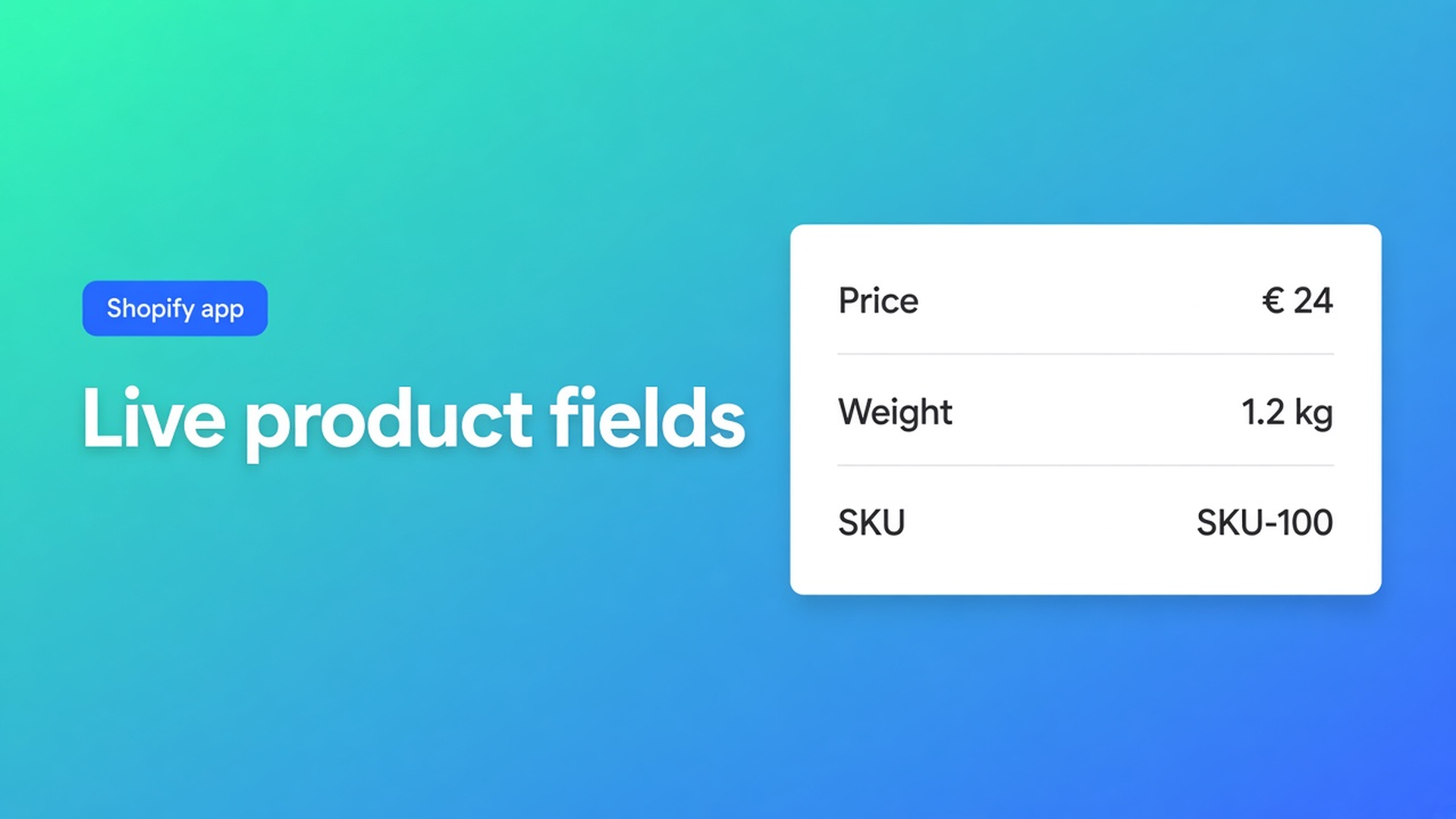
When are live Shopify product fields a must-have in a specs table?
On this check, 12 November 2026, I opened the live listing for OO ‑ Advanced Table Builder, the articles Modules & product fields and Building structure, and Shopify Help on metafields. Help shows one metafield in the theme: care instructions, a dimension, or a size chart as a popup. The app articles name the module list. This page is the knockout between them. If a row has to change when the product changes, it has to be a Shopify module or a metafield reference. A custom attribute with the same words fails, even when the table looks identical today. Re-judge it if the modules article drops that preference, if the listing drops “metafields so values stay up to date”, or if Us vs Them suddenly grows live cells.
The filter
Modules are the building blocks of Product Specs, Comparison, and Tabbed content. That is the opening line of the modules article, updated 15 September 2026. The structure article from the same day repeats it for Specs and Comparison: groups and modules, and Shopify-backed modules so the storefront stays accurate when the product changes.
The best-practice line is the knockout. If a row maps to live product data, use the matching Shopify module, not a custom attribute. Otherwise Comparison and Specs drift when price, weight, or vendor changes.
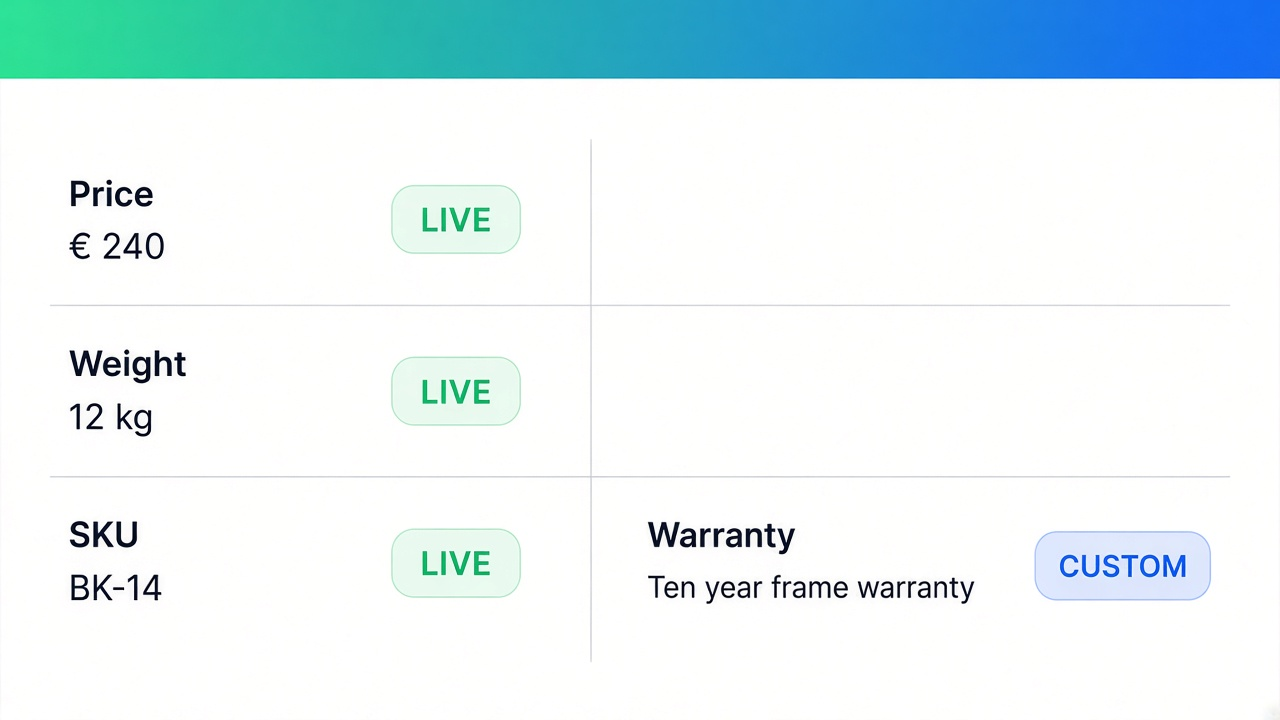
Live, on that list, means a product option (you set the option name, such as Color), product type, category, vendor, description, price, SKU, barcode, weight, rating, and collections. A metafield reference adds namespace, key, and whether the owner is the product or the variant. A metaobject module points at a field on the referenced metaobject. It is not a sentence you type beside it.
A custom attribute is for what Shopify does not already store: warranty copy, a battery range, a material blend. You pick a value type when that helps (text, measurement, number, boolean, link). That cell is yours. Editing the product price in admin does not rewrite it.
Us vs Them sits outside the filter. The structure article describes columns and feature rows with yes / no / text and an optional CTA. No Shopify module per cell. Demanding live fields for specs does not turn Us vs Them into a live table. That split is already the 10 November piece. Size charts are blocks for text, measurement tables, and images. They are not this module list either.
What fails
The row must… | A metafield in the theme (Help) | A custom attribute in the app | A Shopify module or metafield reference |
|---|---|---|---|
Move when price or weight changes | Yes, if the theme prints that one field | No. The typed text stays | Yes. Modules article |
Sit in a specs or comparison table | Help shows a section, not a multi-product compare | Only if the text is allowed to be static | Yes. Structure article |
Use a namespace and key on product or variant | A dynamic source in the theme | Not that mechanism | Metafield reference |
Show a metaobject field | Category metafields use metaobject entries | Not the same as free text | Reference module |
Be a yes/no in Us vs Them | Outside this Help page | Yes. That type is text you enter | Not this knockout |
Be a size-chart popup | Help gives that as a metafield example | A different table type | Size charts are blocks, not this list |
The listing hero, read today, says to connect product and variant metafields so values stay up to date. That sentence belongs to the types that use modules. It does not belong to a Us vs Them cell you fill in yourself.
The listing’s category chips also say Recommendations, filter and sort, and Analytics. Those words are not in the modules article I read this morning. They are not part of this knockout, and I am not treating them as table behaviour.
A lamp: three live rows and one sentence
Weight, price, and SKU already live on the product. In a specs table those three rows are Shopify modules. Width stored as a variant metafield is a metafield reference: namespace, key, owner set to the variant. Change the variant and the cell should change. Type “Width: 14 cm” as a custom attribute and 14 cm survives after the warehouse updates the metafield. The table is then the thing that is wrong.
“Five-year warranty on the switch” is not a Shopify field. A custom attribute is the right cell. The knockout only fires when you use that cell for data the product already has.
A comparison table places the same modules next to other products. Price and weight stay modules there too, not retyped text. The tray and the embed are the 8 November note. I did not reopen the theme-block article today. Which block you drop is still the 1 November checklist. Specs do not inject themselves beside Add to cart.
When the theme is enough
Help, read today, is the native path. Metafields extend products, customers, and orders. The furniture example on that page is a Dimensions metafield, with width, height, and depth in their own theme section, different per product. A theme that supports dynamic sources connects most metafields in the theme editor. Vintage themes, or types the theme does not support, mean theme code. Category metafields map to a product category and store values as metaobject entries.
Stay on that path when you show one field, or a small set of fields, with no comparison of several products and no per-locale table strings. A size-chart metafield as a popup is a Help example of its own. The line between that metafield and a builder is the 4 November piece. This page adds the filter that piece did not write as a pass/fail: inside the builder, a custom attribute fails once the row is live data.
AI can draft from text or a screenshot. On Structure, Refine with AI keeps the table type locked, and you confirm before the structure is replaced. A draft that leaves price as loose text fails this knockout until you correct the module. The AI bar for a size chart is a different page, from 7 November.
The listing this morning
Free. 5.0 from 1 review. The card is 24 September 2026, Industrial Garden, Netherlands, about 20 hours, in Dutch, about specifications and comparisons. No developer reply on this screen. Launched 17 September 2026. The page text of this fetch does not contain Built for Shopify. Listing language: English. Works with AI, Excel, and Google Sheets. Resources: privacy policy and FAQ. No App Documentation row. Data access includes products, the theme, pages, Files, and locales.
There is no publish cap on the card, and no price other than Free. If a paid tier appears, read this again, especially if live modules move behind a plan. They are not behind one today.
Which docs sentence is allowed to carry a claim is the 6 November piece.
Primary sources
Listing: OO ‑ Advanced Table Builder, read 12 November 2026
Modules & product fields, updated 15 September 2026
Building structure, updated 15 September 2026
Shopify Help: Metafields
On this site
Metafields versus a table: the 4 November piece. Us vs Them, without a live cell: the 10 November piece. The compare tray: the 8 November note. The app page is Advanced Table Builder. Shopify apps as a service: apps and integrations.
Until the module list changes
On 12 November 2026, a live Shopify product field is a must-have in a specs or comparison row when the cell has to follow price, weight, SKU, vendor, or a metafield. A custom attribute fails that row. Us vs Them and a size chart sit outside the filter. One dimension in the theme can stay native, the way Help writes the furniture example. If the modules article or the hero line about metafields changes, the knockout changes. The app is still Free on the listing: OO ‑ Advanced Table Builder. After an AI draft, check the module types before you turn the table on.
This blog is presented to you by

Floris-jan de Vries
Co-owner / Back-end developer / Shopify Expert
As a full-stack developer, Floris-Jan ensures the technical logic behind the design. He also uses his extensive knowledge of Shopify every day to provide our clients with the best possible support.


The Shopify Select partner for ambitious e-commerce businesses that want to grow!

Services
Reviews
5/5
Mail: info@onlineorigins.nl
Tel: 073 234 0612
KVK: 89825624
BTW: NL865123639B01
Bruistensingel 500,5232 AH 's-Hertogenbosch Cookies
© 2026 Online Origins