
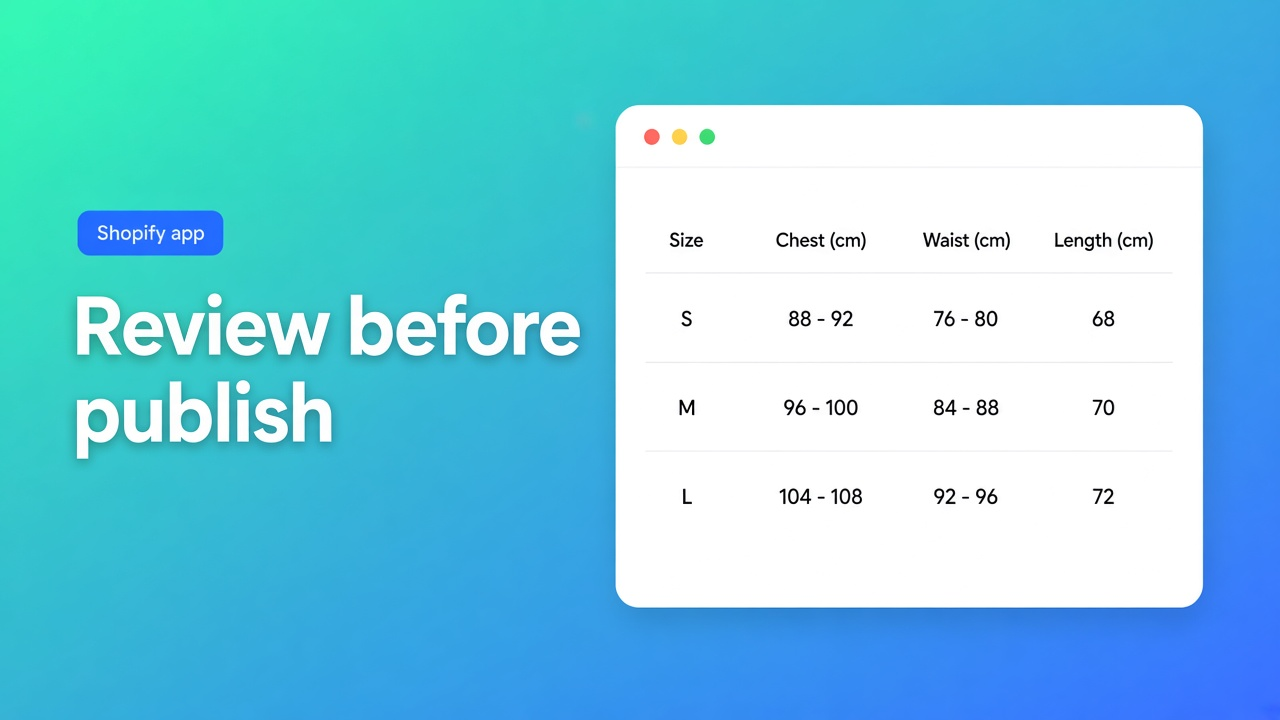
What has to be true before an AI size-chart draft is safe to publish?
The failure mode is not “the app has no AI button”. It is publishing the draft. A supplier PNG has women’s sizes on the left, men’s on the right, and a logo through the grid. On this check I opened the live listing of OO ‑ Advanced Table Builder, the docs article on creating tables with AI, and the listing of Kiwi Size Chart & Recommender. Shopify does not ship a Help article that generates a size chart. A page or a metafield is the native path, and that path is not a generator. This is the filter before you hit publish. It is not a tour of every table app.
Re-open the cards if OO adds a paid tier or a publish cap, or if the AI docs drop the confirm step. Kiwi’s prices and the order-volume line belong to today’s cards.
The generator filter
An app fails this question when a row is missing. A fit recommender (“which size should I buy”) is a different filter. It sits further down, and OO does not pass it.
Requirement | Fails when | OO, listing and docs, 7 November 2026 | Kiwi, listing, 7 November 2026 |
|---|---|---|---|
A draft from text and/or an image, then a person confirms | Otherwise you publish the PNG’s mistake | Generate with AI. Review Structure and Design, then save. Refine on Structure replaces rows only after confirm, and the type stays locked | Hero: import from images, descriptions, or CSV. The Free card names CSV and product-description import, not a confirm step |
Two charts in one photo become separate blocks | Otherwise women and men land in one mess | The AI docs say so (Men + Women) | Multiple tables are a feature bullet, without that photo rule |
Measurements that already live in Shopify stay Shopify fields | Otherwise the chart drifts from the variant | Docs tip: map Weight, Price, and Color to Shopify modules, not a custom attribute | Not on the card I read |
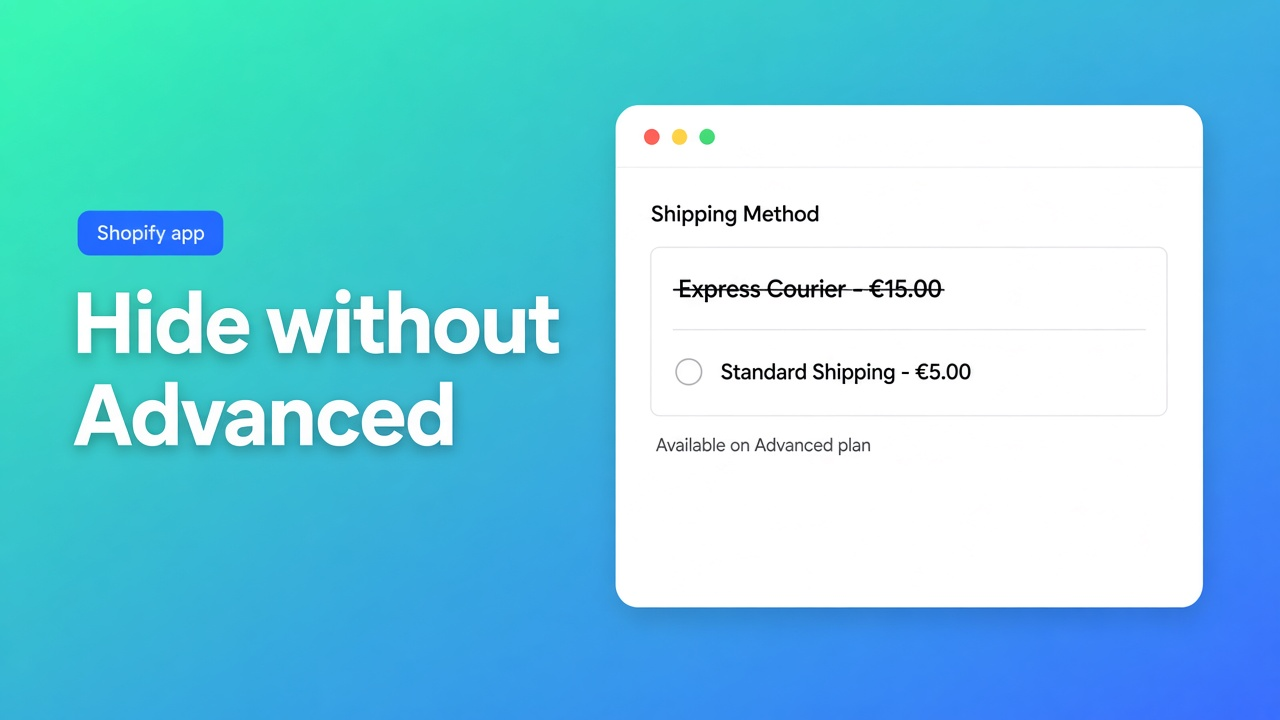
No three-chart publish cap and no watermark once the catalogue is past a test | Otherwise Free is a demo | Listing: Free. No second card, no watermark line | Free: publish up to 3 charts, watermark included |
Placement is a theme block you position | Otherwise a pasted snippet survives a theme change | Theme blocks. Specs do not auto-inject beside Add to cart | Not deducible from this listing. Not guessed |
The fourth row is where the listings split. OO’s card is Free, with no “maximum of 3” and no watermark sentence. Kiwi’s Free card states both. Kiwi’s hero also says “import unlimited size charts from images”. The Free card itself says “Upload Unlimited Size Charts via CSV” and “Import Charts via Product Description”, next to “Publish Up to 3 Size Charts”. Unlimited upload and a three-chart publish cap can both be true. They are two sentences on one page, not “unlimited live”.
What the OO docs promise, and where they stop
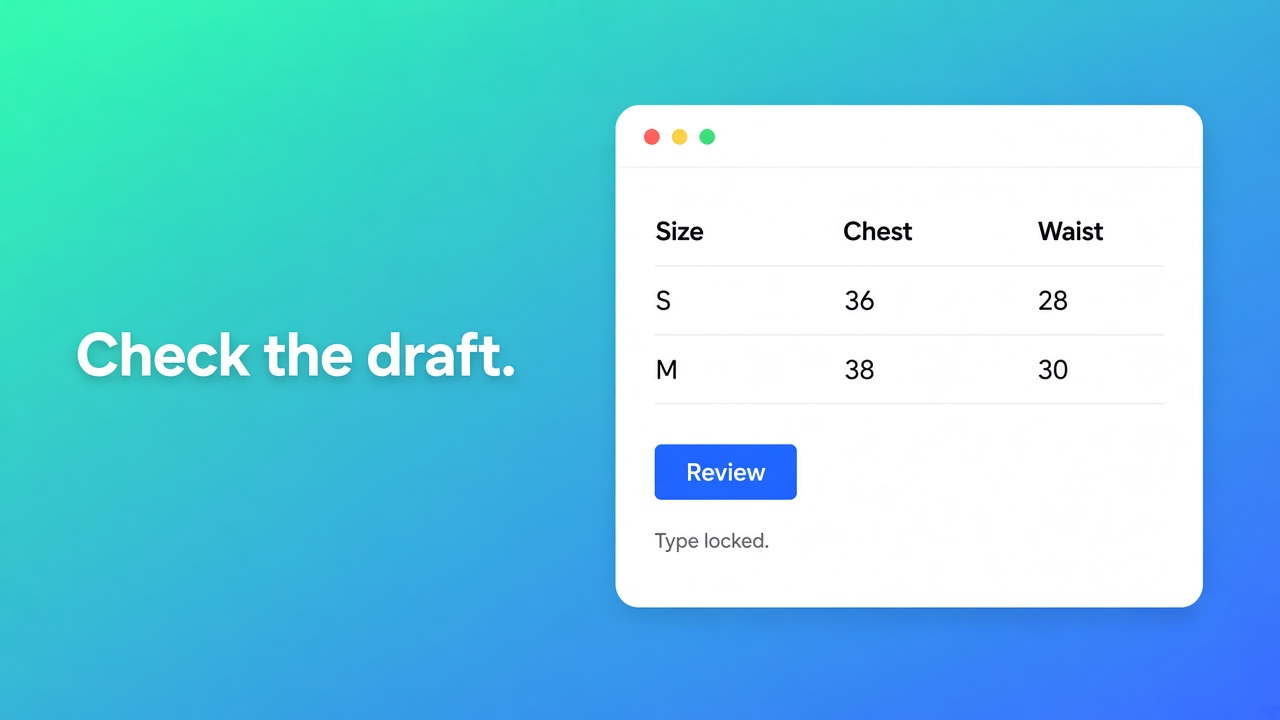
Create and refine tables with AI, last updated about two months ago, read 7 November 2026. Create table, then Generate with AI. You describe the table and/or drop a screenshot: PNG, JPEG, WebP, or GIF, 4 MB max. The app picks a type, fills a sample, and can approximate colours from the image. Several charts in one photo become separate blocks. You review Structure and Design, then you save.
Refine on Structure keeps the table type locked. Text or an image rebuilds rows, groups, charts, or tabs. You confirm before the old structure is replaced. Refine on Design takes a description, a website URL for brand colours and fonts, or a screenshot. Structure stays. Design overrides merge after you confirm.
The tip at the bottom is the line that separates a generator from a paste tool: review module types so weight, price, and colour are Shopify modules when that value already lives in Shopify, not a loose custom attribute. The docs do not promise a perfect mapping. A fit recommender is not there. Metaobjects as a compare source are not there. Listing chips such as Recommendations and Analytics are not in the overview. Those chips are not features claimed here.
The listing hero covers five kinds of table: size charts, product specs, comparison tables, tabbed content, and Us vs Them. It works with Shopify Admin, AI, Excel, and Google Sheets. You place tables on products, pages, and other templates, and you translate customer-facing text. The product page on this site is Advanced Table Builder. The price stays on the listing: Free. There is no Premium card to hide a limit behind, until the listing grows one.
Rating: 5.0 from 1 review. The card is dated 24 September 2026, written in Dutch, positive about specifications and comparisons. This fetch shows no shop name on the card and no developer reply. Launched 17 September 2026. No Built for Shopify badge in the header. One review is not a year of runtime. Kiwi launched on 5 March 2018.
Where Kiwi is the stronger install
Kiwi on 7 November 2026: 4.7 from 1,245 reviews. Histogram: about 1.1K fives (rounded), 78 fours, 29 threes, 19 twos, 37 ones. No Built for Shopify badge in the header of this fetch. The hero is a size chart plus an AI recommender that points the shopper at a size. That is a different kind of AI from filling a table out of a PNG.
Card | Price | What it means for a generator |
|---|---|---|
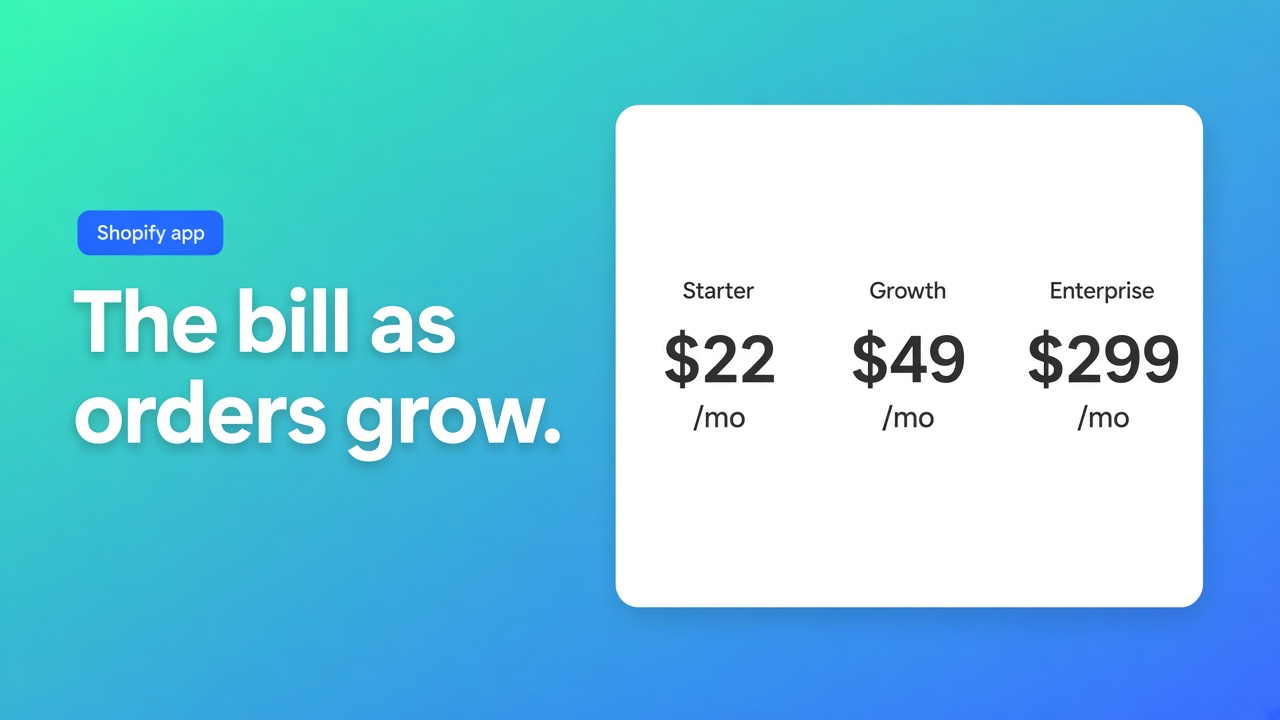
Free | $0 | Publish up to 3 charts, 22 templates, unlimited CSV upload, import via product description, watermark included |
Next | $7.99 | Up to 10 charts, no watermark, Google Analytics, auto-translate EN and ES. The card says no extra monthly charge. No recommender in the list |
After that | $14.99 | Up to 20 charts, up to 10 custom size recommenders, analytics on those, more languages including Dutch. Additional charges based on order volume |
Top | $26.99 | Unlimited charts and recommenders, 22 languages. Order-volume charges here too |
The recommender does not start on Free and it does not start at $7.99. It starts at $14.99, and that card says extra charges follow the shop’s order volume. Three visible critical cards are about that model or about support. 19 October 2026, Jokers Costume Mega Store: metadata filters no longer work, reply the same day. 15 October, Pawesome House: after an upgrade, Kiwi bills total order volume, including orders that never touch a size chart, reply on 16 October. 8 September, AuroreAU: a Plus trial around $15 was cancelled and a charge still appeared, reply the same day. Those three cards are the pricing caveat. They do not erase the 4.7, and they do not turn the order-volume model into a rumour.
If the question is “which size should this visitor buy”, OO fails the filter. The docs have no recommender. Kiwi has one, from $14.99 plus volume. If the question is “build a table from this PNG, with no watermark and no cap of three, and let me lock the structure before it goes live”, Kiwi Free fails and OO passes, with the duty to check modules afterwards.
When a theme page is enough
One static chart that changes twice a year can be a page or a product metafield. That is not a generator, it does not stay in sync by itself, and it does not become a popup beside Add to cart unless the theme already does that. The line between a metafield and a builder is the 4 November note. Which block you place is the 1 November checklist. An earlier scorecard of Kiwi and Tably, on different weights, is here. This page is only the generator filter.
Speed, and the missing badge: size charts and Core Web Vitals. With no badge, no Lighthouse delta gets invented. Apps as a service on this site: apps and integrations. Privacy: the general page, with no separate DPA.
Primary sources
OO ‑ Advanced Table Builder, 7 November 2026
Kiwi Size Chart & Recommender, the same day
How long this filter holds
For an AI draft from a screenshot the hard requirements are: a file up to 4 MB, separate blocks when the photo holds two charts, a confirm before structure is replaced, a pass over Shopify modules, and no watermark or a cap of three on the card you actually use. OO’s listing is Free and the docs contain those steps. Kiwi Free publishes three charts with a watermark. Kiwi wins as soon as you need a fit recommender, and it wins on age and on 1,245 reviews against one review since 17 September 2026.
If the Free card changes, or the confirm step leaves the docs, this filter is expired. Install, when the generator requirement is yours, from OO ‑ Advanced Table Builder.
This blog is presented to you by

Floris-jan de Vries
Co-owner / Back-end developer / Shopify Expert
As a full-stack developer, Floris-Jan ensures the technical logic behind the design. He also uses his extensive knowledge of Shopify every day to provide our clients with the best possible support.


The Shopify Select partner for ambitious e-commerce businesses that want to grow!

Services
Reviews
5/5
Mail: info@onlineorigins.nl
Tel: 073 234 0612
KVK: 89825624
BTW: NL865123639B01
Bruistensingel 500,5232 AH 's-Hertogenbosch Cookies
© 2026 Online Origins