
When should AI draft your Shopify shipping rules flow?
On this check, 12 November 2026, I opened the live listing for OO ‑ Shipping Rates & Rules, the articles Build a shipping flow with AI and Build a delivery rule with AI, Shopify plan requirements, and Shopify Help on shipping rates. Help describes a flat amount, free shipping, or a rate from a carrier such as UPS or FedEx, inside zones of countries or regions. The app articles describe Build with AI. This page is the choice those texts leave open: when a prompt may draft a flow, when that prompt is a new price and therefore hits the Shopify plan, and when you only wanted a method renamed. Re-read it if the plan article starts treating Grow as an automatic yes, if the AI article drops the review-before-save line, or if the listing is no longer Free.
One prompt box, two jobs
The hero says you describe the logic and let AI build it. The two AI articles, both updated 23 October 2026, split that sentence.
In a shipping zone, Build with AI or Edit with AI drafts rates and conditions. You review and apply before you save. A short prompt on the first-run helper can start the same way. Be specific about destinations, cart thresholds, and rate names. Then open the flow. AI is a starting point. Edit the cards by hand after you apply.
A delivery rule uses the same buttons for a different job: hide, rename, or reorder methods that already exist at checkout. The article is explicit. Delivery customization does not create new prices. Name the methods the way checkout shows them. Apply the draft, then save the rule under a clear name.
That split is the use case. “Let AI do shipping” mixes a price with a label. They share a prompt and they do not share a Shopify plan.
The plan sits on the price, not on the label
Question | Shopify Help, shipping rates, 12 November 2026 | AI rates flow | AI delivery rule |
|---|---|---|---|
Creates a new amount | Flat, free, or a carrier such as UPS or FedEx | Yes, as a draft you review | No |
Zone | Countries or regions that share a rate | You name the destination, then you check the cards | Does not price a new zone |
Advanced plan | The carrier-calculated Help URL redirected to the general fulfillment page. No fee table | Yes, unless a dev or Partner store, Plus, or the carrier is already active | Not required for hide, rename, or reorder |
Grow on yearly billing | No fee on the page that did load | Not written as an automatic pass | Not required for this button |
Save without reading the cards | Not applicable | No | No |
App fee | Not applicable | Listing: Free | Listing: Free |
The plan article, also 23 October 2026, is the source for the carrier named OO - Shipping Rate & Rules. Custom prices at checkout typically need Advanced Shopify or higher, a development or Partner development store, or Shopify Plus. If the carrier is already active, the app treats the shop as eligible even when the plan name looks lower. Hide, rename, and reorder work on more plans. You do not need Advanced only for delivery customization.
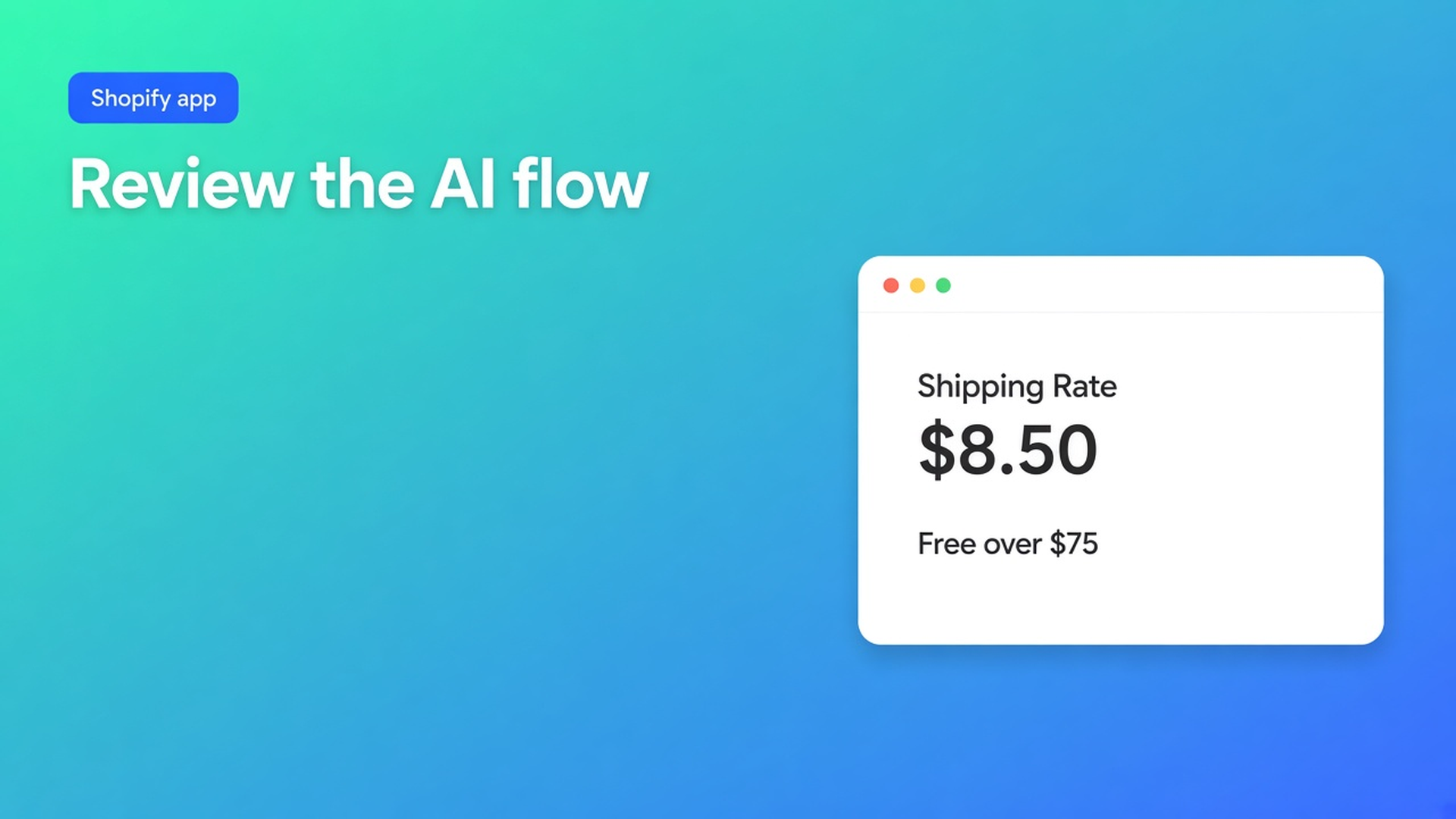
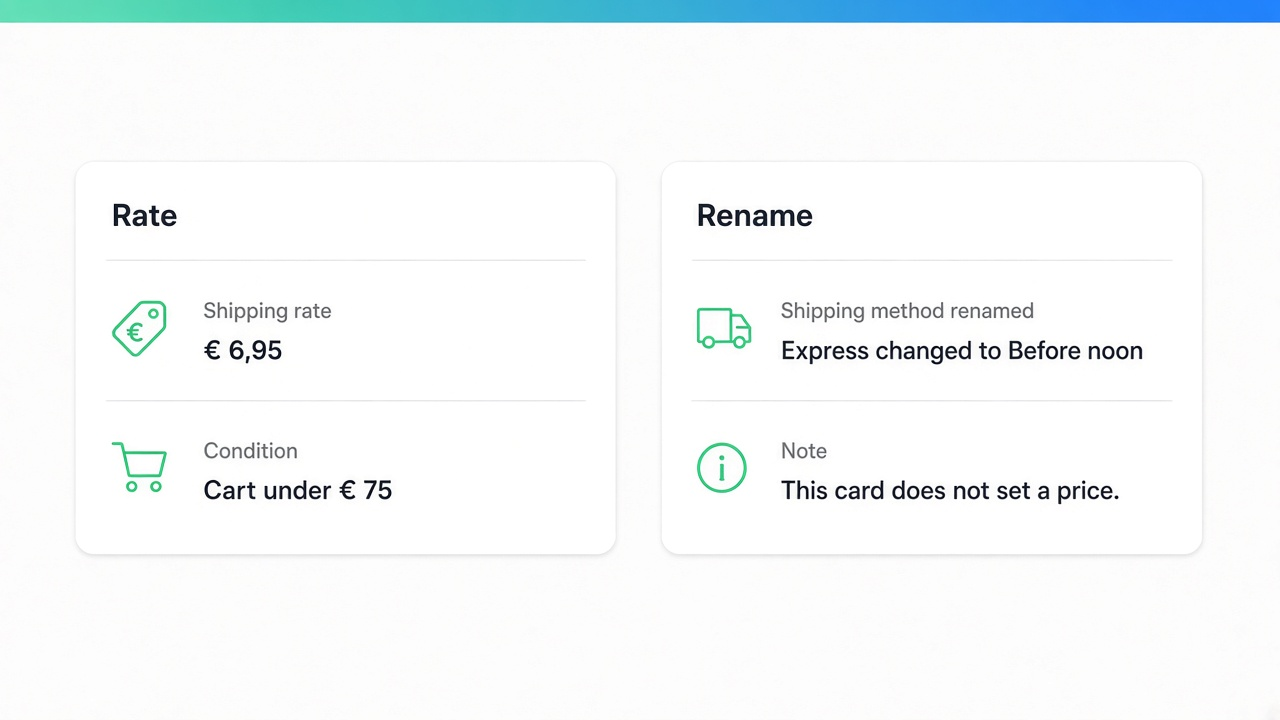
A blocked shop sees a plan banner and a delivery-focused checklist. An eligible shop sees zones, carrier attachment, optional delivery rules, and a test checkout. A prompt that returns $8.50 belongs in the first column. A prompt that renames Express belongs in the second.
Help also says shipping profiles are gradually moving to shipping options by market. Most stores keep the current setup until the upgrade, and existing rates are migrated. That is a reason to reread Help after the upgrade. It is not a reason to skip reviewing an AI draft.
The third-party carrier-calculated URL landed this morning on Setting up shipping and order fulfillment. That page had no table of Advanced, Plus, or a Grow fee. I am not quoting a monthly amount. If you later find that table, it describes your own carrier account. It is not an automatic pass for this app.
A sentence you still have to open
Try this prompt: “In the US, free over $75, otherwise $8.50. Add $4 for postal codes 10001 through 10282. Name the rate Standard.” The listing names postal code among 40+ conditions, next to weight, dimensions, products, customer tags, and date. The AI article does not promise the assistant will place that range correctly. It says to be specific, open the flow, verify conditions and prices, and edit cards after apply.
If the threshold is wrong, or the rate name drifted, the draft failed, even if the prose was clean. The postal surcharge is a price. The Advanced caveat applies unless this shop’s carrier is already active. The 1 November checklist goes further on that gate. The postal-code filter itself is the 11 November checklist.
If you only want Standard hidden under $75 and Express moved to the top, that is a delivery rule. It does not create the $8.50. The amount still comes from Shopify or from a carrier you attached separately. Hiding a method is the 7 November checklist, not this prompt.
What the listing is, and is not
Free. 0 reviews. Do not invent a star rating. Launched 28 October 2026. Listing language: English. Works with Checkout. The hero names a visual flow or AI, fixed prices or tiers, discounts, minimums and handling fees, 40+ conditions, combining rates, hide or rename or reorder, and logs. Resources: privacy policy, FAQ, and App Documentation.
Built for Shopify does not appear in this app’s header on this fetch. The phrase shows up lower on the page, beside other apps. Do not count this listing as badged until the badge is on its own header.
Data access includes the customer’s device, the store owner, customers, products, orders, discounts, delivery customizations, the theme, metaobjects, locales, locations, and Markets. I did not reopen the test-checkout and seven-day log article today. That stays the 5 November note.
Merging two rates into one checkout line is a different use case, the 10 November piece. A prompt that says “add packing and postage together” still has to be checked against that combine step. The AI article does not write the formula out for you.
When you should not open the prompt
A zone per country with a flat amount, a threshold on order value, or a threshold on weight is the Help page. No AI, and no Advanced plan, as long as the amount is not returned by this carrier. Profiles versus a carrier app: the 4 November piece.
The app fee is $0. What you pay for a new price is the Shopify plan, if the carrier is not already active. The free-listing note compares that fee with other apps as of 9 November. I did not reopen those competitor listings today.
Primary sources
Listing: OO ‑ Shipping Rates & Rules, read 12 November 2026
Build a shipping flow with AI, updated 23 October 2026
Build a delivery rule with AI, updated 23 October 2026
Shopify plan requirements, updated 23 October 2026
Shopify Help: Shipping rates. The carrier-calculated URL redirected this morning to the general fulfillment page, with no fee table.
On this site
The carrier gate: the 1 November checklist. Postal code as a must-have: the 11 November checklist. Hide and rename: the 7 November checklist. The app page is OO Shipping Rates. Shopify apps as a service: apps and integrations.
Until the plan article moves
On 12 November 2026, let AI draft a Shopify shipping rules flow when the sentence is specific and you read the cards afterwards. If the sentence is a new amount, the Advanced caveat applies, or a development store, Plus, or a carrier that is already on. If the sentence only hides, renames, or reorders, the delivery assistant does not create a price, and that path does not require Advanced. The app on the listing is Free, with zero reviews. If the plan article or the “review before you save” line changes, this answer changes. Install from OO ‑ Shipping Rates & Rules, and leave the draft off until a checkout test matches the sentence you wrote.
This blog is presented to you by

Floris-jan de Vries
Co-owner / Back-end developer / Shopify Expert
As a full-stack developer, Floris-Jan ensures the technical logic behind the design. He also uses his extensive knowledge of Shopify every day to provide our clients with the best possible support.


The Shopify Select partner for ambitious e-commerce businesses that want to grow!

Services
Reviews
5/5
Mail: info@onlineorigins.nl
Tel: 073 234 0612
KVK: 89825624
BTW: NL865123639B01
Bruistensingel 500,5232 AH 's-Hertogenbosch Cookies
© 2026 Online Origins