
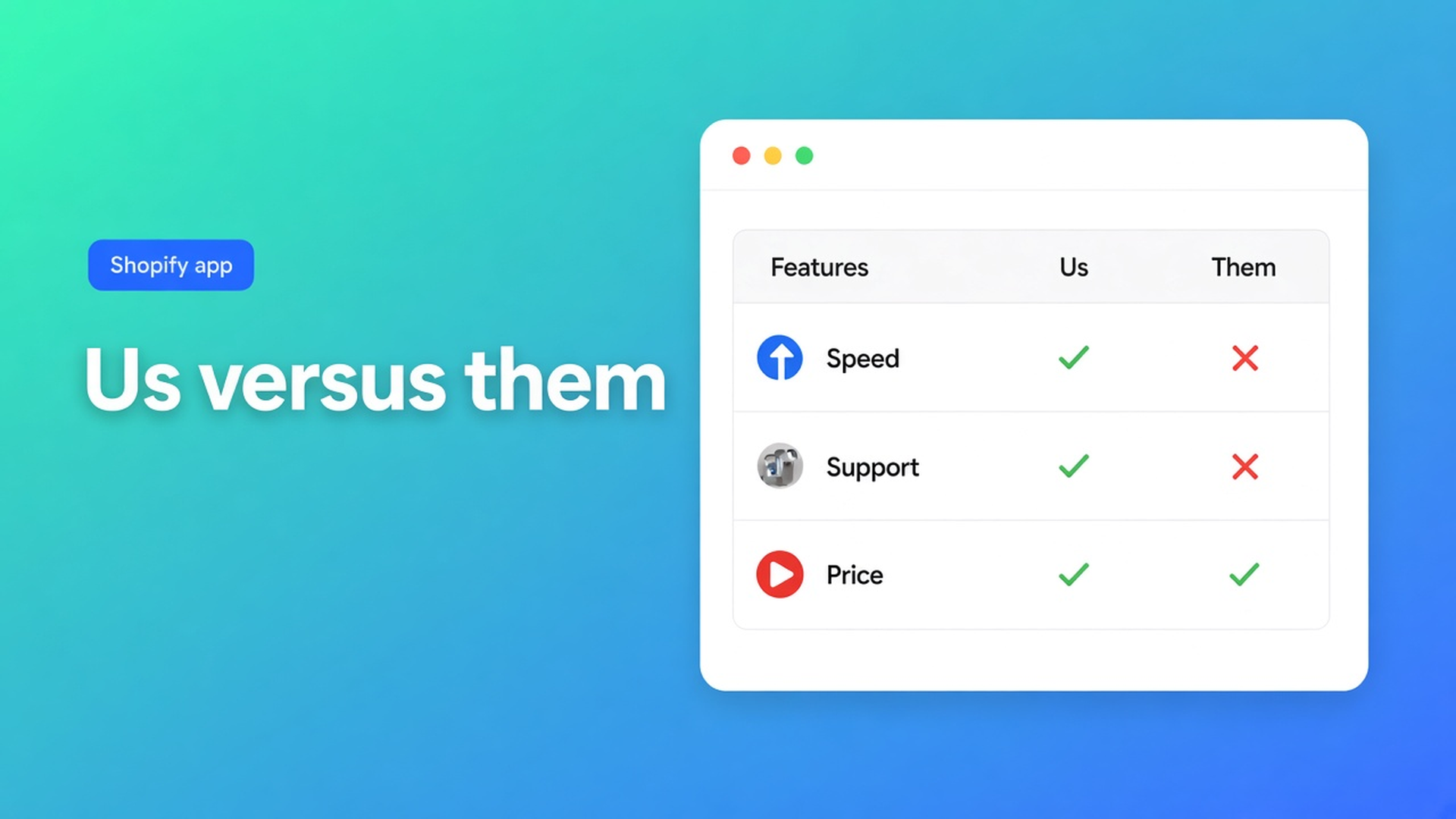
When is a Shopify us vs them comparison table the right use case?
A cookware brand wants three columns under the buy button: our pan, a “typical nonstick”, and the restaurant line. Ticks, crosses, one short line, and a button that stays on our collection. The other pan is not a product in this catalog. The price of our pan still changes every time the supplier does. Those are two tables. Putting both jobs in one block is how the ticks go stale or the live price never appears.
On 10 November 2026 I opened the live listing for OO ‑ Advanced Table Builder, the Us vs Them article, What is Tables, Specs & Comparisons?, Comparison table, and Place tables with theme blocks. The AI steps are in Create and refine tables with AI. Shopify Help on metafields describes a field on one product. It does not describe a “them” column whose tick you invented. This note is that use case. It is not a theme-editor click path.
Re-read it if Us vs Them starts filling cells from live product fields, if the listing grows a paid plan, if the block leaves the block list, or if the single review changes. The articles I opened are marked about two months old and signed by Floris de Vries.
Claims in columns, or products a shopper picks
Need | Us vs Them | Comparison table in the same app |
|---|---|---|
A column | You, and alternatives you name | Products the shopper selects |
A cell | Yes, no, or text you wrote | A live field on that product |
How many | 2 to 4, with an optional highlight and CTA | Admin preview labels are Product 1 and Product 2; the storefront uses real products |
Where it sits | A theme app block, chosen by table id | App embed required for the tray and modal; button block or auto-inject under the price |
When it stays true | Until you edit the cell | When price, weight, or a metafield changes |
The comparison article is blunt: do not hard-code cell values for live rows. The storefront fills them from the selected product. Us vs Them never says that, because the cell is the claim.
Size charts, specs for the current product, and tabbed photos are other types. A grid on the page is not a reason to force them into Us vs Them.
The job this block is for
Us vs Them is the right use case when all four of these are true.
The alternatives are not SKUs a shopper buys in your store. “Our pan versus a typical nonstick from somewhere else” is a claim. Two pans from your own collection are a comparison table. That job is the 8 November note on the compare tray.
You want your own column to win visually. The article covers a highlight on the brand column, templates such as Tint, Pillar, Soft, and Gradient, and styling for color, surface, CTA, and type.
The button must not mean “add the competitor’s product”. CTAs sit on the column, and they are optional. The comparison flow has an Add to compare button. That is a different gesture.
The same table has to land on a product template, a page, or a collection through the theme block. The placement article calls the block “Us vs Them — pick a specific Us vs Them table”. You select the table in the block settings. Auto-inject beside Add to cart is documented for size charts and for compare, not for this type. Place the block where the claim is read: near the buy button when the claim has to carry the sale, lower on the page when it is a brand story.
The steps allow two columns at the low end and four at the high end. A fifth competitor does not fit. Split the table, or put the fifth name in the copy above it.
What the listing adds, and what it does not
On 10 November 2026 the listing is Free. There is no second price. The rating is 5.0 from 1 review. The only card is 24 September 2026, in Dutch, about specifications and comparisons, with no shop name and no developer reply on this screen. Launched 17 September 2026. This fetch’s header did not contain a Built for Shopify sentence. Languages: English. Works with: Shopify Admin, AI, Excel, Google Sheets.
The hero names size charts, specs, comparison tables, tabbed content, and Us vs Them, a visual builder, AI from a description or a screenshot, metafields so values stay current, and translation of customer-facing text. The metafield sentence belongs to types that use Shopify modules. The Us vs Them article talks about yes / no / text you type. It does not mention a metafield per cell. Do not attach the metafield promise to this use case. Specs and the comparison table are where a live field belongs. That split is also the 4 November note.
Category chips on the listing include Comparison table, Highlight differences, Recommendations, and Analytics. Recommendations and Analytics do not appear in the Us vs Them article. Leave them out of this use case. Highlight differences does match the highlight column the docs describe.
Excel and Google Sheets are on the Works with line. The Us vs Them article describes no import step. A spreadsheet is not a documented path for this table until an article says it is.
The app is young and has one review. For a claim table you edit yourself, on a free listing, that weighs less than it would for a checkout app. It weighs more when the same table must ship in twenty languages on every product template and almost nobody else has reviewed the app. Check the count again. One card can become two, or the tone can turn.
AI drafts the ticks. Someone still reads them
Generate with AI drafts from a description or a screenshot (PNG, JPEG, WebP, GIF, max 4 MB). It picks a type. Several tables in one photo become separate blocks. You review Structure and Design, then you save.
Refine with AI on Structure keeps the type locked. It can rebuild rows. It will not turn Us vs Them into a comparison table. Confirm before the structure is replaced. On Design you can pass a description, a screenshot, or a website URL for colors and fonts. Structure stays.
For this use case the ticks and the competitor names are your copy. A draft that gives “them” a cross in every row is not ready because the model was confident. The docs already tell you to review module types on other tables so Weight and Price stay Shopify modules. Us vs Them has no module that makes a claim true.
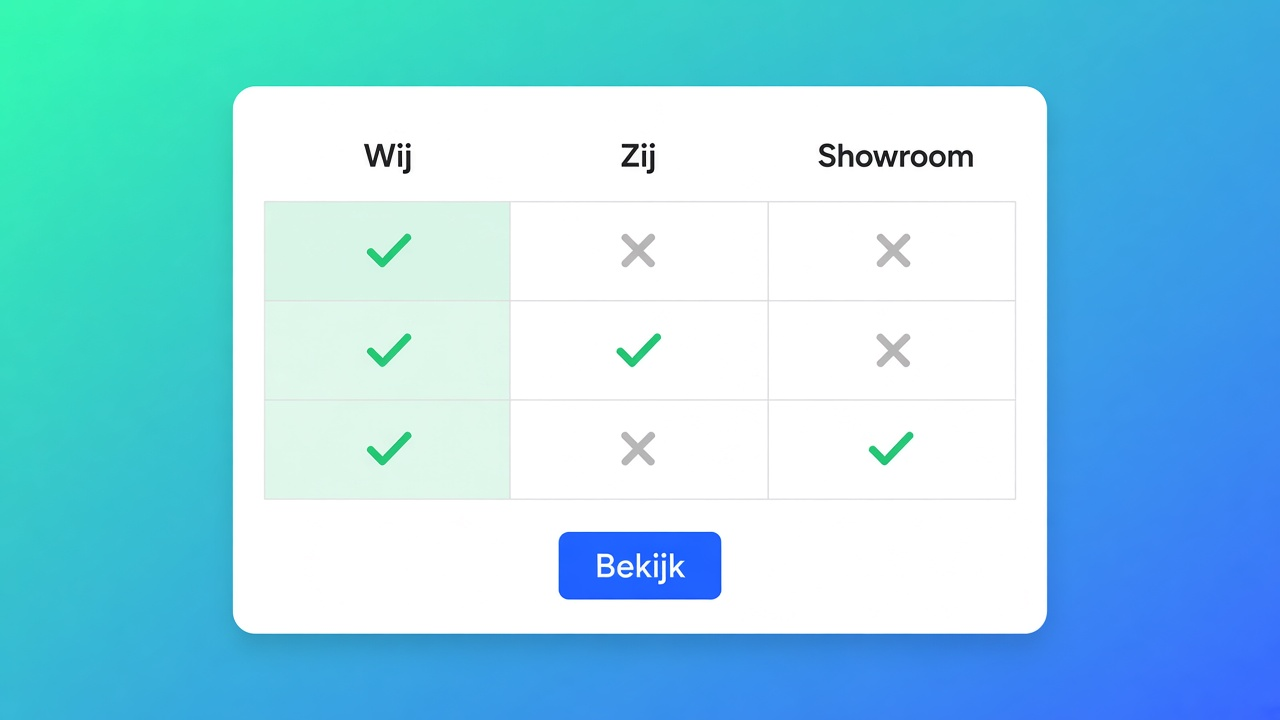
A page in the theme is enough more often than the block is
One campaign, one page, no reuse on product templates: the rich text on a Shopify page is enough. You are not placing a block, you are not highlighting a column, and a price change cannot touch the cells because the cells are not catalog prices.
A spec of your own product, such as fill weight or a warranty stored in a metafield, belongs in Product Specs or in the theme as a metafield reference. Us vs Them would become a second place to maintain the same fact.
A shopper comparing two real products belongs in the comparison table, with the embed and the tray. That path needs the app embed. Us vs Them needs the block and a table id. The compare embed does not solve this use case.
Customer-facing translation is on the listing. How the locale screen works is the 9 November note. This use case does not repeat those steps. A Us vs Them cell is a string. After a structure change, walk the translations again, which is the limit that note already recorded.
Primary sources
On this site
The compare tray, for real products, is the 8 November note. Metafields versus a table: the 4 November note. Which block belongs to which type: the 1 November checklist. Which docs sentence may carry a claim: the 6 November note. AI as a requirement for a size chart is a different job: the 7 November note. Shopify apps as a service: apps and integrations.
What holds on 10 November 2026
A us vs them comparison table is the right use case when the columns are claims, not SKUs, you stay inside two to four columns, you want the brand column highlighted, and you place the theme block with a table id. The comparison table in the same app wins as soon as a cell must follow a live price or a metafield. A single Shopify page wins for one campaign you will not reuse.
That line moves if the Us vs Them article gains live modules, or if the listing stops being Free. Install this app: OO ‑ Advanced Table Builder.
This blog is presented to you by

Floris-jan de Vries
Co-owner / Back-end developer / Shopify Expert
As a full-stack developer, Floris-Jan ensures the technical logic behind the design. He also uses his extensive knowledge of Shopify every day to provide our clients with the best possible support.


The Shopify Select partner for ambitious e-commerce businesses that want to grow!

Services
Reviews
5/5
Mail: info@onlineorigins.nl
Tel: 073 234 0612
KVK: 89825624
BTW: NL865123639B01
Bruistensingel 500,5232 AH 's-Hertogenbosch Cookies
© 2026 Online Origins