
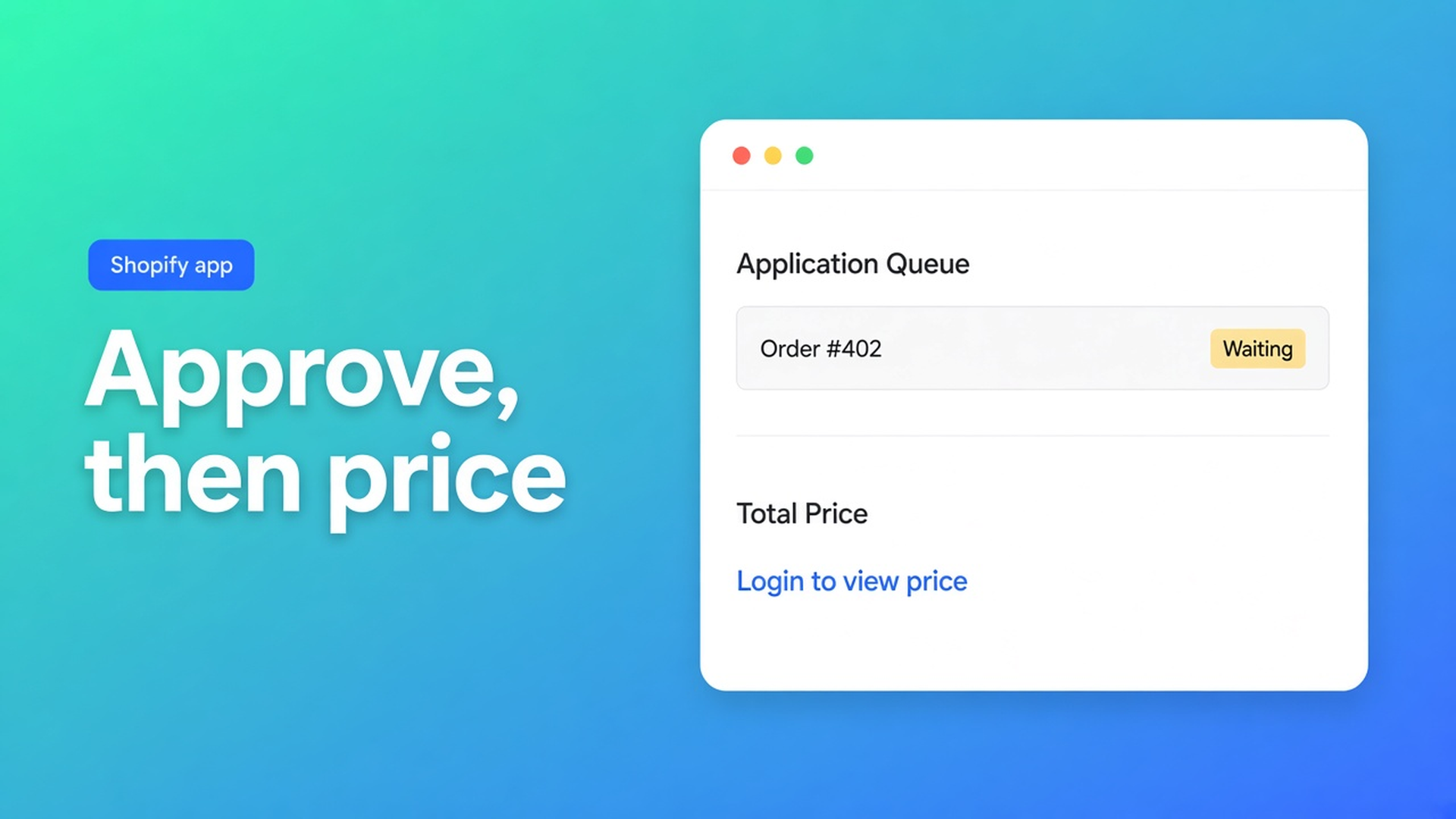
Which approval steps are must-haves for Shopify wholesale registration?
A lighting distributor does not want a trade buyer to invent an account and land on the contractor price. On this check, 9 November 2026, I opened the OO ‑ B2B & Wholesale listing, the article Registration forms, and the article Hide prices until customers log in. Both docs say they were updated 27 days ago. Those pages tell you which switch to flip. This page says which combination is a knockout: an application that waits, a customer record that appears when you approve, and a price that stays hidden until that approval actually limits someone. Re-open the listing if Login to see prices moves onto Free, if approval starts writing a tag by itself, or if Free stops including one registration form.
The listing, before the checklist
The 9 November listing shows Built for Shopify, a launch date of 9 February 2024, and 5.0 from 34 reviews (33 fives, one four). The three cards on screen are Sensorkranenwinkel.nl on 6 October, POPlab Sounds on 11 June, and Rohleder AT on 21 April. The four-star text was not on those cards. Works with Checkout, Shopify Flow, and Shopify Admin. This reading did not print an App Documentation row under Resources. The docs below are the collection opened separately.
Free is one custom pricing rule, one registration form with approve and reject, and Flow templates for that form. Development stores have no caps. Starter is $22 a month or $220 a year and adds unlimited registration forms, unlimited custom and volume pricing, company blocks, EU tax exemption, tax display, and login to see prices. Growth is $37 or $370 and adds bulk forms, draft checkout, repeat orders, quotes, order limits, and the wholesale cart. The 14-day trial sits on the paid cards.
Two switches, not one form
Registration lives under Customer management. You turn the module on, build the fields, and place the theme block. New applications stay pending until you act. Only a pending registration can be approved. Approval creates or links the Shopify customer. You then pick the company: create one, assign an existing one, or attach none. After that, the customer can log in with the account you created.
Two Flow templates are optional. One emails your team when someone applies. The other sends B2B access after you approve. The article does not name a tag that workflow writes. This note does not invent one.
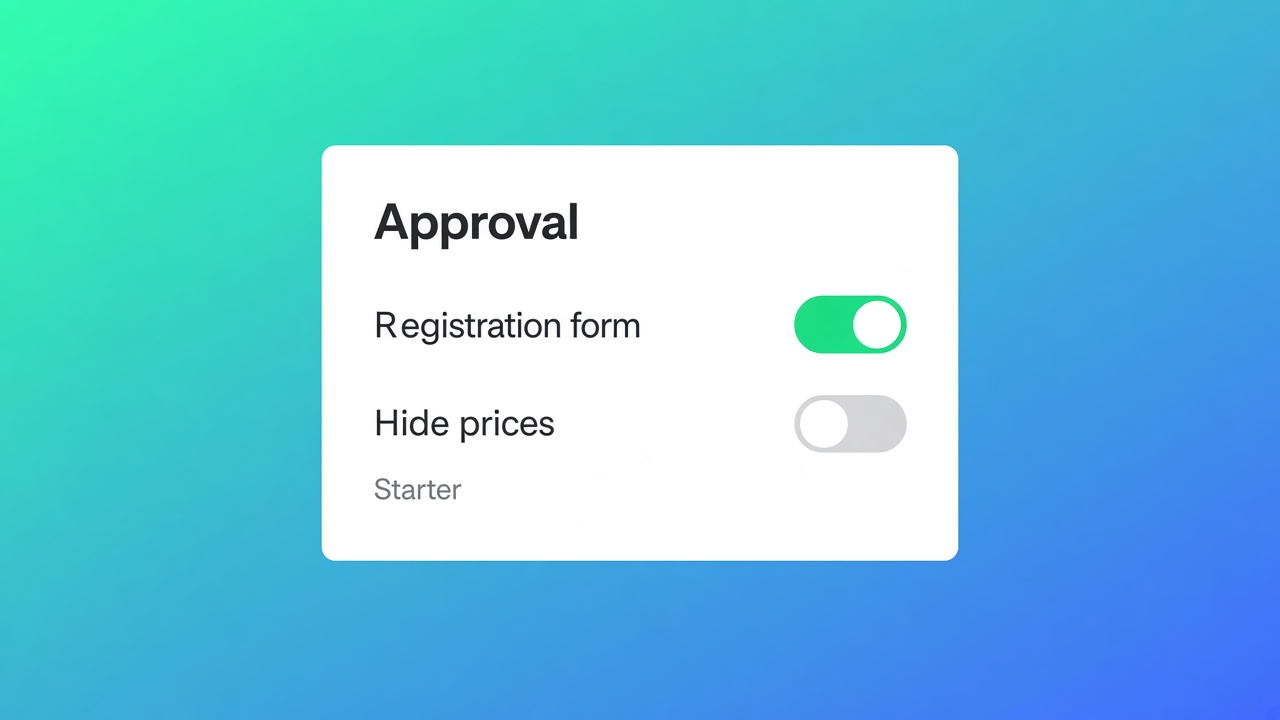
The same article is explicit about prices: if they should stay hidden until approval, combine the form with Login to see prices. That module is not on Free. The Starter card names it. The hide-prices article repeats the plan and adds the default: the module is off until you turn it on, so retail prices stay visible. A Free install with only the form does not hide the shelf price.
“Guests” is the trap
Login to see prices replaces the price with a login link for guests, or for the customers you select. Add to cart hides with it unless you turn that off. The module does not change the amount. A trade price still comes from Custom Pricing or Volume pricing. Volume pricing is on Starter. Free keeps a single custom pricing rule.
You choose products or collections, then who loses the price. The usual starting point in the docs is guests. Tags, specific customers, and companies are the other targets. The app embed has to be on the published theme. A logged-out private window should show the login link.
Reading “guests” as “not approved yet” is the mistake. Anyone who creates a normal Shopify account is no longer a guest. The registration article says the form can sit before, or instead of, a normal signup. It does not say the app removes the theme’s create-account link. A buyer who still finds that link signs in and sees the price as soon as the rule only names guests.
To keep the price back until you have approved someone, the rule has to match a person you can recognize after approval: a tag, a specific customer, or a company. The approval article does not write the tag. The bulk-form tag article, a different module, says the same thing in plainer words: adding a tag in a visibility field does not put that tag on the customer. You add it on the customer in Shopify admin, and the spelling has to match. Bulk forms themselves are on Growth. You do not need Growth to hide a price. You need Growth when the next step is an order grid limited to that tag.
Step | Plan on 9 November 2026 | Fails if you skip it |
|---|---|---|
One form, approve or reject | Free | Without a pending state, every submission is already a customer |
Unlimited forms | Starter | A second storefront form is outside the Free card |
Login to see prices | Starter | Free leaves the retail price up |
Rule aimed at a tag, a customer, or a company | Starter, and you configure it | A self-serve account still sees the price |
Tag written on the customer | Shopify admin; the approval article does not do this | The rule looks for a tag nobody has |
Order grid for that tag | Growth | A later job. Do not confuse it with hiding the price |
When a normal account is enough
If every visitor pays the same price, you do not need a pending queue. Customer accounts and a newsletter cover that shop. A private discount code for a handful of known buyers can be enough too, as long as the code is not sitting in the footer. The knockout starts when the application is a decision: you want the price, the quantity break, or the right to order held back until you have read the form. Shopify companies and catalogs are a different surface. This page does not recap that Help article. It only says an open account form is not this app’s pending queue.
Sources
Listing OO ‑ B2B & Wholesale, 9 November 2026.
Registration forms, page says updated 27 days ago.
Hide prices until customers log in, same “27 days” line on the page.
Tags on a bulk form is about who sees the grid, not about a tag written at approval.
Elsewhere on this site
The bulk order form is the Growth follow-up, not the price-hiding rule. VIES is a different knockout and lives in the tax checklist. Which plan carries the bill as volume grows is the pricing note. Companies versus this app are the 4 November note. Theme placement is the 5 November note. The app index is apps. Shopify apps as a service: apps and integrations.
The line for today
On 9 November 2026 the knockout is a pending application, a customer created when you approve, and a price rule that does not stop at the word guest. Free includes the form and the approval. Free does not include hiding the price. That switch is on Starter, it defaults to off, and it does not write a tag. You write the tag, or the rule looks for someone who is not there. If the listing moves Login to see prices onto Free, the plan half of this checklist expires. Until then, install from OO ‑ B2B & Wholesale.
This blog is presented to you by

Floris-jan de Vries
Co-owner / Back-end developer / Shopify Expert
As a full-stack developer, Floris-Jan ensures the technical logic behind the design. He also uses his extensive knowledge of Shopify every day to provide our clients with the best possible support.


The Shopify Select partner for ambitious e-commerce businesses that want to grow!

Services
Reviews
5/5
Mail: info@onlineorigins.nl
Tel: 073 234 0612
KVK: 89825624
BTW: NL865123639B01
Bruistensingel 500,5232 AH 's-Hertogenbosch Cookies
© 2026 Online Origins