
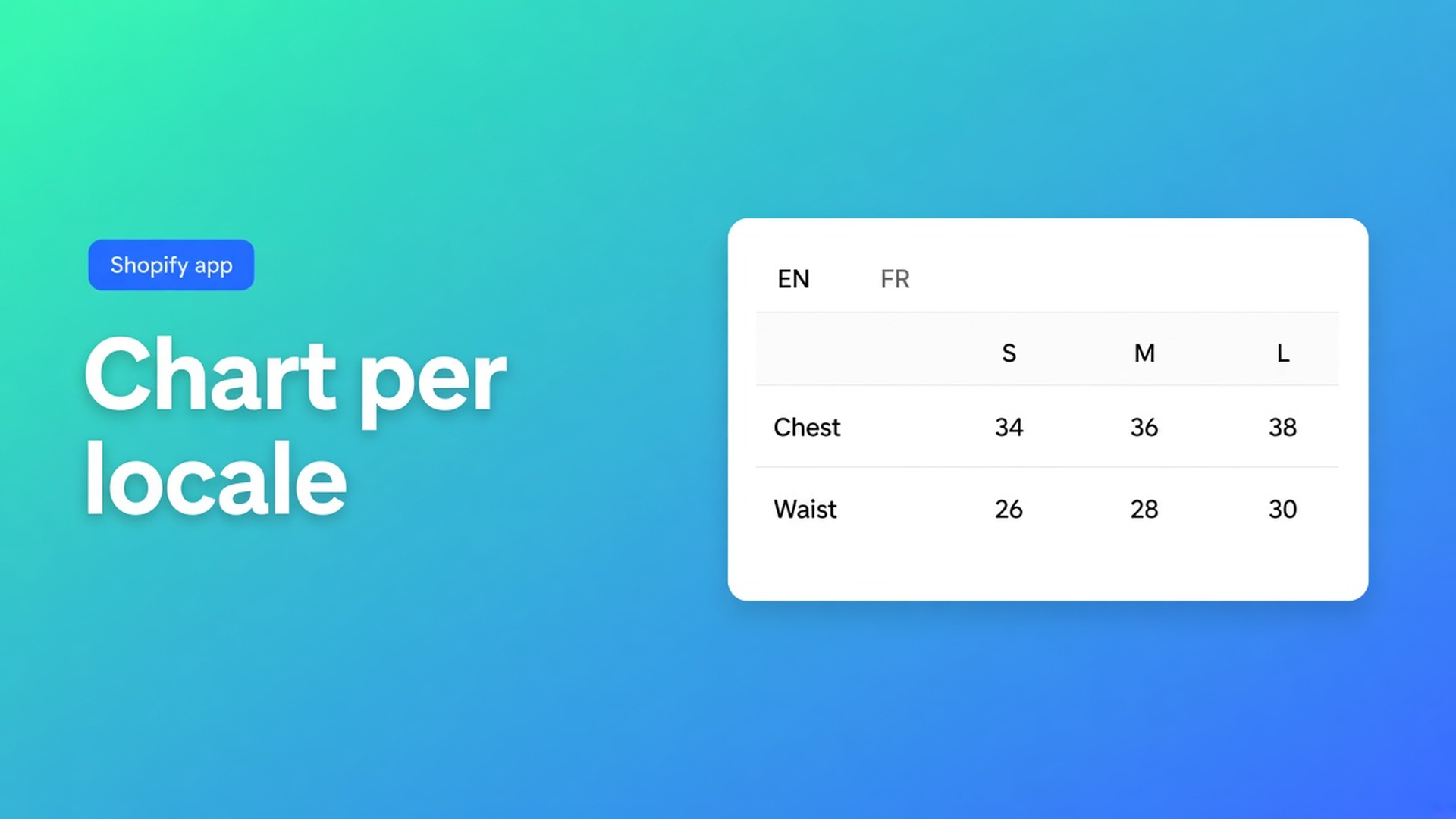
How do you translate a Shopify size chart per locale?
A furniture brand selling the same sofa into a French Canadian market cannot leave “Seat depth” on the French URL. On this check, 9 November 2026, I opened the OO ‑ Advanced Table Builder listing, the article Translate table content, the Kiwi Size Chart & Recommender listing, and Shopify Help on languages. The translation article says it was updated about two months ago. Help explains that each published language gets its own URLs, and that missing translations fall back to the store’s default language. Help does not open an app block and translate the chart inside it. This note does that job: the knockout is a per-locale list of strings taken from the chart you have now, plus a return visit after you change a header. Automatic translation that starts on a paid card is a different offer. Re-check if the translation article starts listing cell values, or if Kiwi moves Dutch, French, or German onto another price.
Knockouts, stated before the apps
The store has to have published the locale already. An app does not invent a market Shopify has not turned on. The app has to list this chart’s strings for that locale, so you are not maintaining a second chart that drifts. After you add a column header, you go back to that list, because only strings from the current structure and design are extracted. Anything missing from the list stays in the language you typed. The fallback is the default language, not a blank popup. And a translation by itself should not put an order-volume charge on the card.
Knockout | An app fails here when |
|---|---|
Locale already published in Shopify | The chart cannot outrun Markets |
Strings from this chart, per locale | A copied chart per language goes stale |
A header change sends you back to the list | Old keys hide the new word |
Off-list text stays in the source language | “All text” is only true for keys you can see |
Missing copy falls back, it does not vanish | Help already says this for the theme |
No order-volume line just to translate | Translation is not a reason to meter every order |
What the translation tab actually lists
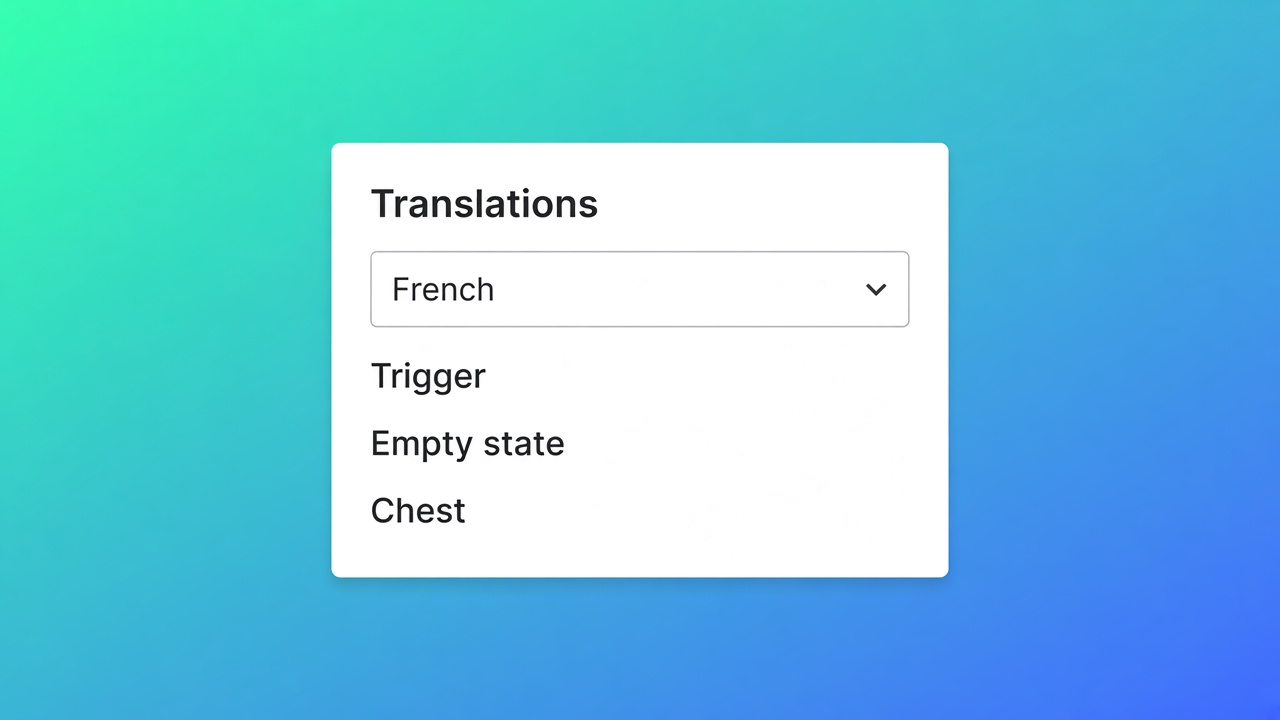
Open the table, then Settings, then translations. Pick a locale and fill the keys the app shows: titles, labels, the trigger, empty-state copy, and whatever else the current chart exposed. Save. The article is narrow on purpose. Only strings extracted from the current structure and design appear. Change a label in Structure and you revisit translations.
The listing hero, the same morning, says “Fully translate all table text for every language you sell in.” The category list includes Multi-language and Translation. That sentence is wider than the examples in the article. The practical test is the one a merchant can do: add the header, open the tab, and see whether the header is a key. If it is not, that header stays in the language you typed in Structure, on every locale. The article does not describe an automatic pass, and it does not describe a control that swaps centimeters for inches.
The chart itself is still Structure: text, a table, an image. Sizes can run down the first column or across the first row. A second table block is how you separate two size runs. That is content, not a translation pass. Popup versus inline, and the trigger label, live in Design. Placement is still a theme block, or the app embed when the chart should sit above Add to cart without a block on the template. Translating does not turn the embed on.
Listing facts for 9 November 2026: Free. The header does not show a Built for Shopify badge. Rating 5.0 from 1 review. The only card is 24 September 2026, in Dutch, about specs and comparisons. This fetch shows no shop name and no developer reply. Launched 17 September 2026. Listing language: English. Data access includes Locales. Category chips such as Recommendations and Analytics are not features in the translation article. They are not claimed here.
Where Kiwi is ahead, and where the card charges for it
Kiwi the same morning: 4.7 from 1,242 reviews. The five-star bucket is shown as 1.1K, so the buckets are not added up into a second total. The header on this fetch does not show a Built for Shopify badge. The hero says the sizing unit can follow the shopper’s location, and it advertises an AI recommender. Neither sentence is in Table Builder’s translation article.
The plan cards do split translation:
Kiwi card | Price | Translation printed on the card |
|---|---|---|
Free | $0 | Publish up to 3 charts, watermark, unlimited CSV import. No auto-translate line |
$7.99 / month | The card says no additional monthly charges; import credits are optional | Auto-translate in EN and ES, no watermark, up to 10 charts |
$14.99 / month | Additional charges based on order volume | Auto-translate in EN, ES, NL, FR, DE, and IT; up to 20 charts; up to 10 recommenders |
$26.99 / month | Order volume again | Unlimited charts and recommenders, auto-translate in 22 languages |
French is not on the free Kiwi card and not on the $7.99 card. It appears at $14.99, on the same card as the order-volume line. Table Builder stays Free and has you type the keys for whatever locales the store already published. Kiwi is the stronger pick when you want the chart translated for you and you want a recommender, and you accept the order-volume sentence. Table Builder is the stronger pick when the knockout is “I edit each locale myself, there is no order meter on the card, and I am sent back after I change the chart.” The three Kiwi reviews on screen are critical, and each has a reply: Jokers Costume Mega Store on 19 October 2026, about metadata filters, replied the same day; Pawesome House on 15 October, about order-volume charges on orders that never open a chart, replied 16 October; AuroreAU on 8 September, about a trial that still looked like a bill, replied the same day. That record is not a reason to dismiss the app. It is a reason to read the order-volume line before you hear “free translation.”
When store languages already cover the chart
Help *Localization and translation*, opened 9 November 2026, gives each published language its own URLs. Where a translation is missing, shoppers see the default language. Translate & Adapt, a CSV, or another translation app covers store content, checkout, and notifications. The page does not say an app-rendered chart is part of that extract. If the measurements live in the product description, Translate & Adapt can reach them and you do not need this app. The app block is the gap Help leaves open: the trigger, the empty state, and the labels live in the app, and only the keys that app pulls from the current chart can be filled per locale.
A single-language shop never hits this knockout. A shop that is happy to leave the French market in English does not hit it either. The requirement starts when a second published language must not fall back to “Seat depth” while the rest of the page is French.
Sources
Listings for OO ‑ Advanced Table Builder and Kiwi Size Chart & Recommender, 9 November 2026.
Which block belongs on a size chart is the 1 November checklist. The line between a metafield and a table is the 4 November note. Which docs sentence may carry a claim is the 6 November note. The AI generator is a different requirement and lives in the 7 November note. The compare tray is the 8 November note. Shopify apps as a service: apps and integrations.
The check that still stands
On 9 November 2026 the knockout is a per-locale list built from the chart you have now, and a second pass after a header changes. The listing promises every customer-facing string. The article proves the list, not an automatic sweep of every cell. Kiwi translates for you, and it puts French on a card that also talks about order volume. Table Builder leaves the typing on Free. Open the tab after your next column, and open the Kiwi card again if that volume line is the thing that would change your mind. Install this app from OO ‑ Advanced Table Builder.
This blog is presented to you by

Floris-jan de Vries
Co-owner / Back-end developer / Shopify Expert
As a full-stack developer, Floris-Jan ensures the technical logic behind the design. He also uses his extensive knowledge of Shopify every day to provide our clients with the best possible support.


The Shopify Select partner for ambitious e-commerce businesses that want to grow!

Services
Reviews
5/5
Mail: info@onlineorigins.nl
Tel: 073 234 0612
KVK: 89825624
BTW: NL865123639B01
Bruistensingel 500,5232 AH 's-Hertogenbosch Cookies
© 2026 Online Origins