
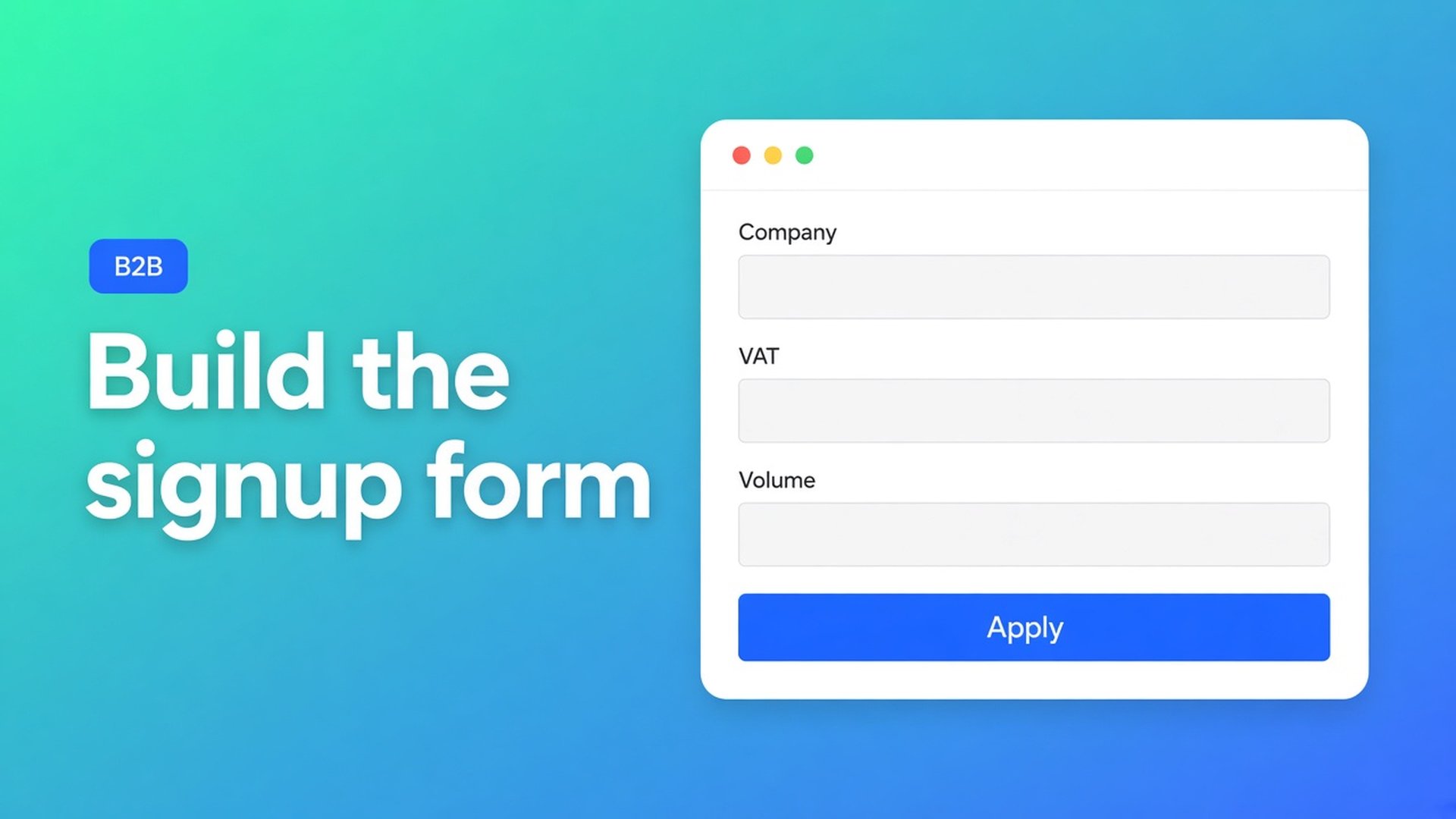
Shopify wholesale registration form builder: fields first, prices later
A storefront that asks for email and a password is not a trade application. You need a company number, a VAT ID, maybe monthly volume — and a human yes before anyone sees net. A Shopify wholesale registration form builder is how you lay that screen out: which fields, which onboarding logic, which locale, and a hard rule that the rate never appears on it.
We already covered *why* a wholesale registration form exists, and *when* customer approval should fire. This article is the builder inside OO - EU B2B & Wholesale: assembling that form without turning it into a price list or a VIES widget.
Native signup is a consumer door
Shopify’s default customer form is email plus password. Extra B2B fields, an approval queue, translated labels — none of that lives there. Native B2B companies and catalogs are a real Shopify path (tighter caps on Basic/Grow/Advanced, wider on Plus). Plenty of EU merchants still run a blended D2C storefront on ordinary customer accounts and tags. Those shops build the application themselves.
If the bulk form is set to “All customers”, or your theme prints staffels for logged-out visitors, the builder is decoration. The gate has to hold while the applicant is still typing.
Workarounds that skip the builder
A Contact page with five free-text boxes. You copy the answers into admin. No queue, no group tag, no German labels for DE distributors.
Default account creation, then a follow-up email. “Reply with your VAT.” The account already exists. Until you tag it they see retail — or every logged-in customer can open the bulk form.
A Typeform off-site. Pretty fields, no customer record. You create the account by hand. At fifty applications that is the job.
None of those is: custom fields on the storefront → approval in the same app → tag → one bulk form retail never sees.
What the listing actually ships
OO - EU B2B & Wholesale is Built for Shopify (5.0, 33 reviews). Standard $8.95/month or $101.88/year (5% off), 7-day trial, billed in USD. The listing calls out:
customer registration with approval flows;
EU B2B Registration Forms — custom forms for wholesale registrations;
advanced registration forms with calculations for smarter B2B onboarding;
Advanced registration form builder on the Standard plan;
fully translatable and customizable;
signup form, wholesale login, customer tagging.
That is the builder: fields you choose, onboarding logic (calculations = smarter signup, not a price list), review, translations. Do not invent an automatic company-register lookup or a VIES call on this screen. VAT validation via VIES is a different listing feature. Do not claim the app replaces Shopify Plus catalogs.
Rates live in the bulk order form, after login and after the group tag. They do not rewrite the ordinary product page. Recommended setup for wholesale stores: a dedicated bulk page, visibility on tags, never “All customers”, one pricing method per form, one form per group.
Show the form to customers with specific tags: the shopper must be logged in; tags match with OR; do not reuse a tag on a second bulk form; listing a tag in visibility does not stamp it onto customers. You attach `Wholesale_T1` after you approve.
Distributor signup in two languages
You sell parts from the Netherlands. Retail stays on the normal catalog. EU distributors apply in English or German.
Name the groups before you drag fields. `Wholesale_T1` / `Wholesale_T2`. One bulk form per tag.
Open the registration form builder (listing: custom forms + advanced builder). Ask for what you actually review: legal name, company number, VAT ID, contact, expected monthly volume. No net prices, no quantity grid, no collection on that page.
Use calculations the way the listing frames them: smarter onboarding, required combinations — not a leaked staffel before approval.
Translate labels (listing: fully translatable). EN and DE copy can differ; the decision you make from the answers stays the same.
Turn approval on. Inbound request → you yes or no. No: no group tag. Yes: attach `Wholesale_T1` in Shopify admin (exact spelling; tags are not case-sensitive).
Point bulk form T1 at that tag, put a collection on it, add the page to the menu. Enabled (`On`) is not the same as visible — create a bulk order form says you still need the theme blocks.
Test in a private window, not as admin. An unapproved application must not see trade. T1 must not see T2. Logged out: no bulk form.
Get the builder live
Install OO - EU B2B & Wholesale.
Decide group tags. One bulk form each.
Build the signup: custom fields, optional onboarding calculations, translations. Keep wholesale money off that screen.
Enable approval. Tag after you approve — visibility settings do not auto-tag.
Bulk page in the nav, tag visibility, never all customers.
Walk a new application: reject, approve, log in, order.
Common B2B setup mistakes still bite after a polished builder: form on everyone, overlapping tags, testing only as staff.
Net terms, VIES, and tiered pricing are on the listing; this article stops at assembling the front door.
Close
A Shopify wholesale registration form builder is fields, review, and locale — not a second catalog. Native Shopify signup does not collect what you need. OO B2B ships the builder and the approval flow; the docs hang access on tags and one bulk form per group. Without a tag there is no rate. Without a customer-session test you will not know if the screen leaks.
Put the form in OO - EU B2B & Wholesale and let the next distributor apply without seeing net on the signup page.

Custom webshops, websites, and applications combined with smart online marketing to help your business grow online!


Reviews
5/5
Mail: info@onlineorigins.nl
Tel: 073 234 0612
KVK: 89825624
BTW: NL865123639B01
Bruistensingel 500,5232 AH 's-Hertogenbosch Cookies
© 2026 Online Origins