
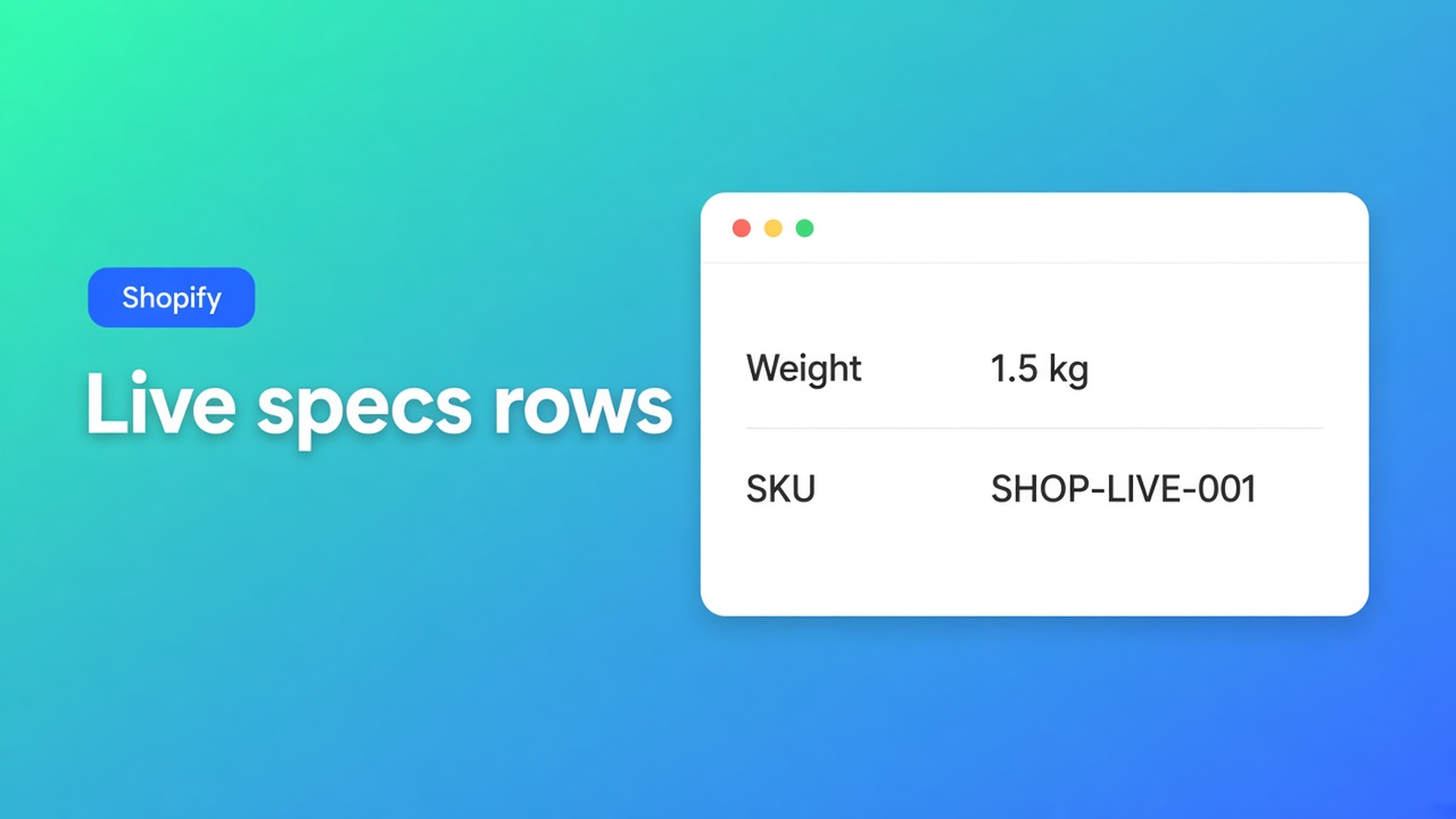
Shopify specs table from product metafields (live rows, not pasted text)
The specs row still says 1.2 kg. The product was updated to 1.8 kg. Someone typed the number into the table. A Shopify specs table product metafields setup does the opposite: rows that point at live product data — weight, price, SKU, a metafield — so the storefront follows the next admin save. Not a second sheet you restyle every season.
We already covered product specs as a table type. Yesterday was where the theme block goes. This article is the binding: which module, when a metafield beats a custom attribute, and why Specs never auto-drop above Add to cart.
Product fields exist. A specs layout does not.
Shopify already stores vendor, type, weight, variant SKU, metafields. Metafields are the custom-data layer. Native admin does not turn those fields into a grouped specs panel next to the buy button, with templates and translated chrome.
Liquid that prints `product.metafields` is a theme fork. An HTML table in the description is stale the first time price or weight moves.
What stores paste instead
Every cell as custom text. “Battery: 5000 mAh” as a custom attribute. Next hardware revision, you hunt the table, not the product. Comparison tables that reuse the row stay wrong.
Leave the AI draft unreviewed. Generate with AI is fast. After AI, check module types. Weight, Price, Color should be Shopify modules, not lookalike custom rows.
Expect Specs above Add to cart with only the embed on. Size charts can auto-place. Specs cannot. Auto-placement rules: Product Specs use the Product specs theme block. No Add-to-cart auto inject.
None of that is: one specs table, rows bound to product data, sitting by the price because you put the block there.
Shopify module first; custom only for leftovers
OO - Advanced Table Builder is Free (5.0 from 1 review). Listing: size charts, product specs, comparison, tabbed, Us vs Them. Connect product and variant metafields so values stay up to date. Visual builder or AI draft. Works with AI, Excel, Google Sheets. CTA is that listing; handle `tables-specs-comparisons`.
What is Tables, Specs & Comparisons?: Product Specs = live Shopify fields and custom attributes for the current product.
Building structure for Specs and Comparison: groups and modules, drag to reorder. Prefer Shopify-backed modules so storefront values stay accurate.
Product information: product option (e.g. Color), product type / category, vendor, description, price, SKU / barcode, weight, rating, collections.
Content: rich text, data table, image.
Reference: metafield reference — namespace, key, product or variant owner; metaobject — referenced metaobject field.
Custom attributes: specs that are not standard Shopify fields (warranty copy, battery range, material blend, …). Pick a value type when it matters: text, measurement, number, boolean, link, …
Same article’s best practice: if the row maps to live product data, use the matching Shopify module, not a custom attribute. Specs and Comparison then stay honest when products change.
Refine with AI on Structure can rebuild rows; the table type stays locked. Then the same audit: Weight and Price are not custom text.
Placement is a block
Place tables with theme blocks: Product specs is visibility-based. Recommended: near price / buy buttons. Customize → template → Add block → Apps → Product specs → Save. Settings visibility decides which product sees which specs table.
`[oo-table id=…]` exists; prefer blocks on the default product template. The embed is required for shortcodes and for size-chart auto-placement — Specs still wants the block.
Example: speaker, weight, SKU, one metafield
Variants stay colour. Specs table “Tech”:
Group Product: Vendor module, Product type module
Group Logistics: Weight module, SKU module (follows the selected variant)
Group Tech: metafield reference, namespace/key for battery, owner product (variant if it differs per SKU)
Group Service: custom attribute “Warranty” — that is not a native Shopify field
Drop the Product specs block under the price. Change weight on the product: the table shows the new number. Touch the custom warranty row only when the policy actually changes.
Variant switch on the product page: SKU and weight modules should follow the selected variant. A metafield with owner product stays put across colours; owner variant changes with the SKU. Pick that on purpose — otherwise the table looks “broken” while the binding is correct.
A later comparison table should reuse those Shopify modules so two speakers compare the same Weight field — not two typed kilograms. Custom attributes in Comparison are pasted text again; do not use them for fields Shopify already stores.
Excel or Google Sheets (listing: Works with) is fine for a first dump. Keeping rows live is modules and metafields, not re-uploading the sheet every week.
Put live rows on the page
Install OO - Advanced Table Builder (Free).
New table, type Product Specs. Structure: groups, Shopify modules first, metafields where the data already lives in Shopify, custom attributes for the rest.
Design: template, colours, fonts. Settings: enabled, visibility.
Theme: Product specs block by the price. Embed on for the rest of the app; do not expect Specs above ATC without a block.
Test two products and a variant switch (SKU/weight). Confirm custom rows are not fake Weights.
Translate labels in Settings → translations. That is UI copy. Metafield values follow product data / Shopify Translate.
Close
A Shopify specs table product metafields setup is live bindings, not pasted cells. Native Shopify holds the fields; this app groups them on the product page. Custom attributes are the remainder. Specs have no auto-inject. Place the block, bind the modules, and let the next weight edit update the table without a second spreadsheet.
Connect the rows in OO - Advanced Table Builder and keep specs equal to the product.

Custom webshops, websites, and applications combined with smart online marketing to help your business grow online!


Reviews
5/5
Mail: info@onlineorigins.nl
Tel: 073 234 0612
KVK: 89825624
BTW: NL865123639B01
Bruistensingel 500,5232 AH 's-Hertogenbosch Cookies
© 2026 Online Origins