
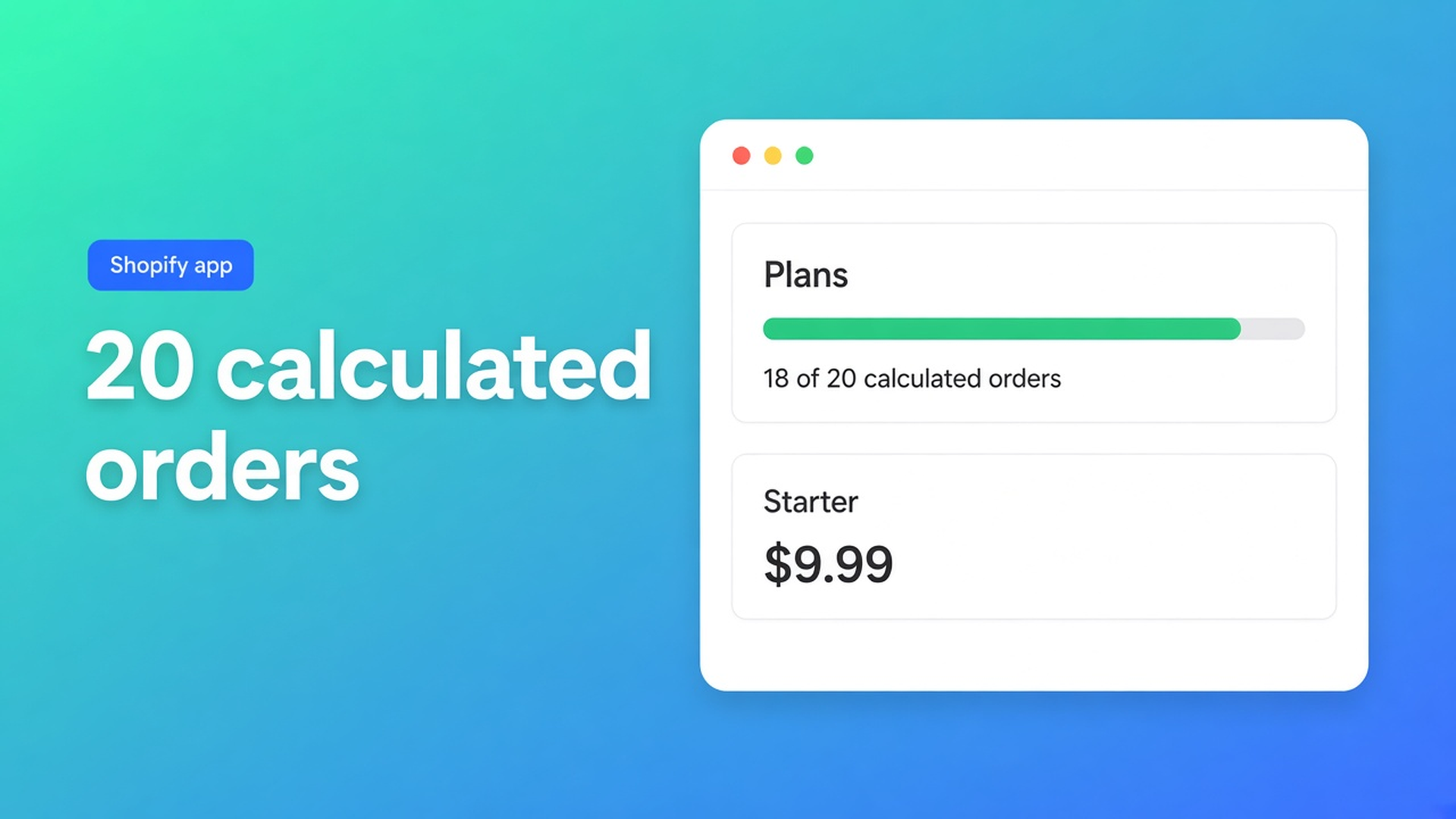
Shopify price calculator free plan: what 20 uses actually means
You ship a made-to-measure calculator on a live store. Eighteen paid orders land. Order 21 never completes. The formula is fine. The Shopify price calculator free plan 20 uses cap is not a warning in admin — it is a checkout stop. Checked 7 November 2026: Options Price Calculator listing, Plans & usage limits, Shopify Help Adding variants. If the listing price, the definition of a “use”, or Shopify’s 3-option / 2048-variant ceiling moves, re-read those three sources before you promise Free on production.
A development store is a different question — we already covered testing the calculator without paying Starter. This post is the production cap: twenty calculated checkouts, then upgrade.
Shopify does not give you a trial calculator
Adding variants (checked 7 Nov 2026): three options, 2048 variants per product. Millimetre width is not an option value. Theme line-item properties (`properties[Width]`) print on the order and do not change the price. Shopify has no “calculator uses” counter because Shopify has no calculator.
Until merchants open the listing they usually pick one of three traps:
A fake grid of starter SKUs. Every 10 cm becomes a variant. Inventory lies. Size, colour and lining already ate the three options. You burn 2048 before the formula exists.
Quotes until “we are big enough”. The shopper emails 184 × 92. You answer in a spreadsheet. There is no live total and no checkout test. Replacing quotes with a calculator fixes the price. It does not fix the plan ceiling.
Starter on day one, no idea Free already checks out. $9.99 feels like “the real app”. Free already is the real app — twenty times. Then the cart refuses calculated checkouts until you upgrade.
Listing copy vs how uses are counted
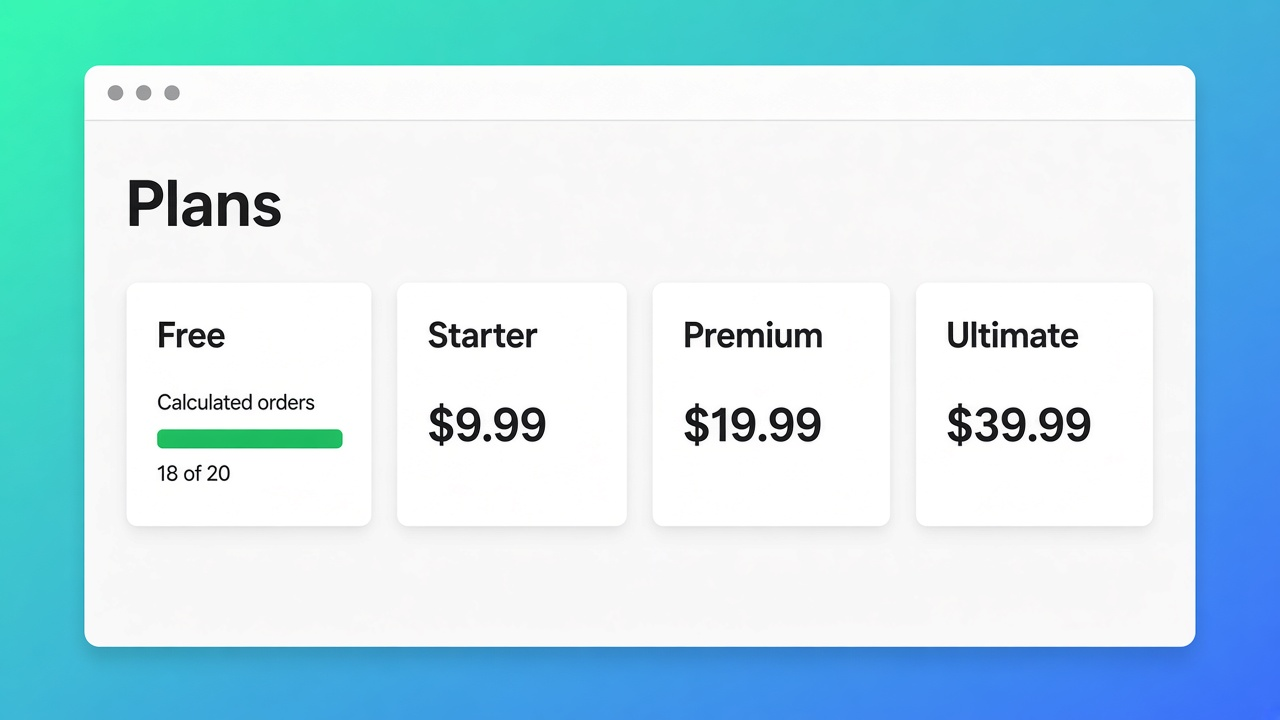
Listing on 7 Nov 2026: Built for Shopify, 5.0 from 30 reviews. Free card: *Ultimate Plan for Free – 20 uses limit*. Starter $9.99/month: unlimited product options, AI generation, formula builder, metafields, styling, multilingual. Premium $19.99/month: conditional logic, font picker, live preview, price breakdown, lookup tables, file uploads. $39.99/month: conditional fields (show/hide), draft-order checkout, free setup/onboarding. USD, billed every 30 days.
The docs article still describes three layers (Free / Starter / Premium) and does not yet document the $39.99 card. It *does* define the counter.
Plan | Listing (7 Nov 2026) | Docs: allowance | What fails at the cap |
|---|---|---|---|
Free | 20 uses; card says “Ultimate Plan for Free” | 1 calculator, 20 calculated orders lifetime, basic fields, theme app extension, 1 AI generation | Calculated checkouts until you upgrade |
Starter | $9.99/month | Unlimited calculators and calculated orders, standard formulas, unlimited AI | No lifetime cap |
Premium | $19.99/month | + conditional formulas, lookup2d, font picker, preview, breakdown | Locked Premium badges, not the counter |
Ultimate | $39.99/month on the listing | Conditional fields + draft-order checkout (listing only in this check) | Irrelevant until you have left Free |
Caption: prices from the listing on 7 Nov 2026; counting rules from Plans & usage limits (docs still quote older ~$14.99 Premium defaults). Trust the listing for money. Trust the docs for the counter. If either source changes, the table above is stale.
Feature-by-feature Starter vs Premium (conditionals, preview) is a separate post. Today is only the twenty.
A “use” is a paid calculated order, not a page view
Docs: on Free, each successful calculated order increments a shop-level counter. Storefront and cart check it so you cannot silently overrun. Starter and Premium drop that lifetime cap.
So:
Dragging width three times and bouncing does not count.
Completing a test order on the live shop does.
A second calculator on Free is blocked until you upgrade or delete the first — create / duplicate / import. One calculator. Twenty orders.
Free is not “unlimited browsing, pay to checkout”. It is twenty real calculated checkouts. After that, shoppers cannot finish a calculated checkout until you open Plans, pick Starter (or higher), and approve the Shopify charge.
When twenty is a sane launch — and when order 21 is a support ticket
Sane: one product, one formula such as `product_price + (width * height)`, a quiet launch, friends plus a handful of buyers. You want to see whether the theme actually takes the price — including the Ajax cart / drawer — before you lock Starter. Walk the setup checklist first; the plan is second.
Not sane: a paid campaign, a five-SKU made-to-measure range, or a weekend you will not be in admin. Order 21 is not a toast in the app. It is a shopper who cannot pay. Turn Starter on before the ads, not after the first angry email.
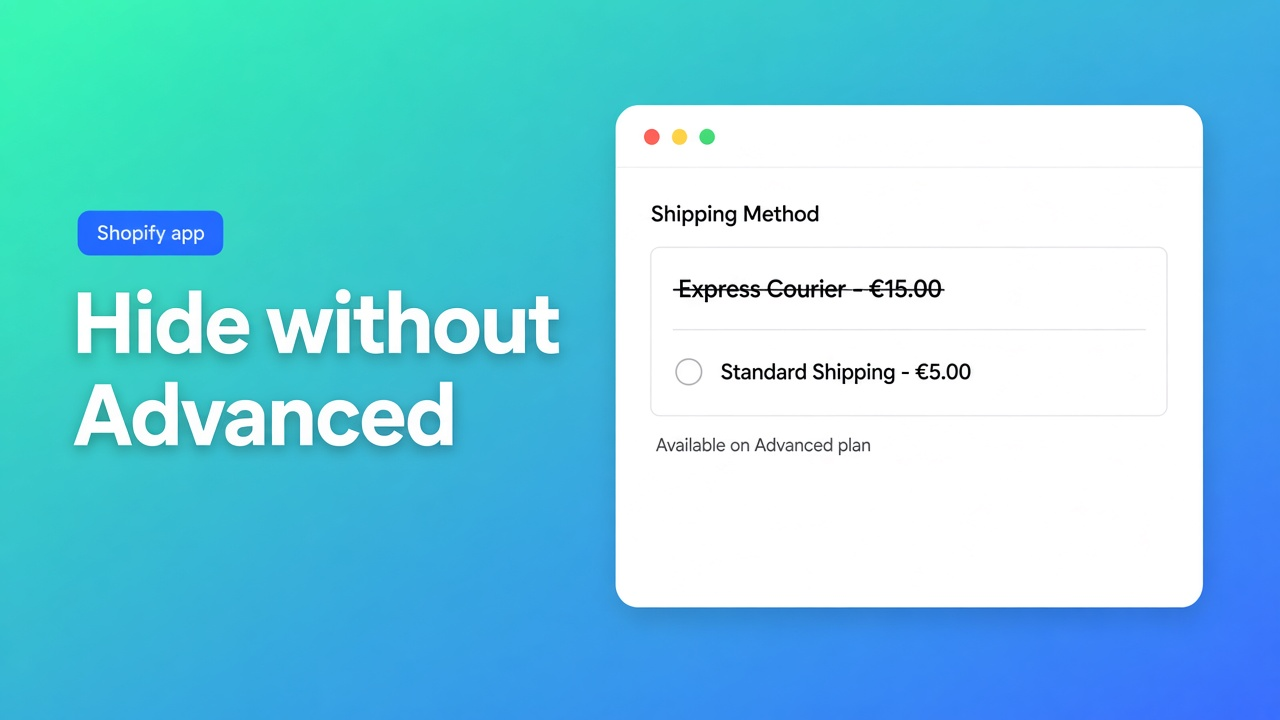
Premium-locked builder badges (conditionals, live preview, lookup tables) are a different gate. Spare uses do not unlock them. Conditional *fields* (show/hide) and draft-order checkout sit on the listing’s $39.99 card. Do not confuse those with the Free counter.
Native Shopify stays at 3 options / 2048 variants. Calculator fields are not inventory SKUs. Free does not raise Shopify’s ceiling; it gives you one calculator until the cap.
Worked example: acrylic sheets, live, cap hit
Store “SheetLab”. One SKU, cut-to-size acrylic, width and height in millimetres. A native variant grid at 10 mm would be hundreds of SKUs and would already spend three options on colour, thickness and finish.
Install Options Price Calculator. Stay on Free. Do not approve Starter until the formula and selectors work.
One calculator. Fields `width` and `height`. Docs formula `product_price + (width * height)` — or your rate variable. No invented helpers.
Theme app extension on the product page. Test Add to cart and the drawer. A completed order spends a use.
Place two of your own test orders. Eighteen uses left. Do not schedule a launch sale on Free unless you accept that checkout 21 stops.
Real orders 3–20 go through. Monday, order 21 fails. App → Plans → Starter $9.99 → Shopify charge. Checkouts resume.
Five acrylic grades would have broken Free earlier: one calculator, duplicate blocked. Either Starter, or one formula that honestly covers every grade.
If the theme never picks up the selector, upgrading will not fix it. That is theme bindings or professional setup, not “more uses”.
Get it live without burning the cap on tests
Install from the listing. Stay on Free until you understand the counter. Docs: every successful calculated order counts; there is no silent overrun. One calculator. Shopify itself still has three options and 2048 variants — Free sidesteps that with fields, not extra SKUs.
Count your own test orders. A development store is the other article; production Free is not an unlimited preview. Ads next week? Starter before the first click. Soft launch to friends? Twenty can hold. Need conditionals or live preview? That is Premium or the $39.99 card, not leftover Free uses.
Re-check prices on the listing, not in an old table. On 7 Nov 2026 Premium was $19.99, not the ~$14.99 still mentioned as a docs default. The $39.99 card was on the listing and missing from the Plans article. If you still promise Free in three months, open both sources again.
Bottom line
For SheetLab I would run Free, spend two uses on my own checkouts, and have Starter approved before the first ad — not after checkout 21 fails. Shopify price calculator free plan 20 uses is a lifetime calculated-order cap, not a page-view meter and not “Ultimate forever at $0”. Native Shopify will not price those fields. Listing 7 Nov 2026: Free 20 uses, Starter $9.99, Premium $19.99, Ultimate $39.99. Docs define the twenty; the listing defines the invoice. If either moves, this advice is wrong.
Install from the Options Price Calculator listing and read remaining uses on Plans before you promise a campaign.
This blog is presented to you by

Floris-jan de Vries
Co-owner / Back-end developer / Shopify Expert
As a full-stack developer, Floris-Jan ensures the technical logic behind the design. He also uses his extensive knowledge of Shopify every day to provide our clients with the best possible support.


The Shopify Select partner for ambitious e-commerce businesses that want to grow!

Services
Reviews
5/5
Mail: info@onlineorigins.nl
Tel: 073 234 0612
KVK: 89825624
BTW: NL865123639B01
Bruistensingel 500,5232 AH 's-Hertogenbosch Cookies
© 2026 Online Origins