
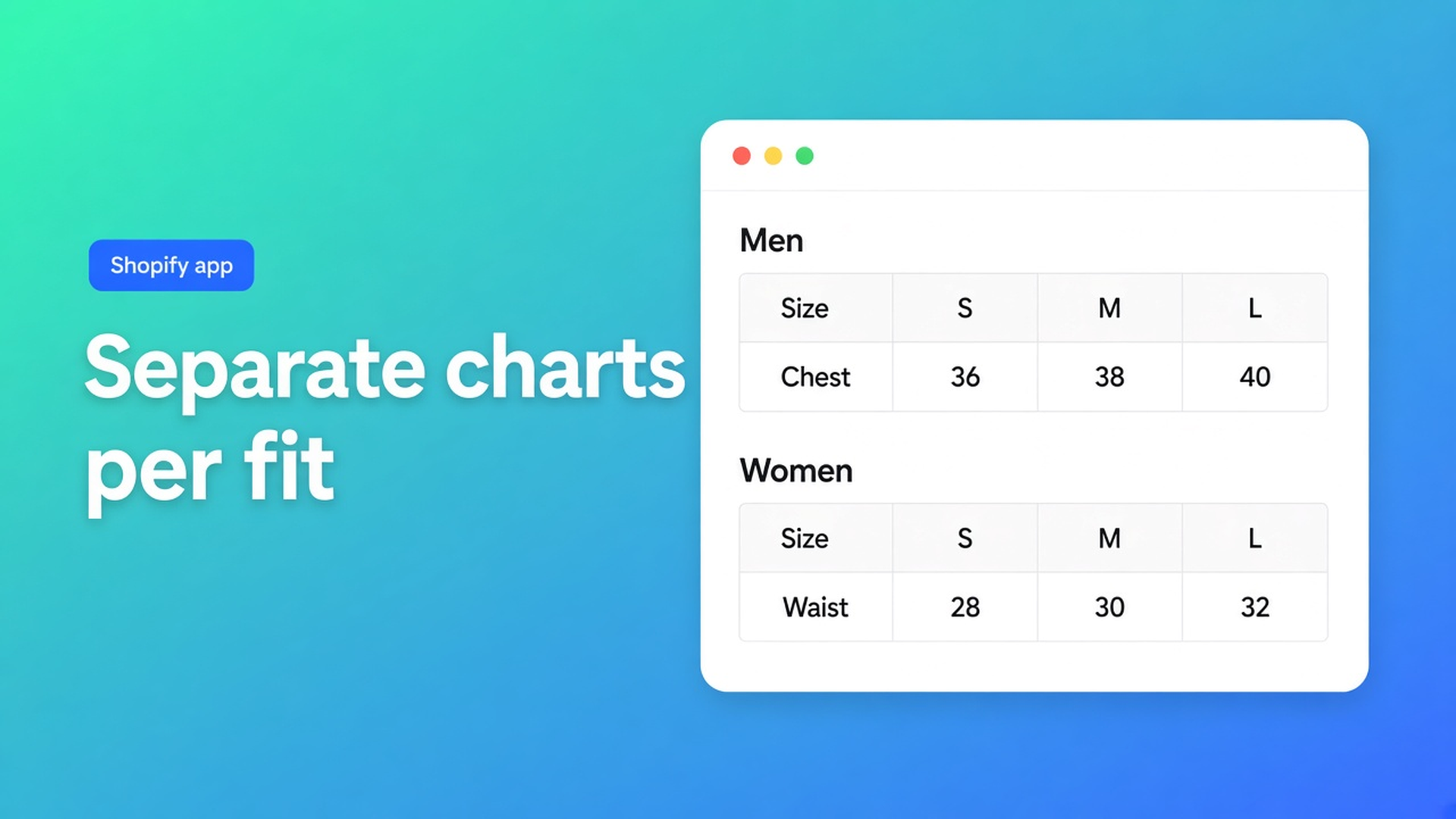
Shopify multiple size charts: men and women as separate blocks
One HTML table “Men | Women | Kids” in the product description is not a size guide. Shoppers pick the wrong column, half of it vanishes on a phone, and a women’s hoodie still shows the men’s grid. Shopify multiple size charts means separate charts, each with its own visibility, on the product page next to the buy button.
This article covers why a mega-table fails, how OO - Advanced Table Builder keeps charts as separate blocks, and how AI can split several tables from one screenshot (Men + Women). We already covered what a size chart app is and where it sits on the product page. Here the subject is how many charts.
Listing name: OO - Advanced Table Builder. Docs still say Tables, Specs & Comparisons. CTA stays that listing URL.
Native Shopify has one Size option, not a set of tables
Adding variants: max three options, 2048 variants. Size is an option value (S/M/L), not a centimetre grid per fit. Men, women and kids do not share columns. More than three options? A third-party app or line item properties — that does not build a size chart.
What shops also have: one image in the description, one “Size guide” page, or custom Liquid. App blocks place something; you still choose how many charts and which products see them.
What merchants try instead
1. Everything in one table
Chest/waist for three genders side by side. Unreadable on a phone. The wrong column becomes the order.
2. One screenshot for the whole catalogue
The supplier PDF. No visibility. Kids’ shoes show the men’s grid.
3. A Specs block as a second size chart
Product Specs is a different type. Auto-placement rules: Specs use the Product specs theme block only. There is no Add-to-cart auto inject. Do not mix size charts and specs in one block.
None of those paths: two Size chart tables, each enabled, each on selected products.
How multiple charts work in Advanced Table Builder
OO - Advanced Table Builder is Free (0 reviews, launched 17 September 2026). Listing: size charts, specs, comparison, tabbed, Us vs Them. Visual builder or an AI draft from a description or screenshot. Connect metafields, style, place, translate.
This article is the Size chart path with more than one table. Comparison and Specs have their own posts.
AI: one photo, separate blocks
Create and refine tables with AI: Create table → Generate with AI → description and/or screenshot (PNG, JPEG, WebP, GIF, max 4 MB). AI picks a type, fills sample structure, can approximate colours from the image. Verbatim: Multiple charts in one photo (Men + Women) become separate blocks.
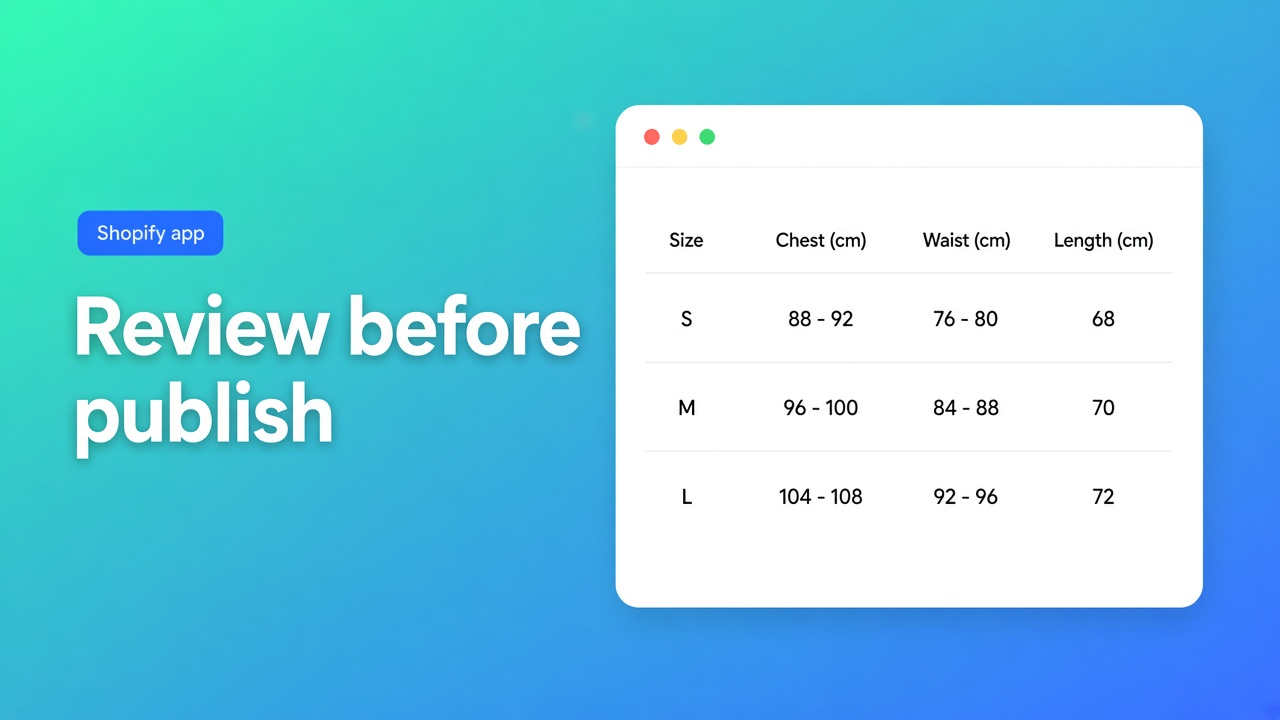
That is the shortcut for “one supplier PNG, two fits”. Review Structure before you trust it. AI is a draft. After create: check module types (prefer Shopify modules for Weight/Price/Color, not frozen custom text) — more relevant for Specs, but the tip lives in the same docs.
Refine Structure later: type stays locked; text and/or an image to rebuild rows, groups, charts or tabs. Confirm before replacing structure. Refine Design: description, screenshot or website URL; Structure stays put.
You can also skip AI: Create table → Size chart twice.
Visibility per chart, not a table ID on the block
The Size chart theme block is visibility-based: which chart shows follows Settings, not a table ID in the block (Place tables with theme blocks). Tabbed and Us vs Them pick a specific ID.
Enable, visibility, and products: a disabled table does not render. Size charts: All products or Selected products only on product pages. Internal description is admin-only.
In practice: table “Men” → selected men’s hoodies. Table “Women” → selected women’s. Set both to All products and you are back to two grids on every product — the problem you were solving.
One Size chart block, or auto-placement
Theme: Online Store → Themes → Customize → product template → Add block → Apps → Size chart, near price / buy buttons. Embed on: Theme settings → App embeds → Tables, Specs & Comparisons.
Auto-placement: embed on and no Size chart block → enabled Size charts that match visibility can render above Add to cart. If the block is present, the block wins. Several matching charts: keep visibility tight or they stack.
Shortcodes optional: `[oo-table id=YOUR_TABLE_ID]`, embed on, table enabled. For PDPs with two fits, visibility plus one Size chart block is cleaner than two shortcodes in the description.
Example: men’s and women’s hoodie, same screenshot
Supplier sends one PNG with two grids. Generate with AI, 4 MB limit. Review: two Size chart blocks, Men and Women. Enable both. Visibility: Men table only on men’s SKUs, Women only on women’s. Default product: Size chart block by Add to cart. Open a men’s hoodie: men’s grid only. Women’s hoodie: women’s only. Do not expect a Specs block to act as the second chart.
Translations: customer-facing labels per locale in Settings — revisit after structure changes.
What you need to start
Install OO - Advanced Table Builder — Free.
Quick start: Create table → Size chart, or Generate with AI (screenshot max 4 MB). Check that Men + Women are separate blocks.
Enable + visibility: selected products per fit. Not both on All products.
Embed on. Size chart block by the buy buttons, or auto-placement only where the block is missing.
Test a men’s and a women’s PDP. Specs stay a different type, with no ATC auto-inject.
Wrap-up
Shopify multiple size charts is not a wider HTML table. It is separate Size chart tables, visibility per product, one block (or auto-placement) by Add to cart. Native Shopify stops at Size as an option. AI may split one screenshot; you review Structure.
Put the charts in OO - Advanced Table Builder and let the next women’s hoodie show the women’s grid — not three genders in one scroll.
This blog is presented to you by

Floris-jan de Vries
Co-owner / Back-end developer / Shopify Expert
As a full-stack developer, Floris-Jan ensures the technical logic behind the design. He also uses his extensive knowledge of Shopify every day to provide our clients with the best possible support.


The Shopify Select partner for ambitious e-commerce businesses that want to grow!

Services
Reviews
5/5
Mail: info@onlineorigins.nl
Tel: 073 234 0612
KVK: 89825624
BTW: NL865123639B01
Bruistensingel 500,5232 AH 's-Hertogenbosch Cookies
© 2026 Online Origins