
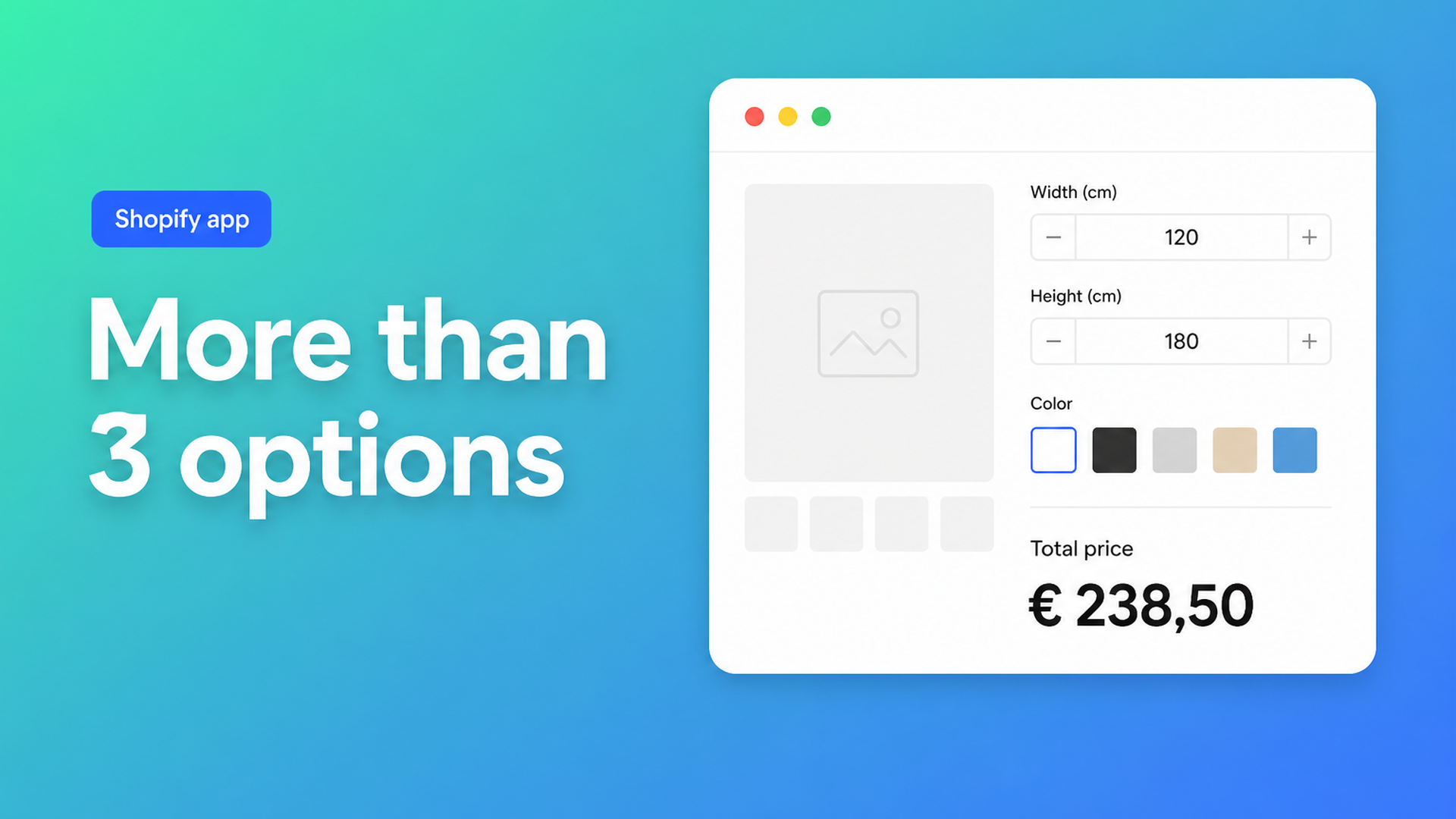
Shopify more than 3 product options: add choices without extra variants
Shopify is excellent at inventory per SKU, and strict about three variant options per product. Once you have used color, size, *and* material, there is no fourth native dropdown for finish, mounting style, or a customer-typed length. Merchants who sell custom work hit this every week. Threads such as Adding more than 3 options in Shopify admin and Can default Shopify stores list more than three options? keep asking the same things: a fourth option, a customer who types millimeters, a surcharge that is not a variant.
This article states the current platform limits, explains why raising the variant cap to 2048 does not give you a fourth option, and shows how Options Price Calculator puts extra fields and a live formula on the product page without creating new SKUs.
What Shopify allows — and what it does not
Shopify Help Adding variants is the source of truth:
Each product can have up to three options (for example Size, Color, Style).
Each product can have up to 2048 variants (the old 100-variant ceiling has been raised).
2048 sounds generous until you multiply. Five lengths × ten colors × four fabrics is already 200 variants — and you have spent all three option slots. A fourth choice (hem, coating, fixture) cannot be a native option. Continuous measurements are worse: you cannot, and should not, create a variant for every millimeter. Shopify’s own guidance for merchants who need more than three options is to split products or use an app. The variant cap moved to 2048 in October 2025 (Shopify changelog); the three-option ceiling did not.
Other ceilings still apply, including a cap on media items per product, and themes or sales channels that struggle with very large variant sets. More SKUs make feeds, inventory, and discounts harder. They do not make the product page feel like a configurator.
Workarounds shops try first
Split the catalog
One “model” becomes five products (one per style) so each page gets three options again. Developers discussing the 2048 rollout described this as viable combinatorics and a maintenance trap: duplicate content, messy related products, and customers bouncing between URLs.
Line item properties in the theme
Liquid can add `<input name="properties[Width]">`. Shopify stores that string on the line item. Fulfillment can read it. The price does not change. An 80 cm piece and a 240 cm piece cost the same unless you add an app or a Shopify Function. Community “custom size” threads stall on exactly this point.
A variant for every cell in a price grid
Print and fabric shops often start from a width × height matrix. Variant count explodes, inventory per cell is meaningless, and the customer faces a dropdown with hundreds of rows. That is a spreadsheet, not a buying experience.
Extra choices belong beside variants, not inside them
Keep native variants for stocked combinations. A color you actually warehouse, or a base material with its own SKU, should stay a variant. Anything that does not need its own inventory row — free size, extra finish, file, text, surcharge — belongs in product options with a formula.
Options Price Calculator is built for that split: unlimited fields (dropdowns, swatches, numbers, checkboxes, file upload, text) on the product page, a formula that updates the price in real time, and no extra variant per choice. It is Built for Shopify, installs as a theme app extension, and can still attach a different calculator to each real variant (wood vs. metal, for example).
A typical formula from the docs:
``` product_price + (width * height) ```
Or with a material multiplier from a dropdown and a setup fee:
``` product_price + 25 + (width * height * material_type) ```
Shoppers see the total move as they type. The submitted options travel with the order, so the workshop sees the same measurements as checkout.
More than three choices: a blinds example
A made-to-measure blind usually needs:
Width (number, mm)
Height (number, mm)
Slat color (swatch, 12 colors)
Control side (left / right)
Mount (inside recess / outside)
Items 1–2 are continuous. Items 3–5 are choices. Native Shopify gives you three options; this list is five, plus two free numbers. In Options Price Calculator you model color, control, and mount as fields (numeric values for any upcharge), width and height as number inputs, and one area × rate formula. Inventory stays on the parent product or on a handful of real variants (fabric collections), not on 12 × 2 × 2 × infinite millimeters.
The same pattern covers curtains, banners, fabric by the meter, engraving (text plus a fee), or a logo upload. Conditional logic (Premium) covers thresholds: a higher rate above 200 cm, or a minimum price so tiny orders do not fall below cost. See Conditional Pricing.
We have a broader overview in Price calculations and product configuration for Shopify; this piece is specifically about the three-option ceiling.
Start without rebuilding the catalog
Install Options Price Calculator from the Shopify App Store. A free plan exists (usage cap; always free on a Develop plan store).
Add the app block to the product template in the theme editor — How to Add the Extension to the Product Page.
Create fields for everything that is not a SKU. Keep stocked options as Shopify variants.
Build the formula in the formula builder and test with preview values.
Link the calculator to the right product variants, in bulk if you have many SKUs.
Server-side price validation lives in app-wide settings: the calculated price is not only a browser display. You can also pass configuration data into the order confirmation email so support and fulfillment see the same setup.
Wrap-up
Shopify more than 3 product options is not a toggle in admin. The three-option limit is platform policy. 2048 variants only help when every combination is a real SKU. A fourth choice, a free-size field, or price per square meter needs fields plus a formula — not another variant row.
Put those fields on the product page with Options Price Calculator and let customers configure instead of waiting on a quote.

Custom webshops, websites, and applications combined with smart online marketing to help your business grow online!


Reviews
5/5
Mail: info@onlineorigins.nl
Tel: 073 234 0612
KVK: 89825624
BTW: NL865123639B01
Bruistensingel 500,5232 AH 's-Hertogenbosch Cookies
© 2026 Online Origins