
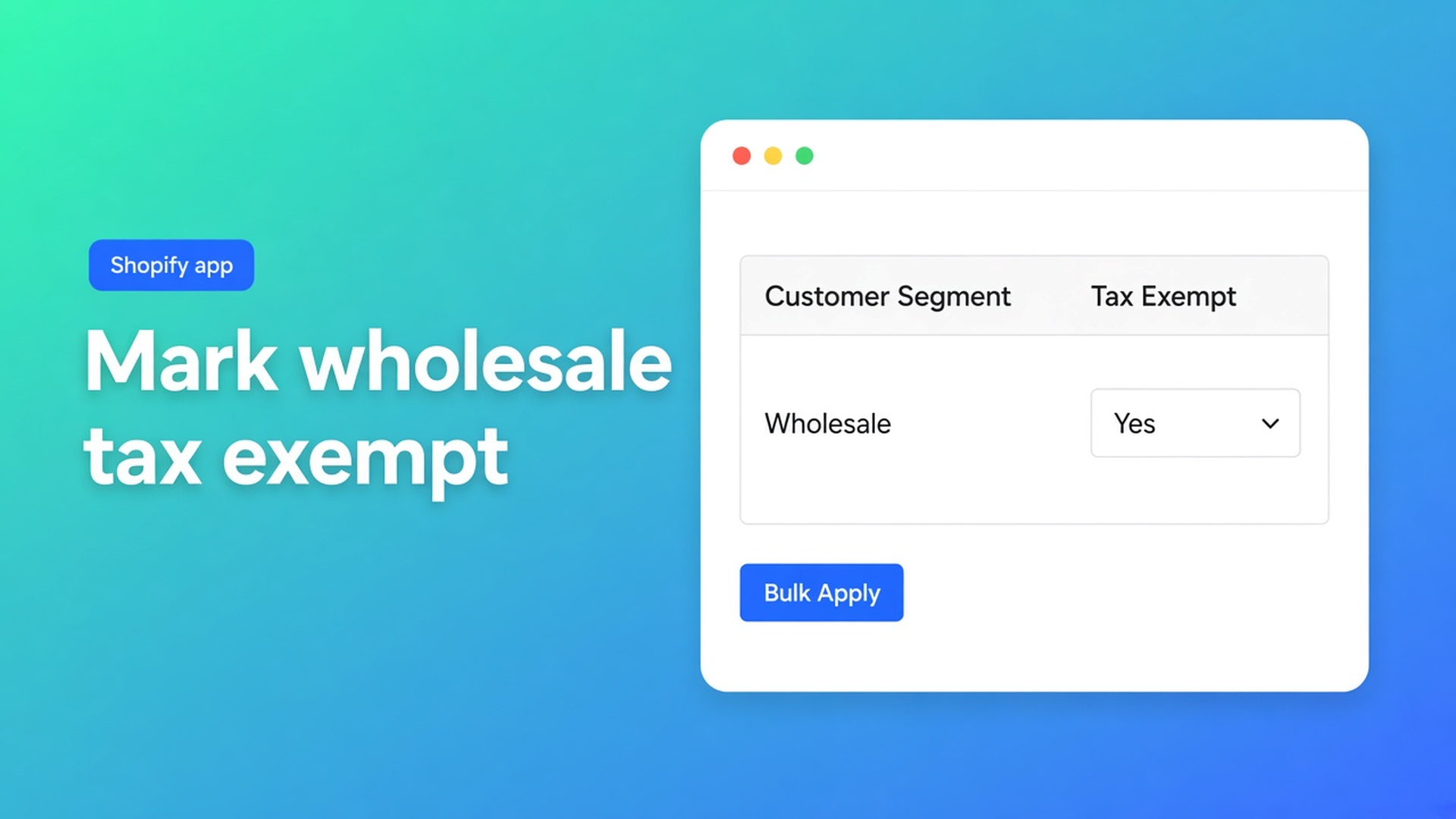
Shopify mark wholesale customers tax exempt: segment, then bulk apply
Your resellers already have the `Wholesale` tag. Checkout still adds tax. That is not a tagging bug: to Shopify mark wholesale customers tax exempt you change a field on the customer profile, not a label on the Customers index. Native Shopify does it one account at a time: Manage tax settings → Don’t collect tax. A hundred wholesale accounts means a hundred identical clicks.
This article treats wholesale as a *working set*: a Shopify customer segment or a tag filter, then the tax-exempt column in OO - Bulk Customer Data Editor. We covered the field itself in bulk edit tax exemption status. Tags as a filter live in bulk update customer tags. Here is the wholesale run: who is in the group, how you load them in the grid, how you write one value onto up to 50,000 matches.
Not tax advice. Whether someone *may* be exempt is for your accountant and the law. This is the admin field in bulk. No other Online Origins app in this post — no wholesale storefront, no VIES checkout.
The Shopify problem: wholesale is a group, tax exempt is one profile
Shopify Help Tax overrides and exemptions is explicit. Tax-exempt customers are not charged tax at checkout. They must check out with the same email address as the customer account. Native setup:
Customers → open a customer.
Customer section → Manage tax settings.
Don’t collect tax (or Collect tax / Collect tax unless exemptions apply).
Save.
That is one person. Wholesale is rarely one person. It is a list: resellers, dealers, internal B2B-like accounts you recognise by a tag, a country, or a Shopify customer segment — dynamic, rule-based lists that grow on their own.
Shopify’s own segments are strong for marketing and reporting. They do not flip the tax flag. There is no native “this segment → Don’t collect tax”.
Two warnings from the same Help page:
Customer tax exemptions override product tax overrides. An exempt customer is not charged tax on applicable products even when overrides exist.
With tax-included pricing, the listed product price stays; the customer still pays the full listed amount. Exemption is not an automatic markdown on inclusive prices.
Shopify B2B (Companies / locations) has a *different* tax path: exemption on the company location, not on the loose customer record. This app edits customer profiles. Do not claim it writes company-location tax settings. This post is about the customer-level flag the listing names next to Customer Locale.
What merchants try instead
1. Every wholesale account, Manage tax settings
Fine until page two. Then someone is missed, or a newly tagged reseller stays on Collect tax.
2. Only a `Wholesale` or `tax-exempt` tag
Tags are filters and segments. They do not make the customer tax exempt in Shopify’s tax engine. Checkout reads tax settings on the account. The listing calls out tax-exemption status as a field the standard editor does not make easy in bulk — alongside Customer Locale.
3. Build a native segment, then still open every profile
The segment is the right *selection*. The flag is still manual. That is the gap: you have the group, not the write.
4. Export → Excel column → re-import everything
You meant to change one flag and dragged locale and consent along. In this app, empty CSV cells stay unchanged on updates. Native import is a different contract.
None of those routes is: segment or tag search in the grid → Select all matching → Field tax exempt → staged until Save.
How you load wholesale accounts in the editor
OO - Bulk Customer Data Editor is Free. Listing: spreadsheet editor; bulk-edit Customer Locale and Tax-exemption status; import/export of fields Shopify leaves out; filters, reusable views, segments. Works with Excel and Google Sheets via CSV. 0 reviews. Launched 15 September 2026. UI is English.
Open it from *Start editing* or Customers → More actions → Edit in bulk. Staff need `read_customers` and `write_customers`. FAQ: segment features depend on Shopify segment permissions for the shop and the staff account. Blocked protected customer data limits editing until access is approved.
Quick start is the wholesale order of operations:
Open the app → Start editing (or Customers → Edit in bulk).
Search by name, email, phone, or tag — for example `Wholesale`.
Optionally pick a segment from the segment dropdown.
Add Filters or Sort if the set is still too wide.
Edit cells or bulk apply; Save on the Shopify save bar. Large saves: keep the tab open.
What is Bulk Customer Editor?: work with customer segments, and create new segments from filters. Views are shared shop-wide.
Columns, filters, and sorting: filters run across the whole customer list, combined with search and segment. Conditions such as `contains`, `is`, `is empty`. Search (name, email, phone, tags) hits Shopify search. Large store: segment or tag-search first, *then* filter tax exempt is empty so you do not overwrite accounts that are already flagged.
Select all matching follows search + segment + filters, up to 50,000. Over that cap: a tighter segment, an extra filter, or a second run.
Bulk apply: the flag, not the tag
Edit customers in the spreadsheet: editable fields include name, email, phone, tags, note, locale, tax exempt; marketing consent (Shopify rules); default address; metafields defined on the shop. Read-only: total spent, order count, created date. Only changed fields go to Shopify. Failed row: Shopify’s error message. Tax exempt is a dropdown (yes/no-style), not free text.
Same value on the wholesale set: Apply a value to many customers:
Checkboxes, or Select all matching (current search + segment + filters, up to 50,000). Progress while the selection is collected. Rows do not all have to be on screen.
Bulk-edit bar: Field → tax exempt.
Value: dropdown for yes/no fields.
Apply to selected — staged in the editor. Nothing hits Shopify until Save.
Review, then Save. Saves are permanent. Discard drops unsaved edits.
Large saves run in batches. Keep the tab open. Failed rows: fix the error, retry the rest.
Do not mix a second field into the same apply if you only want wholesale exemption. Locale is a separate run — listing USP, different column.
Example: Wholesale segment, flag still off
You already have a Shopify segment “Wholesale buyers” (tag `Wholesale`, or a ShopifyQL rule you use for email). Two hundred accounts. Native tax settings still say Collect tax. Checkout charges tax; the tag does nothing.
Open the editor (from Customers).
Segment dropdown: that wholesale segment. Or Search on tag `Wholesale` if the segment does not exist yet.
Show the Tax exempt column. Optionally filter on not exempt / is empty.
Select all matching. Confirm you are under 50,000.
Bulk apply tax exempt → exempt / Don’t collect tax equivalent in the dropdown → Apply to selected.
Preview in the save bar. Save. Leave the tab open until batches finish.
Spot-check: customer profile → Manage tax settings. Test checkout with the same email as the account.
New wholesale customers later: get tags in order first (bulk tags), the segment grows, same view + apply.
After a CSV import the flag is often missing — that path is in tax exempt after customer import. This post is the recurring wholesale list.
What you need to start
Install OO - Bulk Customer Data Editor (Free).
Staff with customer permissions. Empty segment dropdown? Shopify segment permissions for that user.
Wholesale group as a tag and/or segment. Then filter tax exempt empty.
Bulk apply, Save, spot-check plus a checkout test with a matching email.
Tax-included prices: do not expect a lower listed price.
Quick start: cells stay marked until Save; save bar with preview.
Wrap-up
To Shopify mark wholesale customers tax exempt you do not retag them and you do not open Manage tax settings a hundred times. You load the group (segment or tag search), filter who still lacks the flag, Select all matching up to 50,000, bulk-apply tax exempt, Save. Native stays per profile. The listing names this field next to locale for that reason.
Install Bulk Customer Data Editor and set exemption on the wholesale group — then one checkout test per email.

Custom webshops, websites, and applications combined with smart online marketing to help your business grow online!


Reviews
5/5
Mail: info@onlineorigins.nl
Tel: 073 234 0612
KVK: 89825624
BTW: NL865123639B01
Bruistensingel 500,5232 AH 's-Hertogenbosch Cookies
© 2026 Online Origins