
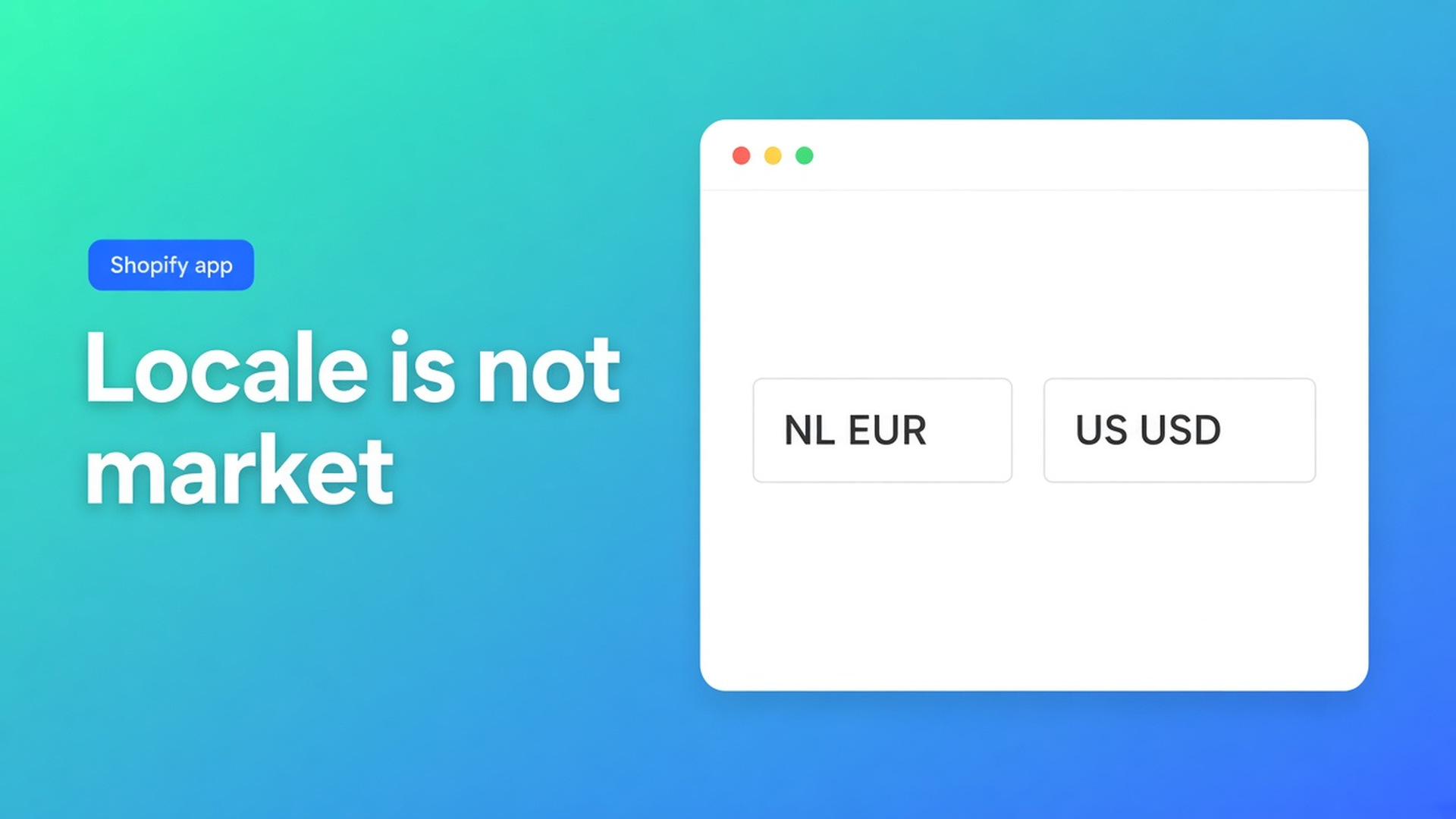
Shopify language and currency switcher: locale is not the market
German is live. The header only flips strings. Checkout stays on euro, even for the US market. That is not a bad translation — you shipped a language control without a market. Shopify language and currency switcher is the listing line: shoppers switch language and currency from one control you can style. Checked 7 November 2026: OO - Ultimate AI Translations listing, Set up a language switcher, Manage languages, FAQ, Shopify Help Languages. If the listing’s currency sentence or the docs’ “language and country” line moves, re-read those sources before you promise a one-click USD toggle.
How the control *looks* is style the language switcher. This post is language versus country/currency in the same switcher.
Shopify already splits locale and market
Languages: you publish locales. Markets also own country, currency, catalogue. A theme language selector often changes copy only. The US-market dollar arrives when the shopper is in that market.
Switcher docs, verbatim: *Let shoppers switch language and country on your storefront.* Listing hero (7 Nov 2026): *switch language and currency from a switcher you can completely style.* Listing categories: Geolocation, Local currency checkout, Multi-currency, Country selector, Switcher design. The docs talk about country / markets, not a second FX widget beside Shopify Markets. Do not invent one. Currency follows the market you show in Switchers.
Until shops make that split they usually:
Put `/de` in the header and leave checkout on the NL euro. The catalogue is German. The price is still the primary market. No country in the switcher.
Ship two controls: theme language + Shopify market picker. Shoppers tap the wrong one. Docs: placement, style, languages or markets on one Switchers card.
Preview the switcher on unpublished German. Manage languages: unpublished locales can still go into a job. Shoppers only see a language in the switcher after it is published. FAQ: publish the languages they may pick.
Free includes the switcher. It does not include jobs.
Listing 7 Nov 2026: 0 reviews, launched 14 Oct 2026. Do not invent stars.
Plan | Price | Switcher | Not included |
|---|---|---|---|
Free | $0 | Language switcher, own AI, unlimited languages/markets | No backups, no scheduled jobs, no App AI |
Professional | $10/month + usage | Same switcher | Monthly jobs, glossary, 1+1 backup, App AI ~$0.01/unit |
Plus | $20/month + usage | Same switcher | Daily jobs, 5+5 backups |
Source: listing 7 Nov 2026. USD. App AI is pass-through ~$0.01/unit on paid plans, or your own LLM. You do not need Plus “to style the button”. Plus is for daily jobs.
Docs setup:
Open Switchers.
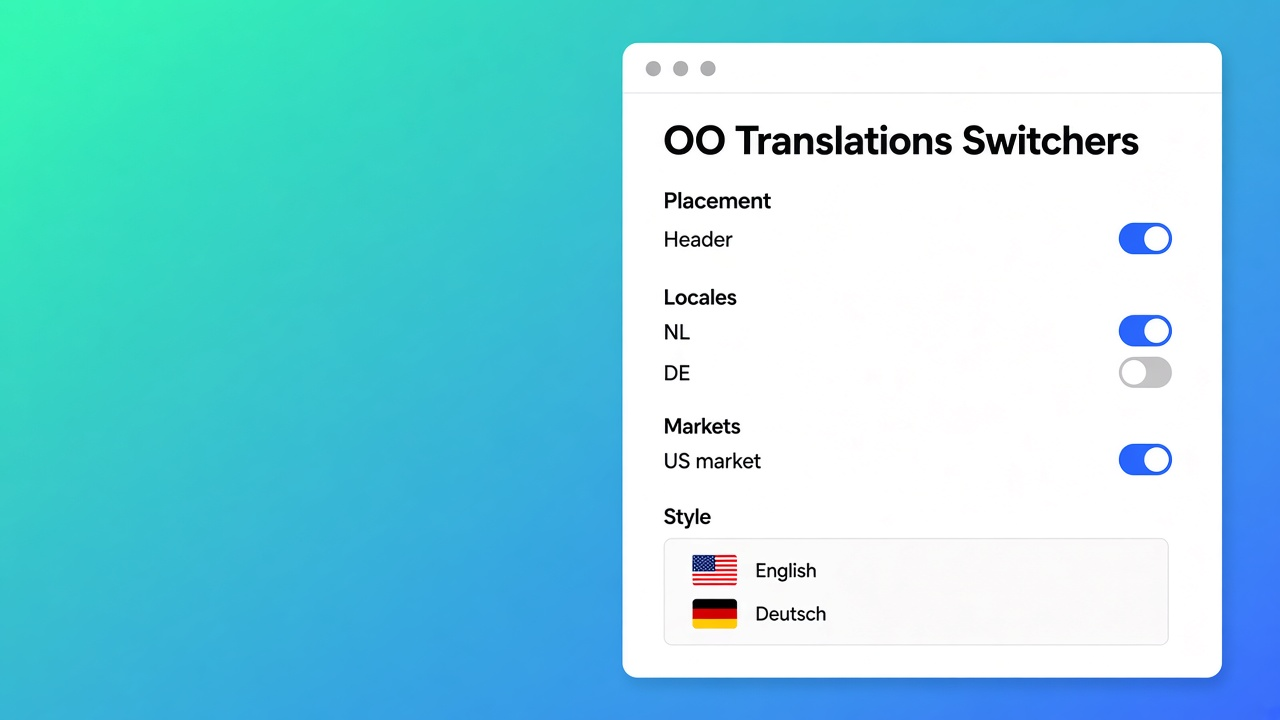
Placement, style, which languages or markets.
App embed or theme block in the theme editor.
Preview. Missing: embed on the live theme (FAQ).
Translating a draft theme prepares copy. Shoppers do not see a switcher on an unpublished theme.
Language without a market is half a switcher
If the list is locales only, a shopper can go German while the US market (USD, catalogue, tax) stays put. If you include markets, country plus that market’s currency follow — that is the listing’s “currency”, via Shopify Markets, not a homemade FX toggle.
Market-specific copy: Across markets versus Adapt a market. The switcher displays what you tick in Switchers; it does not translate. Jobs write the copy. Locks keep your edits.
Primary language stays the source (Manage languages). A US market with English source and a German locale is two axes. Test both: DE+NL euro and EN+USD.
Do not claim geolocation beyond the listing category. Docs cover placement/style/languages/markets and the missing-switcher FAQ, not an IP redirect. Do not invent one.
Worked example: NL store, DE copy, US dollar
Store “Wool Line”. Primary NL. German published. US market on USD. Header was NL/DE only.
Install OO - Ultimate AI Translations. Free: switcher + own AI. No jobs on Free.
Languages: enable + publish DE. Unpublished DE can already sit in a Professional/Plus job; the switcher waits on publish.
Switchers: show NL, DE, and the US market — not two languages only. Style on the card (details: styling post).
Embed or block on the live theme. Turn the theme’s own language selector off, or you get two buttons.
Test: DE+euro (same market, other locale). US market: currency follows Markets. Button missing: FAQ, live embed.
Glossary holds brand names. The switcher will not rewrite “Wool Line” if you locked it in the editor.
Get the control live before you style it twice
Publish the locale in Shopify. Open Switchers. Choose languages or markets on purpose. Embed on live. Preview after publish. Free is enough for the button; Professional/Plus is for schedule and App AI.
Currency is the market, not another plan. The listing’s Multi-currency category is the storefront control, not a homemade FX engine. If Shopify Markets change, re-check checkout after a US click.
0 reviews on 7 Nov 2026. Launched 14 Oct 2026.
Bottom line
For Wool Line I would put DE as a locale and US as a market in the same switcher, turn the theme selector off, and stay on Free until jobs are needed. Shopify language and currency switcher is Free, stylable, language plus country/market. Docs say country; the listing says currency — both ride Shopify Markets, not a second widget. A native language selector flips strings, not necessarily the dollar. If the listing or Switchers docs move, this advice is wrong.
Turn the control on from the OO - Ultimate AI Translations listing and click DE and US before you call the header done.
This blog is presented to you by

Floris-jan de Vries
Co-owner / Back-end developer / Shopify Expert
As a full-stack developer, Floris-Jan ensures the technical logic behind the design. He also uses his extensive knowledge of Shopify every day to provide our clients with the best possible support.


The Shopify Select partner for ambitious e-commerce businesses that want to grow!

Services
Reviews
5/5
Mail: info@onlineorigins.nl
Tel: 073 234 0612
KVK: 89825624
BTW: NL865123639B01
Bruistensingel 500,5232 AH 's-Hertogenbosch Cookies
© 2026 Online Origins