
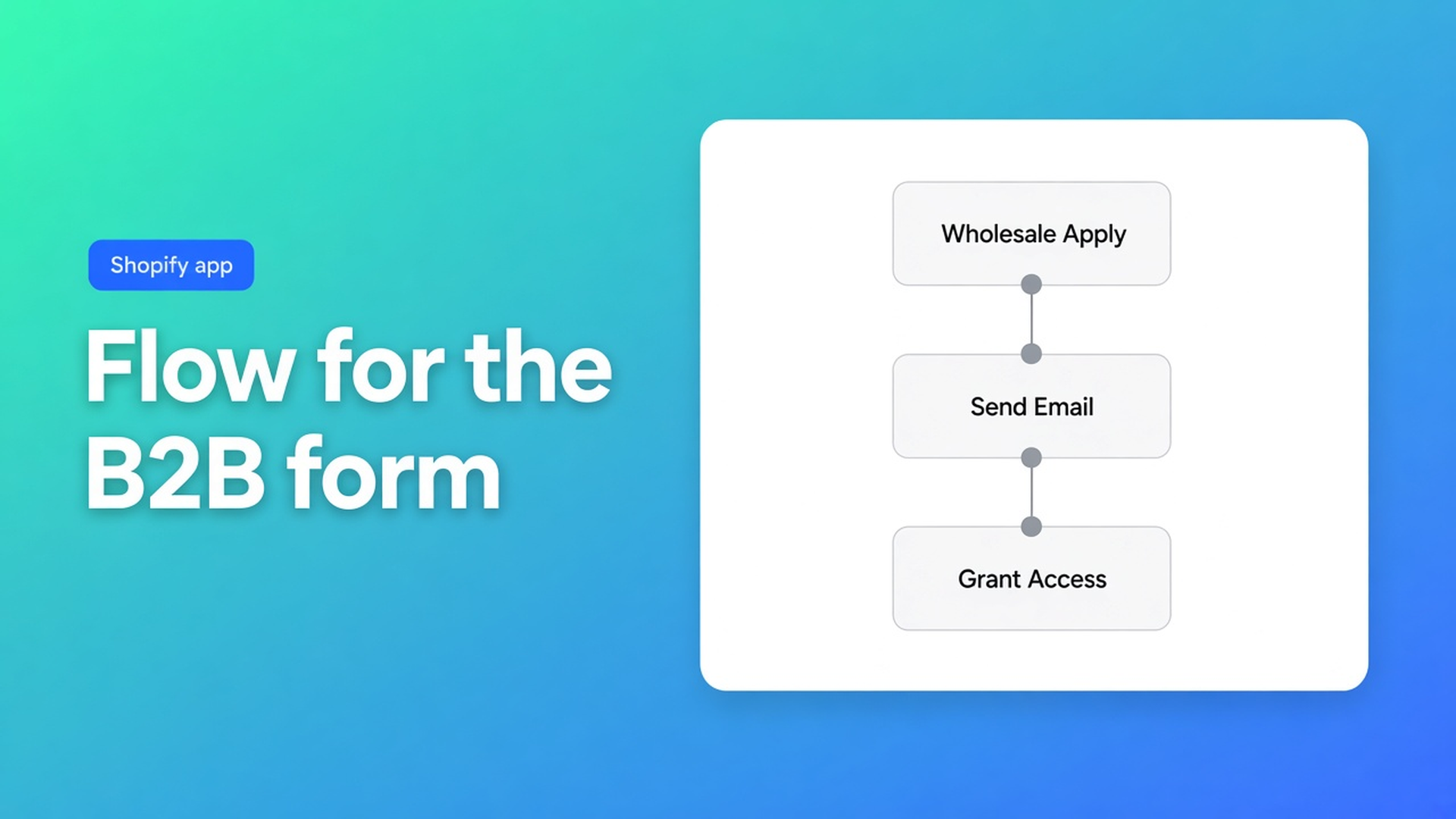
Shopify Flow templates for a B2B registration form
A wholesaler submits the form while you are on a call. Three days later the row is still pending, they chase “is my account ready,” and nobody on the team saw the ping. Shopify Flow templates B2B registration form is the automation *around* that form: one workflow emails staff when someone applies, the other sends B2B access after you approve. Checked 12 November 2026 on the OO - B2B & Wholesale listing (Free: *Flow templates for that one form*; Works with Shopify Flow), docs Registration forms, What is included in B2B & Wholesale, and Shopify Help Shopify Flow. If Free drops “that one form,” or the docs add auto-approve, re-read those three before you write “Flow approves accounts overnight.”
The September notes cover the form itself and approving customers. This one is the import: two files, a recipient, and an enable toggle.
Flow does not click Approve
Registration forms: applications sit pending until you act. Approve creates or links the Shopify customer. Company handling: create, assign, or none. Only pending rows can be approved.
Shopify Flow is Shopify’s (free) automation app. Help: workflows on shop events. This app exports templates; Flow runs them. Works with Shopify Flow on the listing is not “the B2B app is Flow.”
Setup guide, step 5, optional:
Email the team when someone registers.
Send B2B access after you approve the application.
Import. Set the recipient. Turn each workflow on. An imported file that stays disabled is a file.
Inbox-empty setups that look finished
Theme block live, View registrations filling up, nobody pinged. That is the default until you import. The Free plan already promised those templates for the one form — not “email without an import.”
A home-grown Flow on Customer created fires for every storefront account, including the newsletter popup. The docs templates are tied to this registration form.
Treating Flow as auto-approve skips View registrations. Template two starts after your click. The docs do not describe an auto-approve path.
A second form on Free “for Belgium” still collides with the cap. Listing Free (12 Nov 2026): 1 registration form + approve / reject and Flow templates for that one form. Extra forms you enable are stored; only the oldest active form is used on the storefront (What is included). Starter removes that cap.
Which plan actually ships the ping
Listing 12 Nov 2026: Built for Shopify, 5.0 from 34 reviews. Free / Starter $22/month (or $220/year) / Growth $37/month (or $370/year). 14-day trial on Starter and Growth. USD. Works with: Checkout, Shopify Flow, Shopify Admin.
Plan (listing 12 Nov 2026) | Forms | Flow | Not on this plan |
|---|---|---|---|
Free | one form, approve/reject | templates for that one form | unlimited forms; VIES; login to see prices |
Starter $22/mo | unlimited forms | same import, now per live form you set up | bulk forms, RFQ, wholesale cart (Growth) |
Growth $37/mo | Starter plus | a separate Flow file can email on quote request | — |
Sources: listing 12 Nov 2026; Registration forms; What is included; Quote requests. If Free grows unlimited forms, drop “that one form” before you launch a second gate.
Login to see prices stays Starter. Pair it with registration if net prices must not leak — login to see B2B prices. Company blocks for custom + volume price: Starter, not Free. See company blocks.
Growth RFQ has its own optional Flow email. Different file, different event. Do not weld it to the registration ping. See quote request (RFQ).
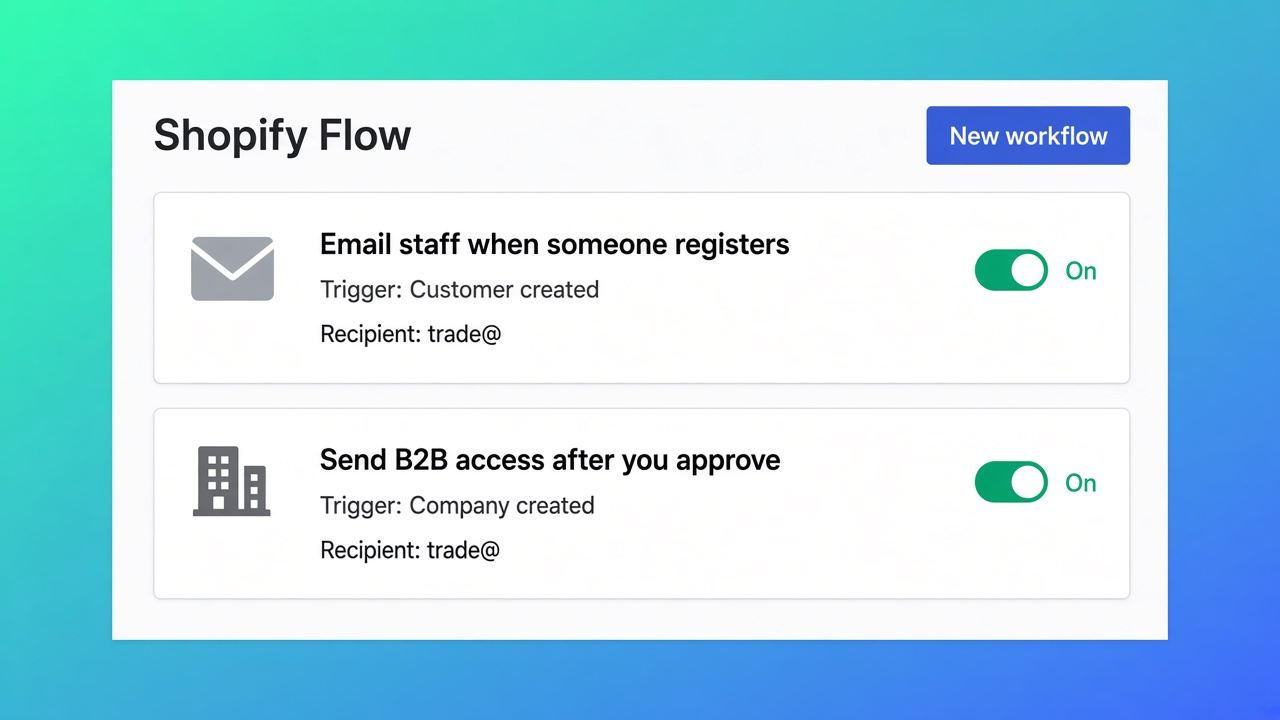
One gate, two emails, still a human Approve
Mixed D2C + trade. Installers apply on `/pages/trade`. Free is enough: one form, one custom price list. What I would do on 12 November 2026:
Customer management → Registration forms on. Fields: company, VAT, email.
Theme block on that page. Finish setup, save. No block, no application, no email.
Install Shopify Flow if it is missing.
Import both templates. Recipient `trade@…`, not a personal inbox. Enable both.
Submit a dummy application. Mail one should land quickly. Pending stays pending until you approve. After approve: mail two, customer exists, net price only if Login to see prices is on (Starter). On Free the approved customer sees the custom rule when that rule matches customer, tag, or company.
Do not add a second live form on Free. Starter if you need a country-specific gate.
Tax Exempt / VIES is Starter. Tagging `vat_exempt` is a different Flow recipe (tax-exempt order tags). Keep it out of the registration workflows.
Ship the ping
Open OO - B2B & Wholesale. Listing 12 Nov 2026: Free / Starter $22 / Growth $37, 14-day trial, 5.0 from 34 reviews.
Put the form on a page (block + enabled).
Import the two Flow templates. Set the recipient. Turn them on.
Test apply → ping. Approve → access. No auto-approve.
Then Login to see prices (Starter) if the price must stay hidden.
Bottom line
Shopify Flow templates B2B registration form are two imports: a ping when they apply, access after *you* approve. Free includes them for that one form. Flow does not approve and does not attach a VIES tag. Listing 12 Nov 2026 lists Shopify Flow under Works with; without import and without On, the inbox stays quiet. If the Free cap or docs step 5 moves, re-check those two sentences. CTA stays the OO - B2B & Wholesale listing.
This blog is presented to you by

Floris-jan de Vries
Co-owner / Back-end developer / Shopify Expert
As a full-stack developer, Floris-Jan ensures the technical logic behind the design. He also uses his extensive knowledge of Shopify every day to provide our clients with the best possible support.



The Shopify Select partner for ambitious e-commerce businesses that want to grow!

Services
Reviews
5/5
Mail: info@onlineorigins.nl
Tel: 073 234 0612
KVK: 89825624
BTW: NL865123639B01
Bruistensingel 500,5232 AH 's-Hertogenbosch Cookies
© 2026 Online Origins