
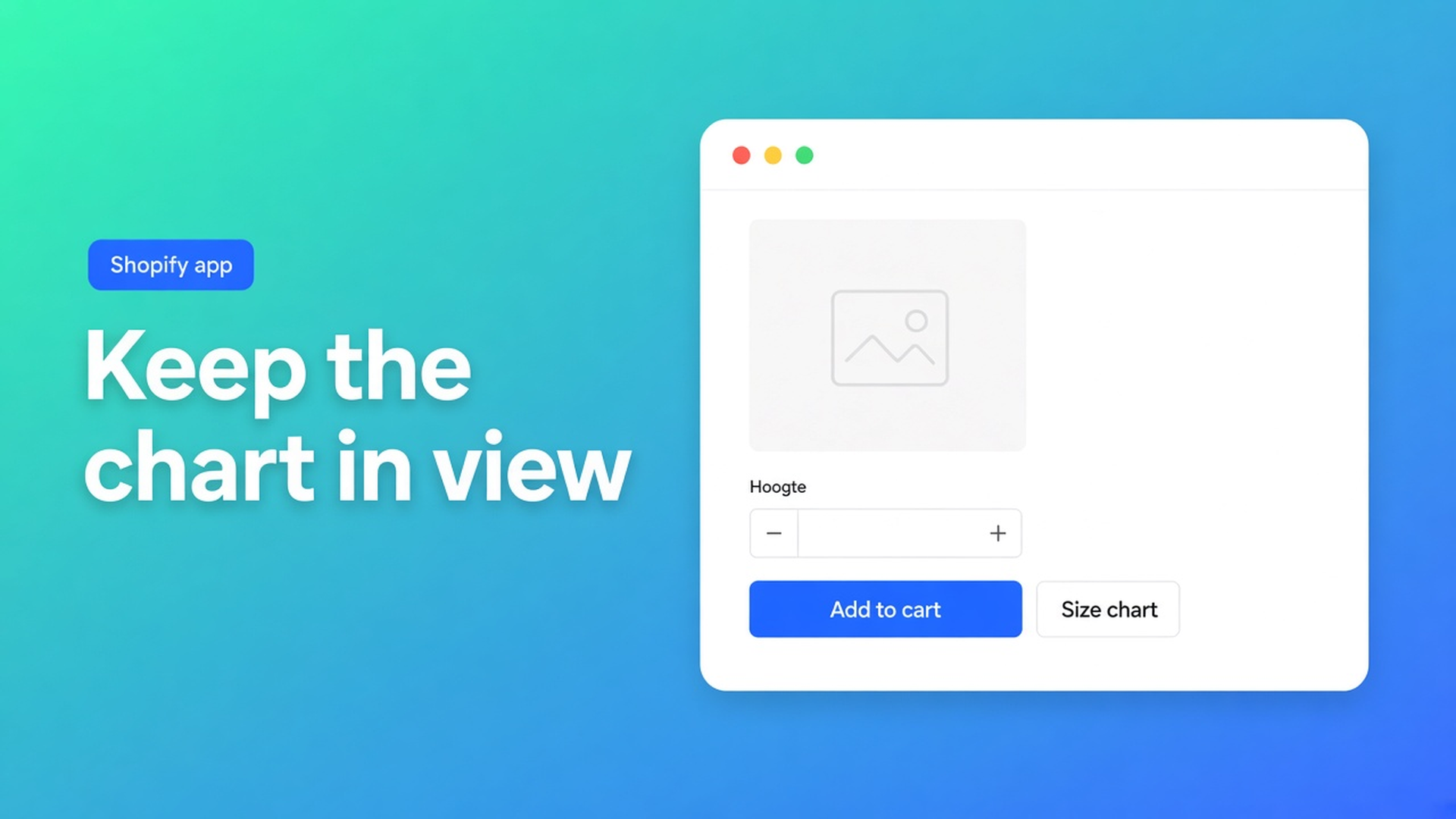
Shopify floating size chart: stay on screen without burying Add to cart
The shopper hits reviews. The size chart lived *above* Add to cart. It is gone. A PDF in the footer will not save the return. That is the job behind Shopify floating size chart: keep centimetres reachable while the page moves, without dropping a twelve-column grid on the buy button. Checked 8 November 2026: OO ‑ Advanced Table Builder listing, docs Size charts and What is Tables, Specs & Comparisons?, Shopify Help Extend your theme with apps. If Design grows a third Display mode, or the listing drops Floating chart, reread this before you spec “a floating table”.
Popup versus inline is already size chart popup vs inline. This post is the listing’s third word: Floating chart.
A theme HTML table scrolls away with the description
Shopify Help Adding variants (8 Nov 2026): three options, 2048 variants. Size is S–XL, not chest 36–38. Measurements belong next to the selector.
A table pasted into the product description is plain content. It leaves the viewport. Help on app embeds, quote: elements that float or display as an overlay. That is Shopify’s word for “sits above the theme”, not `position: sticky` inside a section that itself scrolls off.
Typical misses:
Sticky CSS on a handmade table. Breaks on a phone. Covers Buy. No Design mode.
Popup only, trigger below the fold, English “Size guide” on a DE store. Overlay is fine. Nobody opens it. See colors and trigger.
Using the comparison tray as a size chart. Wrong type. Comparison chrome is tray/modal. Size chart chrome is popup or plain.
Listing: Floating chart. Docs: two Display modes.
Listing 8 Nov 2026: Free, 5.0 from 1 review. Categories include Size charts, Pop-ups, Floating chart. No paid tier.
Docs Size charts → Design: Display mode — popup trigger or plain content. Trigger label, colours, fonts. No third bullet named floating. The overview still says popup or inline.
First-hand, 8 Nov 2026: I will not invent a “choose Floating” control the docs do not list. What does hold:
Source | What it says | What that means on the PDP |
|---|---|---|
Listing | Floating chart (next to Pop-ups) | A shell that should not vanish with the description |
Docs Design | popup trigger or plain content | Overlay + button, or the grid in the template |
Shopify Help app embed | “float or display as an overlay” | Enable the app embed so a matching Size chart can sit above Add to cart without a theme block |
Docs placement | Size chart theme block or auto-placement above ATC | A block lives in a section (it scrolls). An embed is float/overlay in Shopify’s vocabulary |
Sources: listing 8 Nov 2026; Size charts article (~two months old); Help. If Design later adds a Floating mode, this table is short.
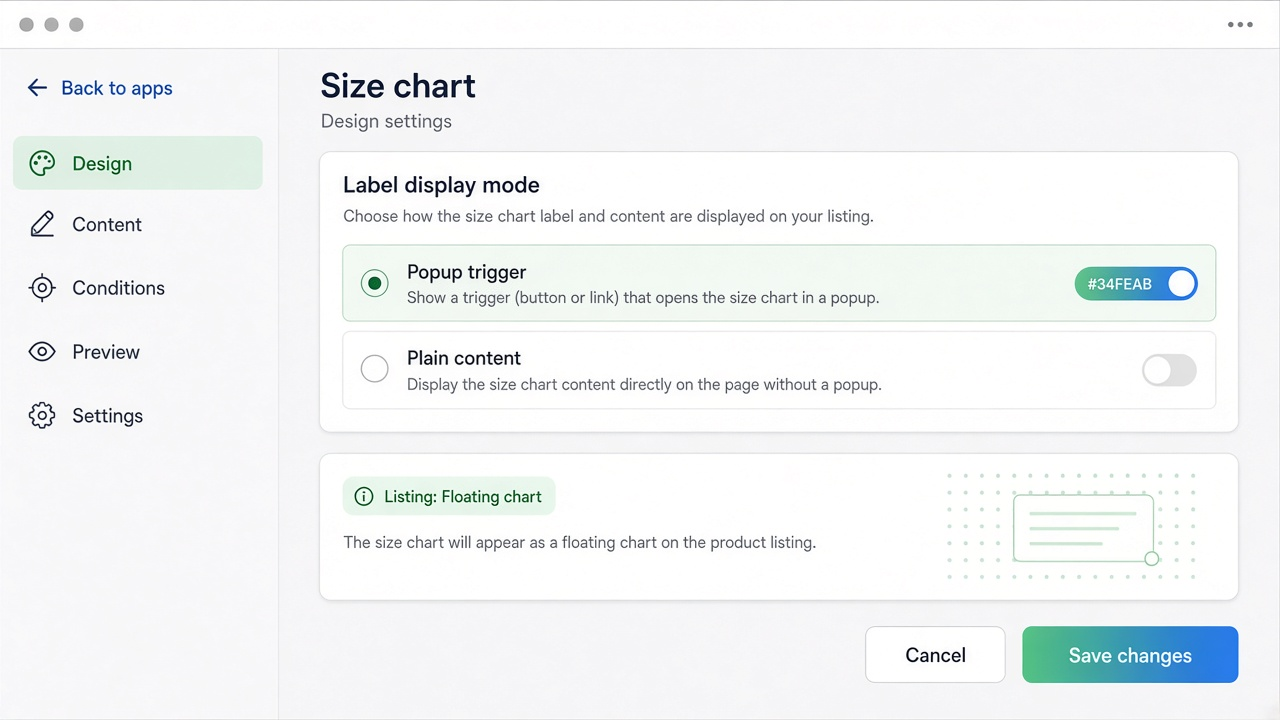
Auto-placement is the float Shopify describes. Separate post: size chart auto placement. A theme block in the product section is not a float: when the section leaves, so does the trigger. Popup chrome is the overlay *after* the click — useful only if the trigger is still on screen.
A measurement diagram belongs in Structure as an image block, not in the float debate: measurement diagram.
What I would ship for a sneaker PDP
US 6–13, two lasts as separate table blocks (docs: do not merge). Inline on mobile pushes Buy off-screen. A popup labelled “Size guide” in English on a French storefront is invisible.
On 8 Nov 2026:
Set Display mode to popup. Translate the trigger. Match theme colours. Turn the app embed on so auto-placement parks the trigger above Add to cart — that is the float Help names. Add a theme block only if you also want the chart in another template. Skip sticky HTML. Skip the compare tray.
Use plain/inline when the grid is four rows. Not for a sneaker run. I read listing Floating chart as “does not scroll away”. Confirm in Design after install; the docs still only name two modes.
The app is Free. Switching Display mode does not rebuild Structure.
Getting it live
Install from the listing. Create a Size chart. Design: popup or plain. Theme: embed on. Preview: scroll to reviews. Is the trigger still above Add to cart? Then you have Shopify’s float. If it vanished, it lived in a section — move it or trust the embed, not a second block under the description.
Closing
For that sneaker catalog I would pick popup plus app embed, not a sticky table and not plain on mobile. Shopify floating size chart on 8 Nov 2026 is a listing label plus Shopify’s embed definition; docs still expose two Display modes. Native HTML leaves the viewport. Listing: Free, Floating chart. Docs: popup or plain, auto-placement above ATC. Help: embeds float/overlay. If Design changes, this advice is void.
Publish the Size chart from the OO ‑ Advanced Table Builder listing and test the trigger after you scroll, not only at the top of the PDP.
This blog is presented to you by

Floris-jan de Vries
Co-owner / Back-end developer / Shopify Expert
As a full-stack developer, Floris-Jan ensures the technical logic behind the design. He also uses his extensive knowledge of Shopify every day to provide our clients with the best possible support.


The Shopify Select partner for ambitious e-commerce businesses that want to grow!

Services
Reviews
5/5
Mail: info@onlineorigins.nl
Tel: 073 234 0612
KVK: 89825624
BTW: NL865123639B01
Bruistensingel 500,5232 AH 's-Hertogenbosch Cookies
© 2026 Online Origins