
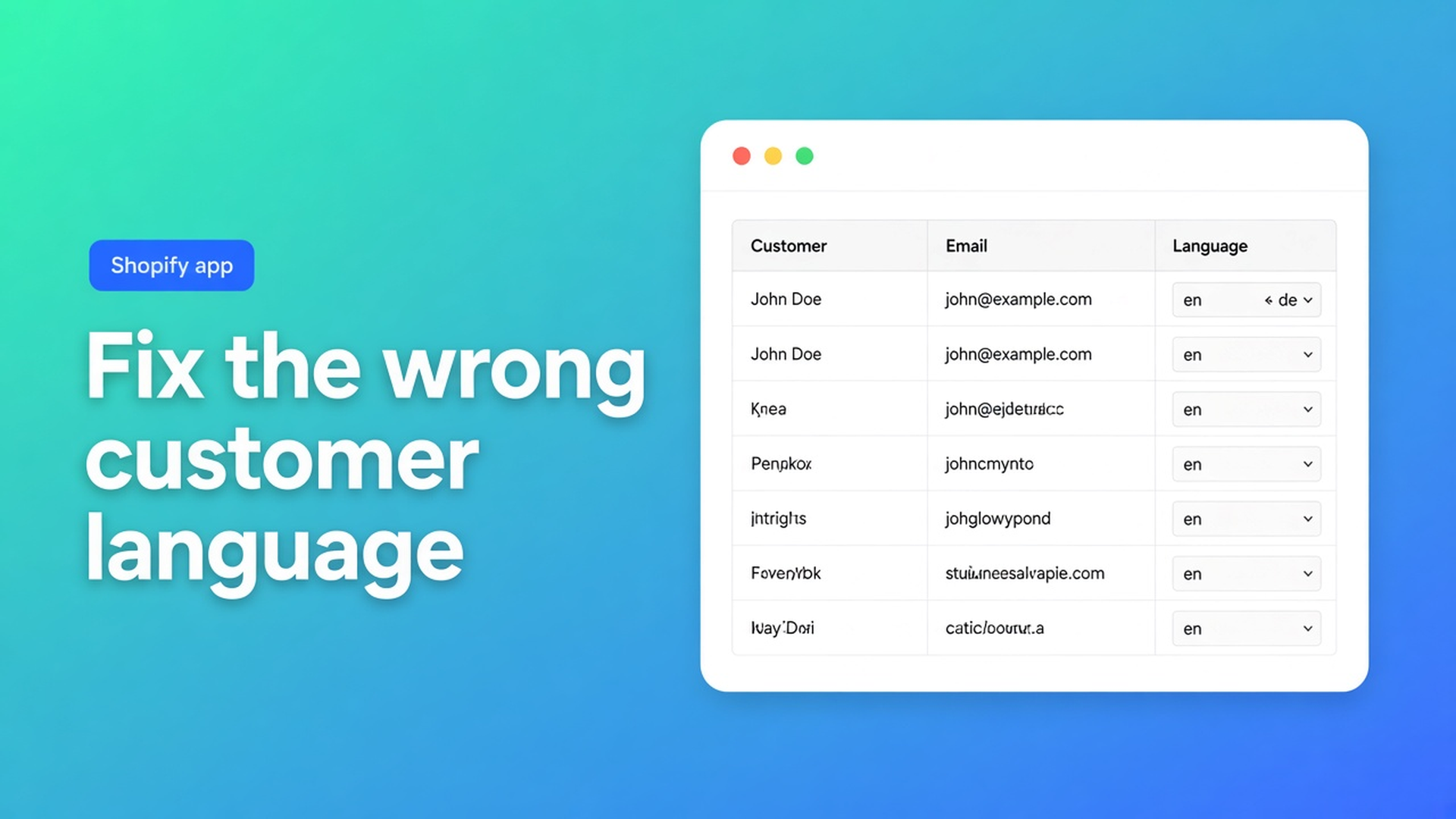
Shopify fix incorrect customer language: overwrite the wrong locale, then Save
Not every language error is an empty cell after import. Sometimes English (`en`) was set on purpose — or by accident — on a thousand German addresses. Staff picked the store default, an old POS flow wrote `en` on everyone, or someone assumed tag `NL` was enough. Shopify fix incorrect customer language means overwriting that *filled* locale, not only backfilling blanks.
This article is that group: how OO - Bulk Customer Data Editor filters on the wrong value, bulk-applies Dutch (`nl`) or the right market locale, then Save. We already covered locale in bulk, wrong language after import and notifications. Here the cause is old or manual data that already *has* a language — the wrong one.
Wrong is not the same as empty
Shopify’s standard editor lets you change locale per profile. That field feeds later notifications (Help: Localization and translation — if a translation exists, language follows the order / the profile). An account on `en` when the customer expects Dutch is not an empty field. Filter “is empty” misses those rows.
Three cases that are not the import post:
Manual. Onboarding set everyone to English “for now”.
Old default. The shop was English for years; Markets `de` and `nl` came later. Locale stayed `en`.
Wrong proxy. Tag `NL` or country NL on the address. Tags and country are not Customer Locale. Notifications read the locale field.
The listing calls out fields Shopify’s standard editor does not handle well in bulk: Customer Locale and tax-exemption status. Do not claim native CSV “fixes the wrong language by itself”. Claim: once the bad value is there, you can overwrite it in bulk.
What shops try instead
1. Opening profiles after tickets
Customers → Language → Save. Fine for five complaints. Not a runbook for a German market that has been `en` for years.
2. Tags only
`needs-de` or `fix-locale` is a later filter. It does not change mail language. Tags were yesterday’s topic; they are the handle, not the locale.
3. Setting everyone to the store default
That swaps one error for another. People who correctly had `fr` fall back to `en`. Filter on the wrong value first, not “select all shop”.
None of those paths: filter Locale is `en` (plus country or tag) → dropdown Dutch or German → staged → one save.
How you overwrite the wrong value in the spreadsheet
OO - Bulk Customer Data Editor is Free (0 reviews, launched 15 September 2026). Spreadsheet in admin: bulk-edit, import/export, filters, views, segments. Works with Excel and Google Sheets via CSV. Listing USP: locale and tax exempt.
What is Bulk Customer Editor?: open from *Start editing* or Customers → More actions → Edit in bulk. Staff: `read_customers` and `write_customers`.
Locale is a dropdown, not free text
Edit customers in the spreadsheet: Locale = every locale Shopify supports, for example Dutch (`nl`) or English (`en`). Not “dutch” in a text cell. Other editable fields: name, email, phone, tags, note, tax exempt, consent (Shopify rules), default address, metafields defined on the shop. Read-only: total spent, order count, created date. Only changed fields go to Shopify. Failed row: Shopify’s error.
Filter on the wrong locale, not on empty
Columns, filters, and sorting: filters across the whole customer list, with search and segment. Condition is + `en` (or whichever wrong value you are hunting). Search (name, email, phone, tags) hits Shopify search. Locale matches while scanning — on a large store: segment or search first (tag `DE` or country), then the locale filter.
Show the Locale column. Save the set as a view (“Locale is en, market DE”) if the team will repeat it.
Bulk apply up to 50,000, then Save
Apply a value to many customers:
Select all matching — current search + segment + filters, up to 50,000. Progress while collecting.
Field = Locale, Value = the correct dropdown.
Apply to selected. Staged in the table.
Save on the Shopify save bar. Nothing lands earlier.
Large saves run in batches: keep the tab open. Closing interrupts. Discard drops unsaved edits. FAQ: select-all combines search, segment and filters; failed rows: fix the error, retry the rest.
Empty CSV cells do not clear existing values on updates. Useful if you later touch only locale in a sheet. This article stays in the editor; you do not need an export for a locale overwrite.
Tax exempt uses the same bulk-apply; this piece stays on language. Do not invent tag append vs replace.
Example: 2,400 German addresses on English
Shop primary English, Market `de` published, templates translated. Old onboarding wrote locale `en`. Filter: segment or search on German addresses/tags, Locale is `en`. Select-all matching, Value German (`de`), Apply, preview ten rows, Save. Spot-check profiles. People who genuinely wanted `en` (expats) were not in that segment.
Afterwards: do not assume the next manual batch writes `en` again. Reuse the view.
What you need to start
Install OO - Bulk Customer Data Editor — Free.
Open the editor (from Customers).
Filter Locale is the wrong value; add a tag/segment if needed. Not only “is empty”.
Select-all matching (max 50,000), bulk-apply the right locale, preview, Save. Tab open.
Spot-check. Failed rows: Shopify error, retry the rest (FAQ).
Quick start: cells stay marked until save; save bar with preview.
Wrap-up
Shopify fix incorrect customer language is overwriting a value that is already there, not only filling empty import cells. Native Shopify does that per profile. Tags are not locale.
Filter the wrong dropdown in OO - Bulk Customer Data Editor, apply the right one, Save — and let the next German order confirmation leave in German, not English.
This blog is presented to you by

Floris-jan de Vries
Co-owner / Back-end developer / Shopify Expert
As a full-stack developer, Floris-Jan ensures the technical logic behind the design. He also uses his extensive knowledge of Shopify every day to provide our clients with the best possible support.


The Shopify Select partner for ambitious e-commerce businesses that want to grow!

Services
Reviews
5/5
Mail: info@onlineorigins.nl
Tel: 073 234 0612
KVK: 89825624
BTW: NL865123639B01
Bruistensingel 500,5232 AH 's-Hertogenbosch Cookies
© 2026 Online Origins