
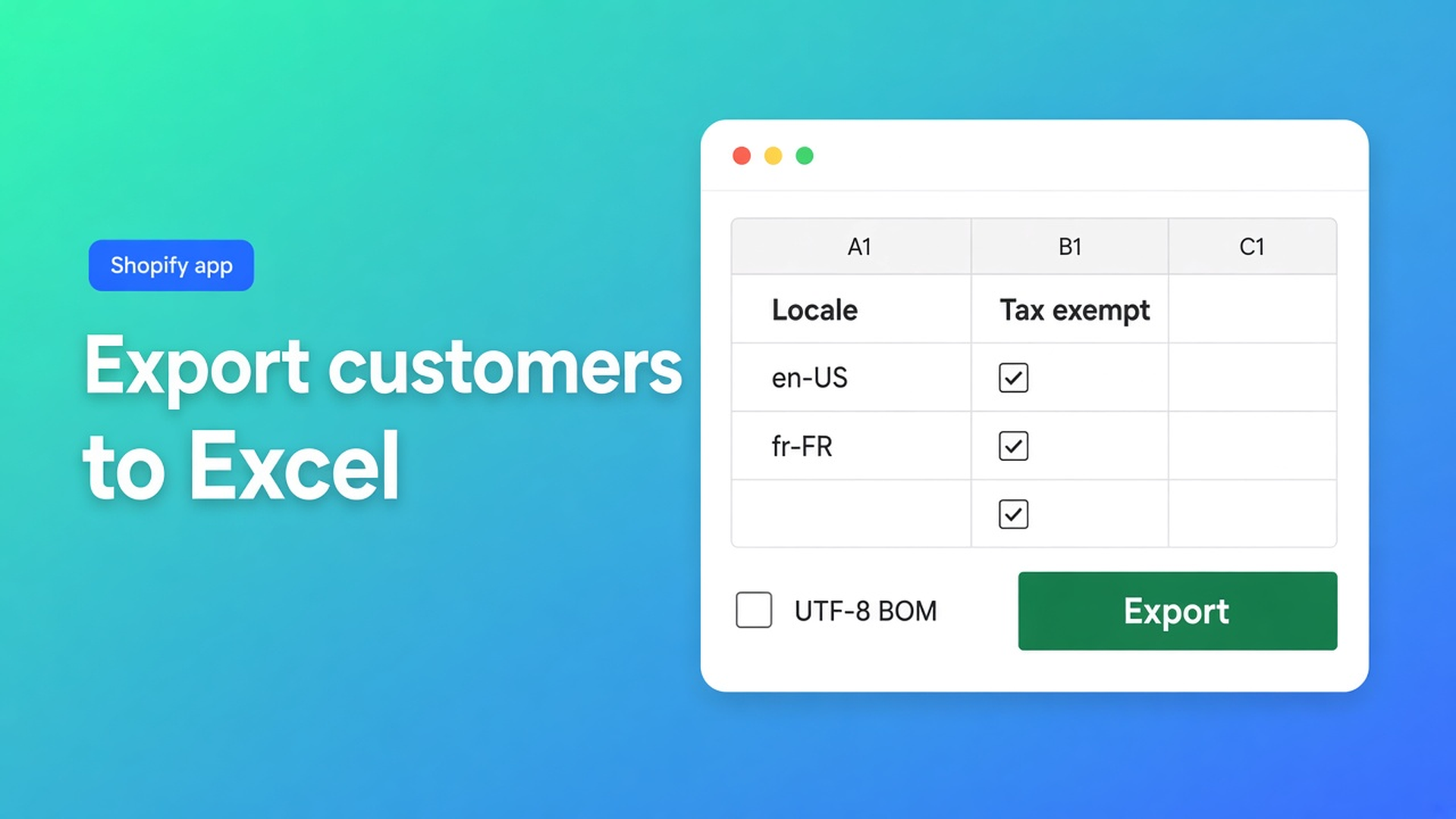
Shopify export customers to Excel: UTF-8 BOM, then audit locale
You click Export on Customers, open the file in Excel, and “Müller” becomes `Müller`. Or the first header is `First Name`. Or you see names and tags, but Customer Locale is missing — while order emails keep going out in the wrong language. Shopify export customers to Excel is rarely “download a file”. It is a CSV Excel actually reads, with the columns you need to audit — including the fields Shopify’s standard editor handles poorly at volume: locale and tax-exemption status.
This article follows Export customers to CSV in OO - Bulk Customer Data Editor: what you export, why the UTF-8 BOM option exists, how to review locale and tax exempt in Excel or Google Sheets, and how to write back safely. Import is covered in import customers CSV. The flag after import is in tax exempt after customer import. Here the export is the starting point.
Do not pitch another Online Origins app. The CTA stays this listing. Native Shopify CSV is a different contract; do not claim the same columns or the same BOM behaviour.
The Shopify problem: export is CSV, Excel is picky
Shopify Help Importing and exporting customer lists lets you export customer profiles as CSV. You choose a file meant for spreadsheet apps (Excel, Numbers, Sheets) or a plain CSV for a text editor. Files are UTF-8. Native import/export is capped at 15 MB; split larger lists.
That sounds finished. In practice:
Excel on Windows often treats a UTF-8 CSV opened by double-click as Windows-1252. Accents in names and addresses turn into garbage.
Shopify’s native customer CSV has columns such as First Name, Email, Tax Exempt (`yes`/`no`), Tags, consent. Customer Locale is not a native bulk column in the standard editor. This app’s listing names Locale and tax-exemption status as fields that editor handles poorly in volume, and promises import/export of data Shopify leaves out.
An “Excel-ready” export without the editor’s columns is an audit of names, not of language or exemption.
Shopify’s Open or edit a CSV file repeats: files must be UTF-8. How Excel *guesses* encoding on double-click is not that page’s job. Merchants notice when `José` breaks.
What merchants try instead
Native Export and a double-click in Excel is fast until the first umlaut. Notepad → UTF-8-BOM works if you know what a BOM is; sales should not have to. Sheets is kinder to UTF-8, but it does not add the editor’s Locale column. Locale as free text (`dutch`) is not a Shopify locale — in the editor it is a dropdown, for example Dutch (`nl`).
None of those paths is: export with editor headers, optional UTF-8 BOM, review locale/tax exempt in Sheets, then re-import with Customer ID or bulk apply in the grid.
How export works in this app
OO - Bulk Customer Data Editor is Free. Listing: spreadsheet editor; bulk-edit Locale and tax-exemption; import/export of fields Shopify leaves out; store-to-store migration; filters, views, segments. Works with Excel and Google Sheets via CSV. 0 reviews — do not invent a rating. Launched 15 September 2026.
Open via *Start editing* or Customers → More actions → Edit in bulk. Staff need `read_customers` and `write_customers`.
From Export customers to CSV:
Open the Customers page in the app.
Click Export.
Choose what to export: for example selected customers, the current page, or a larger export based on search/segment.
Optionally include a UTF-8 BOM for Excel.
Download the CSV.
The export uses the same headers as the editor (and Shopify-style headers where applicable), including Customer ID and the columns you choose. Same docs: keep the Customer ID column if you plan to update existing customers on re-import in the same store.
That is the gap versus native Export. You take the grid with you: locale, tax exempt, tags, note, consent, address, metafields defined on the shop — not only what the standard customer CSV happens to include.
Edit customers in the spreadsheet: editable fields include name, email, phone, tags, note, locale, tax exempt; marketing consent (Shopify rules); default address; metafields. Read-only: total spent, order count, created date. Locale is a dropdown, not free text.
Filter before you export, not afterwards in an 80,000-row sheet. Columns, filters, and sorting: filters cover the full customer list. Search (name, email, phone, tags) hits Shopify search. Large store: segment or search first, then filter (FAQ). An export “based on search/segment” follows what the grid is showing.
In Excel or Sheets: audit, do not rewrite blindly
Open the CSV in Google Sheets (File → Import) or in Excel via Data → From Text/CSV with UTF-8 — not by double-click if you skipped the BOM option. With BOM on, Excel is more likely to display the file correctly on first open; that is why the export option exists. No magic: if someone still double-clicks a file without a BOM, encoding remains Excel’s problem.
In the sheet, check:
Locale empty, store-default, or `en` on an NL group. Same pain as bulk edit customer locale.
Tax exempt off while the `Wholesale` tag is on. Tags are not the exemption flag.
Headers you did not mean to change: leave them, or empty them on purpose if a re-import should touch only one column.
Import customers from CSV: empty CSV cells stay unchanged on updates. Only filled cells apply. Useful: fill Locale or tax exempt only, leave the rest blank. Fatal: you thought blank meant clear. Native Shopify overwrite is blunter; do not claim they match.
Matching on re-import in the same store:
Customer ID exists here → update.
Else look up Email.
Still missing → create (email or phone required).
Keep Customer ID. Without it you fall back to email — fine until two accounts share an address or a typo creates a duplicate.
You do not have to re-import. Often cleaner: use the sheet as an audit, then bulk apply in the grid on the filtered set (Select all matching up to 50,000). Nothing hits Shopify until Save. Large jobs: keep the tab open.
Example: 2,800 rows, Excel shows mojibake
Dutch storefront, German B2B names, finance on Excel for Mac. Native export, double-click, umlauts break. They “fix” in Excel, save as CSV (Windows-1252), native import with Overwrite. Names and notes are now flattened.
With this app: Customers page → filter tag `DE` or country Germany → Export, larger export on search/segment, UTF-8 BOM for Excel on. Finance opens the file: names look right. Locale column: hundreds empty. Tax exempt: `no` next to tag `Wholesale`. They change nothing in the sheet except a checklist for sales. Cleanup happens in the grid: Locale is empty → bulk apply German (`de`) on that tag group; Wholesale + tax exempt no → bulk apply exemption. Customer ID is unused because there is no re-import. Spot-check ten profiles.
Second pass via CSV: Locale filled only, rest empty, Preview, tab open. Empty tax-exempt cells leave the flag alone.
What you need to start
Install OO - Bulk Customer Data Editor (free).
In the editor, filter or segment the group you want to audit.
Export → choice (selection / page / search-segment) → optional UTF-8 BOM for Excel → download.
Open in Sheets or via Excel Data → From Text/CSV (UTF-8). Check locale and tax exempt; do not type free-text locales.
Write back: re-import with Customer ID and Preview, or bulk apply in the grid. Empty cells do not clear. Keep the tab open on large jobs.
Help: support chat on the dashboard.
Wrap-up
Shopify export customers to Excel in this app is a CSV with editor headers, a BOM option so Excel does not guess encoding, and an audit of locale and tax exempt before you write anything back. Native Export is still useful for a coarse list; it does not replace the columns the listing promises.
Turn export on from the Bulk Customer Data Editor listing and enable UTF-8 BOM before finance opens the file in Excel.

Custom webshops, websites, and applications combined with smart online marketing to help your business grow online!


Reviews
5/5
Mail: info@onlineorigins.nl
Tel: 073 234 0612
KVK: 89825624
BTW: NL865123639B01
Bruistensingel 500,5232 AH 's-Hertogenbosch Cookies
© 2026 Online Origins