
Custom product options in the Shopify cart drawer
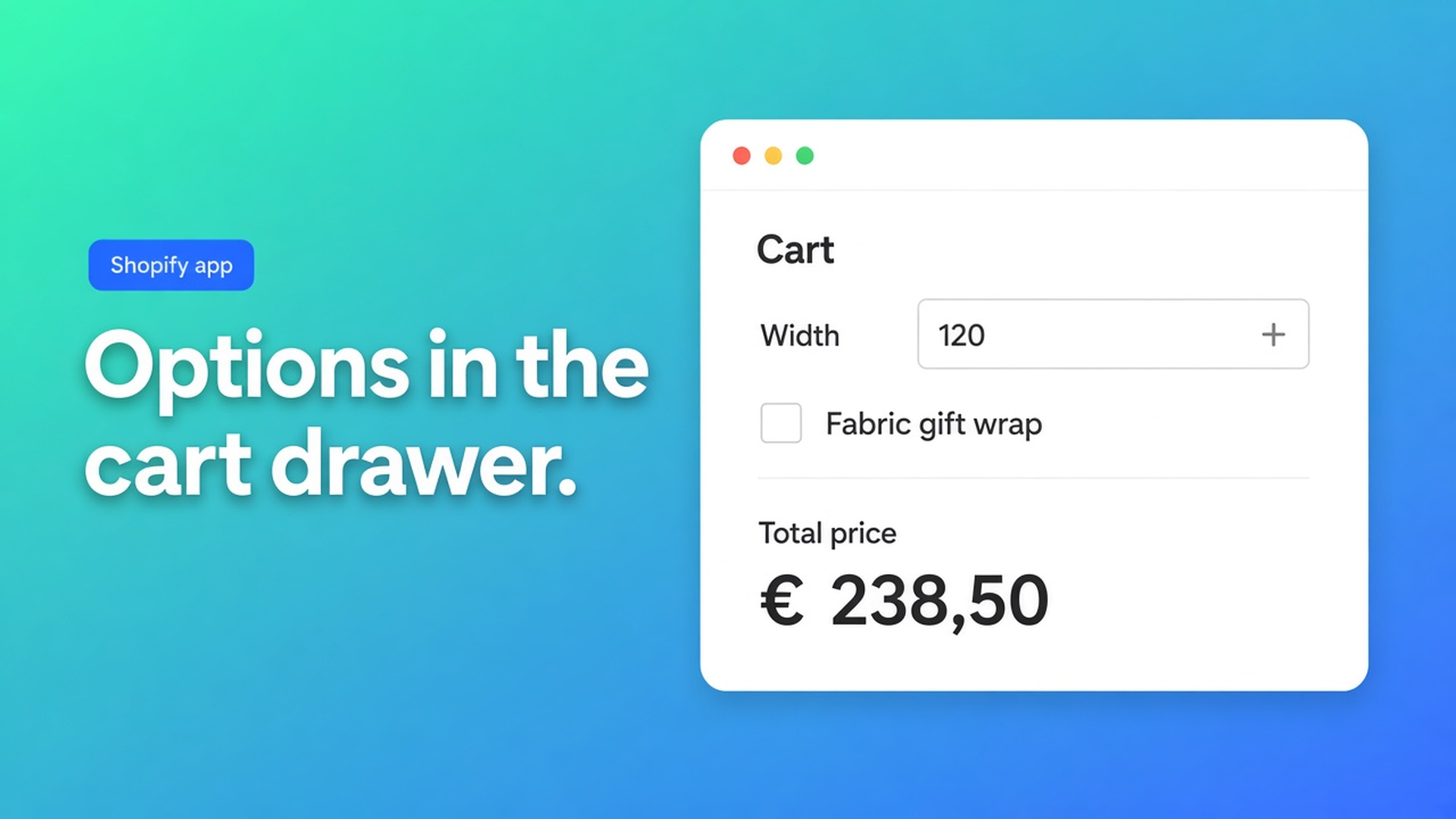
Width 184 cm, drop 92 cm, fabric chip, gift wrap. The product page shows €412.80. The slide-out cart shows the variant sticker and none of the choices. Shopify cart drawer custom product options is whether that panel still lists what they picked *and* the formula total — not whether `/cart` looks fine after a reload. Checked 12 November 2026 on the Options Price Calculator listing (Works with: Checkout, Shopify Admin, AI, Ajax cart, Cart drawer, Slide out cart), docs Storefront Theme Bindings, How to Add the Extension to the Product Page, Draft order checkout, and Shopify Help Adding variants. If Works with drops Cart drawer, or Help moves off three options / 2,048 variants, re-read those four before you tell support “the drawer always inherits the calculator.”
The 6 November note on the Ajax cart total is the stale variant price. This one is the line the shopper can *read*: properties, money, optional custom thumbnail.
Line item properties are captions
Adding variants (12 Nov 2026): three options, 2,048 variants. Not 100. Millimetre widths do not belong in that grid. Theme inputs named `properties[Width]` survive on the line. Dawn’s `cart-drawer.liquid` often prints them when `/cart/add.js` received them. They do not change the price. You can see “184 cm” next to €89. That is native Shopify, not a broken theme.
Burning an option slot on “Gift wrap” still leaves you inside 2,048. The drawer then shows a variant title, not a formula. Same ceiling as more than three product options.
Why the panel lies when `/cart` does not
Most Online Store 2.0 themes never send people to `/cart`. Settings → cart type → Drawer. Add to cart is `fetch('/cart/add.js')`. The panel redraws from that JSON. A green test on the cart *page* does not exercise that path.
Shops then paste a properties loop into `cart-drawer.liquid`. Labels appear. The amount stays the variant. Shopify Help already describes that workaround for going past three options. It is not a price calculator.
Switching the theme cart to Page makes the Ajax bug vanish because everything reloads. You also throw away the UX the theme sold. The listing’s Works with line is drawer and slide-out, not “please use `/cart`.”
Bindings that actually reach the drawer
Listing 12 Nov 2026: Built for Shopify, 5.0 from 30 reviews. Free: 20 uses. Starter $9.99: unlimited options, AI, formula builder, metafields, styling, multilingual. Premium $19.99: conditionals, font picker, live preview, price breakdown, lookup tables. Top card $39.99: show/hide fields, draft order checkout. USD. There is no “drawer plan.” Drawer support is selectors plus the embed.
The calculator still starts as a theme app block on the product page — under the price, above Add to cart. No block, nothing to submit.
What should show in the slide-out | Where you set it | Plan note (listing 12 Nov 2026) |
|---|---|---|
Formula price instead of the variant | Product form + ATC selectors; app embed on | Starter formula builder |
The picks as text on the line | Form submit; theme must render `item.properties` | Same calculator; theme chrome |
Personalised thumbnail | Cart line item image selectors → `__ooCustomImageUrl` | Customizer / live preview = Premium |
Checkout from the drawer with a verified amount | Server-side price validation; optional draft checkout | Validation is a safety toggle; draft checkout = $39.99 |
Sources: listing 12 Nov 2026; Storefront Theme Bindings; Draft order checkout. If live preview moves to Starter, or Cart drawer leaves Works with, drop the thumbnail row before you sign off a Dawn shop.
Cart line item image selectors target thumbnails in the cart and the cart drawer. Only if the Customizer wrote `__ooCustomImageUrl`. A selector that matches the cart page but misses the drawer file leaves the stock shot in the panel. Live preview is Premium — live preview for personalised products. Window film priced by m² rarely needs it. Theme bindings exist because the next theme rename of `#CartDrawer` is not a formula bug. Docs: re-run the selector picker after a theme switch.
Server-side validation: when on, the cart bundle function and draft-order checkout re-check the calculator price. When off, `__ooCustomPrice` is trusted. That is safety, not extra Liquid.
Draft order checkout (docs, $39.99 card) intercepts checkout buttons on the cart page, mini-cart, and drawer, but only on templates that load the embed. Example extra selector in that article: `#CartDrawer-Checkout`. Different job from “print my centimetres.”

A blinds SKU, one drawer test, no extra variants
One SKU per slat finish. Number fields for width and drop. Swatch for fabric. Gift wrap as a checkbox worth 4.50, formula `product_price + (width * height) + gift_wrap` — same rule as checkbox zero or surcharge. Native 2,048 does not save you.
What I would ship on 12 November 2026:
App block on the product template. No block, no fields.
Selector picker for price, form, Add to cart. Dawn often needs a custom checkout selector only if you use draft checkout.
Test in the drawer. Same measurements, tick on/off, swap the swatch. The line must show the centimetres, the fabric name, and the total.
Image selectors only if you actually generate per-order art.
Server-side validation on, so a theme that still posts the variant into checkout cannot undercut the €412.80 the panel just showed.
Free is 20 uses. A drawer walkthrough counts if the calculator runs. Live made-to-measure wants Starter for unlimited formulas. Conditionals and live preview stay Premium. Show/hide and draft checkout stay $39.99.
Get it in the panel
Install from Options Price Calculator. Listing 12 Nov 2026: Free 20 uses / Starter $9.99 / Premium $19.99 / $39.99. USD.
Place the block. Pick selectors. Add to cart until the drawer opens.
Confirm the theme prints non-underscore properties. Dawn does, by default.
Then validation. Draft checkout only if you meant to buy that card.
Bottom line
Shopify cart drawer custom product options is not another properties loop. Native properties are labels. The money follows when the product form, the ATC button, and the embed put the calculator line into the Ajax cart — and when you watch the panel, not `/cart`. Listing 12 Nov 2026 names Cart drawer and Slide out cart under Works with. That is not “every theme, zero setup.” Bindings exist because drawers are custom HTML. If Help changes the variant cap, or Works with drops those two items, re-check those sentences. CTA stays the Options Price Calculator listing.
This blog is presented to you by

Floris-jan de Vries
Co-owner / Back-end developer / Shopify Expert
As a full-stack developer, Floris-Jan ensures the technical logic behind the design. He also uses his extensive knowledge of Shopify every day to provide our clients with the best possible support.



The Shopify Select partner for ambitious e-commerce businesses that want to grow!

Services
Reviews
5/5
Mail: info@onlineorigins.nl
Tel: 073 234 0612
KVK: 89825624
BTW: NL865123639B01
Bruistensingel 500,5232 AH 's-Hertogenbosch Cookies
© 2026 Online Origins