
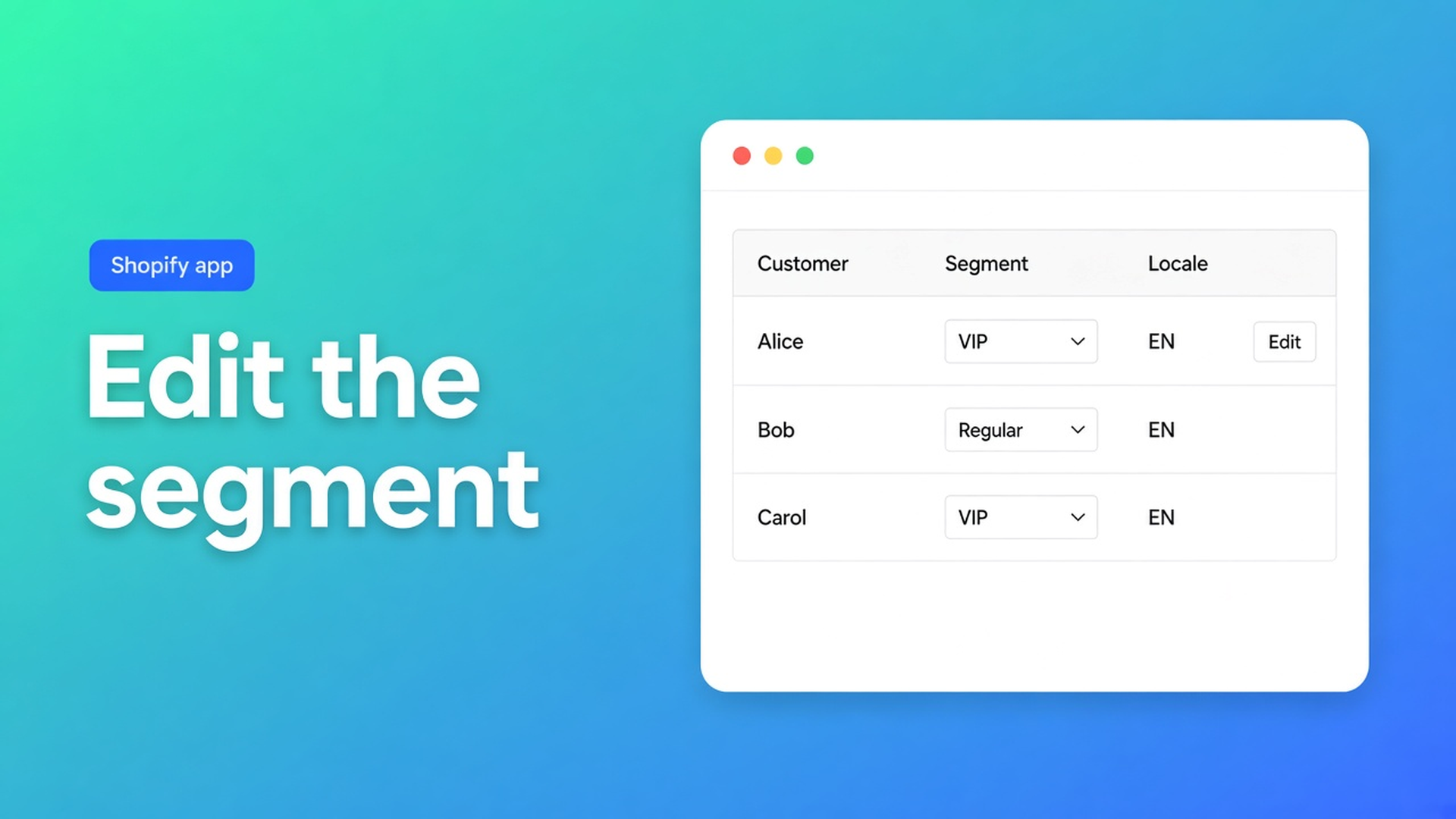
Bulk-edit a Shopify customer segment (locale or tax exempt in one pass)
You already keep Shopify segments: “Wholesale DE”, “locale empty”, “UK + Reseller tag”. Opening the segment in Admin still leaves Customer Locale and tax exemption one profile at a time. Those are the fields the listing says Shopify’s standard editor does not make easy in bulk. Shopify bulk edit customer segments means: load that group into the grid, stage one value, Save.
Yesterday we covered migrating customers between stores. Locale often arrives empty. Here the cohort already exists as a segment; you fix the two listing USPs on it. The app is OO - Bulk Customer Data Editor.
Segments group people. They do not write locale.
Shopify segments are live queries (tags, location, spend, whatever the query language allows). They decide who is in the set. They do not set a locale dropdown (`en`, `nl`, …) and they do not flip Don’t collect tax. Native bulk edit covers names, tags, email. The spreadsheet is for the rest.
A `Wholesale` tag is not a tax-exempt flag. A segment “email contains @reseller.com” is not German order mail. Without the grid you still click Manage tax settings a hundred times.
What stores try instead
Open the segment, then each profile. Fine for forty rows. After that it is the same dropdown, forty times.
Export CSV, edit in Sheets, import. Free-text `german` is not a Shopify locale. Native import on matching email overwrites more than you meant. In this app, empty CSV cells stay unchanged on updates — useful, but a detour when the segment already exists.
Filters in the editor with All customers selected. Possible. On a large shop the FAQ wants a segment or search first, then filters, before select-all matching. Otherwise you stage 50,000 rows you did not intend.
None of that is: segment dropdown → members in the table → bulk apply locale or tax exempt → Save.
Load the segment, then the two USP columns
OO - Bulk Customer Data Editor is Free (listing; 0 reviews). Spreadsheet in admin. Listing: Customer Locale and tax-exemption status; filters; reusable views; segments. Excel and Google Sheets via CSV. UI in English.
What is Bulk Customer Editor?: work with customer segments, and create new ones from filters. Open from *Start editing* or Customers → More actions → Edit in bulk. Staff need `read_customers` and `write_customers`.
Use a segment you already have
Use segments in the bulk editor:
Open Customers in the app.
Segment dropdown: pick the segment (or All customers).
The table loads those members.
Or: Segments in app nav → *Edit in bulk*. Recent segments on the dashboard have the same action.
Access: segment features need Shopify segment permissions for the shop and the staff account. Restricted customer permissions may show segments unavailable. Search and bulk editing of customers already loaded can still work. Blocked protected customer data limits editing until access is approved — Customer access is blocked.
Create a segment from the app’s filters
No Shopify segment yet? Create a segment from filters:
Open Segments in the app.
Name it.
Add filters — docs list tags, email, locale, or address fields.
Review the generated query preview.
Create.
Then open it in the bulk editor, or manage it later in Shopify’s customer segments. Delete unused ones from the app’s Segments page.
One value across the set
Edit customers in the spreadsheet: Locale is a Shopify locale dropdown, not free text. Tax exempt is yes/no-style. Read-only include total spent, order count, created date.
Apply a value to many customers:
Checkboxes, or Select all matching (current search + segment + filters, up to 50,000).
Field.
Value (dropdowns for yes/no and select fields such as locale or consent).
Apply to selected.
Review the staged cells, then Save. Permanent once saved. Nothing hits Shopify until the save bar.
Select-all combines search, segment, and filters. Large saves run in batches: keep the tab open. Failed row: Shopify’s error; retry the rest.
Example: “Wholesale DE”, locale `de`, tax exempt
You already have `Wholesale DE` in Shopify (tag + country), or you build it in the app from tag + locale/address filters.
Editor. Segment dropdown → that segment. Not All customers.
Columns: Locale, tax exempt, tags — columns, filters, sorting. Optional extra filter Locale is empty.
Select all matching (stay under 50,000; shrink the segment if not).
Bulk apply Locale → German (`de`). Apply.
Same selection: tax exempt → exempt / Don’t-collect-tax equivalent. Only if those accounts may be exempt — this is the admin flag, not tax advice.
Preview, Save, tab open. Spot-check ten profiles and one checkout.
Save a shop-wide view “Wholesale DE locale” (Save and reuse views) so the next import does not need a new query.
Leave marketing consent for a separate run. Subscribed still needs a valid opt-in.
Get it on the segment
Install OO - Bulk Customer Data Editor (Free).
Staff with customer permissions. Empty segment dropdown? Shopify segment permissions.
Pick or create the segment (tag, locale, address).
Edit in bulk. Apply Locale or tax exempt. Save with the tab open.
Failed rows: Shopify error, retry the rest.
Close
Shopify bulk edit customer segments is the segment in a grid, not a hundred profiles. Native segments group; this editor writes locale and tax exempt onto that group, up to 50,000 matches, only on Save. No segment permission, no dropdown. Close the tab mid-save and a large job can stop.
Load the segment in OO - Bulk Customer Data Editor and set the next wholesale cohort’s language without opening each customer.

Custom webshops, websites, and applications combined with smart online marketing to help your business grow online!


Reviews
5/5
Mail: info@onlineorigins.nl
Tel: 073 234 0612
KVK: 89825624
BTW: NL865123639B01
Bruistensingel 500,5232 AH 's-Hertogenbosch Cookies
© 2026 Online Origins