
Shopify B2B tiered pricing setup without another quote spreadsheet
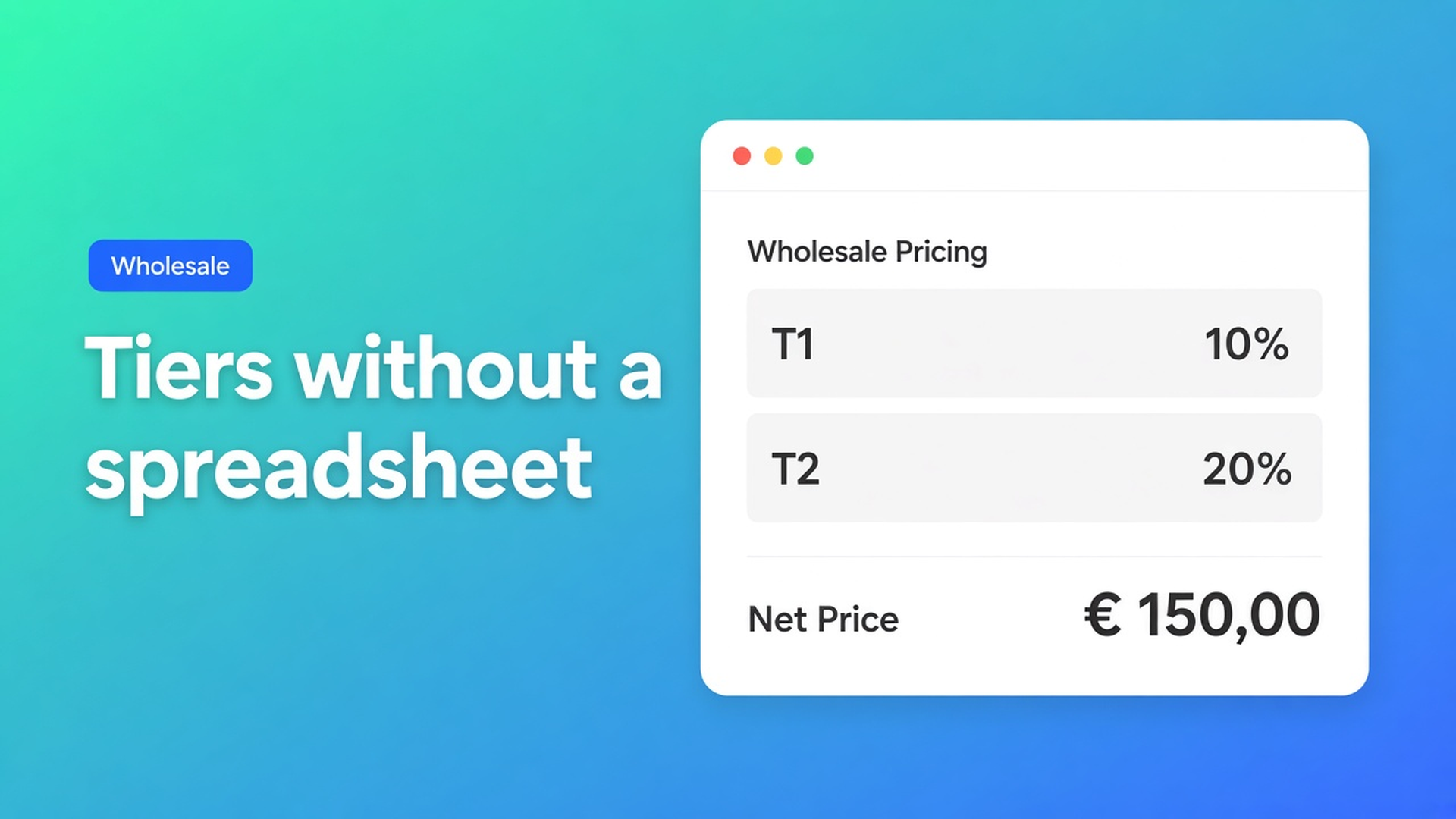
Trade accounts do not want a PDF every Monday. They want their net on the order form. Shopify B2B tiered pricing setup is the configuration that makes T1 10% and T2 20% without a second store, without a Plus catalog, and without a discount code that retail also finds.
Yesterday we built the wholesale page. The earlier volume-discount piece explained why a public code is not a tier. This article is the setup in OO - EU B2B & Wholesale: tags, one form per group, one strategy, then a real-customer test.
Admin has no “10% for this tag” switch
Shopify automatic discounts and quantity breaks follow *quantity*, not *who*. Catalogs and pricing in B2B belong to Companies — limited on Basic/Grow/Advanced, broader on Plus. Mixed D2C + wholesale shops usually stay on ordinary customer accounts. There is no native field that says `Wholesale_T1` gets 10% on a collection.
A store-wide code or a quantity table on the product page leaks. Shoppers see it. Resellers forward it.
Prices you configure here apply only inside that group’s bulk form. How B2B pricing works: they do not rewrite the Shopify product price, they do not hit the regular product page, they do not stack across forms. One customer sees one form.
Setup mistakes that look like “pricing is broken”
Three methods on one form. Percentage plus a flat price plus two SKU exceptions. Common B2B setup mistakes lists that as mistake 4. Split the groups.
The same tag on two forms. Overlapping visibility hands the shopper the wrong form. One tag, one form. One customer, one form.
“All customers” because the admin preview was empty. Visibility rules skip admins. Retail then sees 20%. Use tags. Test incognito.
None of that replaces: group → form → one percentage → collection → menu → test account.
What you actually configure
OO - EU B2B & Wholesale is Built for Shopify (5.0, 33 reviews). Listing: custom B2B pricing, tiered pricing, volume discounts, customer groups, order minimums/limits. $8.95/month or $101.88/year (5% off), 7-day trial, USD.
Each form gets one of three strategies:
Individual prices per product or variant — negotiated contracts.
Fixed price for every item in the form — uniform assortments.
Percentage discount on the original Shopify price — scalable tiers.
The pricing overview’s best practice: percentages for T1/T2, individual prices for the two house distributors. Do not claim a second “plus 5% after 50 units” layer in the same form — that rule is not in the pricing docs. Volume lives in which group sees which percentage.
Create `Wholesale_T1` and `Wholesale_T2`. Attach the tag after registration approval, or by hand. Do not reuse a tag on a second form.
Dashboard → Bulk order forms → Pricing → Apply percentage discount → `10`. How to apply a percentage discount: €100 becomes €90, €40 becomes €30. Per product and variant. When retail moves, the tier follows.
Rules from that page: the percentage overrides fixed pricing *in that form*; Shopify product prices stay put; every included SKU gets the same cut; do not stack other pricing rules on the same form.
Second form: `20`. Third form: individual nets, no percentage. Product source: a collection, not hundreds of checkboxes — mistake 3 if you pick SKUs by hand.
Visibility: Customers with specific tags. Primary path: the bulk order page in the menu (“Wholesale order”). Form On — enabled is not the same as on the theme. Forget the menu item and you get the “form is not visible” tickets from mistake 6.
Order minimums and limits sit on the listing next to tiered pricing. They cap a cart; they do not add a second percentage inside the same form. Keep that distinction when a buyer asks for “10%, then 15% after a pallet.”
Worked setup: lighting wholesale in one storefront
Retail buys a single pendant at the Shopify price. Installers (`Wholesale_T1`) get 10% on the trade collection. Resellers (`Wholesale_T2`) get 20%. Two distributors: customer-specific nets.
| Group | Access | Strategy | | --- | --- | --- | | T1 installer | `Wholesale_T1` | 10% | | T2 reseller | `Wholesale_T2` | 20% | | Distributor | specific customers | individual prices |
How to test pricing rules: not as admin. Incognito, log in as T1, fill quantities, cart equals the form, no extra Shopify discount. Then T2. After a percentage change: save, refresh, retest.
Wrong figure? Read why prices are not applied correctly first — wrong form, disabled form, missing product, no access — before you rebuild the tiers.
Get the first tier live
Install OO - EU B2B & Wholesale. $8.95/month or $101.88/year, 7-day trial, USD.
Create `Wholesale_T1` / `Wholesale_T2`. One tag per form.
New bulk form. Pricing → percentage `10`. Second form `20`. No mixed methods.
Collection as the product source. Tag visibility.
Bulk page in the menu. Forms On.
Test customers in a private window. Check the cart.
VIES, net terms, and the signup form live on the listing; this article stops at price setup. Do not claim the app replaces Shopify Plus B2B catalogs.
Close
Shopify B2B tiered pricing setup is not another spreadsheet and not `TRADE20`. It is one percentage per group, one form, one unique tag. Native Shopify does not attach that tier to customer tags. This app does — without rewriting product prices and without stacking rules.
Set the first percentage in OO - EU B2B & Wholesale and let T1 place the next order themselves.

Custom webshops, websites, and applications combined with smart online marketing to help your business grow online!


Reviews
5/5
Mail: info@onlineorigins.nl
Tel: 073 234 0612
KVK: 89825624
BTW: NL865123639B01
Bruistensingel 500,5232 AH 's-Hertogenbosch Cookies
© 2026 Online Origins