
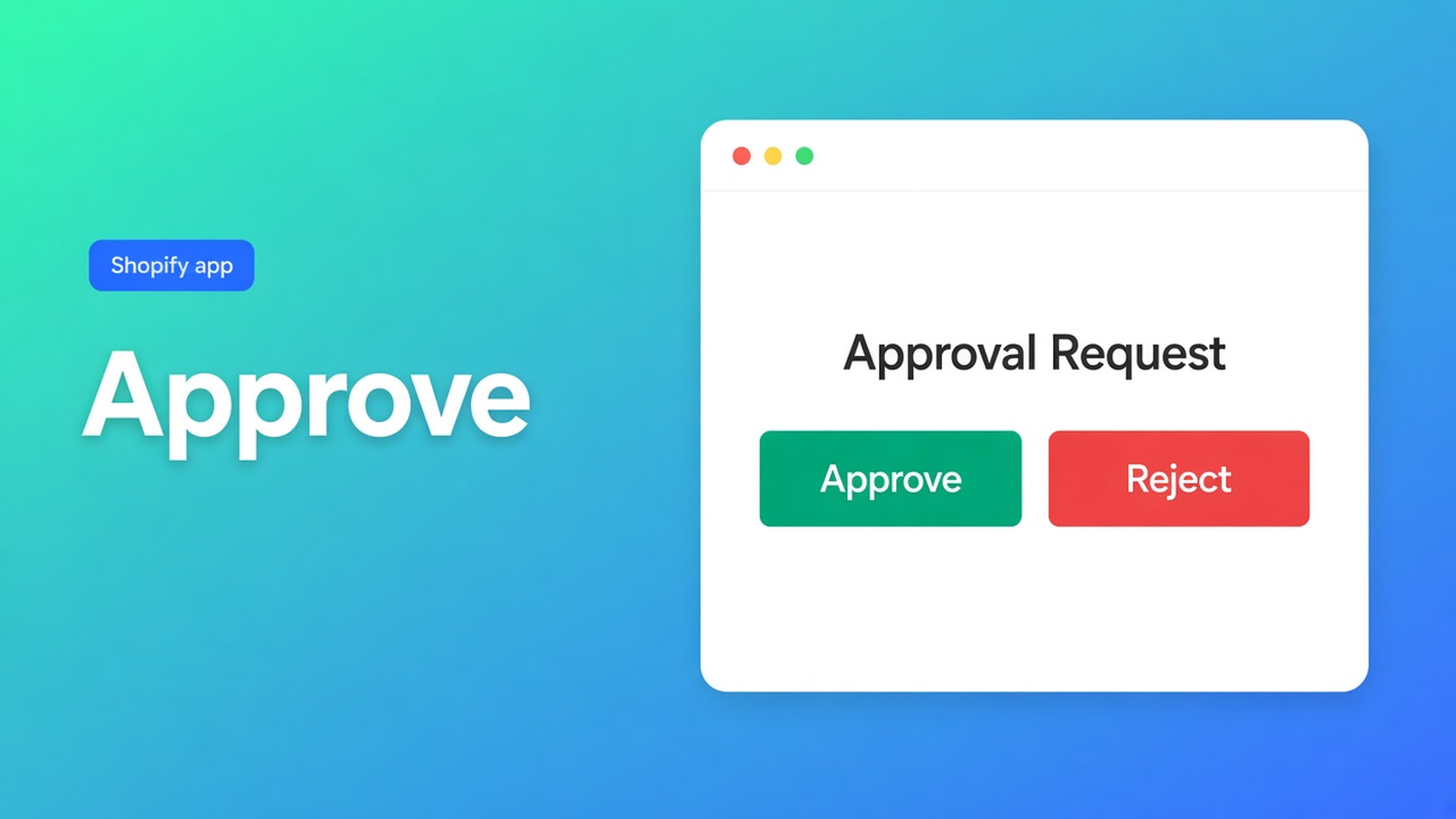
Shopify B2B registration approval workflow: review before net access
An application lands. The company number is incomplete. The account can already sign in. If net prices are visible to anyone with a password, the review is decoration. A Shopify B2B registration approval workflow is the queue in the middle: submit → you say yes or no → only then a group tag.
We already covered *that* you approve customers before the tag becomes the lock, and *how* to build the registration form. This article is the chain between those posts. The OO - EU B2B & Wholesale listing now states it on Free: 1 registration form + approve / reject.
A customer account is not a cleared trade buyer
Shopify’s default account is email plus password. There is no native queue labelled “may this buyer see net”. You can create accounts by hand, or use Shopify B2B companies and catalogs (tighter caps on Basic/Grow/Advanced, wider on Plus). That path is real. Plenty of EU merchants still run a blended D2C storefront on ordinary customer accounts and tags. Then approval is your process, not a checkbox on Customers.
Recommended setup for wholesale stores is blunt: never show bulk pricing to regular shoppers. Visibility belongs on Customers with specific tags. “All customers” or even “logged-in only” while rejected applicants still have passwords bypasses the queue.
Workarounds that skip the reject step
Email the paperwork, create the account first. The login exists before you have looked. Until a tag is on the profile they see retail — unless “login to see prices” already covers every account.
Open signup, “we’ll review later”. Everyone can register. You promised to look on Monday. There is no recorded no. The listing’s approve / reject is a decision, not a missing tag.
One discount code after a phone call. `TRADE20` for whoever rings. No per-account moment. The code leaks. That is not a registration workflow.
None of those is: form submitted → yes or no → tag only on yes → prices only for that tag.
Approve and reject on the registration form
OO - EU B2B & Wholesale is Built for Shopify. Listing 5.0 (34 reviews). Free plan available. Starter $22/month or $220/year. Growth $37/month or $370/year. 14-day trial, billed in USD.
Listing pieces that belong here:
customer registration with approval flows;
signup form, wholesale login, customer tagging;
Free: 1 registration form + approve / reject, plus flow templates for that one form;
Starter: unlimited registration forms, custom and volume pricing, “Login to see prices”, EU tax exemption (VIES);
Growth on top: bulk forms, draft checkout, repeat order — not required for the approval queue itself.
Do not invent a Chamber-of-Commerce API on the approve button. Do not run VIES at this step; VIES is a Starter tax-exemption feature, a different cluster. Do not claim the app replaces Shopify Plus B2B catalogs.
Three beats, in order
Application. The form asks what you actually review: legal name, company number, VAT ID, contact. No net rates on that screen.
Decision. You approve or reject. Rejected accounts get no group tag. Approved accounts are still not wholesale until the tag exists.
Tag. Add `Bike_Trade` or `Wholesale_T1` on the customer in Shopify admin. Tag visibility: putting a tag in a bulk form’s visibility settings does not assign it to anyone. You attach it after the yes.
Skip beat 2 and you have open signup. Skip beat 3 and the yes is a note.
After the yes, still lock the storefront
Bulk forms sit on Growth. On Starter the gate is login-to-see-prices plus tags on custom pricing — not the bulk grid. If you do run a bulk form: Visibility rules — one customer sees one form; tags match with OR; they must be logged in. Priority: specific customers → tags → logged-in → all customers. Reusing a tag on two forms is a conflict.
Common B2B setup mistakes names the failures that waste a perfect reject button: form visible to all customers, overlapping tags, testing as admin (visibility lies), bulk page missing from the menu.
Theme blocks still matter. How to create a bulk order form: an enabled form is not on the storefront until you place it. Approved buyers mailing “I see nothing” is often placement, not the queue.
Worked example: bike shops in, consumers out
You sell parts from a mixed store. Consumers keep the ordinary catalogue. Bike shops should not see net until you have checked the company number.
One registration form (Free allows 1 form + approve/reject; more forms = Starter). Fields: legal name, company number, VAT ID. No staffel on that page.
“Rotor Cycles Ltd” applies. Number checks out; you approve. A Gmail consumer application gets reject — no tag.
On the approved profile you add `Bike_Trade` in admin. Exact spelling. Docs: tags are not case-sensitive; stray spaces still fail.
Starter custom pricing, or on Growth the bulk form, on “Customers with tags” = `Bike_Trade`. Not all customers. Not every logged-in account while rejected people still have passwords.
Incognito: pending (no tag), approved + tag, rejected. Do not trust the admin preview.
A second tier later means a second tag (`Bike_Trade_Plus`) and a second form or pricing rule. Attach that tag only after a second review — not as a courtesy on everyone you once approved.
Get the queue live
Install OO - EU B2B & Wholesale. Free to try the queue; Starter $22/month for more forms and login-to-see-prices; Growth $37/month for bulk forms.
Publish one registration form with approve/reject. Ask only what you review.
Pick the group tag (`Bike_Trade`) before the first yes. Do not add it to visibility and assume customers now have it — the docs say that does not assign the tag.
Leave retail public. Wholesale only for the tag.
Test pending, approved, and rejected in a private window.
Wrap-up
A Shopify B2B registration approval workflow is not a follow-up email. It is approve or reject on the registration form, then a group tag. Native Shopify has no such queue. Open visibility makes the buttons pointless. Rejected accounts stay on retail.
Put that flow in OO - EU B2B & Wholesale and leave the next application in the queue until you say yes.

The Shopify Select partner for ambitious e-commerce businesses that want to grow!


Services
Reviews
5/5
Mail: info@onlineorigins.nl
Tel: 073 234 0612
KVK: 89825624
BTW: NL865123639B01
Bruistensingel 500,5232 AH 's-Hertogenbosch Cookies
© 2026 Online Origins