
Shopify B2B pricing import CSV: do not paste nets into Variant Price
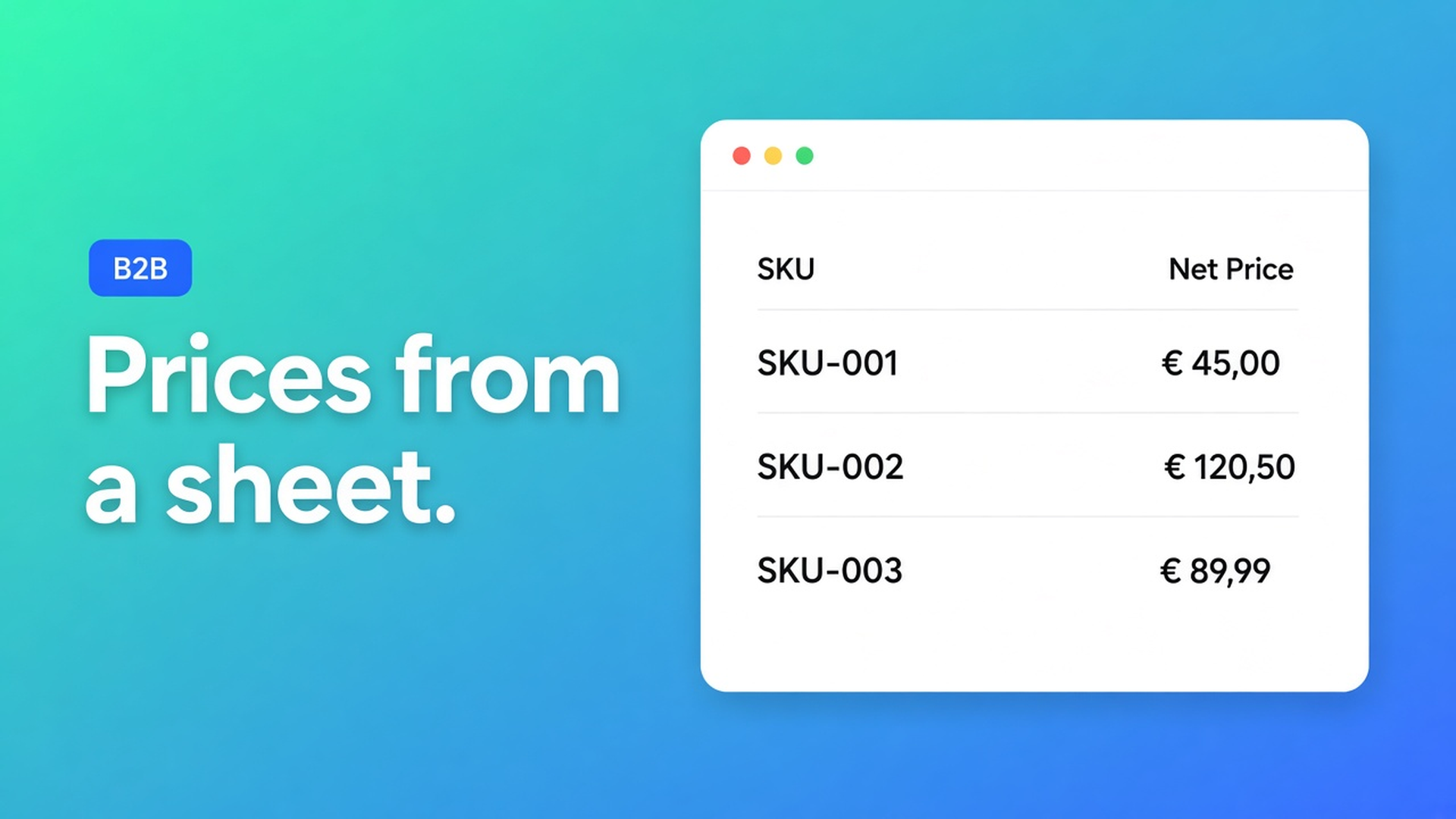
A buyer emails a file: SKU, net, a “T2” column. The fastest click in Shopify is Products → import, map net to Variant Price. The next guest session shows trade rates on the public product page. Shopify B2B pricing import CSV means reading that file, not pouring it over the retail catalogue. Nets belong on the bulk form the tagged account is allowed to open.
We already covered price lists as a strategy — percentage versus a contract amount. This post is the file: columns, Shopify’s product CSV, and what OO - EU B2B & Wholesale actually does with the numbers. No second shop. No Plus-catalogues claim.
Product CSVs carry shelf price. Wholesale is not an extra column.
Shopify Help Importing and exporting products is about product data. Variant Price is what the ordinary product page shows. Put horeca or installer nets there and they are public. There is no first-party column “only for tag Wholesale_T2”.
Native B2B catalogs exist (Catalogs and pricing in B2B): prices on companies. Caps on Basic/Grow/Advanced, looser on Plus. Mixed D2C + wholesale shops often stay on ordinary customer accounts. Then the product CSV stays retail, and Shopify B2B pricing import CSV is a same-store problem.
The listing lists Pricing import next to custom pricing, groups, tiered/volume discounts. Docs do not spell out “upload .csv, overwrite the PDP”. They do spell out: prices apply inside the bulk form, only for people who can see that form.
What shops do with the sheet until retail leaks
Overwrite Variant Price because “import is faster”. Four hundred rows, one Shopify import, done — until a logged-out visitor opens `/products`. Recovery is a second import of yesterday’s retail, if you still have the backup.
Turn column C into a discount code. `T2` lands in a reseller chat. Consumers check out with it.
Paste percentage *and* SKU exceptions into a single form. Common B2B setup mistakes call mixed methods in one form mistake 4. The sheet had two kinds of rows. The form did not.
None of that is: classify the CSV → one strategy per group → test as that customer.
The CSV is a worksheet. The form holds the rule.
OO - EU B2B & Wholesale is Built for Shopify (5.0 from 33 reviews). Live listing: Starter $22/month or $220/year (17% off) — unlimited custom pricing and volume pricing among the features. Growth $37/month or $370/year — everything in Starter plus bulk forms, draft checkout, repeat order, quote request (RFQ). Free plan available, 14-day trial. Billed in USD through Shopify.
How B2B pricing works: one strategy per form. Sequence: customer opens a bulk form → which form they may see → those rules. Shopify product prices stay put. The regular PDP stays put. Forms do not stack.
1. Split the file before you touch the app
Open the CSV in Excel or Sheets. Add a `rule` column.
Same factor for (almost) the whole group → `percentage`. Example: T2 everywhere −20% off retail.
A different amount per SKU or variant → `contract`. Example: SKU `DRV-40W` = $12.40 net, the rest follows T1.
Do not claim the app maps those columns for you. You classify. The app then gets one method per form.
2. Percentage groups do not need 400 pasted cells
Form `Wholesale_T2`. Pricing → Apply percentage discount → `20`. Docs: $100 becomes $90, $40 becomes $30; per product and variant; follows Shopify when retail moves. Percentage overrides fixed pricing *in that form*. It does not rewrite the product page.
Products: All products if the whole catalogue should ride along (future SKUs included; no per-item exclusions). Otherwise a collection — mistakes doc, point 3: ticking SKUs by hand does not scale.
Visibility: tag `Wholesale_T2`, logged in, OR match, do not reuse the tag on a second form. Adding the tag on the form does not stamp it onto customers.
3. Contract rows: individual prices
A second form, a different tag, a different set of accounts. Individual prices: Pricing → Individual prices → product or variant → amount. Each variant can have its own net. Docs: negotiated / contract pricing; not auto-calculated. Individual overrides other methods *in this form*. Retail Shopify prices stay.
Type only the contract exceptions from the CSV, not the whole book “just in case”.
4. Do not mix. Do test.
One customer, one form. Multiple bulk forms: own products, prices, visibility. Staff view lies; use a private window as T2. Form On is not the same as on the storefront — theme block and menu still matter. The Growth plan on the listing calls out bulk forms; without that form there is nowhere for the imported rule to live.
Primary path: a dedicated bulk page in the menu (“Wholesale order”), not the PDP alone.
Worked example: LED drivers, T1 as a factor, T2 as three SKUs
Retail stays in Shopify: driver 40 W at $24. The distributor CSV says:
T1: −15% on everything
T2: −25% on everything except `DRV-40W` $11.80 and `DRV-80W` $13.10
Two forms. T1: percentage 15, collection “Trade”, tag `Trade_T1`. T2: do not stack “25% plus two individuals” — that is mistake 4. Either T2 is percentage 25 (those two SKUs then follow 25% of retail) or a separate contract form with individual prices on those two SKUs. One readable strategy per group.
Create the forms from How to create a bulk order form. Enable them. Test with a tagged account, not as staff.
Keep the CSV as the source. T1 moves to 18%? Change the percentage on the form, not 400 Variant Prices. A new SKU in the collection inherits the factor when you use All products or a collection — no fresh import.
Ship it
Install OO - EU B2B & Wholesale. Listing: Starter $22/month, Growth $37/month (annual $220 / $370), 14-day trial, free plan available.
Split the CSV: `percentage` vs `contract`. Do not import into Variant Price.
One bulk form per group. One pricing strategy. Unique tags.
Percentage from these steps, contract from individual prices.
Test logged in as the customer. Wrong figure? Read why prices are not applied correctly before rebuilding — wrong form, disabled, product missing, no access.
Registration and approval are the front door, not the import. List first, then who may see it. Do not claim this replaces Shopify Plus catalogs.
Wrap-up
Shopify B2B pricing import CSV is not a second product file. It is classifying the sheet and putting one rule per group on a bulk form: percentage when the column is a factor, individual prices when it is contract amounts. Native Shopify stops at Variant Price (or Plus catalogs). This app keeps the net behind login.
Load the trade rates in OO - EU B2B & Wholesale and let the next CSV leave the retail page alone.

The Shopify Select partner for ambitious e-commerce businesses that want to grow!


Services
Reviews
5/5
Mail: info@onlineorigins.nl
Tel: 073 234 0612
KVK: 89825624
BTW: NL865123639B01
Bruistensingel 500,5232 AH 's-Hertogenbosch Cookies
© 2026 Online Origins