
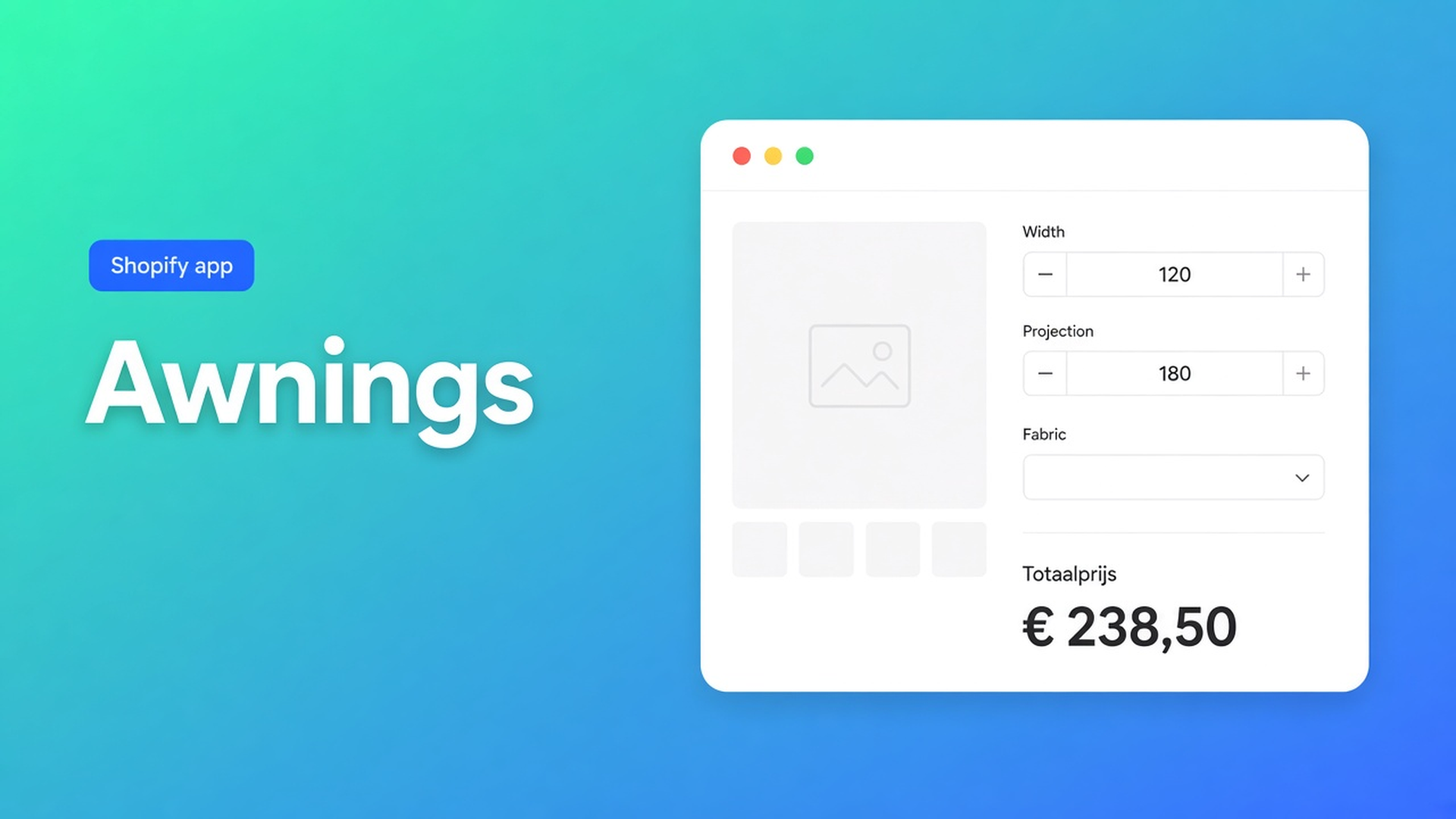
Shopify awning made to measure pricing without a size grid
A folding-arm awning is sold in millimetres, not in “Large”. Shopify awning made to measure pricing fails when width and projection are variant options. Each centimetre becomes a SKU you never stock. Fabric as a third option burns your last slot, so motor versus crank never gets a field.
This is not a blinds configurator (slat width) and not made-to-measure curtains (fullness). The awning sum is cloth area × fabric rate, plus an optional motor. Options Price Calculator runs that sum on the product page, without extra variants.
Width and projection are not a fourth option
Shopify variants are stocked combinations. Adding variants caps a product at three options (Cassette, Collection, Colour, …) and 2048 variants. The old 100-variant ceiling is gone; the three-option cap is not. Filling the matrix does not create a continuous 3.47 m width.
Cassette (2) × cloth collection (8) already spends two options on 16 SKUs. A “Width” option with 2.50 / 3.00 / 3.50 / 4.00 m values lets the shopper pick one step — and projection has nowhere to go. Centimetre values multiply those 16 SKUs until you hit 2048 before anyone can type 2.55 m projection.
Theme line item properties (`properties[Width]`, `properties[Projection]`) store the measurements on the line. They do not change the price. Shoppers type sizes and still pay the static variant amount — or you quote by email.
Keep cassette and collection as native variants: those SKUs drive purchasing and stock. Do not store every millimetre of cloth as an option value. We already covered why continuous dimensions do not fit Shopify variants. This article is the cloth: two numbers, one fabric pick, one total.
Workarounds that stall checkout
A menu of factory sizes
2.50 × 2.00. 3.00 × 2.50. 4.00 × 3.00. Fine until the facade is 3.20 × 2.40. Shoppers over-buy the next step or open a ticket. You track inventory for cuts the mill only makes after the order.
Quantity as square metres
Product sold “per m²”, Quantity 9 = 9 m². Breaks on 3.47 × 2.55 = 8.86 m². Shopify quantity is a whole number. The cart says “9 items”. No projection field, no fabric multiplier.
A quote after the site visit
Photo of the terrace, price by email. No live total, no self-serve reorder of the same cassette.
None of those paths give you two measurement fields, one fabric choice, a live total, and SKUs only for hardware you actually stock.
Two number fields, one fabric dropdown, one formula
Options Price Calculator is Built for Shopify (5.0 from 26 reviews on the listing). Unlimited product options — the listing lists Numbers, Dimensions, and Dropdowns — plus formula pricing and a live total, without extra variants. Starter $9.99/month: unlimited options, formula builder, metafields, multilingual, AI. Premium $14.99/month: + conditional logic, Font Picker, live preview, price breakdown. Free: 20 uses; always free on a Shopify Develop plan. Billed in USD.
Measurements live in the calculator. The variant stays the SKU (cassette, collection).
Number Input for width and projection
Number Input is the measurement field. Use two:
Label `Width (m)`, placeholder `e.g. 3.47`, key `width`
Label `Projection (m)`, placeholder `e.g. 2.55`, key `projection`
Keys: lowercase, digits, underscores. Required field on — no size, no Add to cart. Allow negative values off. Always set Minimum and Maximum; the docs call that out, otherwise someone types 0.10 m or 12 m. A folding arm often sits between 1.5–6 m width and 1.5–4 m projection; match your mill.
Leave Is quantity input off. That toggle binds the number to Shopify cart quantity, so 3.47 m becomes “3 items”. Two identical awnings of the same size stay the ordinary quantity selector.
Prefer centimetres? Label `Width (cm)`, min `150`, max `600`, default `300`, and divide by 100 in the formula.
Fabric is a dropdown, not another variant option
A Dropdown is exactly one choice. Each option has a label and a Value (float) used as a fixed amount, a multiplier, or an m² rate.
Cloth grades:
`Standard acrylic` → `45` (€/m²)
`Solution dyed` → `62`
`Sunworker` → `89`
Or multipliers on the variant price, as example 3 in the formula examples: `1` / `1.25` / `1.6`. Variables and Field Values treat Dropdown, Radio, and Swatch the same: the formula receives the selected number.
Required on, so an empty cloth cannot hit the cart. A default option is optional; leave it unset if the shopper must pick.
Cassette colour or a collection with its own stock stays a Shopify variant. That spends an option slot. The cloth *rate* does not.
Formula: area × rate
The Formula Builder allows `+ - × ÷ ( )`. `product_price` is the selected variant’s price — here the cassette or mounting kit.
Example 1 is price per square metre with two number fields. For an awning, “height” is projection:
``` product_price + (width * projection * fabric) ```
Cassette €180, width 3.47, projection 2.55, fabric 62: `180 + (3.47 * 2.55 * 62) ≈ 180 + 548.60 = 728.60`. The same total in checkout. Fulfillment reads the centimetres on the line — no follow-up “please add 40 cm projection”.
Variant price already is that collection’s m² rate, fabric as a multiplier:
``` product_price * fabric * width * projection ```
Centimetres in the fields, rate per m²:
``` product_price + ((width / 100) * (projection / 100) * fabric) ```
A fixed install fee, as in example 5 (`+ 25`):
``` product_price + 85 + (width * projection * fabric) ```
A motor as a checkbox: checked = configured number, unchecked = `0`.
``` product_price + (width * projection * fabric) + motor ```
Round at the end: `Math.round(...)` or `Math.ceil(...)` if you never want to drop a cent.
Wider cloth costing more is example 7 — Premium conditional (`width > 4` then a higher m² factor). A floor price (example 6) is Premium too. Do not put that on Free or Starter.
Worked example: folding arm, three cloths
Native SKUs: cassette (white / anthracite) and collection (plain / stripe). Two of your three options. No “Width” option.
Calculator:
Number `width`, metres, required, min `1.5`, max `6`
Number `projection`, metres, required, min `1.5`, max `3.5`
Dropdown `fabric`: 45 / 62 / 89
Checkbox `motor`, value `220`, default off
Formula `product_price + (width * projection * fabric) + motor`
Anthracite / plain (€195), 3.20 × 2.50, fabric 62, motor on: `195 + (3.20 * 2.50 * 62) + 220 = 911`. Same cassette, smaller cloth, no motor: different total, one SKU.
Two awnings in one order: Add to cart twice. Quantity 2 means two identical units with the same measurements. The calculator prices one unit; Shopify quantity multiplies the line.
Link the calculator with Linking Products & Variants. One calculator covers the line if only `product_price` changes. A vertical screen range (different min/max) gets a second calculator.
Get it on the product page
Install Options Price Calculator. Free: 20 uses (always free on Develop). Starter $9.99/month. Premium $14.99/month when you need tiers or a minimum cloth charge.
Add the app block on the product template, under the price and above Add to cart — How to Add the Extension to the Product Page.
Add two number fields and a fabric dropdown. Keys `width` / `projection` / `fabric`. Required on. Min/max equal to the mill’s limits.
Keep cassette and collection as Shopify variants. Do not store sizes as option values.
Formula: `product_price` plus area × rate. Test a mid-size, switch variants, toggle the motor, check the live price and the cart.
Server-side price validation (app setting) stops a browser-only total from reaching checkout. Theme bindings exist because selector CSS differs per theme — not “works everywhere with no setup”. A length number field is the same field type; an awning needs two because it is an area.
Wrap-up
Shopify awning made to measure pricing is not a grid of 2.50 × 2.00 SKUs and not Quantity-as-m². It is two measurements and a fabric pick that the product page computes. Native Shopify stops at three options and 2048 variants; a 3.47 × 2.55 folding arm belongs in the calculator. Width × projection × rate is the price. The cassette stays the SKU.
Put those fields in Options Price Calculator and let the next shopper check out a mid-size — no quote, no centimetre variant.

The Shopify Select partner for ambitious e-commerce businesses that want to grow!


Services
Reviews
5/5
Mail: info@onlineorigins.nl
Tel: 073 234 0612
KVK: 89825624
BTW: NL865123639B01
Bruistensingel 500,5232 AH 's-Hertogenbosch Cookies
© 2026 Online Origins