
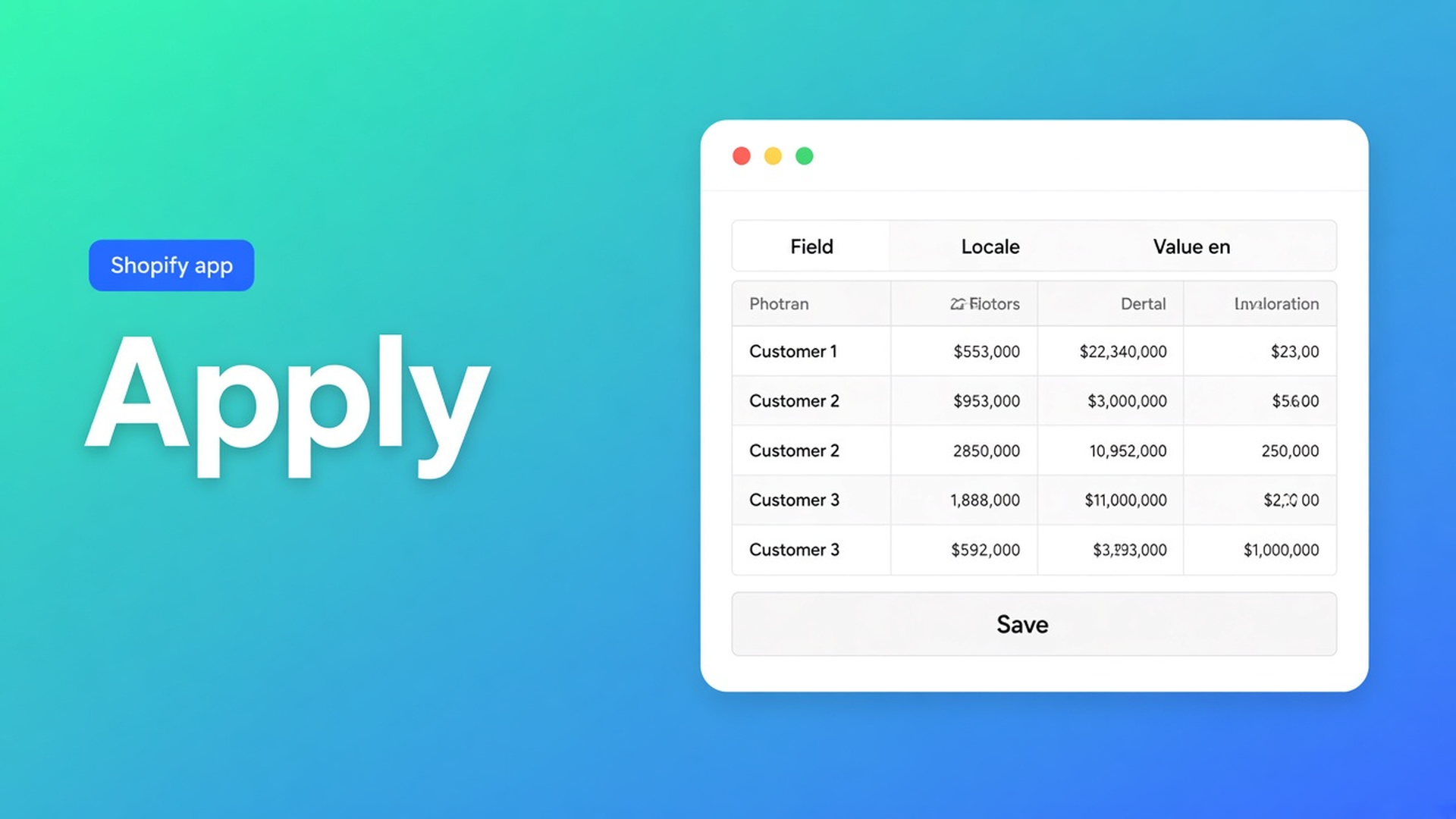
Shopify apply value to many customers: one field, then Save
Eight hundred wholesale accounts missing tax exempt. Or 1,200 rows with an empty locale. You do not want the same dropdown 800 times. You want one value on the selection. Shopify apply value to many customers is that action: not cell by cell, not a CSV round-trip — bulk apply in the editor.
We already covered the spreadsheet editor and saved views. This is the command: Field → Value → Apply to selected → Save. The OO - Bulk Customer Data Editor listing calls out Customer Locale and tax-exemption status as fields Shopify’s standard editor does not make easy in bulk. Bulk apply is how you set them in one pass.
Native admin has no “same value, this group”
Customers is one profile at a time. Tags can be touched in bulk, somewhat. Locale and tax exempt live on the account, not in a workable bulk flow. A Shopify segment is a group; it does not write a dropdown onto 800 members.
Without bulk apply you get:
you open profiles 1–80 and stop;
you export, paste `nl` in Excel, import — locale was missing from the native customer export, or you overwrite consent;
you add tag `fix-locale` and hope notifications read the tag. They read Locale.
Do not claim Shopify’s own CSV “just fixes” locale or tax exempt. Do claim: after import you can set those fields in bulk.
Workarounds until the selection is ready
Typing the same cell 800 times
Editor open, row 1 `nl`, row 2 `nl`. Fine until the scrollbar wins. Same value, hundreds of times. Exactly what bulk apply skips.
A CSV round-trip for one column
Export, fill one column, import. Empty cells do not clear existing values on updates — useful, until you think a blank locale cell wipes the store default. For “everyone in this filter gets Dutch (`nl`)”, apply in the grid is shorter.
Ticking only the visible page
Twenty checkboxes, Apply, next page. Select all matching is the current search + segment + filters, up to 50,000, including rows not on screen. The docs say that outright.
None of those paths: filter → Select all matching → one field → staged table → Save.
Bulk apply stages; Save writes
OO - Bulk Customer Data Editor is Free. Listing: spreadsheet editor; bulk-edit Locale and tax exemption; import/export of fields Shopify leaves out; store-to-store migration; filters, views, segments. Works with Excel and Google Sheets via CSV. Still 0 reviews; we will not invent a rating. English UI. No other OO app in this post.
Open it: dashboard *Start editing*, or Customers → More actions → Edit in bulk. Staff needs `read_customers` and `write_customers`.
Apply a value to many customers is five steps:
Select with checkboxes, or Select all matching — everyone who matches the current search, segment, and filters, up to 50,000. Progress while the selection is collected.
In the bulk-edit bar: choose a Field.
Value: type it, or use a dropdown (yes/no and select fields such as locale or marketing consent).
Apply to selected.
Review in the table, then Save with the Shopify save bar. Docs: changes are permanent if you save.
Two notes from the same page, not optional:
Apply stages first. Nothing hits Shopify until Save. Discard = gone.
Selected customers do not all have to be visible in the grid. Select-all matching stages a large set; you save with preview and progress.
Large saves run in batches. Keep the tab open. A failed row is Shopify’s error; you can retry the rest.
Which field you pick
Listing USPs first, when the job fits:
Locale — dropdown of Shopify locales, e.g. Dutch (`nl`), English (`en`). Not free text “nederlands”. Filter is empty or wrong language, then apply.
Tax exempt — yes/no-style. Tags filter the group; tags are not the exemption. Apply the flag.
Same editor also covers tags, note, consent (email / SMS / WhatsApp under Shopify’s rules), default address, and defined customer metafields (not every type is editable). Read-only stay total spent, order count, created date — you do not apply those.
One apply = one field. Locale and tax exempt both wrong: two runs, or mix cells. Do not cram both into one Value box.
Worked path: empty locale on the NL tag group
View or filter: tag `NL`, Locale column, is empty. Columns picker: locale on, noise off — choosing columns stays in this browser; a saved view shares it with the team.
Select all matching. Field: Locale. Value: Dutch (`nl`). Apply to selected. The table shows staged `nl` on matching rows — including those not on page 1. Spot-check ten rows. Save, tab open.
Second run: tag `Wholesale`, tax exempt is no. Field: tax exempt, Value: yes. Apply, review, Save. One test account at checkout: no VAT. A NL account’s notification: Dutch.
Segment instead of a tag? Create a segment from filters, then Edit in bulk, same apply. Select-all matching includes search + segment + filters, up to 50,000. Above that: a tighter filter or batches.
Get it done
Install OO - Bulk Customer Data Editor (Free).
Open the editor. Show the column for the field you will set.
Filter or segment until the group is right. Read the matching count before Select all.
Field → Value → Apply to selected. Review. Save with the tab open.
Spot-check in native Customers and, for tax exempt, in a test checkout.
Customer access blocked? Docs: the editor needs write. No second native Overwrite that flattens notes.
Wrap-up
Shopify apply value to many customers is not a CSV loop and not 800 profiles. It is one field, one value, Select all matching up to 50,000, staged until Save. Native admin has no such bar. Locale and tax exempt are on the listing for that reason.
Run that apply in OO - Bulk Customer Data Editor and make the next import one Save — not an afternoon of cells.

The Shopify Select partner for ambitious e-commerce businesses that want to grow!


Services
Reviews
5/5
Mail: info@onlineorigins.nl
Tel: 073 234 0612
KVK: 89825624
BTW: NL865123639B01
Bruistensingel 500,5232 AH 's-Hertogenbosch Cookies
© 2026 Online Origins