
Match a Shopify table to your brand with AI (from a URL)
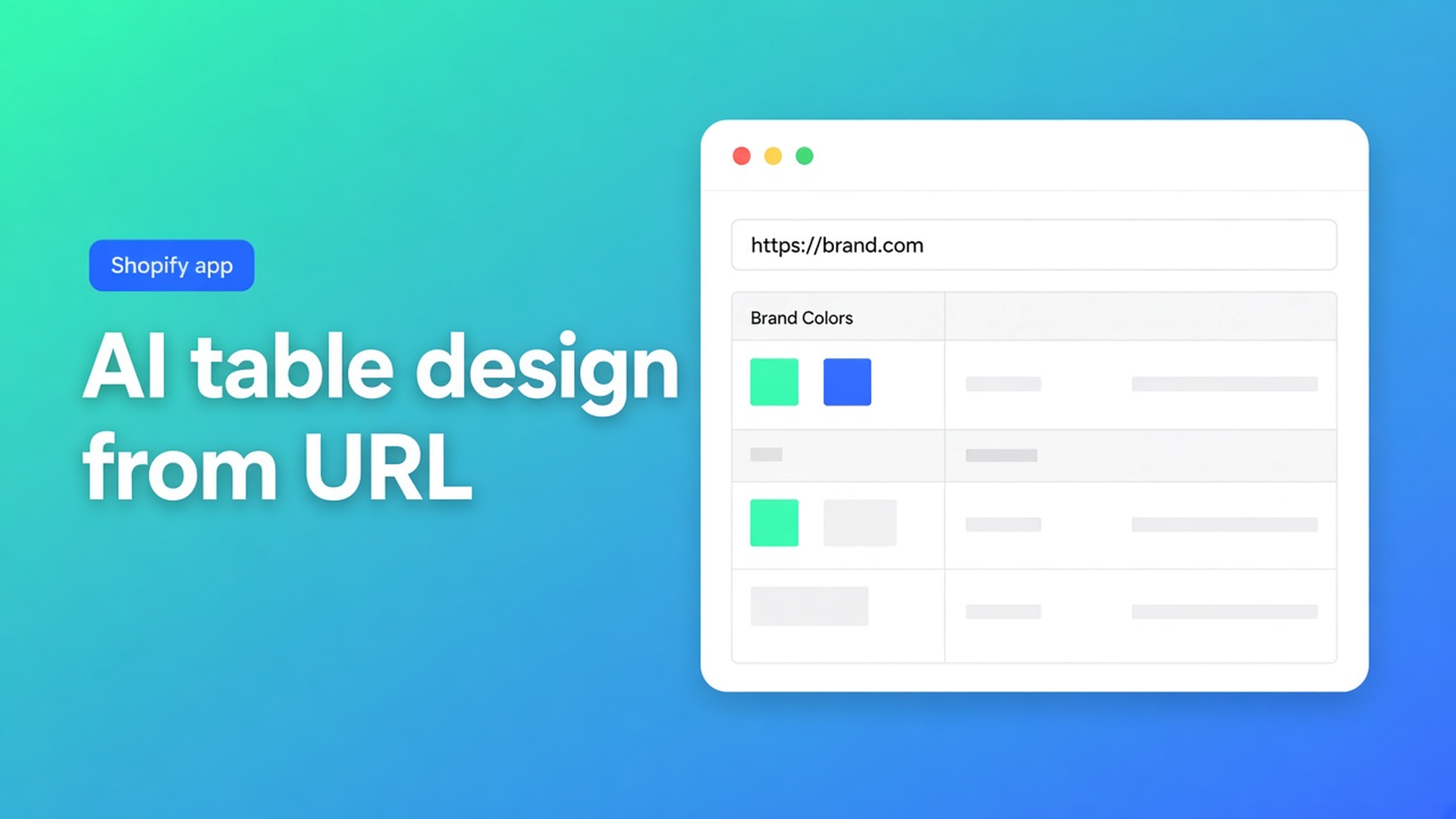
The size chart is built. The rows are right. On the product page it still looks like a default grid: a mint that is not yours, a font the theme never loads. Shopify AI table design from brand URL is not another Generate. It is the Design step: describe the look, drop a screenshot, or paste the website URL. The app reads public brand colours and fonts and maps them onto this table type. Structure stays. Overrides merge only after you confirm.
This article is that styling pass. Generate with AI creates the draft. Size chart from a screenshot pulls rows from a PNG. Here: how you pull an existing table into brand chrome without wiping the centimetres. The app is OO - Advanced Table Builder. Docs may still say Tables, Specs & Comparisons. The listing URL stays that handle.
Structure holds data. Design holds the shell.
Design settings owns templates, colours, fonts, spacing, and chrome (popup, tray, tabs). It differs by type:
Size charts — popup versus plain, trigger, table colours.
Product Specs — details panel, classic, cards.
Comparison — grid/cards/spotlight, modal and tray.
Tabbed — tab style and colours.
Us vs Them — highlight templates.
Same rows, different shell. Native Shopify has no “read my homepage and paint this size chart”. Theme CSS breaks on the next update. A screenshot in the description is not a font.
AI create can approximate colours from an image. That is a guess at Generate time, not a brand pass. Refine Design is the brand pass.
Auto-placement covers size charts (above Add to cart when the Size chart block is missing) and compare (inject under the price). Product Specs = theme block. Do not claim ATC auto-inject for specs.
Three ways the table stays off-brand
Hand-tuning Design on every table. Fine. Slow once five tables need the same gold and the same typeface.
Generate with AI again. AI picks a type and sample structure. You already had the rows. Refine Structure locks the type, then replaces rows if you confirm. Wrong control for colour-only work.
Custom CSS “until we tidy it later”. The listing names Custom CSS. That is an escape hatch, not the brand workflow. A URL on Design is the documented path for brand colours/fonts.
Refine Design: copy, screenshot, or URL
OO - Advanced Table Builder is Free, listing 5.0 from 1 review. Listing: visual builder or AI draft, colours/fonts/templates to match the brand, placement, translation. Works with AI, Excel, Google Sheets.
On Design: Refine with AI. Three inputs, same docs:
A written description — “dark green accents, cream background”.
A screenshot of a look you want.
A website URL — the app reads public brand colours/fonts and maps them to your table type.
Create and refine tables with AI: structure stays as-is; design overrides merge after confirm. No new rows. No type change.
A Design screenshot is a style plate, not a second Generate. Create accepts PNG/JPEG/WebP/GIF up to 4 MB. Refine Design says “upload a screenshot” without restating that cap; stay reasonable, not a 20 MB PSD.
After confirm: open Design yourself. Popup versus plain (size chart) is still your call. Specs templates (classic vs cards) too — check whether the URL pass picked the right one. Fonts the theme does not load will fall back. Do not claim a perfect theme match without looking.
Module types (Weight / Price / Color) live in Structure, not Design. Review those after Generate, not by running Refine Design. A URL will not turn a frozen custom attribute into a live Shopify module.
Worked pass: specs table, storefront URL
The coffee-machine specs table is done: capacity, wattage, Weight as a Shopify module. On the PDP the table is light grey. The theme is black and gold.
Install the listing if needed. Open the table → Design.
Refine with AI. Paste `https://yourshop.com` (the public storefront, not Admin).
Confirm. Structure: same modules, same order. Design: colours/fonts closer to the homepage.
Check the template (classic vs details panel). Enable. Visibility on those SKUs.
Theme: Product specs block on the product template. No auto-inject next to Add to cart.
Second table, size chart: same URL pass. You still choose popup or plain. Auto-placement only if the embed is on and there is no Size chart block.
Translations: customer-facing strings in Settings → translations. Design AI does not fill locales. Excel/Sheets stay for data; the URL pass is not an import.
A password page or a staging host gives the model few public tokens. Use the live storefront or the brand homepage that already shows colour. Then check Design for contrast on mobile — mint-on-mint inside a size-chart popup is a common miss.
Checklist
Open OO - Advanced Table Builder (Free).
A table whose Structure already holds. Leave the type locked.
Design → Refine with AI → description, screenshot, or website URL. Confirm.
Check chrome and template. Save. Theme block (or size-chart/compare auto-placement).
Storefront: same rows, brand colours. Do not expect Specs beside ATC.
Close
Shopify AI table design from brand URL is Refine Design, not a second Generate. Docs: URL for brand colours/fonts, structure intact, overrides after confirm. Native Shopify stops at metafields and a Size option. This app styles the table you already built.
Paste the shop URL in OO - Advanced Table Builder and publish only when the shell matches the theme — the centimetres were already there.

Custom webshops, websites, and applications combined with smart online marketing to help your business grow online!


Reviews
5/5
Mail: info@onlineorigins.nl
Tel: 073 234 0612
KVK: 89825624
BTW: NL865123639B01
Bruistensingel 500,5232 AH 's-Hertogenbosch Cookies
© 2026 Online Origins