
AI table colours from a website URL look wrong
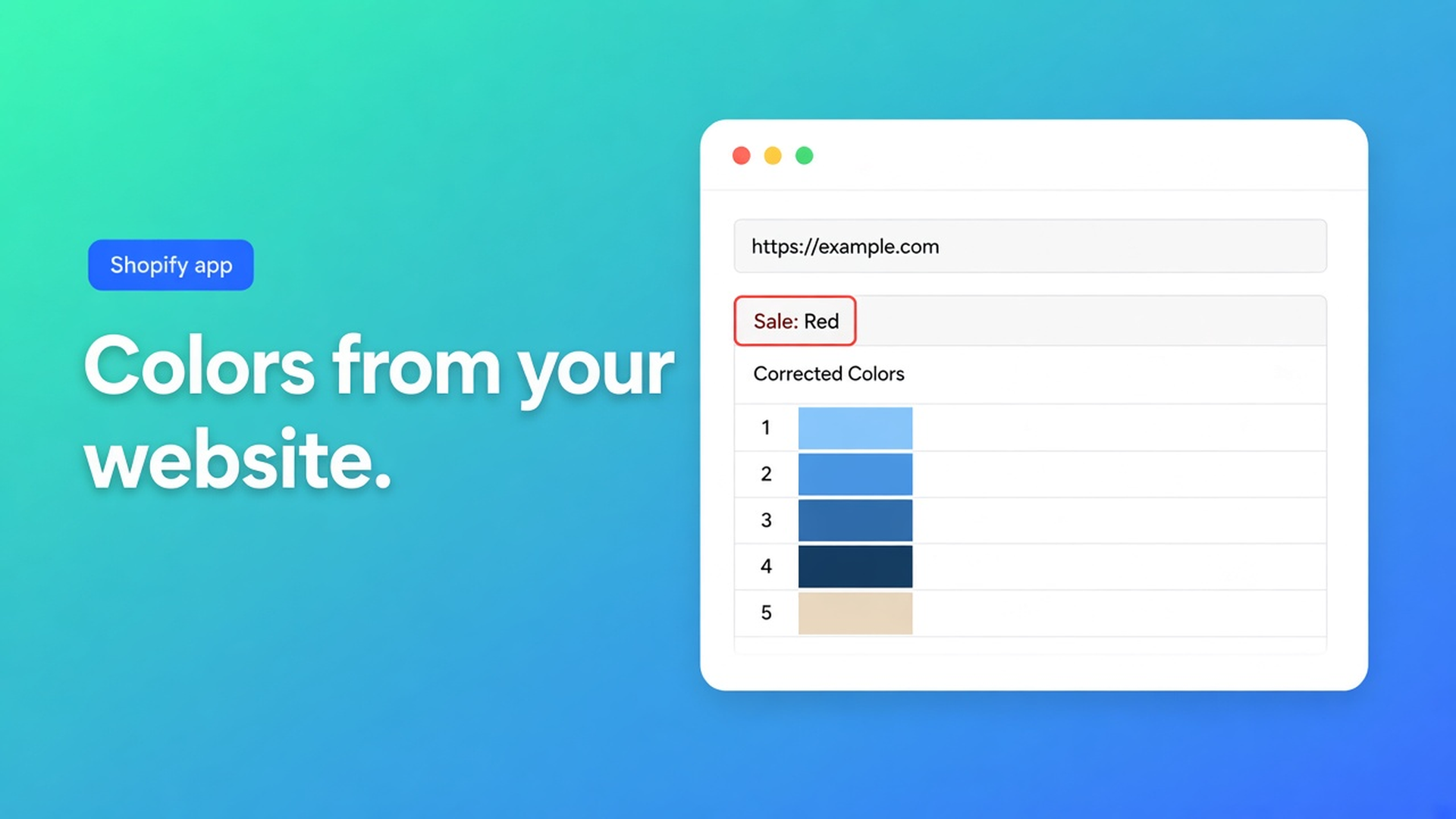
You paste `https://yourstore.com` into Refine with AI on Design. The size chart header goes sale-red, or mint from a payment badge, or stays default grey. The centimetres are fine. The brand is not. Shopify AI table colors wrong from website URL is not a crashed generator. Common issues: save and try again; extraction filters sale and payment-widget colours; a clean screenshot of the brand UI often helps further. Checked 12 November 2026 on the OO - Advanced Table Builder listing (Free, 5.0 from 1 review), docs Common issues, Design settings overview, Create and refine tables with AI. If Common issues drops that URL note, or Design refine starts rewriting Structure, re-read those three before you file “AI deleted my measurements.”
The 1 October piece is the happy path: paste the URL, pick up brand colours. This one is the mismatch — why the URL grabbed the wrong tokens, and why Generate is the wrong button.
Public CSS includes the sale sticker
Design settings: Refine with AI on Design from a description, a screenshot, or a website URL. The app reads public brand colours and fonts and maps them onto this table type. Structure stays. Overrides merge after you confirm.
Listing 12 Nov 2026: Free. Size charts, specs, compare, tabbed, Us vs Them. Generate from a description, photo, or screenshot. Color and font, Custom CSS, templates. Works with AI, Excel, Google Sheets. 5.0 from 1 review. No paid tier.
Common issues, quoted: *AI design looks wrong after pasting a URL — Try again after saving; brand extraction filters sale/payment widget colors. A clean screenshot of your brand UI often helps further.*
The filter is the product. Homepages scream “-40%” in red. The shop-pay pill is mint. Your buttons are navy. Extraction has to pick. Sale and widgets get dropped. What remains is sometimes too little contrast, or an accent you never wanted as a header.
Create-with-AI may guess colours from a photo. That is a draft, not a brand pass. Hitting Generate again risks a new table. Refine Structure keeps type locked; Create does not. Refine Design is the shell. Build the draft with AI from a description if you still need rows. Here the table already exists.
Fixes that make it worse
Generate again. New sample numbers, same off-brand tokens, or Weight/Price/Color mapped as custom attributes. Docs: after AI create, review module types. That is not a colour fix.
Custom CSS over the bad tokens. The listing includes Custom CSS. The next Design refine can stomp it. Get the URL pass right; CSS last. See custom CSS and icons.
Pasting the checkout URL. That page *is* widgets. The filter strips them. You get an empty palette or a footer accent. Use a quiet product page — or skip the URL.
A full-page screenshot that still includes the countdown. Same noise, now as pixels. Docs want a clean brand UI: type, buttons, background. No sale chrome.
Order of attempts
Attempt | What the app does | When (docs 12 Nov 2026) |
|---|---|---|
Paste URL on Design → Refine | public colours/fonts; sale/payment stripped | first pass; save and retry if it is wrong |
Save, Refine again | second extract, same Structure | Common issues, first advice |
Clean screenshot of brand UI | colours from the pixels you chose | when the URL filter is too aggressive or too noisy |
Description only (“navy headers, cream cells”) | no extract | when the marketing site is a widget wall |
Manual Design | templates, colours, fonts, spacing | always; AI is a draft |
Sources: Common issues; Design settings; Create and refine tables with AI; listing Free 12 Nov 2026. If Design refine starts touching Structure, re-check “type stays locked” before you run it on a size chart with five chart blocks.
Phone contrast is a later test. Tokens that look calm at 1280px disappear in a 390px popup. See mobile responsive tables after the tokens are right.
Specs stay a theme block — no Add to cart auto-inject. Size charts may auto-place above Add to cart when the Size chart block is missing. Placement does not pick colours. Do not mix those jobs.
Apparel size chart, homepage on fire, navy anyway
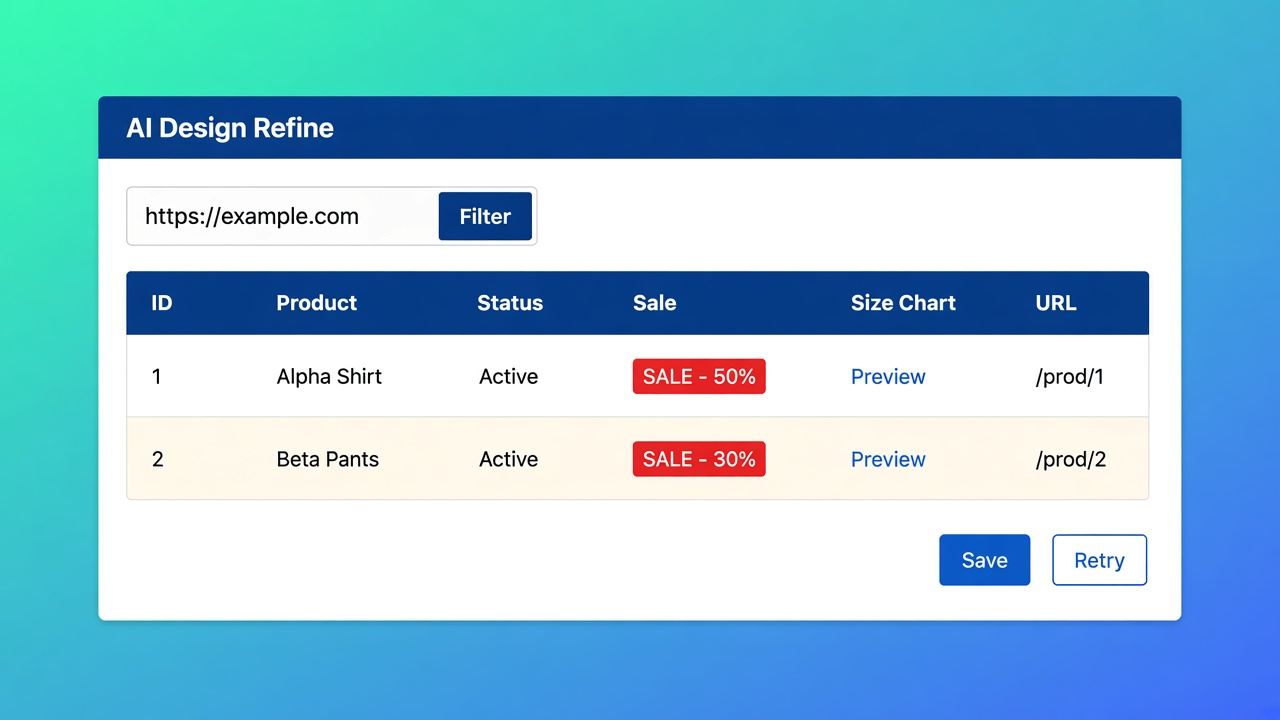
The size chart rows are correct. The homepage is 60% mid-season red. First URL pass: header `#E23`. That is the sticker, not the logo.
What I would do on 12 November 2026:
Leave Structure alone. Design → Refine with AI.
URL of About or a product without a sale badge — not the hero. Save. Retry if the header is still red. Common issues says that out loud.
Still wrong: screenshot of logo + primary button + body background, no widgets. Same Refine, Structure locked.
Confirm. Check the popup trigger and the table. Phone contrast.
Custom CSS for a 2px radius, not to paint over sale-red.
Excel/Sheets (listing Works with) fills cells, not Design tokens. A green header in the sheet is not a trigger colour. After import, walk Design again — already true in import and export. It matters here because people skip the URL pass “because the sheet was already green.”
Floating charts and highlight columns reuse the same Design step. Fix tokens first, then floating size chart or highlight differences.
Do this, in order
Open OO - Advanced Table Builder. Listing 12 Nov 2026: Free, 5.0 from 1 review.
Existing table → Design → Refine with AI. Do not Create.
URL, save, retry. Then a clean screenshot.
Confirm. Popup and inline, desktop and phone.
CSS last.
Bottom line
Shopify AI table colors wrong from website URL is usually sale-red or widget-mint that extraction deliberately drops — or too much noise to find navy. Common issues (12 Nov 2026): save, retry, clean screenshot. Refine Design does not rewrite Structure. Generate is the wrong control. The listing stays Free; CTA is that listing. If the filter or the URL pass changes, re-check those two sentences before you call the size chart off-brand in a changelog.
This blog is presented to you by

Floris-jan de Vries
Co-owner / Back-end developer / Shopify Expert
As a full-stack developer, Floris-Jan ensures the technical logic behind the design. He also uses his extensive knowledge of Shopify every day to provide our clients with the best possible support.


The Shopify Select partner for ambitious e-commerce businesses that want to grow!

Services
Reviews
5/5
Mail: info@onlineorigins.nl
Tel: 073 234 0612
KVK: 89825624
BTW: NL865123639B01
Bruistensingel 500,5232 AH 's-Hertogenbosch Cookies
© 2026 Online Origins