
Open a new Shopify market without translating the store by hand
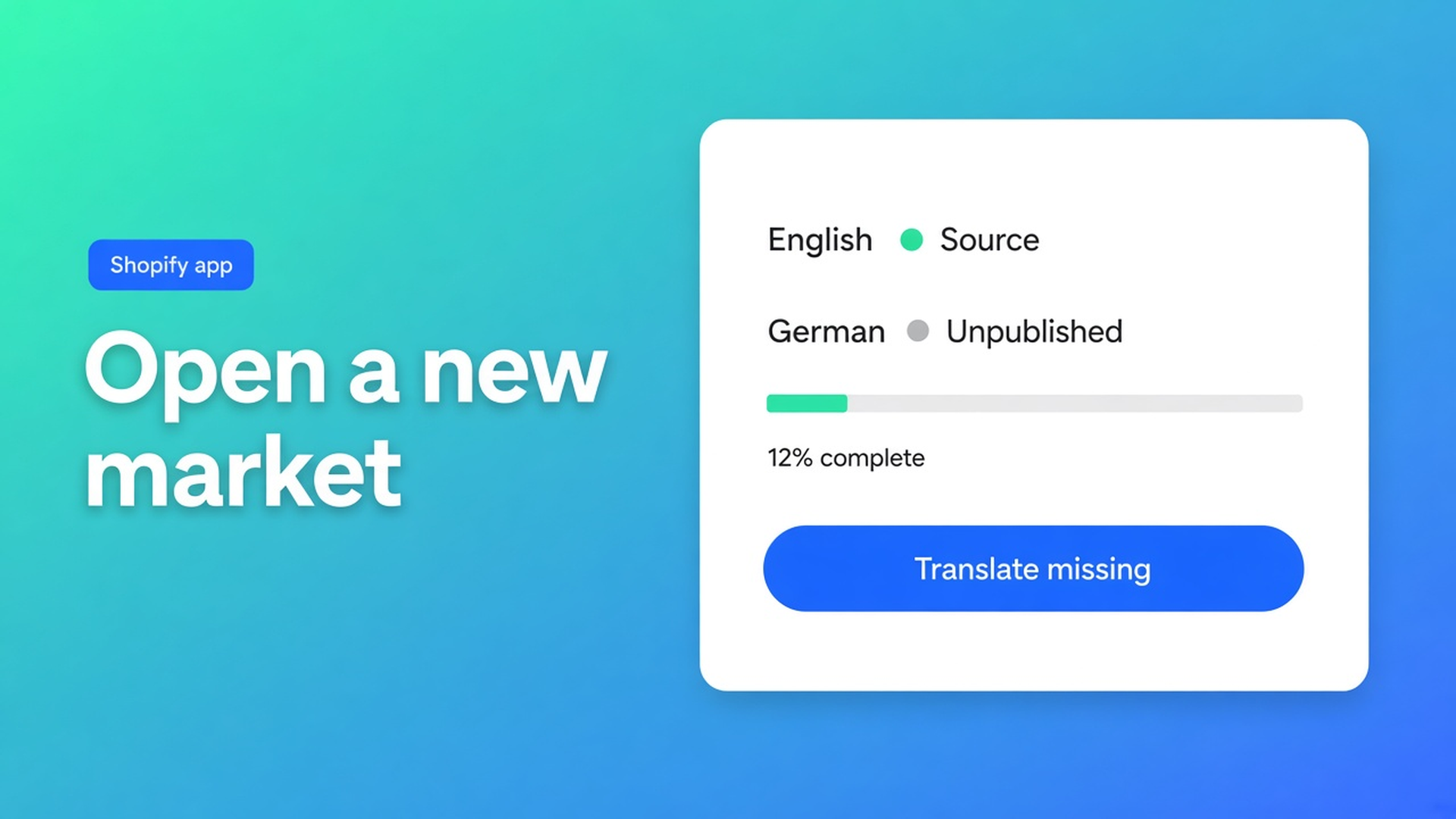
You add a Germany market. Locale `de` exists. Titles stay English, the size-chart popup stays English, the draft theme for FW26 stays English. Open new Shopify markets with translations is the listing line on OO - Ultimate AI Translations: more markets without translating the store by hand. Checked 12 November 2026 on that listing (Free / Professional $10 / Plus $20 + usage ~$0.01/unit, 0 reviews, launched 14 October 2026), docs Manage languages, Quick start, Set up a language switcher, What is OO Translations?, and Shopify Help Languages and Markets. If scheduled jobs land on Free, or Manage languages stops treating the primary locale as source, re-read those five before you Slack “Germany goes live tonight, AI will catch up.”
The 7 November note is the language and currency switcher — what shoppers click. This one is the content that has to exist *under* the market before you publish it.
Publishing a market does not fill copy
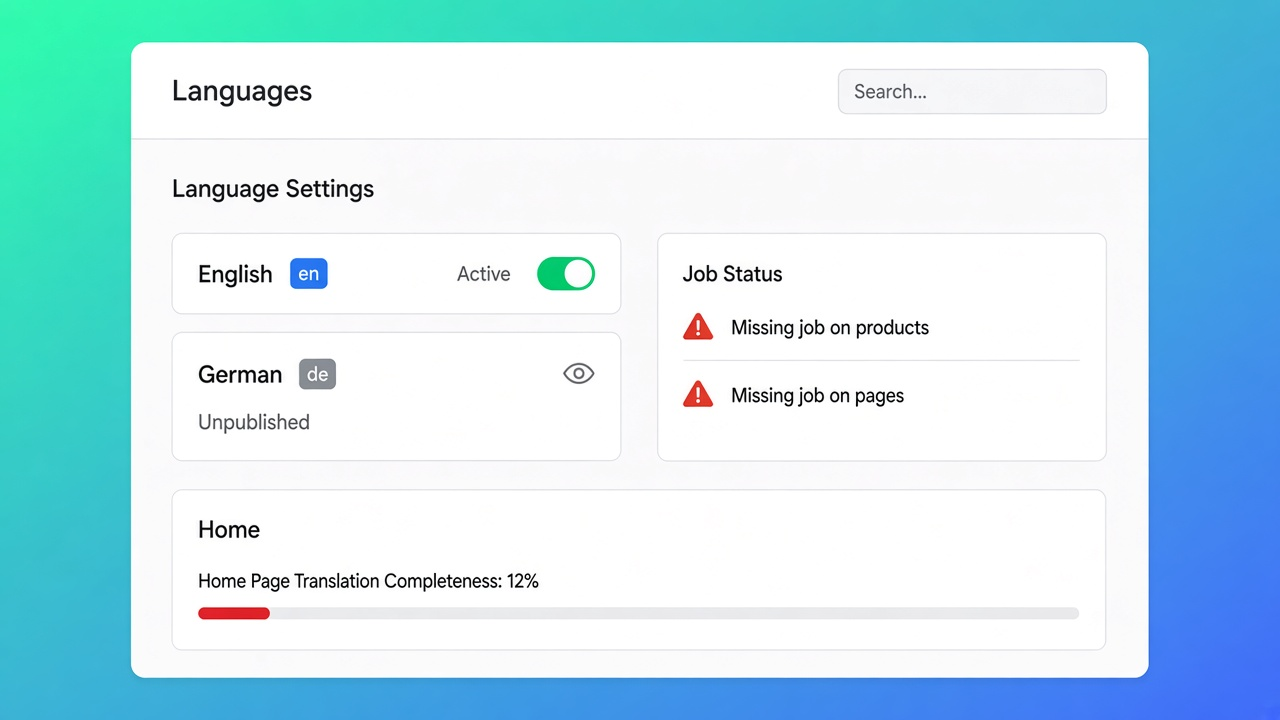
Shopify Help International: Markets and locales are the switch. They do not write a product title. An unpublished locale is an empty shell. Manage languages: the app uses languages from your Shopify markets and locales. Primary language is the source. Unpublished languages can still sit in a translation job so you prepare copy before go-live. Home shows completeness per locale.
Listing (12 Nov 2026): *Open to more markets without translating the store by hand. Our scheduled runs cover products, pages, theme content, and metaobjects, including draft themes, and the manual edits you saved stay locked.*
That schedule is not Free. Free: $0 app, own AI, unlimited languages & markets & translations, language switcher. No backups, no scheduled jobs, App AI not included. Professional $10/mo + usage: 1 manual + 1 automatic backup, monthly schedule, glossary, App AI at translation cost (~$0.01/unit) or own AI. Plus $20/mo + usage: 5+5 backups, daily schedule. 0 reviews — do not invent stars.
Jobs skip handles, URLs, IDs, SKUs, size codes, JSON, empty source, locked fields. Skipped is not failed. See what auto-translation skips. Opening Germany does not rename `black-out-curtain` to a German slug. That path stays technical.
Empty-market patterns
Turn Markets on, skip the editor. `de` is published. The storefront shows source strings. The switcher is missing or shows Germany with English titles. Switcher docs: publish the languages shoppers should pick; embed or theme block on the live theme.
Paste everything through ChatGPT, upload CSV. Listing Works with CSV/Excel. That is a dump: no locks, no glossary, no draft theme. CSV edits are not locks until you save them in the app editor.
Expect a daily schedule on Free. Free has no scheduled jobs. Without your own AI key, Free does nothing. Professional is monthly. Daily is Plus. See daily translation jobs once you are on that card.
Run the whole catalogue on day one with no backup. Quick start: a named manual backup before the first large run. Backups are not on Free. Professional: 1+1. Plus: 5+5. See backup before a bulk run.
Sequence I would use on 12 Nov 2026
Step | Where | Plan gate (listing 12 Nov 2026) |
|---|---|---|
Locale in Shopify Markets | Admin → Markets / Languages | Shopify, not the app |
Enable the language in the app (unpublished is fine) | Languages | Free |
Own AI or App AI | Settings → AI connection | Free = own AI; App AI = Professional/Plus |
Glossary + brand voice | Glossary / Brand voice | glossary on Professional (listing); brand voice in docs |
Backup | Settings → Translation backups | not on Free |
First job: products + pages, Missing | Translate or Jobs | Free is manual; schedule = Professional+ |
Theme + metaobjects + draft theme | job content types | listing names them on scheduled runs |
Switcher | Switchers + embed | Free, after you publish the locale |
Sources: listing 12 Nov 2026; Manage languages; Quick start; switcher docs. If glossary moves to Free, or daily moves to Professional, re-check the middle rows before you upsell Plus internally.
Collections and pages belong in the same first wave as products — otherwise the PDP is German and the grid is English. See AI-translate collections and pages. Include the draft theme if FW26 is still unpublished: translate a draft theme. Alt text too; Google sees the German PDP, the filename stays English, the alt can be German. See translate image alt text.
Locks: fields you save in the editor stay locked for automatic and scheduled jobs. Unlock only if you want that sentence filled again. A new market is not a reason to let the model translate brand names — glossary first.
NL source shop, DE market, no 1,200 titles by hand
Fabric store. Source Dutch. Market Germany, locale `de`. 1,200 products, 40 collections, 12 pages, one draft theme.
What I would do, 12 November 2026:
Add the locale in Shopify. Enable it in the app. Do not publish it on the storefront yet.
Professional or Plus if you want a schedule and a backup. Otherwise: own OpenAI-compatible key on Free, manual jobs, no backup slot. App AI ~$0.01/unit, pass-through — listing: *billed at the translation cost*.
Glossary: brand names, “blackout,” fibre names. Brand voice: second person, no slogans you would not write in Dutch.
Manual backup (Professional+). Job: products + collections + pages, Missing, `de`. Spot-check in the editor. Lock the ten titles you rewrite yourself.
Second job: theme + metaobjects + draft theme. Switcher only when Home is not stuck at 12% and you publish the locale.
Own LLM is allowed on any plan that accepts a key. See your own LLM. Fair App AI is the other door, no markup pitch: ~$0.01 per unit on the listing.
Start here
Open OO - Ultimate AI Translations. Listing 12 Nov 2026: Free / $10 / $20 + $0.01/unit, 0 reviews.
Languages: enable `de` (unpublished is fine).
Connect AI. Backup if the plan has it.
Missing job on products/pages, then theme/metaobjects.
Publish the locale and the switcher after the spot-check.
Bottom line
Open new Shopify markets with translations is Markets plus a locale you *fill* (jobs or editor), not a Shopify toggle. Listing 12 Nov 2026: scheduled runs for products, pages, theme, metaobjects including draft themes; locks on what you saved; Free is own AI with no schedule. Do not publish the market at 12% complete. If Free gains that schedule, re-check the table before you promise Germany overnight. CTA stays the listing.
This blog is presented to you by

Floris-jan de Vries
Co-owner / Back-end developer / Shopify Expert
As a full-stack developer, Floris-Jan ensures the technical logic behind the design. He also uses his extensive knowledge of Shopify every day to provide our clients with the best possible support.


The Shopify Select partner for ambitious e-commerce businesses that want to grow!

Services
Reviews
5/5
Mail: info@onlineorigins.nl
Tel: 073 234 0612
KVK: 89825624
BTW: NL865123639B01
Bruistensingel 500,5232 AH 's-Hertogenbosch Cookies
© 2026 Online Origins