
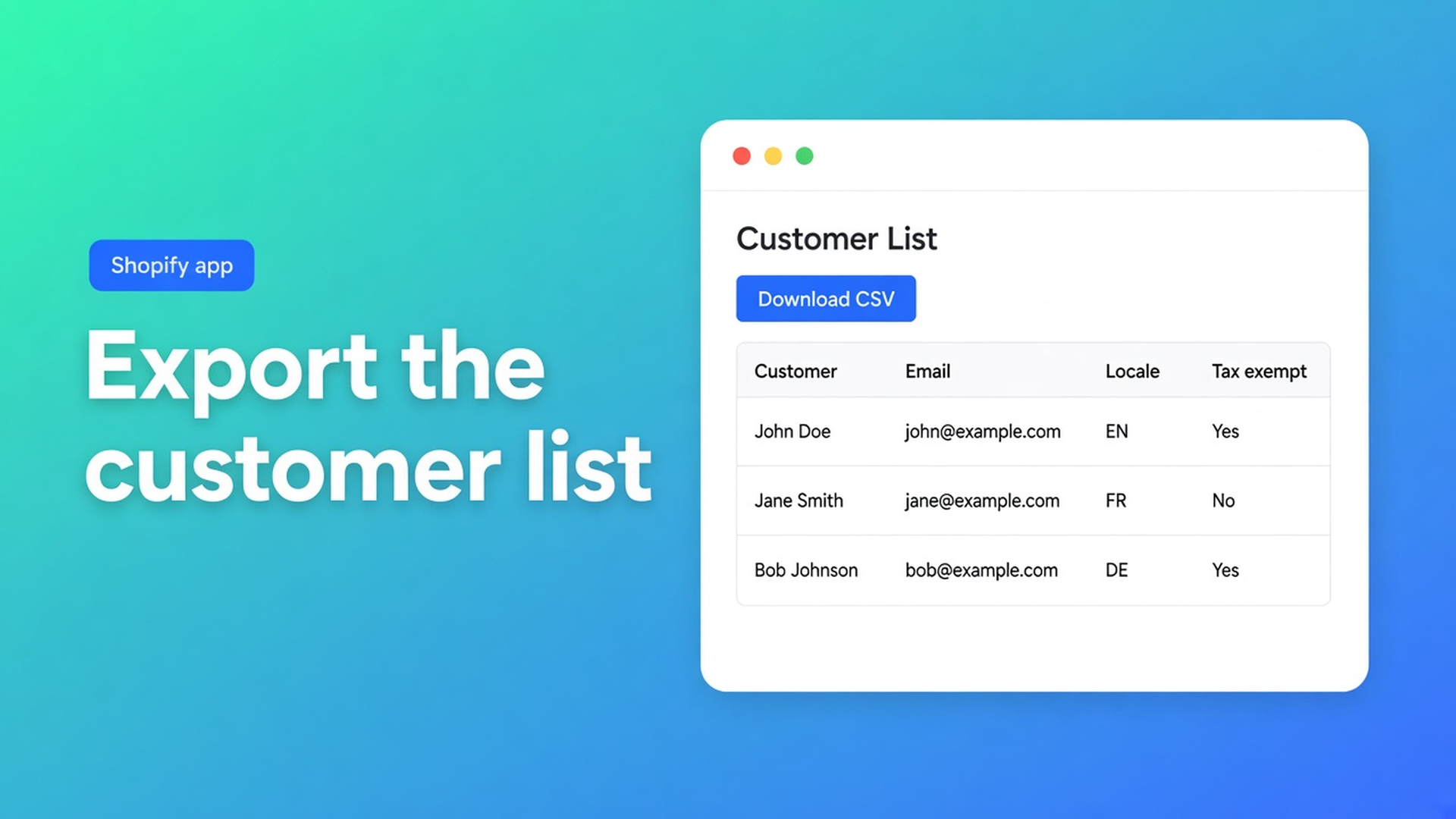
How to export a customer list from Shopify (admin vs spreadsheet)
Finance wants “the customer list”. Marketing wants a segment. You hit Export in Shopify and hope the file matches the request. How to export a customer list from Shopify is two jobs. Native Export from Customers is Shopify’s standard CSV. An audit of Customer Locale, or only the rows your filter hits, is a different file — from a spreadsheet editor, with the columns you turned on.
This article walks the native path (which radio button, when Shopify emails the file, 15 MB), what that CSV does and does not include, and when OO - Bulk Customer Data Editor is the export that actually has locale and tax exempt. Excel encoding (UTF-8 BOM) lives in export customers to Excel. Here the question is *which list*, from *where*.
Do not pitch another Online Origins app. CTA stays this listing.
What native Export actually ships
Shopify Help Importing and exporting customer lists is the official control: Customers → Export. You pick:
Current page — whatever the admin is showing
All customers — the whole list
Selected customers — checked rows
# customers matching your filters — the segment or filter set
Optional: include tags and supported metafields. Then: CSV for Excel/Numbers/Sheets, or a plain CSV. Files are UTF-8. Native import/export is capped at 15 MB; split larger lists.
More than 50 customers: Shopify emails the file (and the store owner if you are not them). Fifty or fewer: the browser downloads it. That is admin behaviour, not an app.
Native columns are a fixed contract. Tax Exempt is `yes`/`no`. Tags are comma-separated. Total Spent and Total Orders export and do not import. Passwords never travel. Customer Locale as a bulk column in the *standard* editor is the gap the listing calls out: fields Shopify’s standard editor is weak at in bulk, plus import/export of data Shopify leaves out.
Admin bulk edit covers First name, Last name, Tags, Email, Accepts email marketing, and metafields. Tax exempt, address lines, phone: per profile or via CSV, same Help page. Locale bulk is not on that list.
Downloads that look right and are not
Everything, “just in case”
All customers, 80,000 rows, in the inbox. Finance filters later in Excel. Too big, too late, and locale is still missing.
Current page only
24 rows. Fast. You thought the filter came along; Current page is pagination, not the segment. Matching filters was the option you wanted.
Native CSV, then type locale in a sheet
`dutch` is not a Shopify locale. In the editor, Locale is a dropdown (Dutch `nl`, English `en`, …). Free text in a spreadsheet is not a fix.
None of that is: filter or segment first, export what the grid shows, including Customer ID, locale and tax exempt.
Export from the spreadsheet editor
OO - Bulk Customer Data Editor is Free. Listing: spreadsheet editor; bulk-edit Locale and tax-exemption; import/export of fields Shopify leaves out; store-to-store migration; filters, views, segments. Works with Excel and Google Sheets via CSV. Still 0 reviews; do not invent a rating. Launched 15 September 2026.
Open via *Start editing* or Customers → More actions → Edit in bulk.
From Export customers to CSV:
Open the Customers page in the app.
Click Export.
Choose the set: selected customers, the current page, or a larger export based on search/segment.
Optionally include a UTF-8 BOM if finance lives in Excel.
Download the CSV.
The file uses the same headers as the editor (and Shopify-style headers where they fit), including Customer ID and the columns you chose. Same docs: keep Customer ID if you will update existing customers in this store on re-import.
Filter before you export. Columns, filters, and sorting: filters run across the full customer list. Large shop: search or a segment first, then filter (FAQ). Saved views keep that column set shop-wide.
Columns you can have in the grid: name, email, phone, tags, note, locale, tax exempt, consent, default address, metafields defined on the shop. Read-only include total spent, order count, created date — useful in the file, not something you write back.
After download: audit, do not blindly re-import
Import customers from CSV: empty CSV cells do not change existing values on update. Only filled cells apply. Useful when you fill Locale only. Dangerous if you thought empty meant clear.
Match in the same store: Customer ID exists here → update; else email; else new (email or phone required). Without ID you fall back to email — until two accounts share an address.
You do not have to re-import. Often cleaner: sheet as audit, then bulk apply in the grid (Select all matching up to 50,000). Nothing hits Shopify until Save. Large jobs: keep the tab open.
The listing names store-to-store migration. That is export here, import there — not passwords, not order history. Native Help says the same about passwords.
Example: 1,200 wholesale tags, native file has no locale
You export native “customers matching filter tag Wholesale”. Tax Exempt is in the CSV. Locale is not. Notification emails go out in English. Second pass: editor, same tag as filter, columns Locale + tax exempt + Customer ID, export on search/segment. In Sheets: hundreds of empty locales, tax exempt `no` next to the tag. Fix in the grid, not the sheet: Locale is empty → bulk apply Dutch (`nl`). Wholesale + tax exempt no → bulk apply exemption. Native Export stays the coarse backup; this export is the audit.
Get a list out today
Install OO - Bulk Customer Data Editor (free) if you need locale or editor columns. A plain native list is still Customers → Export.
Decide the set: segment, tag filter, or selection — not “all” by habit.
Native: watch the 50-customer email threshold and 15 MB. Editor: Export → choice → optional BOM → download.
Keep Customer ID. Open in Sheets or Excel Data → From Text/CSV.
Write back: re-import with Preview, or bulk apply. Empty cells do not clear.
Wrap-up
How to export a customer list from Shopify is either the admin CSV (fixed contract, 15 MB, email above 50 rows) or the editor CSV (your columns, locale, tax exempt, filter first). Native is still useful. It does not replace the listing promise: data Shopify leaves out, in a spreadsheet.
Set up the editor export via OO - Bulk Customer Data Editor and pull the next list from the filter, not from All customers.

Custom webshops, websites, and applications combined with smart online marketing to help your business grow online!


Reviews
5/5
Mail: info@onlineorigins.nl
Tel: 073 234 0612
KVK: 89825624
BTW: NL865123639B01
Bruistensingel 500,5232 AH 's-Hertogenbosch Cookies
© 2026 Online Origins