
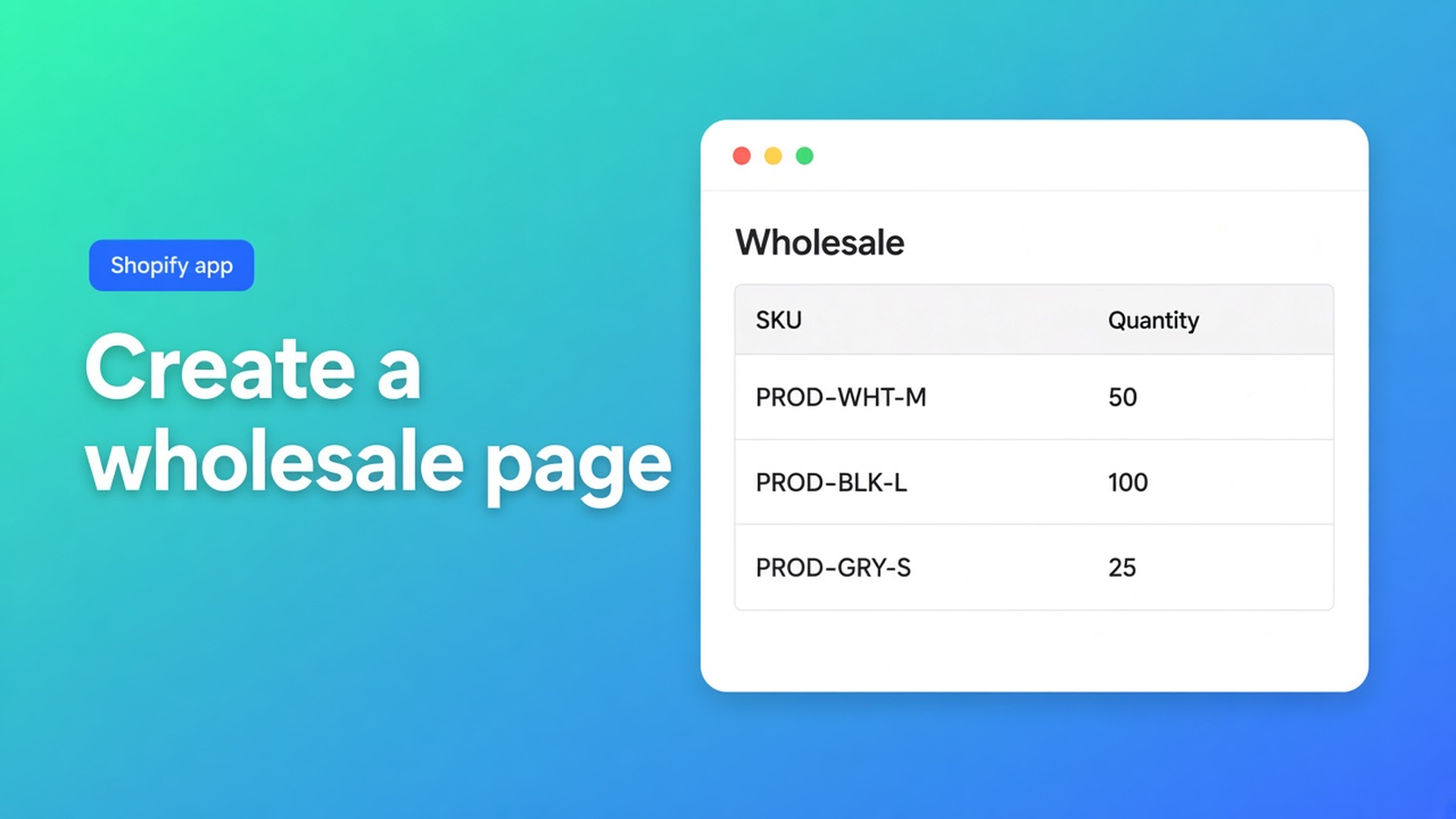
How to create a wholesale page in Shopify
Retail already has `/products/lamp`. Wholesale often has a blank Online Store page, a mailto, or a spreadsheet. How to create a wholesale page in Shopify is not a second shop and not a Shopify Plus catalog. It is one storefront URL: its own template, the B2B Bulk Order Page app block, a menu item, and access only after registration and approval.
This article is the destination. The bulk order form is what you render. Here is how you build the URL, hang it in navigation, and attach group prices. The app is OO - EU B2B & Wholesale. It does not replace Shopify Plus B2B / Companies. It is an Online Origins flow on customer accounts, tags, and forms.
A Page is just a document until you add a block
Shopify Pages hold copy. “Welcome, email your PO” is a brochure. There is no native “wholesale page” type. A page needs a template; without an app block it stays empty or a paragraph.
How to add the extension to a bulk order page lists four pieces: template, page, B2B Bulk Order Page block, optional menu. Skip the template and `/pages/wholesale` is blank. Skip the menu and only people with the URL ever arrive.
Product page vs bulk order page: the product-page block is one SKU with full detail. The dedicated page is the catalog view. For wholesale, that second surface is the primary path. Using product pages only for a large catalog is called out as a mistake.
Plus company catalogs are a different track. Do not claim this page replaces them.
Three stand-ins that are not a wholesale page
A CMS page plus a mailbox. The buyer sends Excel. You type a draft. No live price, no inventory, no self-serve.
A second Shopify store. Two catalogs, two app stacks. New SKUs drift. That is not a page inside the shop you already run.
The form enabled in the app, no nav link. Recommended setup lists “forgetting to add the bulk order page to navigation” as a common wholesale mistake.
None of those give you one URL, one grid, prices only for tagged accounts.
Access, prices, then the URL
OO - EU B2B & Wholesale is Built for Shopify (5.0, 33 reviews). Listing $8.95/month or $101.88/year (5% off), 7-day trial, USD. The pieces that meet on this page: registration forms, custom pricing / customer groups, order form, customer tagging, wholesale login.
Registration comes first. A hidden URL is useless if nobody can log in. The listing: forms with an approval flow. After approval, a tag (`Wholesale` or `Wholesale_T1`). We covered that in the registration form article. The page does not grant access. Form visibility does.
Recommended visibility: Customers with specific tags. “All customers” is how retail sees trade prices.
Prices on the bulk form apply only inside that form, and only for people allowed to see it. They do not change the Shopify product price. Promising that `/products/lamp` switches to net after login is wrong. Send buyers to the wholesale page. One strategy per form — percentage or per-SKU prices, not both stacked. One form per group, unique tag.
Then the theme, from the docs:
Theme editor → Pages → Create template (e.g. `Bulk order page`) from Default page → Save.
Online Store → Pages → Add page, title `Wholesale`, assign that template → Save.
Theme editor → that template → Apps → Add block → B2B Bulk Order Page → Save.
Menu item “Wholesale order” pointing at the page.
The form must be On in the app and have bulk order page enabled as a surface. Enabled with no block still shows nothing. Each customer sees one form.
Drive products from a “Wholesale” collection so new SKUs appear. Keep product pages optional. If you use both, match pricing and visibility.
A worked `/pages/wholesale-order`
Retail keeps the normal catalog. Tier 1 and tier 2 each get a form, tags `Wholesale_T1` / `Wholesale_T2`, the same collection. One URL. T1 sees T1 prices in the grid. A guest does not see the form — send them to register.
Test in a private window: guest, rejected account, T1, T2. Place a ten-line test order. Change theme: put the blocks back; form config stays in the app.
If the dashboard says the bulk order page is active and the URL is still empty, the usual cause is the wrong template or an unsaved theme editor. The docs list those two first — not “the app is broken”.
Order minimums and limits are on the listing. Configure them only if you actually set them in the app.
Checklist
Install OO - EU B2B & Wholesale. $8.95/month, 7-day trial.
Create a wholesale collection and one bulk form (or one per group). Tag visibility. Form On, surface bulk order page.
Template + page + B2B Bulk Order Page block. Menu item.
Wire registration/approval so new resellers receive the tag.
Test as a tagged customer: menu → page → quantities → cart. Price only on the form.
Bottom line
How to create a wholesale page in Shopify is template, block, menu, and tags — not a second storefront and not a Plus claim. The recommended wholesale setup is blunt: dedicated bulk order page as the primary path, tag visibility, collection-based products, one pricing strategy, test as a real customer.
Build that page in OO - EU B2B & Wholesale and let the next reseller use “Wholesale order” instead of twelve product URLs.

Custom webshops, websites, and applications combined with smart online marketing to help your business grow online!


Reviews
5/5
Mail: info@onlineorigins.nl
Tel: 073 234 0612
KVK: 89825624
BTW: NL865123639B01
Bruistensingel 500,5232 AH 's-Hertogenbosch Cookies
© 2026 Online Origins