
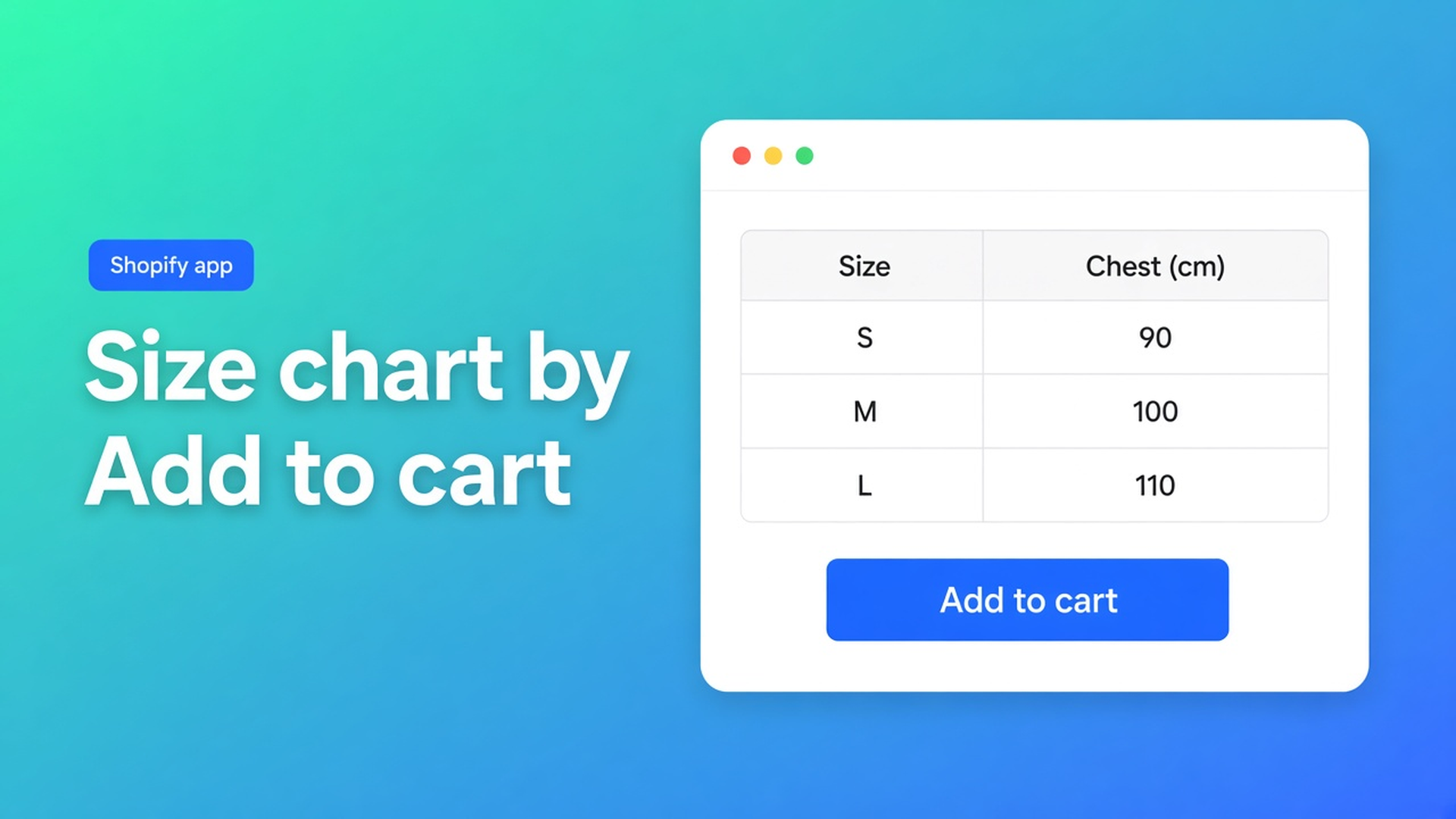
How to add a size chart in Shopify without editing Liquid
Size as a variant option is S / M / L. That is a SKU, not centimetres. How to add a size chart in Shopify means a measurement grid next to that picker, before Add to cart. Native Shopify has no table type for it. An HTML table in the description sinks under reviews on a phone. A menu page labelled Size guide is three clicks away.
This is the add-it path: create type Size chart, fill rows (optional how-to-measure image), Enable, then place it. Where the block sits is size chart on the product page. Popup versus inline is size chart popup. This piece stays on *adding*.
Listing: OO - Advanced Table Builder. Docs still say Tables, Specs & Comparisons. CTA stays that URL. Do not pitch another app.
Size is an option, not a chart
Adding variants: max three options, 2048 variants. Size eats one of those three. No “chest 92–96 cm” column, no inseam how-to, no second grid for women. App blocks can sit by the buy buttons — you still have to build the content. Change the published theme and those apps are not active on the new one by default.
What else is native: the product description, a page in the nav, theme-specific size-guide blocks that vanish on a switch. None of that is a Size chart you enable per product.
What shops paste instead
HTML under the photos. A wholesaler screenshot in the media gallery (unreadable on mobile, not translatable per locale). Custom Liquid until the next theme update. Product Specs used as a size guide — different type, no Add-to-cart auto inject.
None of that is: create a Size chart, pin visibility to the right SKUs, block or fallback above the button.
Build the table first, skip Liquid
OO - Advanced Table Builder is Free. Listing 5.0 from 1 review. Size charts, specs, compare, tabbed, Us vs Them; visual builder; AI draft from a description or screenshot (PNG/JPEG/WebP/GIF, max 4 MB); metafields; translations; placement on product, page and other templates. Works with Excel, Google Sheets and AI.
1. New table, type Size chart
Not Specs, not Tabbed. Size chart is the measurement type: rows/columns for cm or inch, optional diagrams, extra charts as extra tables (not one mega-grid). AI may split a Men+Women screenshot — you review Structure. Type stays locked after Generate.
2. Structure: centimetres, not only SKU names
Fill EU / US / chest / waist. Prefer Shopify-backed modules over loose custom attributes so values stay current. A how-to-measure photo belongs as an image module on the same chart, not as product media you swap every season.
3. Design: popup or plain
Display mode in Design: overlay trigger, or the grid in the template. Wide grid on mobile → popup. Few rows, shoppers who ignore overlays → plain. Colours/fonts; Refine Design can take a shop URL for brand chrome — structure stays put.
4. Settings: Enable and visibility
Enable, visibility, and products: Enable on, or nothing renders, block or not. Size charts: All products or Selected products only. Hoodie grid only on hoodies, or auto-placement will show the wrong chart. Internal description is admin-only.
5. Theme: block, or auto above Add to cart
Theme editor: Size chart block on the product template, by the variant picker. Auto-placement: embed on and no Size chart block → matching enabled charts can render above Add to cart. Block present: the block wins. Several matches: keep visibility tight or they stack.
App embed: Theme settings → App embeds → Tables, Specs & Comparisons. No embed means no auto-placement and no shortcode `[oo-table id=YOUR_TABLE_ID]`. Specs have no ATC auto-inject — their own block only.
6. Translations
Customer-facing strings per locale in Settings → translations (title, trigger, empty-state). Revisit after Structure edits. Listing: fully translate all table text.
Example: one hoodie chart, block by the button
You sell hoodies S–XL. Size stays a variant option. New Size chart: columns EU, chest, sleeve. Image module “measure the chest”. Display mode popup, trigger “Size chart”. Enable, selected products = hoodie collection. Theme editor: Size chart block below price, above Add to cart. Embed on. Test S and XL. German market: translate the trigger, leave centimetres.
Supplier screenshot? That path is size chart from a screenshot — Generate with AI, then the same Enable and placement steps.
Go live
Install OO - Advanced Table Builder (free).
New table, type Size chart. Fill Structure or AI-draft, then check modules.
Design: popup or plain. Settings: Enable + product rules.
Theme editor: Size chart block by the button, or embed on and auto-placement as fallback. Do not use the Specs block for this.
Preview on a phone. Translate every storefront language.
Wrap-up
How to add a size chart in Shopify is not HTML in the description and not a second option. It is a Size chart table, Enable, and a block or auto-placement above Add to cart. Native Shopify stops at Size as a variant.
Publish the first chart with OO - Advanced Table Builder and let the next shopper see centimetres before they buy.

Custom webshops, websites, and applications combined with smart online marketing to help your business grow online!


Reviews
5/5
Mail: info@onlineorigins.nl
Tel: 073 234 0612
KVK: 89825624
BTW: NL865123639B01
Bruistensingel 500,5232 AH 's-Hertogenbosch Cookies
© 2026 Online Origins