
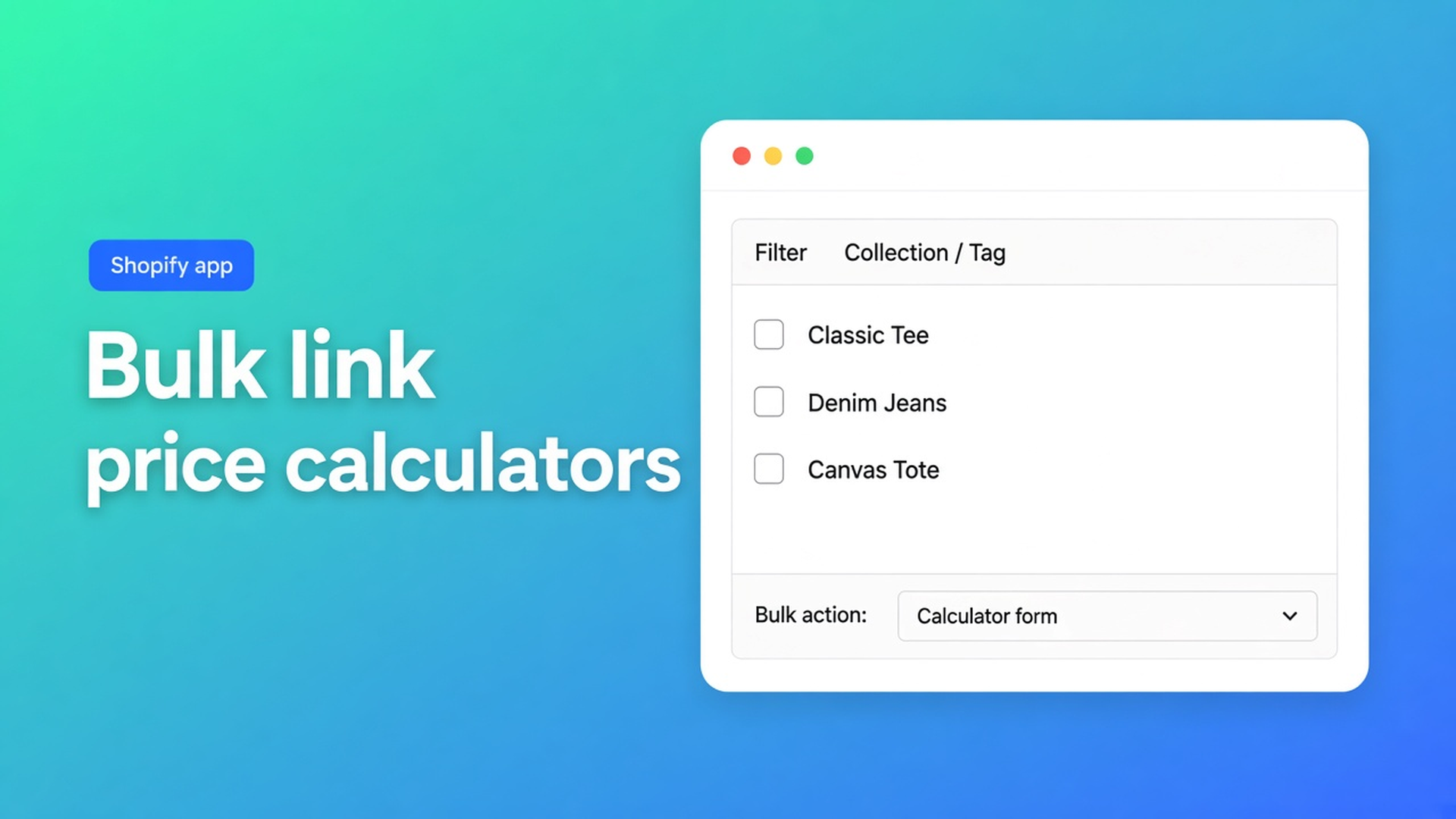
Bulk link Shopify price calculators across a large catalog
The curtain calculator works. Width, height, fabric upcharge: the formula is solid on one product. Then you open the catalog: 180 fabrics, a dozen profiles, a few hundred variants. Every SKU needs the same area logic. You are still opening a dropdown on each row. If you need to bulk link Shopify price calculators, that busywork is the real blocker — not the math.
This article explains why Shopify will not assign a formula for you, what merchants improvise, and how Options Price Calculator lets you filter by vendor, tag, or collection and run Bulk change calculator form on every visible variant.
We previously covered a different calculator per Shopify variant — wood versus metal on a single product. This post is about scale: one calculator, many products, without two hundred clicks.
The Shopify problem: the catalog is larger than one product page
Shopify’s Adding variants docs cap a product at three options (Size, Color, Material, …) and 2,048 variants. The old 100-variant ceiling is gone; the three-option cap is not. Continuous dimensions — every millimetre of fabric — do not belong in that matrix. Shopify’s own note: more than three options or 2,048 variants? Use a third-party app or theme code that reads line item properties.
That solves the product-page price. It does not solve ops. Native Shopify has no “apply this formula to every product in the Window treatments collection.” Variants are SKUs with their own price, SKU, and inventory. A formula like `product_price + (width * height)` does not live in the product editor. And once that formula *does* live in an app, you still have to say which products should show it.
The typical stall: one perfect calculator, then a list you never finish. New seasonal drop? Dozens of rows again. Wrong calculator on a variant? The customer sees fields that do not match the SKU.
What merchants try instead
1. One mega-product
A single “Made-to-measure curtain” with hundreds of colours as variants. That fights three options and 2,048 variants, hurts SEO (no URL per fabric), and kills inventory per colour. The calculator hangs off one product — until you add roller blinds as a second line.
2. Clone the calculator per SKU
Duplicate the form 200 times. Formulas drift. A rate change becomes a spreadsheet night. The Options Price Calculator listing promises embed unlimited calculators and one formula builder — not a copy per product.
3. Configure only the bestsellers
Twenty SKUs are self-serve; the rest say “request a quote.” That undercuts the calculator: the customer who picks fabric 181 falls back to email.
None of those paths give you the same formula on a whole collection, plus the option to diverge on one exception (premium coating, different unit) at variant level.
How Options Price Calculator handles this
Options Price Calculator is Built for Shopify (5.0 from 25 reviews on the listing). Unlimited product options without extra variants, formula-based dynamic pricing, AI-assisted fields and formulas, multilingual support. Starter $9.99/month: unlimited options, formula builder, metafields, embed unlimited calculators, styling. Premium $14.99/month: + conditional logic, Font Picker, live preview, real-time price breakdown. Free: 20 uses; always free on a Shopify Develop plan. Billed in USD.
Assignment does not happen in Shopify’s product editor. It happens on Link calculator forms. Calculators are always assigned at variant level. If a product has a single variant, that assignment is effectively the product. Each variant can have one calculator at a time. Unlinked products behave normally, with no calculator. Changes apply as soon as you save. That is documented in Linking Products & Variants to Calculators.
Manually: find the product, open Calculator form, pick the calculator. Fine for a handful of SKUs. Wrong scale at 200.
Narrow the list with search and filters
Bulk Linking & Filtering Calculators lists the filters on that same page:
Search by product name, calculator name, or variant ID
Filter by vendor
Filter by tag
Filter by collection
Filter by variant ID
You can combine filters. A fabric shop might use collection “Made-to-measure fabrics” plus tag `calculator-m2`. A print shop might filter vendor “Canvas” so posters never inherit the banner formula.
Critical: bulk actions only touch visible variants. Rows hidden by a filter stay as they are. Read the list before you confirm. Existing calculator assignments on those visible rows are overwritten.
Bulk change calculator form
From the docs:
Filter or search until only the intended variants are visible.
Pick a calculator in the bulk-change dropdown.
Confirm.
That calculator is applied to all visible variants. Use it to:
assign one calculator to every variant in a collection
update pricing logic across many products at once
migrate variants from calculator A to calculator B (new formula, old fields)
Same docs, same caution: test the calculator on one variant first. Storefront check: fields, live price, add to cart. Then bulk. If most SKUs share the logic, assign broadly and only diverge where the formula differs — wood versus metal, square metre versus linear metre.
After a large catalog change, run Refresh product data so new products and variants appear in the list. Missing rows are often a stale sync, not a bad filter.
The theme app extension still has to sit on the product template. Without the app block on the product page, the backend link exists and the customer sees nothing. Recommended placement: below the price, above Add to cart.
Example: 200 fabrics, one area formula
A shop sells curtain fabrics. Native variants stay what they should be: colour or composition, with inventory. Width and height are number fields, not a fourth option. The formula looks like `product_price + (width * height)` — the same pattern as the formula examples.
You build one calculator, “Fabric per m².” You tag every relevant product `calculator-m2` or drop them in the Window treatments collection. On Link calculator forms: filter collection or tag, choose the calculator, bulk change. Hundreds of rows in one action.
Exception: a coated range with a setup charge. Filter those variants by tag `coating`, link a second calculator (`product_price + 25 + (width * height)`). Everything else stays on the first form. No second catalog, no variant explosion.
Rate stored per fabric in a metafield? One calculator, many SKUs: see metafields in a Shopify pricing formula. Bulk linking does not change; only the rate differs per product.
What you need to start
Install Options Price Calculator (Free to trial, Starter for unlimited options and unlimited calculators).
Add the theme app extension to the product template.
Build or duplicate one calculator; test it on a single product.
Open Link calculator forms. Refresh product data if the catalog just changed.
Filter by collection, tag, vendor, or search until the list is right.
Run Bulk change calculator form for visible products and confirm.
Open two random product pages from that set. Same fields, live price, cart.
Conditional pricing, live preview, and Font Picker remain Premium. You do not need them to bulk-link.
Wrap-up
Shopify stores a price per variant, not a formula. To bulk link Shopify price calculators you work at variant level, tighten filters, then run one action on what you can actually see. Check the filter, test one row, overwrite on purpose.
Build the calculator, filter the catalog, and assign it in one pass from the Options Price Calculator listing.

Custom webshops, websites, and applications combined with smart online marketing to help your business grow online!


Reviews
5/5
Mail: info@onlineorigins.nl
Tel: 073 234 0612
KVK: 89825624
BTW: NL865123639B01
Bruistensingel 500,5232 AH 's-Hertogenbosch Cookies
© 2026 Online Origins