
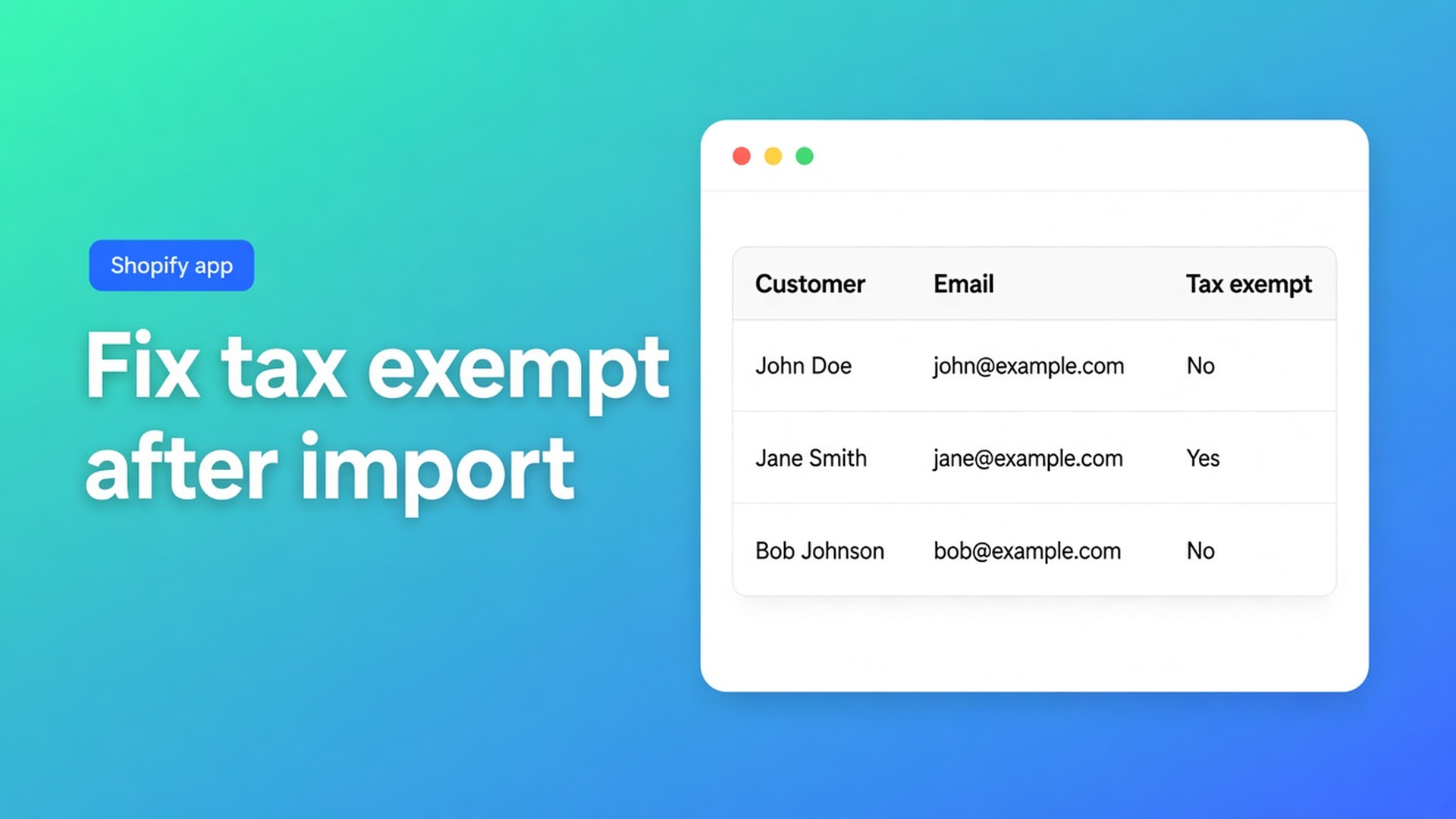
Shopify tax exempt after customer import: fix the flag in bulk
The CSV finished green. Four hundred wholesale accounts exist in Shopify. A week later checkout still adds tax. Tags match, emails match — Don’t collect tax is off. Shopify tax exempt after customer import is rarely “the import failed”. It is a field that never arrived, stayed empty, or landed differently under native overwrite than you expected.
This article is the cleanup after import: how to set tax-exemption status in bulk in OO - Bulk Customer Data Editor. The import itself is in import customers CSV. The flag without the import story is in bulk edit tax exemption status. Here: why the flag is missing after a migration or CSV, and how to set it in one run without dragging locale and consent along.
Do not pitch another Online Origins app. This is not tax advice: whether someone *may* be exempt is your accountant’s call. Tags are not the tax-exempt flag.
The Shopify problem: import fills accounts, checkout reads tax settings
Shopify Help Tax overrides and exemptions: tax-exempt customers pay no tax at checkout, provided they check out with the same email as the customer account. Native path: Customers → open a customer → Manage tax settings → Don’t collect tax. That is one profile. After a store migration or a sales spreadsheet, that is hundreds of the same menu.
Native customer CSV has a Tax Exempt column (`yes`/`no`). Overwrite on the same email replaces existing data. Passwords, Total Spent and Total Orders do not come across. Customer Locale is not a native bulk column in the standard editor. This app’s listing names Customer Locale and tax-exemption status as fields Shopify’s standard editor handles poorly in volume.
After a “successful” import you often get:
matching on ID or email updated or created the account;
tax exempt was missing from the sheet, empty, or you refused overwrite;
tag `Wholesale` is present — checkout does not look at that tag.
Same Help page: customer tax exemptions override product-level overrides. With tax-included pricing, the listed price stays; exemption is not an automatic discount on incl. prices.
What merchants try instead
1. Re-run the same CSV with Overwrite on
Maybe Tax Exempt lands this time. Maybe you wipe notes, consent, or an address. Native overwrite is blunt.
2. Leave cells empty “so the field clears / turns off”
In this app, empty CSV cells stay unchanged on updates. Only filled cells apply. Useful when you later want to set tax exempt alone. Fatal if you thought an empty column would reset a wrong flag — it stays. Native Shopify CSV is a different contract; do not claim the same behaviour.
3. Only add a `tax-exempt` or `Wholesale` tag
Tags filter. They do not mark the customer tax exempt in Shopify’s tax engine.
4. Open every profile “there are two of us”
Works until page two of the import summary.
None of those paths is: open the editor, filter the imported group, Tax exempt column, bulk apply, staged review, Save.
How to set the flag after import in this app
OO - Bulk Customer Data Editor is Free. Listing: spreadsheet editor; bulk-edit Locale and tax-exemption; import/export of data Shopify leaves out; store-to-store migration; filters, views, segments. Works with Excel and Google Sheets via CSV. 0 reviews — do not invent a rating. Launched 15 September 2026.
Open via *Start editing* or Customers → More actions → Edit in bulk. Staff need `read_customers` and `write_customers`.
Edit customers in the spreadsheet: editable fields include tags, note, locale, tax exempt; marketing consent (Shopify rules); default address; metafields defined on the shop. Read-only: total spent, order count, created date. Only changed fields go to Shopify.
Import matching, as a reminder (Import customers from CSV):
Customer ID exists in this shop → update.
Else look up Email.
Still missing → create (email or phone required).
A Shopify export from another store: foreign IDs are ignored; matching falls back to email. Source tax exempt comes along only if the column is filled. Empty = leave the existing value on update.
Then the cleanup:
Filter or search the group you just imported — tag, segment, or “tax exempt is empty / not exempt”. Filters cover the full customer list (columns, filters, sorting).
Apply a value to many customers: checkboxes or Select all matching (search + segment + filters, up to 50,000).
Field → tax exempt. Value: dropdown for yes/no-style fields (docs mention dropdowns for yes/no and select, such as locale or consent).
Apply to selected. Review staged cells. Nothing hits Shopify until Save.
Save with the Shopify save bar. Large jobs run in batches — keep the tab open (FAQ). Failed rows: read Shopify’s error, retry the rest.
A second pass for locale only: same grid, different column. Empty CSV cells in a re-import will not touch tax exempt if you leave that column blank.
Example: 400 wholesale rows, flag off
You migrate from shop A. Import in this app: preview, match on email, tab stays open. Result: 400 accounts, tag `Wholesale` from the CSV, Tax Exempt empty or Collect tax. Checkout charges 21%.
Open the editor. Search/filter tag `Wholesale`. Optional extra filter: tax exempt empty or not exempt, so you do not overwrite accounts already exempt.
Select all matching (confirm under 50,000).
Bulk apply tax exempt → yes / the Don’t collect tax equivalent in the dropdown.
Staged review: sample five rows. Save. Keep the tab open until the bar finishes.
In Admin: one account → Manage tax settings. Checkout test with the same email as the profile.
If five rows failed: do not re-run the whole import. Fix those five, retry. Include locale in the same run only if you mean to; otherwise leave that column alone.
What you need to start
Install the free listing.
Import already done, or native CSV behind you — this article is the flag step.
Know which group may be exempt (tag, segment, list from your accountant). The app does not judge the law.
Filter → bulk apply tax exempt → Save. Then a checkout sample.
Optional: save a view “Wholesale tax exempt check” for the next migration.
If Shopify blocks protected customer data, editing stays limited until access is approved (FAQ). Segments depend on shop and staff permissions.
Wrap-up
Shopify tax exempt after customer import is a cleanup in the same grid as the import: matching brings the customer in, the exemptions flag often does not. Empty CSV cells do not clear it. Tags do not set it. Native Manage tax settings does not scale. The listing promises exactly this field in bulk.
Open OO - Bulk Customer Data Editor, filter the imported wholesale group, and set tax exempt in one Save — not in four hundred profiles.

Custom webshops, websites, and applications combined with smart online marketing to help your business grow online!


Reviews
5/5
Mail: info@onlineorigins.nl
Tel: 073 234 0612
KVK: 89825624
BTW: NL865123639B01
Bruistensingel 500,5232 AH 's-Hertogenbosch Cookies
© 2026 Online Origins