
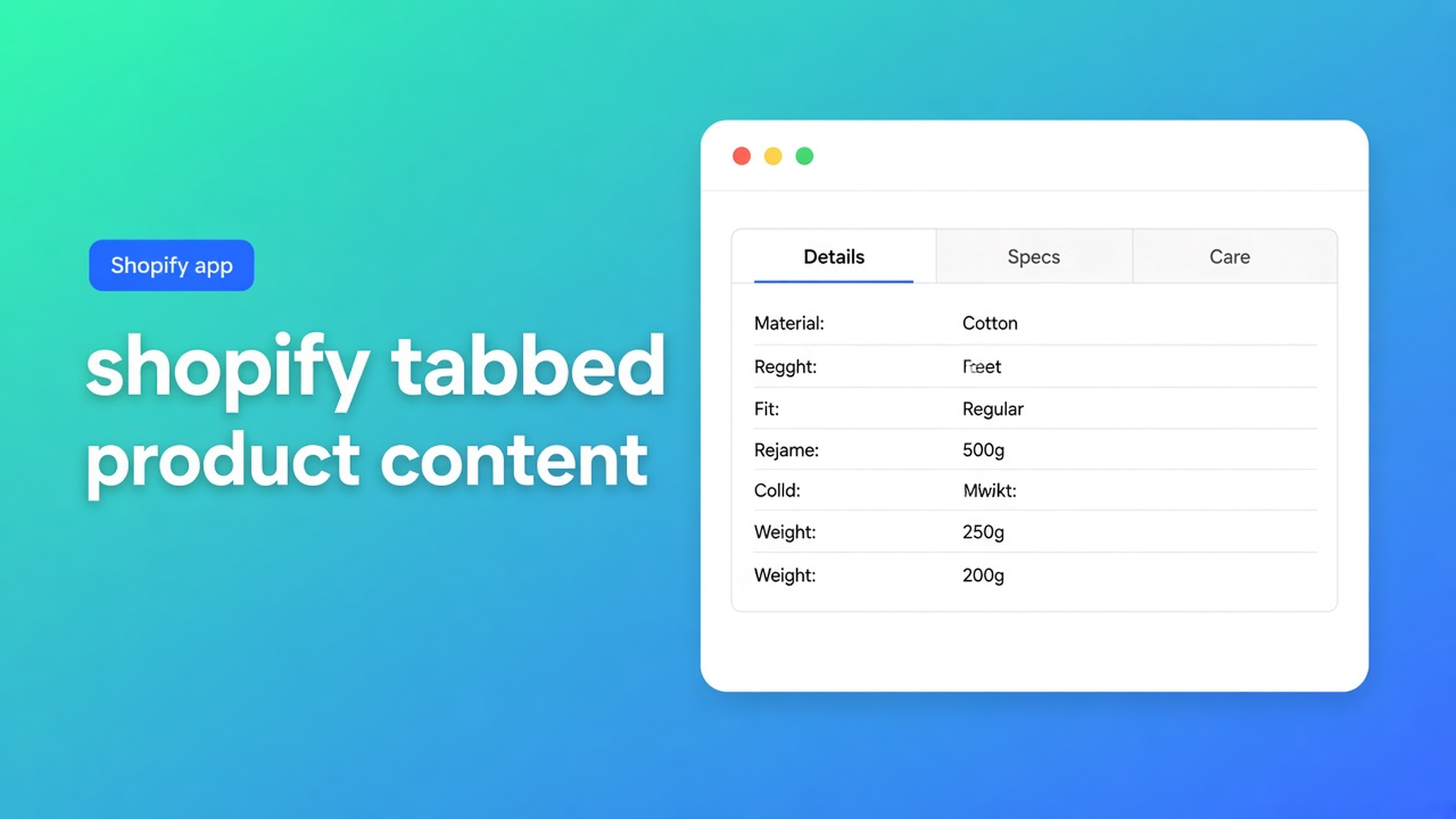
Shopify tabbed product content tables: specs, copy, and images behind tabs
The product page has everything: shipping, materials, care, a spec grid, two fit photos. On desktop it is an essay below the fold. On mobile it is scrolling until Add to cart leaves the screen. Shopify tabbed product content tables are the layout that puts those blocks behind tabs — Details, Specs, Care — instead of one rich-text blob nobody expands.
This article is the Tabbed type in OO - Advanced Table Builder. Listing name: OO - Advanced Table Builder. Docs still say Tables, Specs & Comparisons in places. The CTA stays that listing URL. We already covered product specs as live fields, and Us vs Them as fixed USP columns. Here: tabs on the product page, with a specific table ID in the Tabbed block. No auto-inject next to Add to cart.
Do not pitch another Online Origins app.
Native Shopify does not ship product tabs as a grid
Theme app blocks give you a slot. They do not fill tab labels, a table per tab, or a translation per locale. What merchants paste:
HTML `<details>` in the description — theme-dependent, no Design step;
a “Learn more” page that sends the shopper off the PDP;
a theme collapsible row that vanishes on the next theme switch.
None of those is: type Tabbed, text/table/image per tab, a block that picks *that* table.
What merchants try instead
1. Everything in the product description
Origin, grind advice, and shipping in one rich-text. Search engines see it. The buyer does not see it next to the button.
2. Expecting the Specs block to become tabs
Product Specs is a different type: live Shopify fields, visibility-based, no ATC auto-inject (Auto-placement rules). Tabs are not a Specs template. Do not mix them in one block.
3. A size-chart popup for “all the extra info”
Size charts have Display mode popup vs plain. That is a measurement table, not a shipping tab. Auto-placement above Add to cart applies only to size charts when the Size chart block is missing. Tabbed does not get that fallback.
4. Custom Liquid with three buttons
Breaks on theme update. No Settings → translations, no AI draft, no metafield modules that stay live.
None of those paths is: a Tabbed table, Enable on, Tabbed tables block with the right ID.
How Tabbed works in the app
OO - Advanced Table Builder is Free, 5.0 from 1 review, launched 17 September 2026. UI in English. Works with: AI, Excel, Google Sheets.
Listing: size charts, specs, comparison tables, tabbed content, Us vs Them. Visual builder or an AI draft from a description or screenshot. Connect product and variant metafields. Style, place on products, pages, and other templates, translate customer-facing text. Display options name templates, custom CSS, color and font, multi-language, product page, mobile responsive.
Quick start: Create table → pick type Tabbed (or Generate with AI). Structure: “Add groups, modules, tabs, or measurement blocks depending on the type.” Prefer Shopify-backed modules (Weight, Price, options, metafields) when the value should stay live. Custom attributes only when there is no Shopify source. After AI: review module types.
Docs-line positioning: Tabbed = text, tables, and images behind tabs. Do not claim AI always maps perfect Shopify modules.
Design settings: for Tabbed, tab style and content/table colors. Chrome (popup, tray, tabs) lives in Design, not in a second app. Optional: Refine with AI on Design from a description, screenshot, or website URL for brand colors/fonts — structure stays until you confirm.
Settings: Enable on. Disabled tables do not render even with a block. Enable, visibility, and products: Size chart/Specs/Comparison get All products vs Selected products. Tabbed & Us vs Them are chosen explicitly in the theme block picker (by table). Internal description is admin-only.
Placement: always the table ID
Place tables with theme blocks lists the blocks:
Size chart — visibility-based
Product specs — visibility-based
Compare button — optional Compare placement
Tabbed tables — pick a specific Tabbed table
Us vs Them — pick a specific Us vs Them table
Steps: Customize → template (usually Products → Default product) → Add block → Apps → Tabbed tables → select the table in block settings → Save. Docs recommend Size chart/Specs near price / buy buttons. Tabs belong lower, under the buy section, so the button stays clear — layout, not an extra feature.
Auto-placement for Tabbed & Us vs Them: always select the specific table in the matching theme block (or use a shortcode). No inject under the price, no auto above Add to cart. Do not claim Specs auto-inject; Specs use their block only.
App embed: Theme settings → App embeds → Tables, Specs & Comparisons. Shortcodes need the embed.
Optional shortcode `[oo-table id=YOUR_TABLE_ID]` from Settings (docs), table enabled. For HTML sections or pages where blocks are awkward. On the default PDP the Tabbed block is easier to maintain.
Translate tab labels and trigger copy in Settings → translations — customer-facing strings, not the admin description. Listing: fully translate all table text for every language you sell in.
Example: coffee beans, three tabs
A shop sells single origin. The description mixes origin, grind advice, and shipping. You create a Tabbed table: tab Origin (copy + image), tab Brew (small table), tab Shipping (copy). Enable on. Theme Editor: Tabbed tables block, this table ID, below the buy buttons. App embed on. Do not expect Size chart auto-placement. On a DE market: same structure, labels translated in Settings.
Second failure: the block is there, Enable is off. Storefront empty. Or you picked the Us vs Them ID in the Tabbed block. Types are not interchangeable.
What you need to start
Install OO - Advanced Table Builder (Free).
Quick start: Create table → Tabbed, or Generate with AI (screenshot max 4 MB).
Structure: tabs with text / table / image. Shopify modules where they fit.
Design: tab style + colours. Optional Refine with AI.
Enable. Customize → Tabbed tables block → this table ID. Embed on.
Check the storefront. Translate labels if you sell in more locales.
Wrap-up
Shopify tabbed product content tables are not a theme collapsible and not Specs auto-inject. They are type Tabbed, Enable, and a block that picks *that* table. No ID, no tabs. Enable off, empty block.
Publish the tabs from the Advanced Table Builder listing and select the table ID in the Tabbed block before you empty the description.

Custom webshops, websites, and applications combined with smart online marketing to help your business grow online!


Reviews
5/5
Mail: info@onlineorigins.nl
Tel: 073 234 0612
KVK: 89825624
BTW: NL865123639B01
Bruistensingel 500,5232 AH 's-Hertogenbosch Cookies
© 2026 Online Origins