
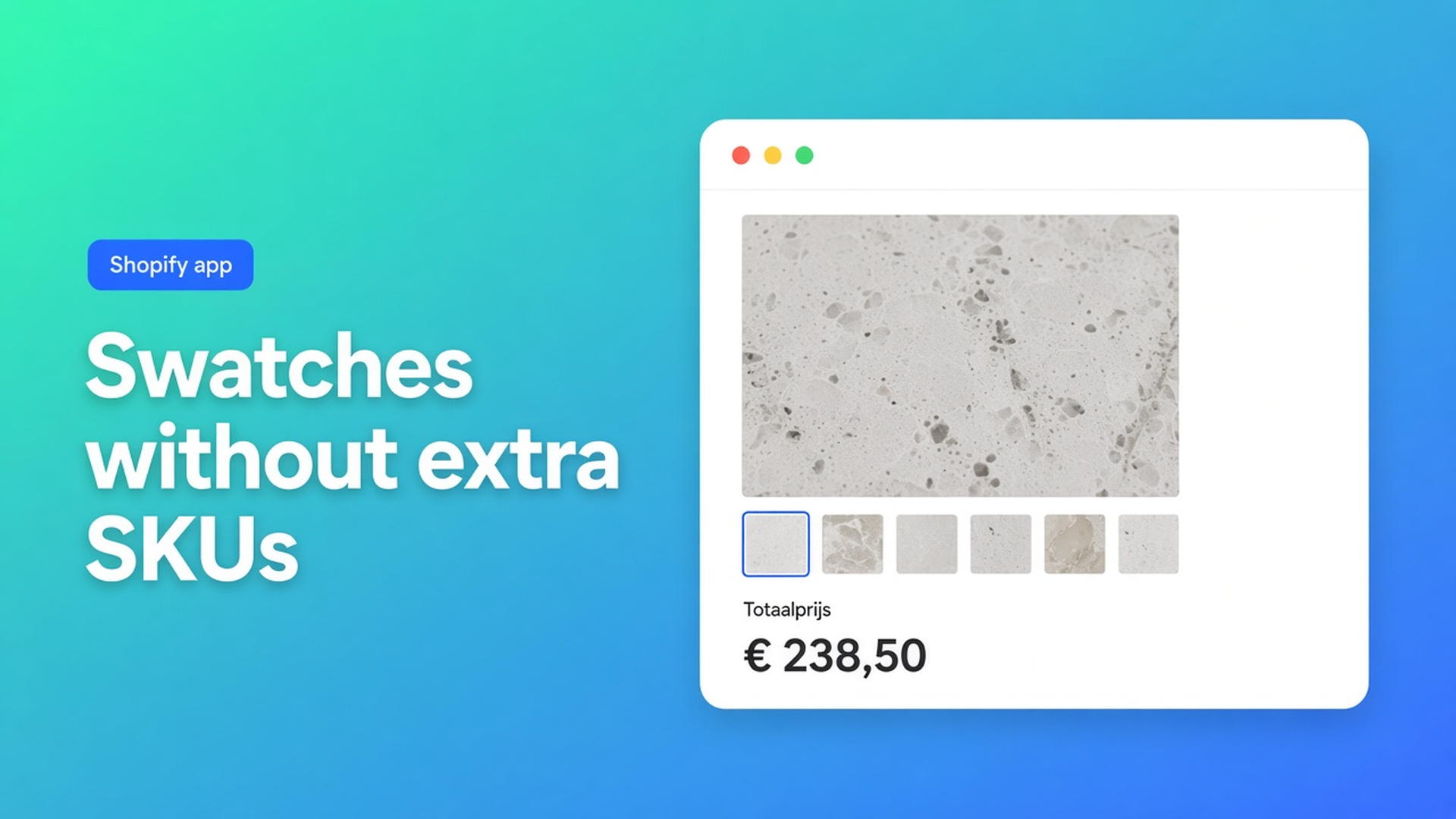
Shopify swatches and variant images as options — keep the SKU count still
Shoppers tap a quartz sample. The gallery should follow. Inventory should not. Shopify swatches and variant images as options is that split: a visual choice that can change the picture and the formula, without burning a native Color option. Checked 9 November 2026 on the Options Price Calculator listing, docs Swatch and Option images (Premium), and Shopify Help Adding variants. If Shopify raises the three-option cap, or the listing moves Option images off Premium, re-read those three before you quote “every sample is a variant”.
The older post on unlimited color swatches is about *how many* chips you can show. This one is the media path: native variant image versus a calculator field that swaps the gallery.
Where native swatches actually live
Adding variants (checked 9 Nov 2026): three options per product, 2,048 variants. Not 100. Category metafield colors can render as storefront swatches — and that chip is option 1. Size × color × edge profile fills the cap. A millimetre width does not fit after that, same ceiling as more than three product options.
A variant may take one media item from the product’s library. Help still caps 250 media per product. Twelve finishes with a photo each means twelve SKUs if you insist on native images, even when you do not stock those finishes. Theme `properties[Finish]` can draw a chip in Liquid. It does not change the price — line item properties do not change price.
Workarounds that still spawn SKUs
Twenty values on option “Color”: the photo moves, the inventory grid grows, option 3 is gone. Split products per material: reviews split with them. A theme swatch wired to a hidden picker: the next theme update drops the wire, the price stays the variant price.
None of that gives you a chip beside three real SKU options, a gallery that reacts to the chip, and a formula on the finish.
Listing “variant images” is not the same as Help “variant image”
Checked 9 November 2026 on Options Price Calculator: Built for Shopify, 5.0 from 30 reviews. Hero line: *Unlimited product options: swatches, variant images, file upload & more.* Categories include Swatches and Variants display. Plans: Free, Starter, Premium, Ultimate.
Swatch is a calculator field. Each chip has a label, a numeric value, and a visual (flat color, JPEG/PNG/WebP/GIF, or both). That number enters the formula (`1`, `1.2`, `15`). Shape and border live under Customize design → Swatches. It is not a Shopify option.
Option images (Premium) swaps the main product image (and the cart-line image when the app embed is on) when the shopper picks a calculator value — a fabric chip, a finish. Path: Calculator builder → Product preview → Option images. One value → one image, or a combination of fields. Premium. Do not mix this with native variant media, and do not mix it with the live preview / Product Personalizer overlay (also Premium).
Goal | Native (Help, 9 Nov 2026) | OPC (listing + docs, 9 Nov 2026) |
|---|---|---|
Chip on the product page | Color option; counts toward 3 / 2,048 | Swatch field; no extra SKU |
Photo follows the chip | Variant image, 1 media per variant, 250/product | Option images on Premium $19.99 |
Price follows the chip | New variant price per combo | Field value in the formula; if/then on Premium |
Stock per finish | Yes — that is what variants are for | No — calculator options are not inventory |
Sources under the table: Help Adding variants; listing 9 Nov 2026; Swatch + Option images docs. If either side moves, re-check before a quote says “swatches are free on every SKU”.
Starter vs Premium (conditionals, preview, lookup) is separate: OPC Starter or Premium. Showing or hiding the field is the $39.99 card, not this topic: show/hide conditional fields.
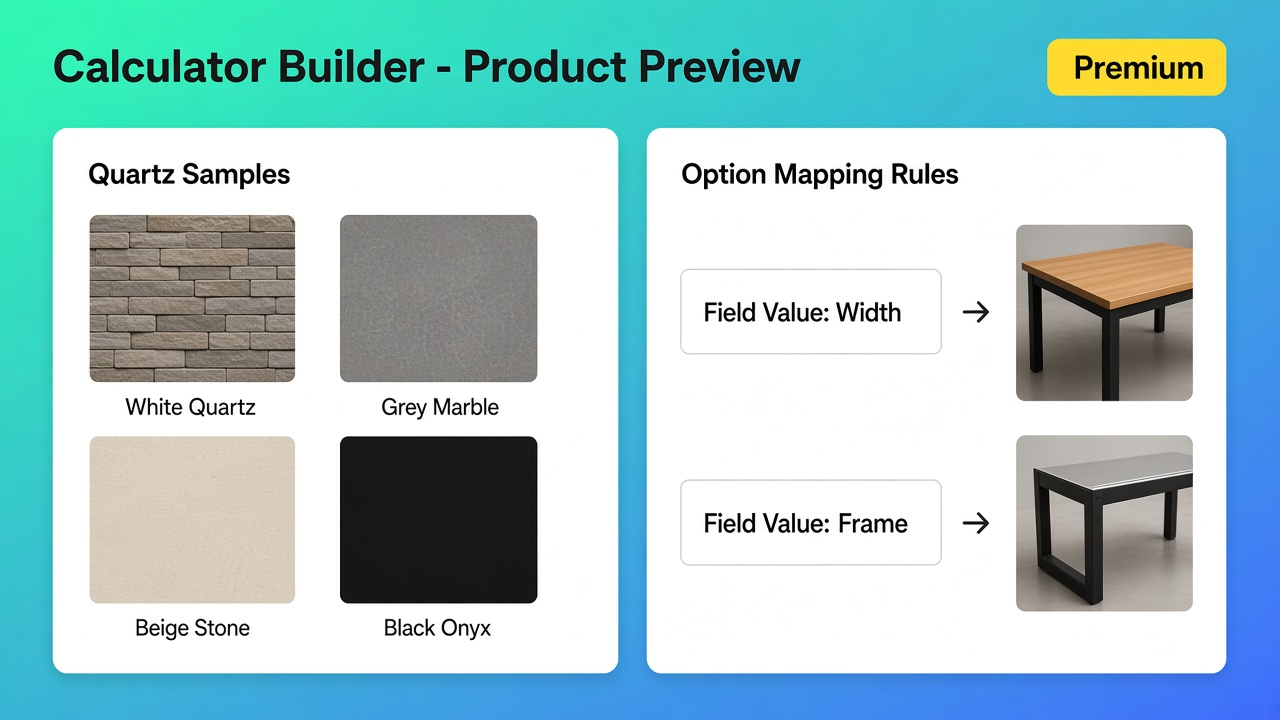
Countertop shop: twelve quartz looks, one slab SKU
Take a store like the listing review that prices countertops on the fly. One SKU for the slab you actually receive. Twelve looks. Native Color with twelve values is twelve variants plus twelve media. Edge profile as option 2. Thickness as option 3 — and you are out of slots for a continuous width.
What I would ship on 9 Nov 2026: keep the stocked slab as the variant. Add a Swatch field `finish_swatch` (lowercase key, underscores). Texture JPEGs, values `1.0` / `1.18` / `1.4` as multipliers. Formula in the spirit of `product_price + (width * depth * finish)`. Width and depth as number fields, not a SKU per millimetre — same idea as made-to-measure.
Gallery must show the chosen quartz? That is Option images on Premium. Map each swatch value, test the product page, fix the product image selector if the theme gallery is non-standard. The clickable chip itself is available once you have unlimited options (Starter). Only the gallery swap is the Premium article.
Calculators attach per variant. Two real SKUs (2 cm / 3 cm stock) can share one calculator or get their own mapping — a different calculator per variant. Options still are not inventory.
Free is “Ultimate Plan for Free – 20 uses”. That cap is calculated orders, not a swatch toggle. See free plan 20 uses.
Setup order that actually holds
Inventory variants first. Visual choice in a Swatch field, not option 1. Wire the value into the formula. Add to cart once. Then Option images on Premium if the gallery is wrong. Skip live preview until you need text or a file drawn on the product — different Premium screen.
Listing prices on 9 Nov 2026: Starter $9.99, Premium $19.99 (Option images, conditional pricing, live preview), top card $39.99 (show/hide — out of scope). Swatch docs do not name a plan gate. Option images docs do: Premium.
What I would actually buy
I would not open twelve quartz SKUs to get twelve photos. I would run the formula on Starter until checkout is right, then pay Premium because the docs put Option images there — not because “swatches are Premium”. Shopify swatches and variant images as options is not a fourth native Color option and not 250 extra SKU photos. Native Shopify still counts every color as a variant. Listing 9 Nov 2026: swatches in the option list, Option images on Premium $19.99. Help stays 3 / 2,048. If either source moves, this advice is done.
Install from the Options Price Calculator listing and read Swatch plus Option images before you clone a SKU for each sample.
This blog is presented to you by

Floris-jan de Vries
Co-owner / Back-end developer / Shopify Expert
As a full-stack developer, Floris-Jan ensures the technical logic behind the design. He also uses his extensive knowledge of Shopify every day to provide our clients with the best possible support.


The Shopify Select partner for ambitious e-commerce businesses that want to grow!

Services
Reviews
5/5
Mail: info@onlineorigins.nl
Tel: 073 234 0612
KVK: 89825624
BTW: NL865123639B01
Bruistensingel 500,5232 AH 's-Hertogenbosch Cookies
© 2026 Online Origins