
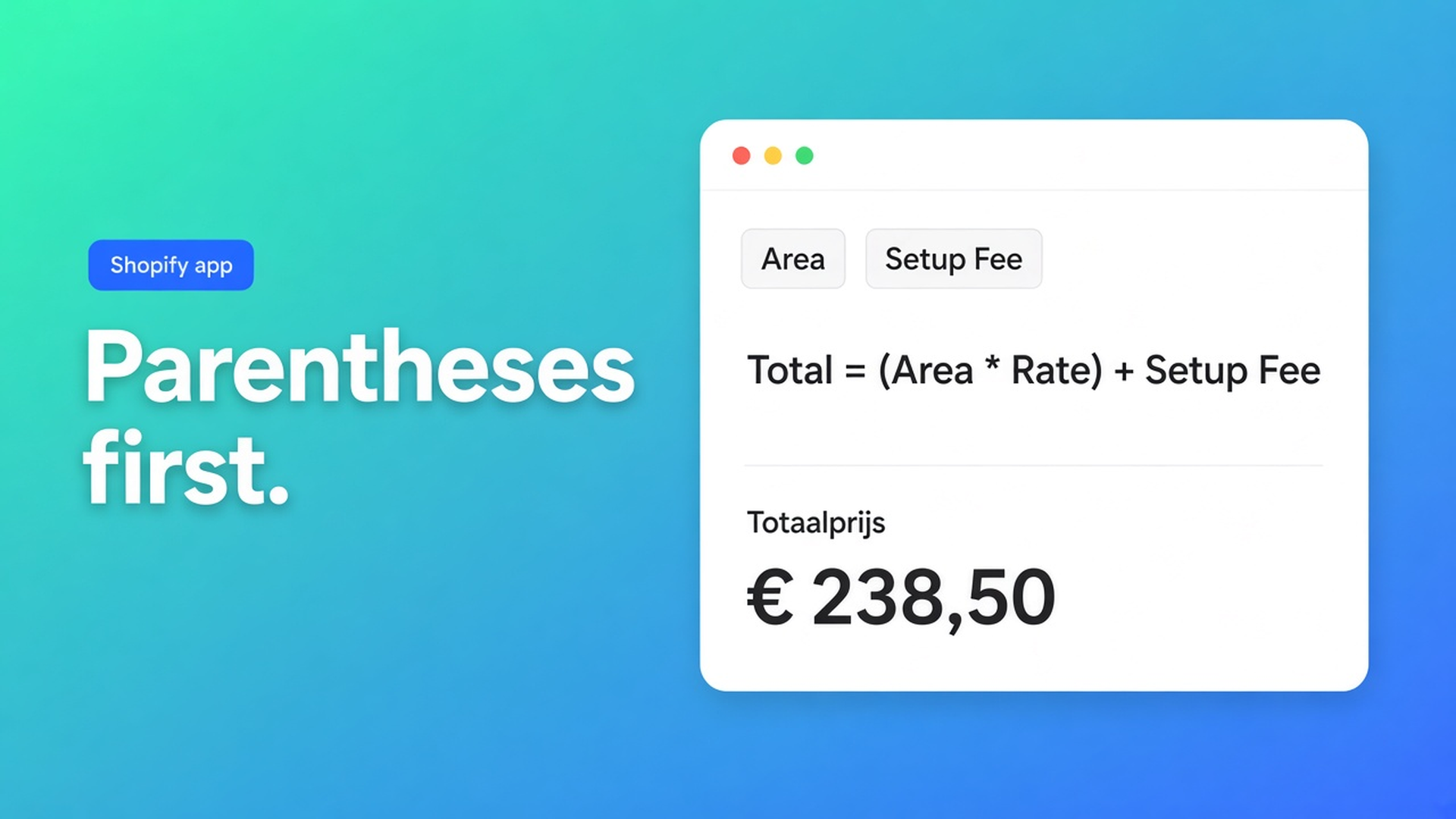
Shopify price formula parentheses order: multiply the area, not the setup
A shopper types 2.4 m by 1.1 m. Material is 1.5×. The €25 cutting fee should stay a cutting fee. Shopify price formula parentheses order is the difference between those two tickets. Checked 10 November 2026 on the Options Price Calculator listing, docs Using the Formula Builder and Pricing / Formula Examples, and Shopify Help Adding variants. If the listing moves the formula builder off Starter, or Shopify changes the three-option cap, re-read those three before you ship a multiplier with no grouping.
The older note on formula-based pricing is *that* a formula exists. This one is order of operations: why the docs call parentheses “strongly recommended”, and which of two legal formulas matches the quote you already sent a customer.
Variants store a number. They do not store `×`.
Adding variants (checked 10 Nov 2026): three options, 2,048 variants. Not 100. Each combination has one price. 2.40 m and 2.41 m are two SKUs, or you drop millimetres. There is no operator list, no caret, no `(width * height)`.
Theme line-item properties can capture a measurement as text on the order. They do not change the price. Spreadsheet-after-checkout is not a storefront formula.
That is the same ceiling as more than three product options. A calculator formula is how you leave the SKU grid. A calculator formula with the wrong grouping is how you refund the first five orders.
Three ways the one-liner lies
`product_price + width * height * material` looks like English. It is not. `×` binds tighter than `+`. Material (1.5) hits the area only. The setup fee sits outside the uplift. Wrap setup + area first, and 1.5 hits the whole ticket.
Second: a `+ 25` dropped “somewhere in the middle” for handling. The Formula Builder chip editor inserts operators at the caret, not always at the end. A plus between two multiplications is a new grouping, not a surcharge at the tail.
Third: rounding the area, then multiplying. Docs: round last. `Math.round` on the area before the material factor throws away cents you then try to recover on the storefront.
None of that is a Shopify defect. It is PEMDAS with field chips.
What the listing and the Formula Builder actually allow
On 10 November 2026 the Options Price Calculator listing shows Built for Shopify, 5.0 from 30 reviews. Hero line: *Dynamic pricing with advanced formulas, conditional logic, and custom rules.* Starter: *Advanced formula builder.* Premium $19.99: *Conditional logic for dynamic pricing.* Top card $39.99: show/hide fields and draft-order checkout — not this article. Free: 20 uses, labelled “Ultimate Plan for Free”.
Docs Using the Formula Builder: tab 4c is the main formula. Operators: `+` `−` `×` `÷` and `( )`. Quote: parentheses are strongly recommended to control calculation order. The result must be numeric. The field selector injects step-1 keys, 4a custom variables, Premium `lookup2d(…)` chips, metafields, and math helpers. A typo in a key is a different class of error than a missing `)`.
The same article’s worked example:
``` (product_price + width * height) * material_multiplier ```
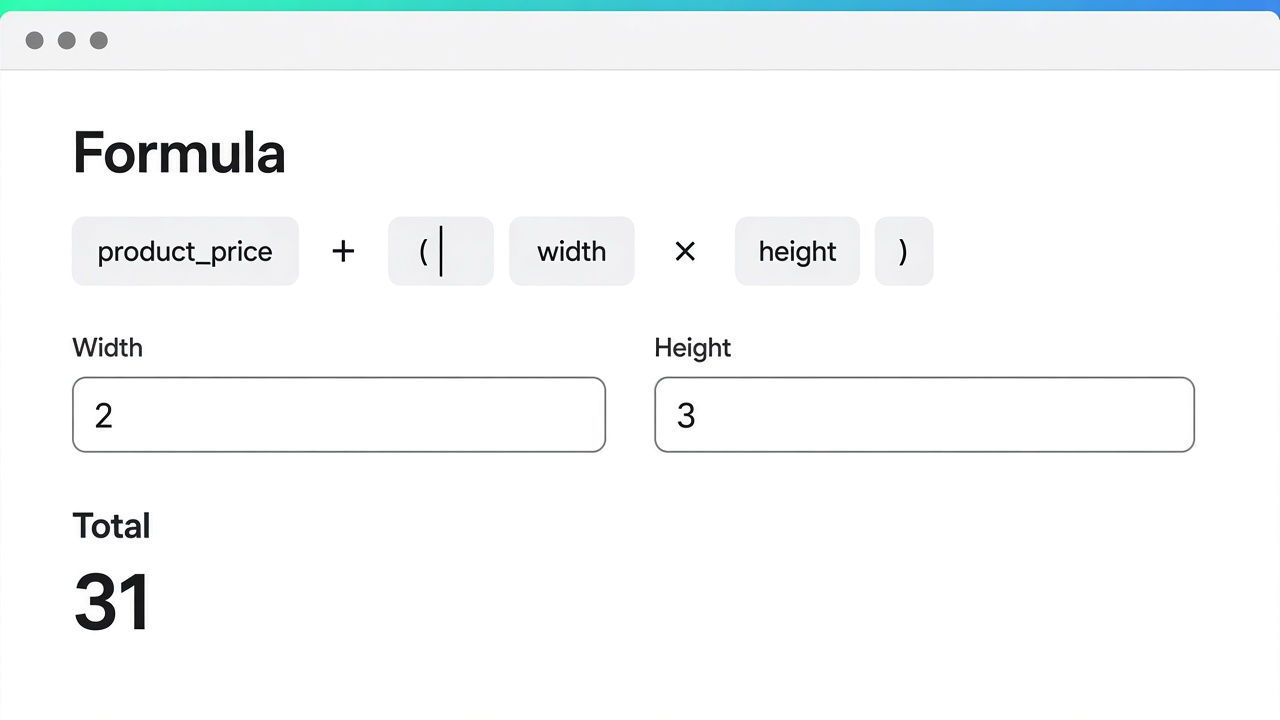
Drop the outer parentheses and the number changes. Docs Pricing / Formula Examples example 1 uses `product_price + (width * height)` instead — `+` last, parentheses around area. Both are valid. They answer different quotes.
Intent | Formula (docs shape) | 25 base, 2×3 area, 1.5 material | Source, 10 Nov 2026 |
|---|---|---|---|
Setup plus area | `product_price + (width * height)` | 25 + 6 = 31 | Formula Examples #1 |
Material on the whole ticket | `(product_price + width * height) * material_multiplier` | (25 + 6) × 1.5 = 46.5 | Formula Builder example |
Material on area only | `product_price + (width * height * material_multiplier)` | 25 + 9 = 34 | same operators, different `()` |
Setup fee in the line | `product_price + 25 + (width * height)` | 25 + 25 + 6 = 56 | Formula Examples #5 |
Floor price | if / then (Premium) | not `+ × ( )` alone | Formula Examples #6 |
Sources under the table: listing 10 Nov 2026 (Starter = formula builder, Premium = conditionals); Formula Builder; Formula Examples. If Shopify Help raises the variant cap, or the listing moves conditionals onto Starter, re-check before you tell a merchant “parentheses are optional”.
If/then, size tiers and `Math.min` / `Math.max` do not replace grouping. Those live in Starter vs Premium and Math.min / Math.max in the price formula. Parentheses ship on Starter. Conditionals do not.
Worked case: butcher-block, $25 cut fee, 1.5× hardwood
Countertop shop. One SKU for the slab. Customer types length and width. Native path: a variant per centimetre until 2,048, then stop. No multiplier. Same pattern as price per square metre.
What I would actually build on 10 Nov 2026. Number fields `width` and `height`. Dropdown `timber` with values `1` / `1.25` / `1.5`. Tab 4a custom variable `_cv_area` = `(width * height)` so the grouping is already done, then the main formula `(product_price + _cv_area) * timber`. That is the Formula Builder example, split so the next person on the team can read it. That split is what computed properties are for.
Preview values from the docs tip: 2 × 3, timber 1.5, product price 25. Expect 46.5 if hardwood uplifts the cut fee too. Expect 34 if the cut fee is sacred and only the board is dearer. Put both numbers on a sticky note. Then publish. Skip that and your first review is “the calculator overcharges”.
Rate in a product metafield instead of a literal: metafields in a pricing formula. Width × height as a cell, not a product: Premium lookup table. Neither removes the need for parentheses; they shorten the line.
AI can draft the formula (Starter+). You still own the grouping. “Base plus area times timber” is ambiguous English. The model will pick one parse. Confirm it: AI pricing formula assistant.
Free (20 uses) is for that preview pass, not a live shop after calculated order 21. The formula builder itself is on Starter at $9.99, not behind Premium.
Get it live without a surprise ticket
Write one sentence: “timber multiplies the board only” or “timber multiplies the whole quote”. Put parentheses around that group even when `×` would have done it. Move area into 4a the moment the main line needs a breath. Round as the last chip. Open Premium conditionals only for a threshold or “if timber X, different formula” — not to paper over a missing `)`.
Re-check prices on the listing. On 10 Nov 2026: Starter $9.99 (Advanced formula builder), Premium $19.99 (conditional logic, lookup, breakdown), top card $39.99 (show/hide). Formula Builder docs do not plan-gate parentheses. They do plan-gate conditionals: Premium.
Bottom line
For the butcher-block SKU I would lock `_cv_area` with parentheses, then `(product_price + _cv_area) * timber`, and keep two preview rows: uplift on everything versus uplift on area only. Shopify price formula parentheses order is not a fourth native option and not a spreadsheet after the order. Native Shopify stores one price per variant. Listing 10 Nov 2026: formula builder on Starter, conditionals on Premium $19.99. The docs stress parentheses because the operators already “work” when the ticket is wrong. If either source moves, this advice expires.
Ship the formula from the Options Price Calculator listing and open Formula Builder plus the examples before you leave a multiplier ungrouped on the product page.
This blog is presented to you by

Floris-jan de Vries
Co-owner / Back-end developer / Shopify Expert
As a full-stack developer, Floris-Jan ensures the technical logic behind the design. He also uses his extensive knowledge of Shopify every day to provide our clients with the best possible support.




The Shopify Select partner for ambitious e-commerce businesses that want to grow!

Services
Reviews
5/5
Mail: info@onlineorigins.nl
Tel: 073 234 0612
KVK: 89825624
BTW: NL865123639B01
Bruistensingel 500,5232 AH 's-Hertogenbosch Cookies
© 2026 Online Origins