
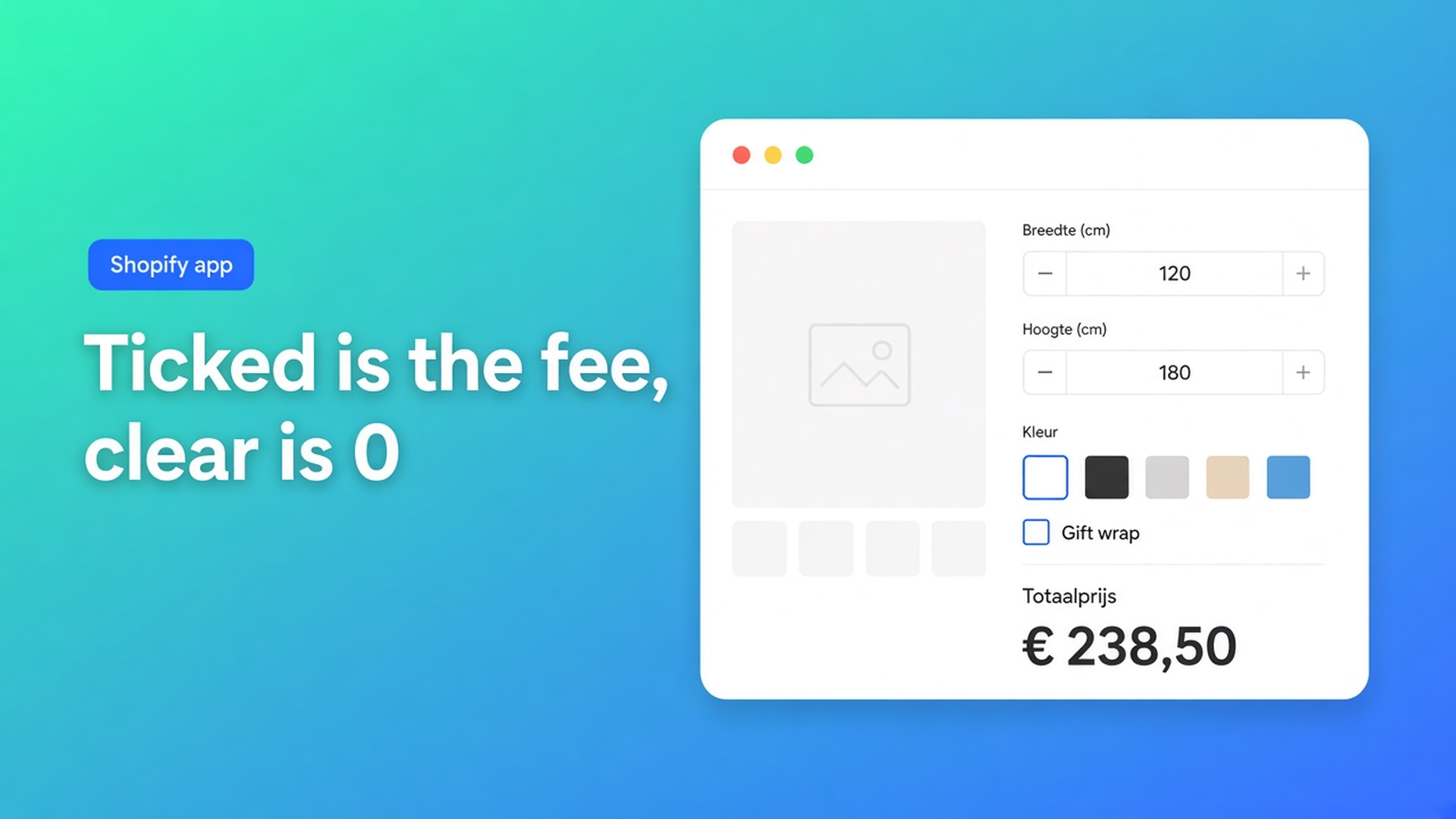
Shopify checkbox in a price formula: ticked is the fee, unticked is 0
Gift wrap is €5. Rush handling is 1.1×. A “I accept the lead time” box should cost nothing. Same field type, three formulas, three ways to get the ticket wrong. Shopify checkbox zero or surcharge in formula is the arithmetic, not the “should this be a variant?” debate. Checked 11 November 2026 on the Options Price Calculator listing, docs Checkbox, Variables and Field Values and Pricing / Formula Examples, and Shopify Help Adding variants. If the listing moves the formula builder off Starter, or the docs stop treating an unchecked box as `0`, re-read those four before you ship `gift_wrap`.
The 1 October note on checkbox add-on pricing is the field: do not burn a variant slot. This one is what the key returns in the formula, and why a 1.1 “percent” added with `+` is €1.10.
Shopify variants do not store on/off money
Adding variants (checked 11 Nov 2026): three options, 2,048 variants. Not 100. Each combination has one price. “Gift wrap: yes” as an option value doubles the grid or spends one of those three options. Theme line-item properties can stamp the tick on the order. They do not change the price.
There is no native “if ticked, add 5”. No `0` when the box is empty. No multiplier. No boolean for an if/then. That is the same ceiling as more than three product options. A calculator checkbox is how you leave the SKU grid. A calculator checkbox with the wrong operator is how the first five orders need a refund.
Three formulas shops paste before they read `0`
Hard-code the five. `product_price + 5`. Every shopper pays wrap. The box is theatre. Formula Examples, example 2, is `product_price + gift_wrap`. The 5 lives on the field. The formula names the key.
Treat 1.1 as money. Numeric value `1.1` for “rush”. Formula `product_price + rush`. Ticked: +€1.10. Unticked: +0. That is not 10%. Checkbox docs allow a fixed add-on (`5`), a multiplier (`1.1`), or `0` when the box is only for logic. The operator decides what 1.1 means. Plus is currency. Times is a factor. Grouping when both appear: parentheses order.
A second SKU named “with wrap”. Inventory on a variant you never buy. That was October. It does not teach the formula what `0` is. It dodges the formula.
What the key actually returns
Listing on 11 November 2026: Built for Shopify, 5.0 from 30 reviews. Hero: *Dynamic pricing with advanced formulas, conditional logic, and custom rules.* Starter $9.99: unlimited options, AI, advanced formula builder. Premium $19.99: *Conditional logic for dynamic pricing.* Top card $39.99: show/hide fields, draft orders — not this post. Free: 20 uses, card copy “Ultimate Plan for Free”.
Checkbox: shopper label (`Gift wrapping`), lowercase key (`gift_wrap`, `express_shipping`), optional required, default checked or unchecked, numeric value (float). Tip on that page: use a checkbox for optional add-ons; mutually exclusive choices belong on a dropdown or radios.
Variables and Field Values: Checkbox — the configured numeric value when checked, or `0` when unchecked. No third state. No `null`. Keys are case-sensitive. Invalid variables fail the formula. Every value in the formula must resolve to a number.
Formula Examples, example 2:
``` product_price + gift_wrap ```
Value 5. Ticked: +5. Clear: +0.
Example 8 (Premium): `premium_finish == TRUE` then `product_price + 20`. That is if/then, not Starter plus. Variables docs: `TRUE` / `FALSE` live in conditional rules, not in the regular formula.
Intent | Field value | Formula (docs style) | Ticket if base is 40 | Source 11 Nov 2026 |
|---|---|---|---|---|
Flat add-on | `5` | `product_price + gift_wrap` | 45 or 40 | Formula Examples, example 2 |
Percent of the base | `1.1` | `product_price * rush` | 44 — or 0 when clear | Checkbox numeric value + operator |
Percent, but 1× when clear | `1.1` | if/then, not a Starter one-liner | 44 or 40 | Conditional Pricing (Premium) |
Logic only, no money | `0` | do not add the key; Premium `== TRUE` | 40 either way | Checkbox + conditionals |
Show/hide another field | n/a here | different plan card | — | listing $39.99, not this post |
Sources under the table: listing 11 Nov 2026 (Starter = formula builder, Premium = conditionals); Checkbox; Variables; Formula Examples. If the listing moves conditionals onto Starter, or “unchecked = 0” changes, re-check before you write “times 1.1 with the box off equals 0” on a sticky note.
The multiplier row is the one I would refuse on 11 Nov 2026. `product_price * rush` with value 1.1 is correct while ticked. Clear, the factor is 0. The whole price collapses. That is the docs rule, followed to the end. On Starter I would use a flat add-on (`+ gift_wrap`) or a dropdown “Standard / Rush (+10%)” with values `1` and `1.1`. Premium if/then if you truly need `if ticked then ×1.1 else ×1`.
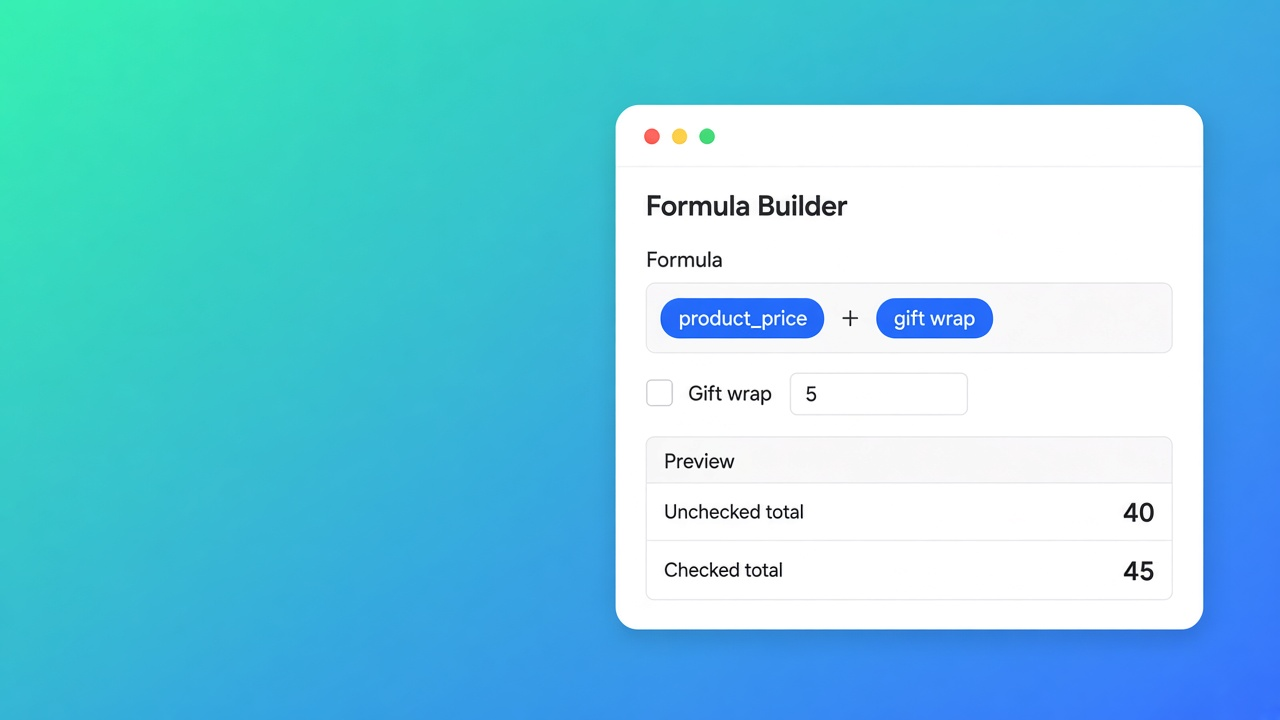
Countertops, a $12 edge polish, one SKU
Brooklyn-style butcher-block shop. One variant for the slab. Width and length as number fields. Edge polish is a tick, not a colour. Native path: option “Polish: yes/no”, grid ×2, up to 2,048. No `0` in a formula. Area pricing is a separate note: price per m² — same idea, different operator.
What I would ship on 11 Nov 2026. Key `edge_polish`, numeric value `12`, default unchecked. Area stays in parentheses, then the key:
``` product_price + (width * length) + edge_polish ```
Clear: +0. Ticked: +12. Preview both tickets with the same measurements before you publish. A custom variable for the area is fine if the main line gets noisy: computed properties.
Required only when the shopper must *choose* a state (docs: terms). Default checked only when the fee is part of the advertised price — otherwise everyone pays $12 until they notice the box.
If/then for “polish and area over 4 then a different fee” is Premium. Do not use it to hide a missing `0`. Showing or hiding the box itself is the $39.99 card, not $19.99. That is not the numeric value. Plan split: OPC Starter vs Premium. Free (20 uses) is the preview harness, not a live shop after order 21. The formula builder itself is Starter $9.99.
AI can draft the field and the line (Starter+). You still check the key and the `0`. “10% rush” plus a checkbox of 1.1 added with `+` is a draft that needs a human operator.
Get it live
Lowercase key, no spaces. Value = the amount you add, or `0` if the tick is Premium logic only.
Formula names the key, not the literal. `+ gift_wrap`, not `+ 5`.
Do not put a multiplier on a checkbox unless you accept clear = ×0. Prefer a `1` / `1.1` dropdown, or Premium if/then.
Preview on and off. Default unchecked unless the fee is in the base price.
Do not spend a variant on the tick. Three options and 2,048 variants stay for real SKUs.
The Options Price Calculator listing is the plan source of truth: Starter for the Formula Builder. Premium only when `TRUE`/`FALSE` or a threshold is the actual need.
Close
On 11 November 2026 I would not add a wrap variant, and I would not hard-code `+ 5`. I would set `gift_wrap` to 5, default off, and ship `product_price + (width * height) + gift_wrap` after the preview shows a $0 delta with the box clear. I would not put a 1.1 multiplier on that same box until a dropdown or a Premium branch exists — otherwise the price is $0 the moment someone unticks it. If Shopify raises the three-option cap, or the docs change “value or 0”, this note is stale. Until then the `0` is the feature.
Install: Options Price Calculator.
This blog is presented to you by

Floris-jan de Vries
Co-owner / Back-end developer / Shopify Expert
As a full-stack developer, Floris-Jan ensures the technical logic behind the design. He also uses his extensive knowledge of Shopify every day to provide our clients with the best possible support.


The Shopify Select partner for ambitious e-commerce businesses that want to grow!

Services
Reviews
5/5
Mail: info@onlineorigins.nl
Tel: 073 234 0612
KVK: 89825624
BTW: NL865123639B01
Bruistensingel 500,5232 AH 's-Hertogenbosch Cookies
© 2026 Online Origins