
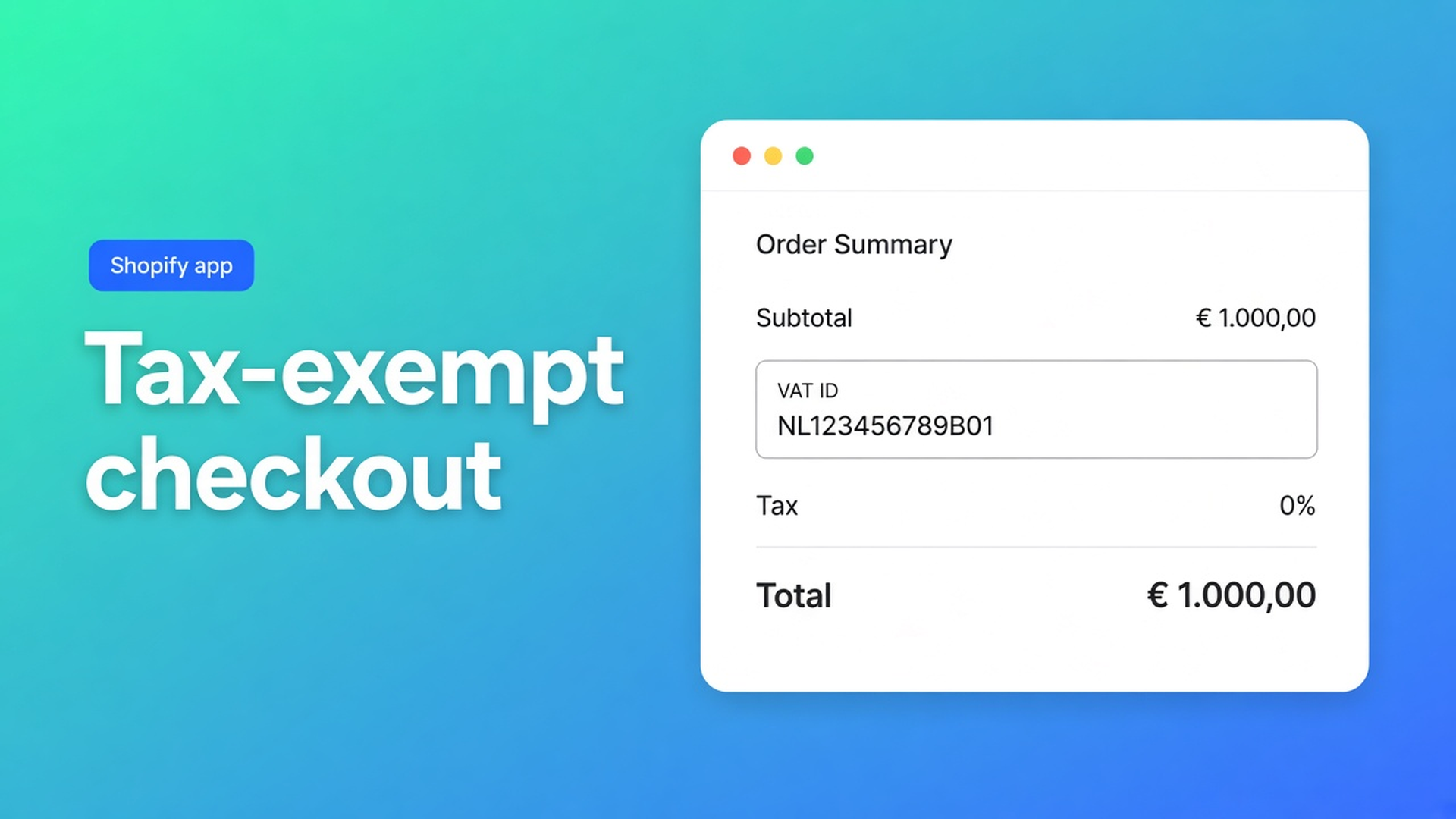
Shopify B2B tax-exempt checkout: logic, Markets, and wrong totals
The Belgian wholesaler has a valid VAT ID. VIES returns green. The cart looks exempt. Checkout still adds 21%. Or the tax line is 0% while the line price never recalculated. Shopify B2B tax-exempt checkout rarely fails because “the app forgot exemption”. It fails when checkout logic, Market Tax display, and the email on the VAT form do not match.
This article is that checkout moment. The storefront path (cart block, VIES, tax-exempt flag) is in Shopify EU VAT exemption B2B. The API check itself is in Shopify VIES VAT validation. Here: what happens after Checkout, which of the two modes fits your prices, and which Shopify setting breaks the totals.
OO - EU B2B & Wholesale is Built for Shopify (5.0 from 33 reviews). Listing: Advanced B2B tax management with VAT handling and EU Tax Exemption compliance. Standard ($8.95/month or $101.88/year, 5% off, 7-day trial, USD) includes VAT validation & Tax exemption via VIES. Do not claim this app replaces Shopify Plus B2B catalogs. Group prices live on the bulk form, not as a rewritten catalog price on the ordinary product page.
Checkout uses Shopify tax, not a second calculator
The EU Tax Exemption layer does not calculate rates. Step 4 is blunt: the app relies entirely on Shopify’s tax and market configuration. Shopify Help on EU taxes covers registrations, OSS, and consumer rates. Intra-Community B2B still needs a validated number *and* a checkout that drops VAT once Shopify knows the customer is tax exempt.
Without that match: VIES green but native checkout still at 21% (checkout email differs from the VAT form); Draft Order Logic on with Markets on Dynamic pricing — or Standard Logic with Show as included (docs: most common cause of wrong totals); prices excluding VAT plus Draft Order Logic, which is not supported because a draft finalises prices before Shopify can add or remove VAT.
A “0% VAT” discount code does not fix any of that. Retail will find the code too.
What merchants try instead
1. Cart block only, leave checkout “as Shopify ships it”
The OO – EU Tax Exemption block on the cart template is required for the storefront flow (Step 1). Checkout then follows the mode in General Settings. If Markets still look like a consumer shop, Shopify either keeps consumer VAT or zeros the tax line without recalculating the product price.
2. Turn Draft Order on “because B2B is complicated”
Draft Order Logic is for prices including VAT, multiple Markets, or fixed market prices. After VIES the buyer goes to a draft invoice URL, not the ordinary checkout. Pair that with ex-VAT prices and the docs say it is unsupported. Step 3: the wrong choice leaves VAT on, skips recalculation, and makes checkout behave unexpectedly.
3. Skip the Plus checkout editor and hope the cart is enough
On Shopify Plus you can add an EU VAT Validation app block in the Checkout Editor (Installation – Checkout Page). Enable Allow app to block checkout if the number is mandatory. That is Plus-only; do not claim Checkout UI Extensions on Basic or Grow.
None of those shortcuts replace: one checkout mode, a matching Tax display, and a test with the same email.
How the two checkout modes actually behave
In Apps → OO – EU Tax Exemption → General Settings, Use draft order logic off means Standard Checkout Logic. On means Draft Order Logic. The change applies immediately.
Standard Checkout Logic — native checkout, dynamic VAT
Standard Checkout Logic is mandatory if you display prices excluding VAT. It is also the better fit for a single EU market and maximum compatibility with other apps.
After VIES:
the customer is marked tax exempt in Shopify;
VAT data lands in cart attributes and order notes;
Checkout is Shopify’s standard checkout. The app does not rewrite prices there. Shopify applies tax rules dynamically and removes VAT where it applies.
The email on the VAT form must exactly match the checkout email. Shopify identifies customers by email. If they differ, the customer is not exempt and VAT stays — even when VIES accepted the number.
Markets: Settings → Markets → your EU market → Taxes and duties → Tax display = Dynamic pricing. If dynamic taxes are off, amounts may not recalculate even when the account is exempt.
Draft Order Logic — checkout via draft invoice
Draft Order Logic after a successful VIES call: the app creates a Shopify Draft Order (VAT removed where applicable) and Checkout redirects to the invoice URL. Standard checkout is skipped. Use it for prices including VAT and complex market pricing.
Do not use it if you sell ex-VAT: drafts finalise prices before checkout, so Shopify does not re-apply VAT the same way. It can clash with bundle or cart-modifying apps. The buyer experience is deliberately not native checkout.
Markets: Tax display = Show as included, so amounts stay consistent when the draft is created.
The mismatch that almost always breaks totals
| Checkout logic | Market Tax display | | --- | --- | | Standard (draft logic off) | Dynamic pricing | | Draft Order (draft logic on) | Show as included |
Docs, “most common mistake”: Draft Order + Dynamic pricing, or Standard + Show as included. Test that on purpose before you go live.
For B2B-only stores with prices excluding VAT, the recommended pair is Draft Order Logic off + Dynamic pricing. Step 4 calls that the most reliable configuration.
Registrations: Settings → Taxes and duties, EU registrations in place, taxes enabled for the countries you sell to. The app does not require “Include sales tax in product price and shipping”; that follows your pricing model.
Plus: VAT block in the Checkout Editor
On Shopify Plus you can validate *inside* checkout. Checkout Editor → Add app block → EU VAT Validation → Allow app to block checkout if the number is required.
Placement from the docs: one-page physical goods in Delivery (Delivery address); three-page on Information / Contact inside Shipping address. Digital-only carts need a second block (Payment under Remember me, or Information under the Shipping group) because those checkouts hide shipping fields. Keep the VAT field outside the address input group so it does not fight company-address validation or Shopify B2B company profiles.
Without Plus, storefront validation stays on the cart (and cart-drawer code if Theme Editor cannot place it). General Settings checkout logic still applies.
Example: ex-VAT store, native checkout, wrong Tax display
A Dutch shop shows wholesale prices excluding VAT. Draft Order Logic is on by accident. The Belgian buyer validates, clicks Checkout, and lands on a draft invoice. The total is wrong: Shopify should have dropped VAT dynamically; the draft had already locked prices.
Fix: Draft Order Logic off. Markets → EU → Tax display Dynamic pricing. Same email on the VIES form and at checkout. Add a product, enter a valid foreign EU VAT number, continue to checkout: VAT gone where it should be, tax lines as expected. That is the Step 4.3 check — not another app.
Second failure: Standard Logic is correct, Markets still on Show as included. The cart looks “included”; checkout shows exemption without a recalculated line price. Switch Tax display to Dynamic pricing. You do not need a second VIES call; the mismatch was Markets.
What you need to start
Install OO - EU B2B & Wholesale ($8.95/month or $101.88/year, 7-day trial).
Put the OO – EU Tax Exemption block on the cart page (drawer: Step 2 code if Theme Editor cannot place it).
Pick one mode in General Settings. Ex-VAT → Standard. Including / fixed market prices → Draft Order.
Set Market Tax display to the matching value. Confirm EU registrations under Taxes and duties.
Test: same email, valid foreign number, inspect checkout totals.
Plus (optional): EU VAT Validation block in the Checkout Editor, Allow app to block checkout on if validation is mandatory.
Wrap-up
Shopify B2B tax-exempt checkout is not a second tax engine. It is native checkout or a draft invoice, Markets that match that choice, and the same email as VIES. The wrong pair leaves 21% on — or a 0% tax line with a price that never moved.
Turn the tax layer on from the OO - EU B2B & Wholesale listing and run a foreign-VAT checkout before the first wholesaler pays.

Custom webshops, websites, and applications combined with smart online marketing to help your business grow online!


Reviews
5/5
Mail: info@onlineorigins.nl
Tel: 073 234 0612
KVK: 89825624
BTW: NL865123639B01
Bruistensingel 500,5232 AH 's-Hertogenbosch Cookies
© 2026 Online Origins