
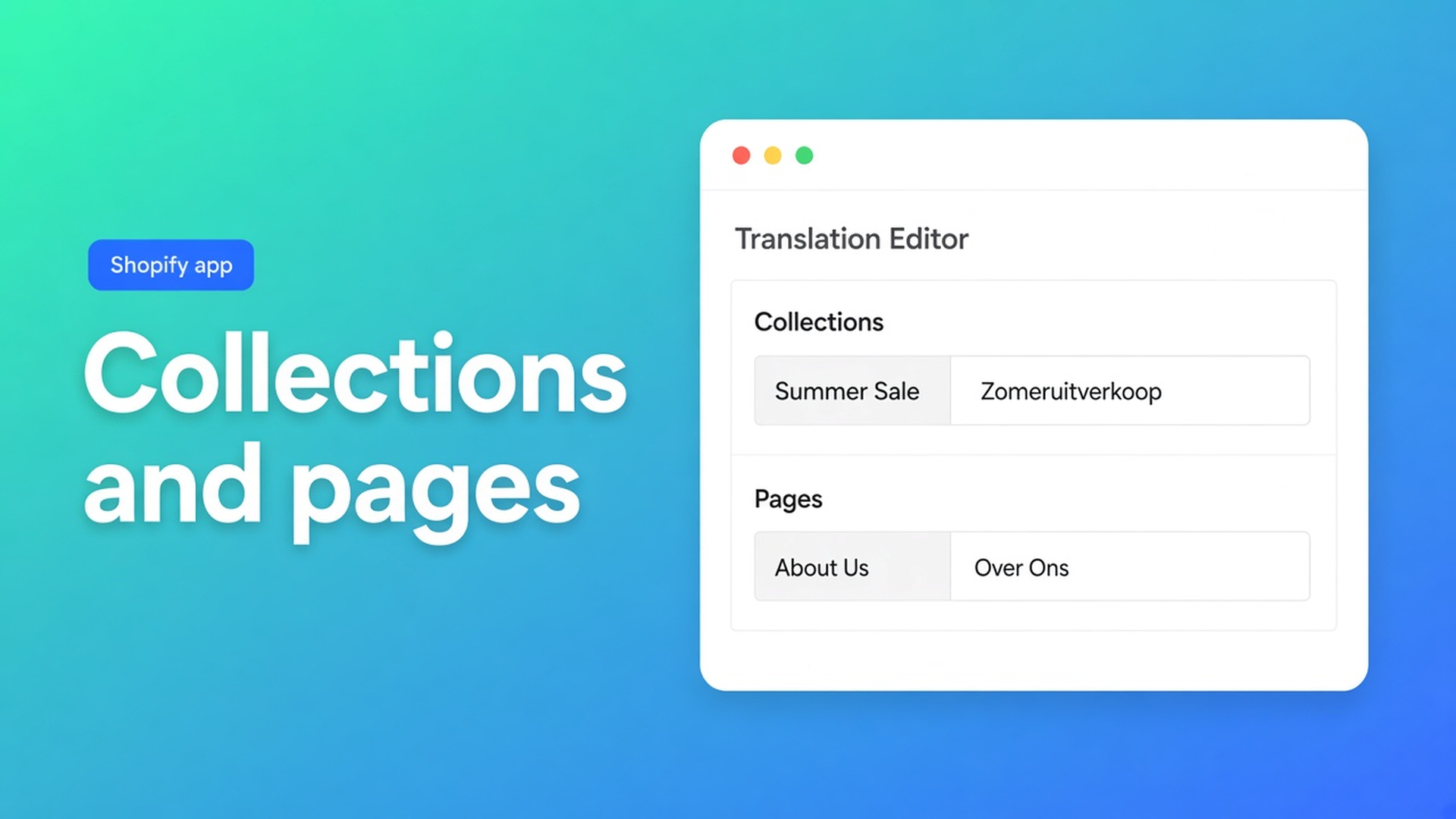
AI translate Shopify collections and pages: one type, one language first
A German shopper hits `/collections/jackets`. The title is still Dutch. So is the footer page “Shipping”. Product titles are fine. AI translate Shopify collections and pages is the menu and the policy pages — not another product sweep. Checked 10 November 2026 on the OO - Ultimate AI Translations listing (Free + your own AI; App AI ~$0.01/unit on Professional/Plus; 0 reviews), docs Translate content in the editor and What is OO Translations?, and Shopify Help Localization and translation. If the editor drops a content type, or scheduled jobs land on Free, re-read those three before you fire “everything in one job”.
The AI translate products note is the catalogue. This one is the aisles and the pages beside it.
Shopify will not fill collection titles because products are translated
Help Localization (checked 10 Nov 2026): add languages, publish them, then supply translations — by hand, CSV, Translate & Adapt, or a third-party app. Missing translations fall back to the default language. Collection URLs keep their handles; handles are not sentences. An “About us” page that exists only in Dutch stays Dutch on the DE market even when every product has a German title.
Theme strings are a different layer from resource copy. Translating the theme does not rewrite a collection title that the menu points at. That split is theme content versus this editor.
What stores translate until the menu still speaks Dutch
One scheduled job: products, Missing, every language. Collections stay source. Pages stay source. The switcher flips locale; the card still says “Jassen”. That is not an AI miss. It is a content type you never selected.
Second: a collections CSV, pages forgotten. Third: translate the About page in the editor, Save, then a pages job — locks keep that Save, see manual edits stay locked. Jobs skip handles, URLs, IDs, SKUs, size codes, JSON, empty source, locked fields.
None of that is “collections and pages in one unread afternoon”.
Editor: pick a type, pick a language, then AI
On 10 November 2026 the listing: Free $0 — own AI, unlimited languages/markets/translations, language switcher; no backups, no scheduled jobs, App AI not included. Professional $10/mo + usage (~$0.01/unit): monthly schedule, glossary, 1+1 backup, App AI at cost. Plus $20/mo: daily schedule, 5+5 backups. Zero reviews — do not invent stars. Hero: scheduled runs cover products, pages, theme, metaobjects.
Editor docs, step 2: *Choose a language and a content type (for example products, collections, or pages).* Then one resource. Field states Missing / Outdated / Complete. Translate actions fill Missing or Outdated with AI. Save locks. Empty source is skipped.
Scheduled jobs (not Free) can include pages — the listing hero says so. Collections are in the editor examples. Prove them in the editor before a job hits both types. Free path: your own AI in the editor, no cron. Professional: a monthly job after that proof. Plus: daily. App AI pass-through: fairly priced. Own model: free with your AI.
What you translate | Where (docs 10 Nov 2026) | Free | Professional $10 | Jobs skip |
|---|---|---|---|---|
Collection title, description, SEO | Editor → collections | Own AI | + monthly job | Handle / URL |
Page title, body, SEO | Editor → pages | Own AI | + monthly job | Handle / URL |
Product titles | Editor → products | Own AI | + monthly job | SKU, size codes |
Theme strings | Theme content | Own AI | + job on Pro/Plus | Different type |
Sources under the table: listing 10 Nov 2026; editor docs; FAQ skip list. If Free gains schedules, or collections leave the type list, re-check before you promise “the job does collections on Free”.
Collection and page SEO titles: multilingual SEO. Brand names in a collection blurb: glossary. Missing versus Outdated: missing vs outdated. The OO Translations listing is the CTA; scheduled jobs are not on Free.
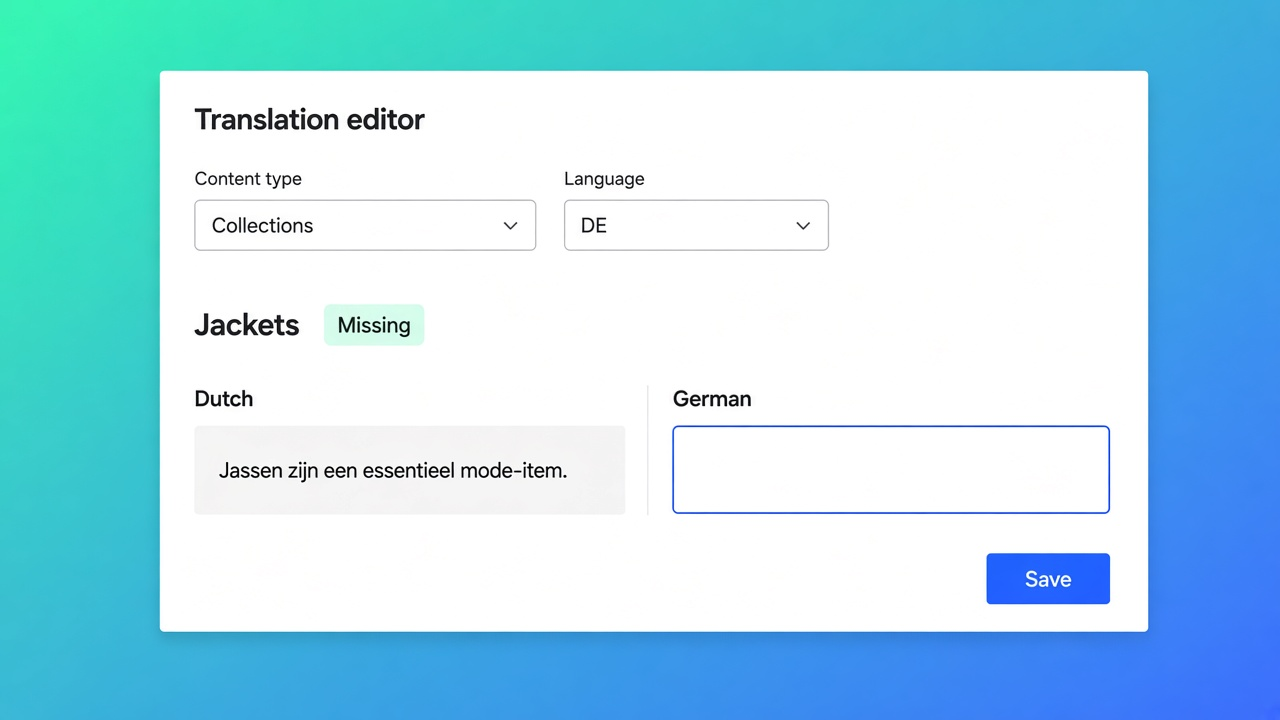
Worked case: Dutch shop, DE market, menu “Jackets” plus Shipping page
Outdoor store. Twelve collections, six pages (About, Shipping, Returns, FAQ, Size info, Contact). Products already German. Native: Translate & Adapt or CSV. The menu stays Dutch until the collection title is German.
What I would do on 10 Nov 2026. Editor, language DE, type collections, resource “Jackets”. Title, description, SEO. Glossary: do not translate the brand. Translate Missing, read it, Save (lock). Then type pages, “Shipping”. Body + SEO. Handle `shipping` stays; Shopify language URLs are not a handle rewrite — jobs skip that on purpose.
One collection + one page, on the DE storefront with the language switcher. If it reads well, finish collections in the editor or — on Professional — a job on collections only, Missing, DE. Pages as a second job. Not both types × every language on night one. Collection image alt is a different field, not this editor step.
Free covers that test once your own AI is connected. A scheduled collections night is Professional. Daily is Plus.
Ship one resource before you schedule the rest
Publish DE in Shopify Languages. Connect AI (own on Free, or App AI on Pro). Editor: collections, one resource, Save. Pages, one resource, Save. Storefront check. Then a job per type. Unlock only fields a job should rewrite.
Bottom line
For the outdoor shop I would lock German “Jackets” and “Shipping” this morning, and only then consider a collections job. AI translate Shopify collections and pages is not “products, but bigger”. The menu lives on collection titles; the footer lives on pages. Native Shopify does not fill those because products are German. Listing 10 Nov 2026: pages in the scheduled hero, collections in the editor, Free with no cron, App AI ~$0.01. One type, one language, then the rest. If the type list moves, this advice expires.
Open the editor from the OO - Ultimate AI Translations listing and read Translate plus the skip rules before you point a job at every type at once.
This blog is presented to you by

Floris-jan de Vries
Co-owner / Back-end developer / Shopify Expert
As a full-stack developer, Floris-Jan ensures the technical logic behind the design. He also uses his extensive knowledge of Shopify every day to provide our clients with the best possible support.


The Shopify Select partner for ambitious e-commerce businesses that want to grow!

Services
Reviews
5/5
Mail: info@onlineorigins.nl
Tel: 073 234 0612
KVK: 89825624
BTW: NL865123639B01
Bruistensingel 500,5232 AH 's-Hertogenbosch Cookies
© 2026 Online Origins