
Validate EU VAT IDs in checkout. Apply exemption immediately.
For Shopify Plus stores that sell in the EU. Customers enter a VAT number in checkout. The app checks it through VIES and applies exemption straight away. It works with fixed prices, including per market, so totals stay normal. No Draft Orders.
Install on Shopify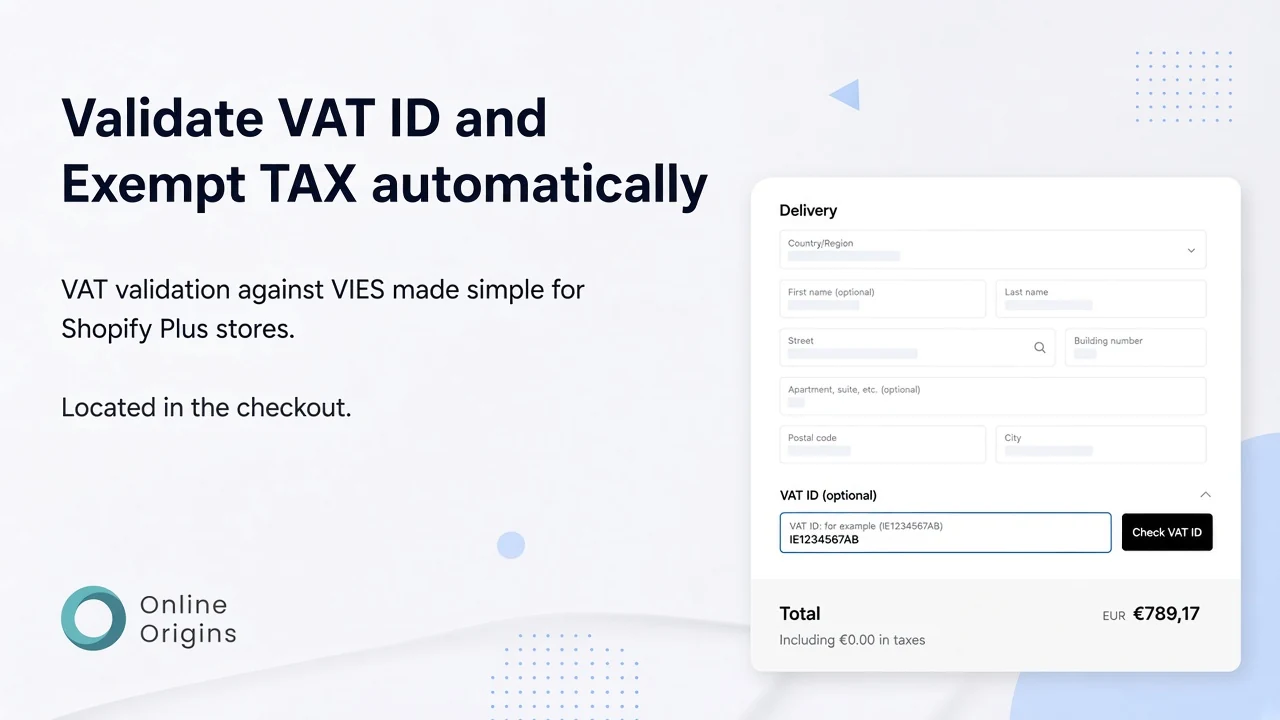

Built for Shopify Plus
Four reasons to skip Shopify's built-in exemption
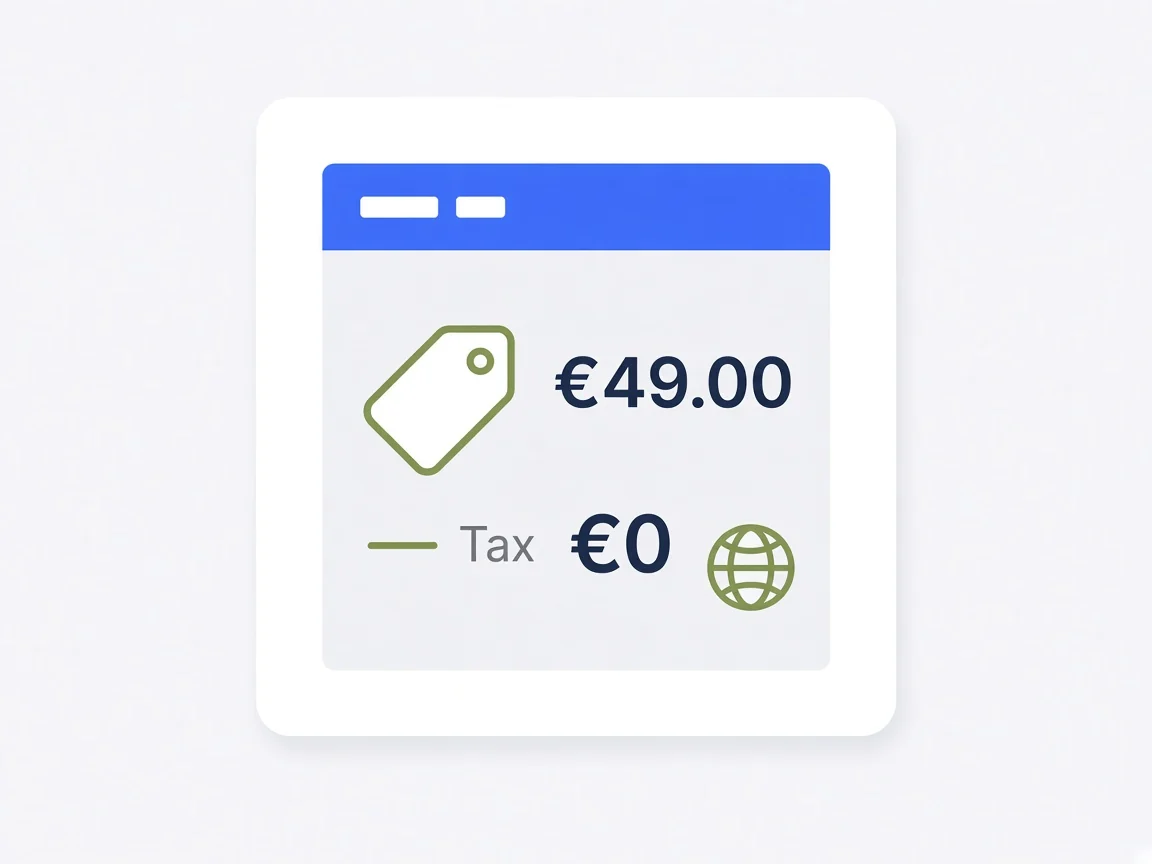
Support for fixed prices
Shopify's own tool fails with fixed prices, including per market. Here totals stay normal.

More than on/off
General Settings and a configurable checkout block. Shopify itself is only on or off.
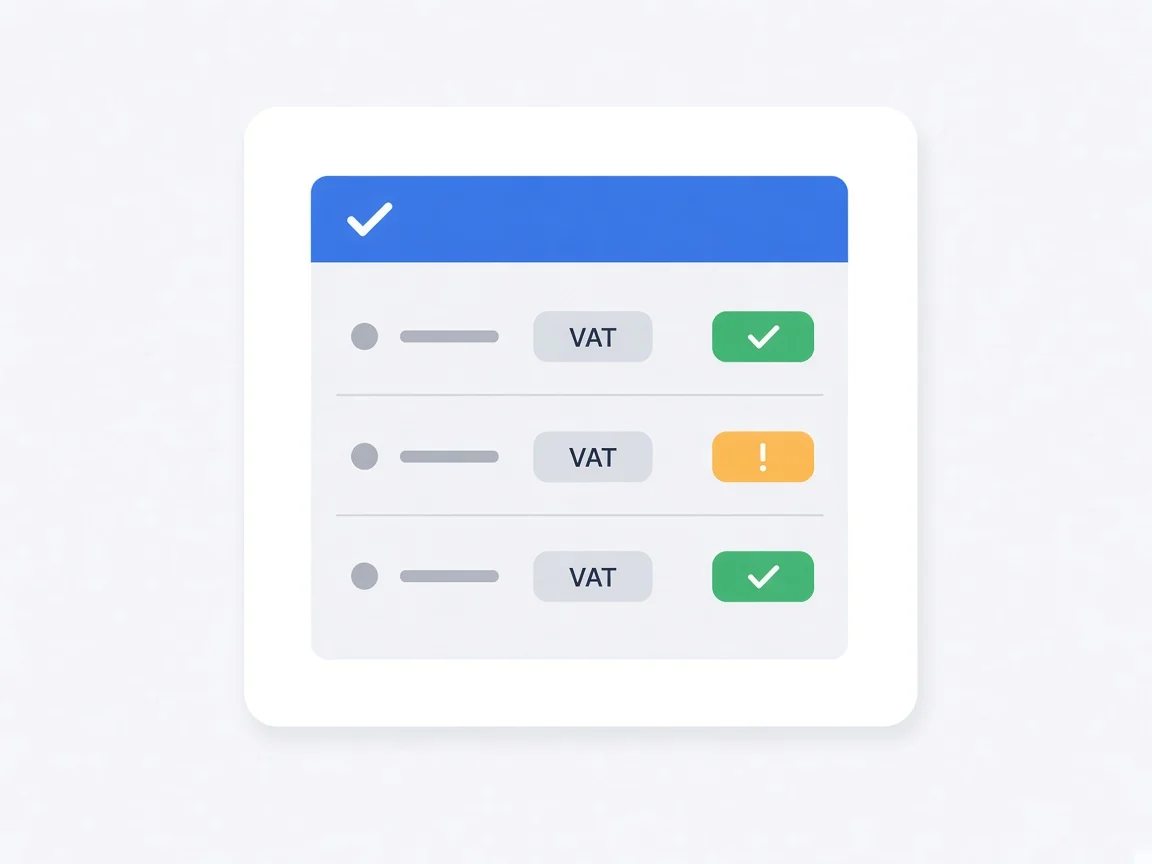
Validation logs
Every VIES check in one place: number, exemption, timestamp, and a note.
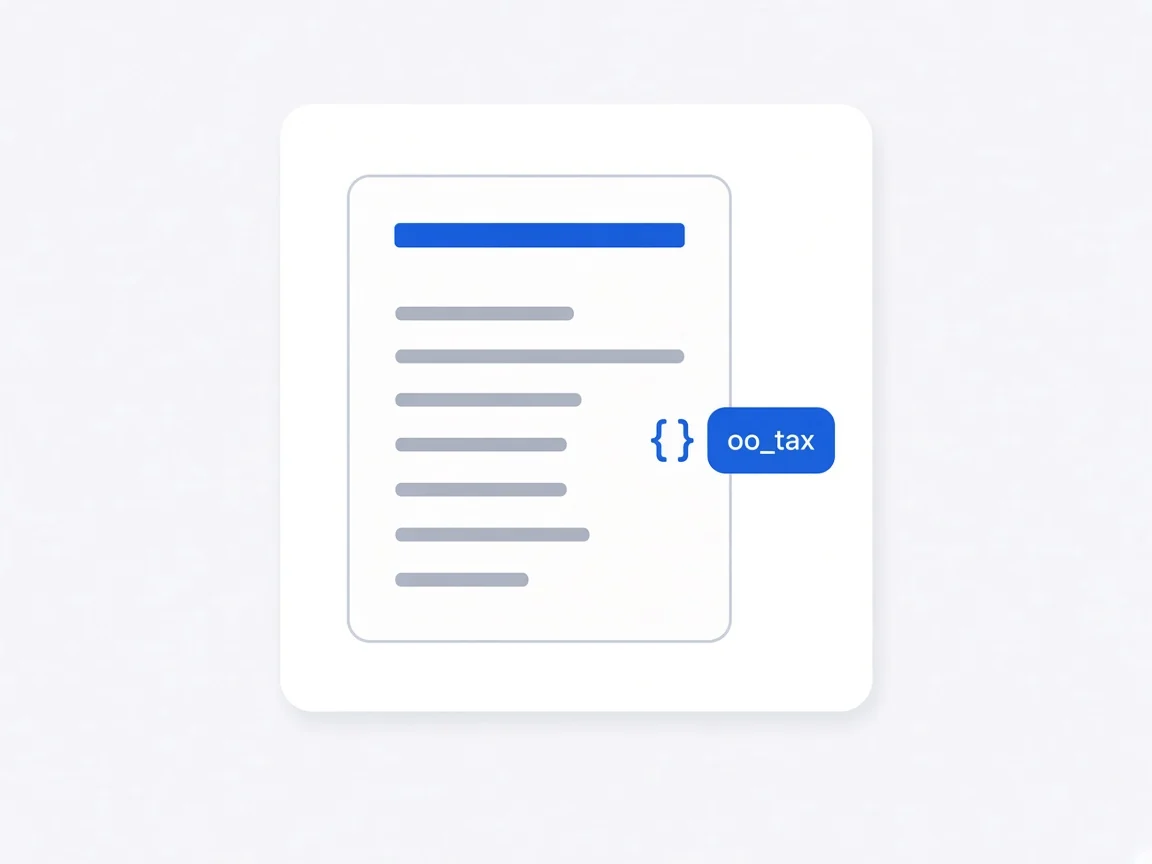
Invoice metafield
The number lands on oo_tax.vat_number for Liquid, GraphQL, and REST on invoices and templates.
Shopify's own exemption is only on or off
Works with fixed prices, including per market
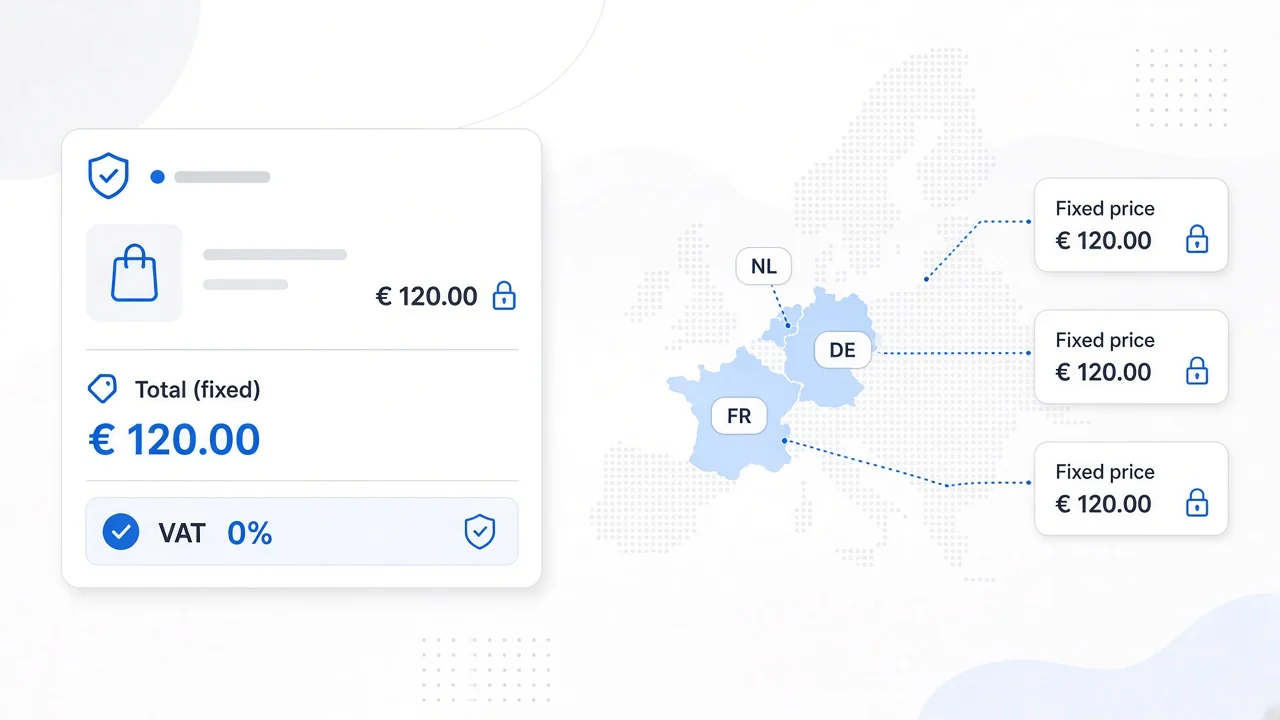
Shopify's own tax exemption is only an on/off switch. With fixed prices, and with fixed prices per market, totals stop matching the prices you set. This app applies exemption after VIES while catalogue and market prices stay as you configured them. No Draft Orders.
General Settings and the checkout block
More than an on/off switch
Disable exemption per country and hide the VAT field there. Don't use market dynamic prices uses your VAT rates and product prices per EU country. Save validated numbers on the company location. In the checkout block: required number, EU-only field, exemption in the store's country, title, success message, collapsible, and VAT invoice confirmation.
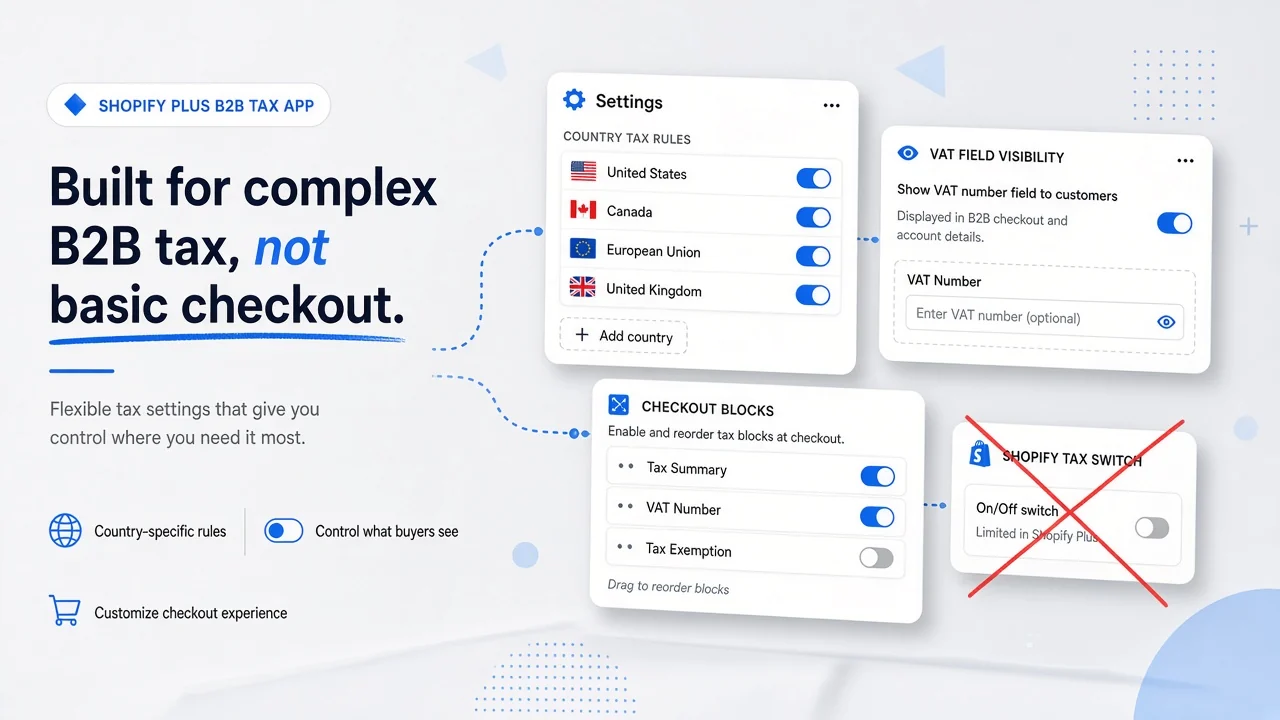
An overview Shopify itself does not give you
A log of every VAT check
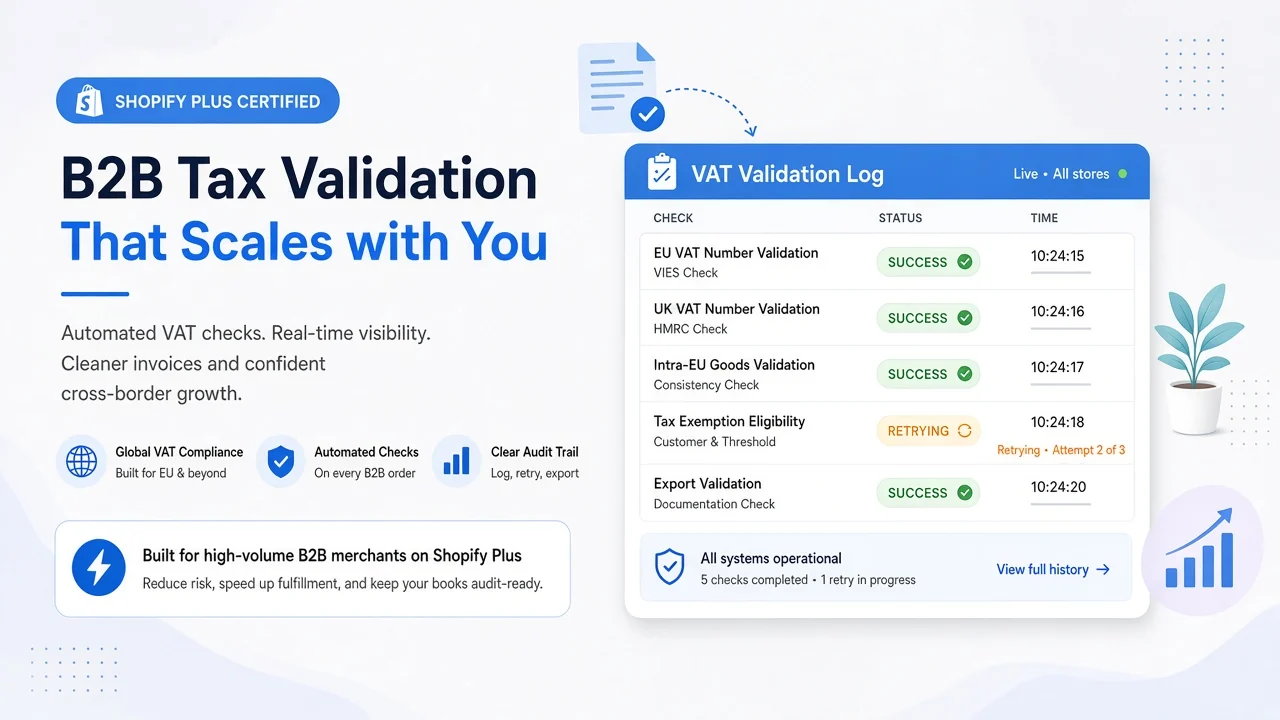
The app shows every validation: VAT number, whether exemption was applied, timestamp, and a note. Useful when a number fails the first time and the customer tries again. For review only; it does not change your prices.
Metafield oo_tax.vat_number
VAT number on invoices and in templates
After validation the number lives on the customer metafield oo_tax.vat_number. In Liquid: {{ customer.metafields.oo_tax.vat_number }}. The same field is available through Admin GraphQL or REST, namespace oo_tax and key vat_number.
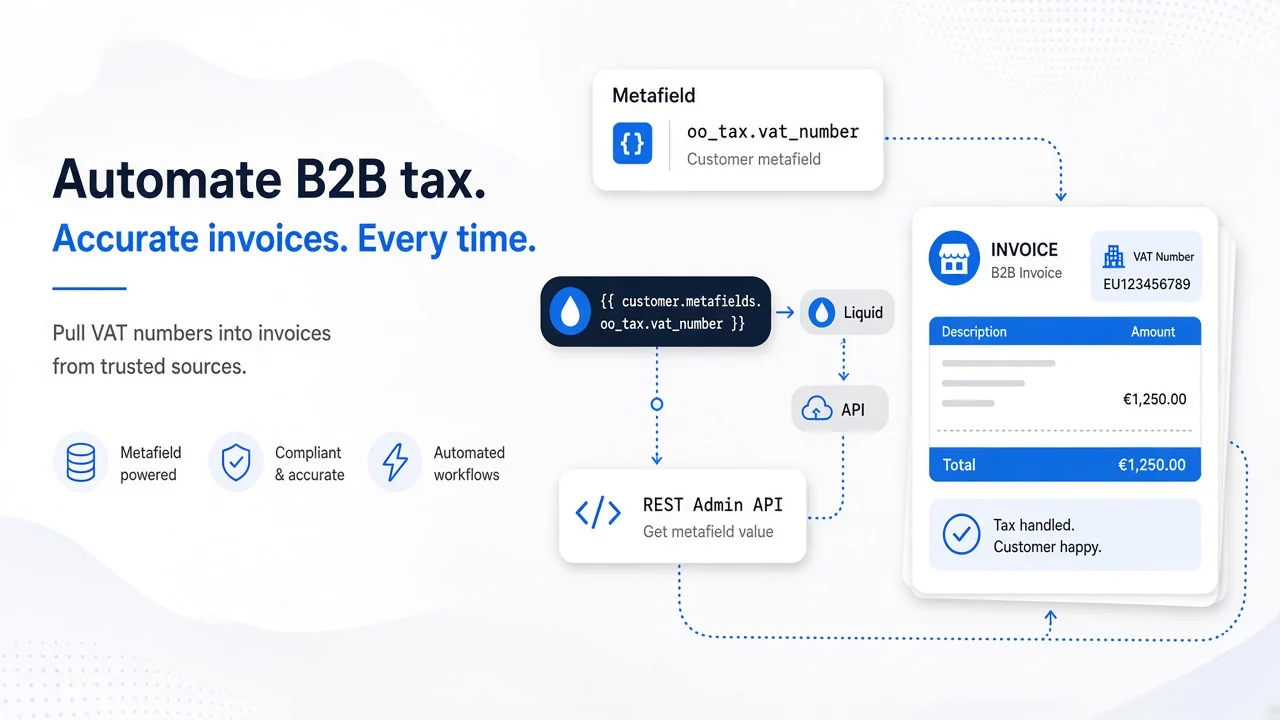

Fixed prices, settings, logs, and metafield
What you get beyond VIES in checkout
Plus: $19.95 per month or $220 per year, 14-day trial. Billed in USD.
One plan on the App Store
Shopify App Store
Plus ($19.95 / month)
The plan on the Shopify App Store. 14-day free trial. Or $220 per year (save 8%). Billed in USD.
๏ Seamless Checkout integration
๏ EU VIES VAT validation
๏ Automatic EU tax exemption
๏ Fixed prices, including per market
๏ Settings, logs, and metafield integration
EU Tax Exemption Checkout
Frequently asked questions
Which stores can use this app?
Shopify Plus only. The docs are explicit: checkout extensibility must be on, you sell to EU customers, and VAT is set up in Shopify. The app will not work on a non-Plus plan.
What does EU Tax Exemption Checkout do?
EU business customers enter their VAT number in checkout. After a successful VIES check, exemption applies immediately, totals update in real time, and the order follows EU reverse-charge rules. No Draft Orders. Everything happens in checkout.
Why not use Shopify's own tax exemption in checkout?
Shopify's own tax exemption is only an on/off switch. It does not work well with fixed prices, or with fixed prices per market: totals then look wrong instead of matching the prices you set. This app is built for that setup: exemption after VIES, with fixed prices (also per market) staying normal. You also get General Settings, a configurable checkout block, a validation log, and the oo_tax.vat_number metafield.
What can I configure?
In General Settings you disable exemption per country and can hide the VAT field there. Don't use market dynamic prices uses your VAT rates and product prices per EU country instead of Shopify's dynamic market pricing; the tax functions then remove VAT for qualifying customers. Validated numbers can be saved to the company location (tax details and/or a note). In the checkout block: required number, show the field only inside the EU, exemption in the store's country (differs from default reverse charge), hide the field for a country, title, success message, collapsible, VAT invoice confirmation, and how the number is stored on the customer note.
How do I put the VAT number on invoices or in templates?
After validation the number lives on the customer metafield oo_tax.vat_number. In Liquid (invoices/templates): {{ customer.metafields.oo_tax.vat_number }}. The same field is available through Admin GraphQL or REST, namespace oo_tax and key vat_number.
Is validation VIES compliant?
Yes. Numbers are checked through the official EU VIES API. Exemption applies only to cross-border EU orders. A domestic VAT number can still be validated, but it is not exempted.
How do I add the block in checkout?
Through Checkout UI Extensions: Settings → Checkout → Customize, add the EU VAT Validation app block, and enable Allow app to block checkout. Placement depends on one-page or three-page checkout, and on physical or digital goods. The install guide in the docs lists the exact spots.
What does the app cost?
The listing has one plan: Plus, $19.95 per month or $220 per year (save 8%), with a 14-day trial. All charges are billed in USD.
Where can I find documentation?
In the Online Origins help docs: https://docs.onlineorigins.nl/en/help/collections/9040762-eu-tax-exemption-plus

Ready for VAT-free EU B2B in checkout?
Put VIES validation in the Shopify Plus checkout. Works with fixed prices, including per market, plus extra settings and logs.


