
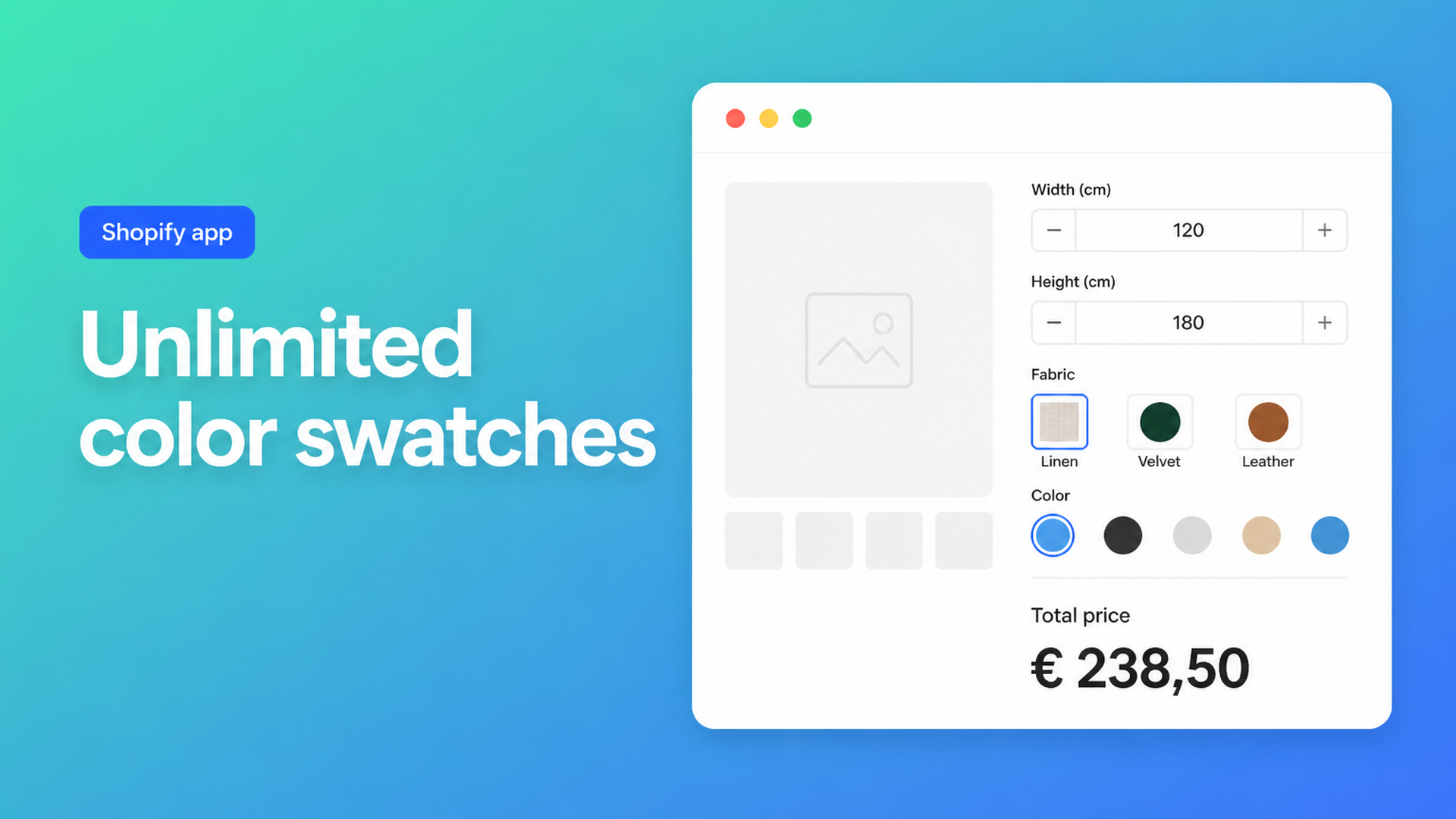
Shopify unlimited swatch options: extra colors without extra variants
Shopify unlimited swatch options is what fabric, paint, and made-to-order shops actually need: a row of material chips, a second row for trim or hardware, and a price that moves when someone picks leather instead of linen. Native Shopify is built for SKU combinations. You get three variant options, and the storefront typically renders one colour-swatch group. Need seat colour *and* trim colour, or twenty fabrics plus a finish, and the catalog stops.
This is for merchants who sell by sample — furniture, window coverings, jewellery, print — and currently split products, dump names into a dropdown, or maintain a spreadsheet of variant prices. You’ll see what Shopify allows, why 2,048 variants don’t fix a second swatch group, and how Options Price Calculator puts visual swatches on the product page with a value per chip and no extra SKU per tint.
What native colour choice actually covers
Shopify’s Adding variants help article is blunt: a product may have at most three options and at most 2,048 variants. The variant ceiling has applied to every merchant since October 2025 (changelog). That helps if you genuinely stock 40 sizes × 20 colours. It does not help a swatch wall.
Three options does not mean “three colours”. It means three *types* of choice: Size, Color, Material. Each extra value under Color creates another variant — another cell in the matrix. Twenty fabrics × eight bases × four finishes is already 640 SKUs, and a fourth choice (piping, mount, engraving) cannot exist as a native option. We covered the same ceiling in Shopify more than 3 product options: raising the variant cap did not raise the option cap.
Category metafields can turn Color into visual chips, but those chips are still variant options. In Multiple Colour combination options for a specific product, a merchant wants Seat Colour and Trim Colour as swatches. One group renders as chips; the second falls back to text. Two independent visual picks — upholstery and piping — are not a second Color option. They are a second configurator. Another ceiling: 250 media items per product. A photo per fabric fills that pool quickly, even when you never hold 47 SKUs.
Workarounds shops try (and where they stall)
Split the listing by colour family
One chair becomes five products: linen, velvet, leather, bouclé, outdoor. Each page gets three options back. Shoppers bounce between URLs, related products duplicate, and the shopping feed turns into copy-paste. That is the workaround the original poster chose in How can I add more than three product customization options?: a separate product per colour so the remaining options still fit.
Dropdown instead of chips
“Dusty Rose”, “Midnight Blue”, “Warm Sand 03”. Customers guess. Theme swatches only dress up options that already exist as variants.
Line item properties in the theme
Liquid can add a second set of chips as `<input name="properties[Trim]">`. Shopify stores the text on the line — useful for the upholsterer. Checkout still charges the variant price. Metallic or outdoor fabric costs the same as base linen unless you add an app or a Shopify Function.
Every sample as a variant SKU
Fine until you track inventory, discounts, and feeds per tint for something you buy to order. Change the leather upcharge and you edit dozens of variant rows. Mix swatches with a continuous size and the matrix explodes.
Swatches as fields, price as a formula
Options Price Calculator is built for this pattern: unlimited product options on the product page, visual swatches, and a formula that updates the price live. No extra variant per tint. The app sits as a theme app extension under the price; you attach the calculator per variant when you *do* have a real SKU split (wood frame versus metal, for example).
The Swatch field is a single-choice control with colour and/or an image. Each option has a label, a visual (hex, texture photo, or both), and a numeric value. That value feeds the formula: a surcharge, a multiplier, or an input to a later step. From the docs:
`1` — no price change
`1.2` — multiplier (premium fabric)
`15` — flat add-on
Keep one Shopify product for the chair (one SKU, or a handful of true stock variants for the frame). On top, two swatch fields: `fabric_swatch` and `trim_swatch`. Formula, following Pricing / Formula Examples example 3:
``` product_price * fabric_swatch + trim_swatch ```
Linen `1`, velvet `1.15`, leather `1.4`. Trim: standard `0`, contrast piping `12`, metallic `25`. The customer taps chips; the price follows. Mark the field required when fulfilment needs a choice. Set a default if you want a bestseller preselected.
A second swatch group is exactly what native Shopify does not give you. Seat and trim are two fields, not a second Color option. Selections travel with the order as product data; you can surface extra fields in the confirmation email via the order confirmation docs.
When you need Premium conditionals
If two fabrics share the same numeric value but you still need different logic — only “outdoor” gets a coating fee — use Conditional Pricing (Premium). Conditions expose `{key}_optidx`, the zero-based index of the chosen chip. That is not a Starter feature. A plain surcharge or multiplier from the swatch’s own numeric value *is*: it lives in the formula builder.
Live preview of the product in the selected colour (Product Personalizer) is also Premium. The swatch field itself — colour, image, value, required, default — is part of the regular builder.
Image versus flat colour
Paint and powder coat work as hex fills. Fabric wants a close-up (JPEG, PNG, WebP, or GIF) cropped in the app. If both colour and image are set, the photo sits on top of the fill — useful for sheer weaves. Shape, size, and the selected-state icon are global under Customize design → Swatches. A long list of wordy names is often better as a dropdown; chips stay useful while the choice is visual.
Example: dining chair with fabric and piping
You sell one chair, oak frame, upholstered to order. Native Color (fabric) and Style (piping) already spend two of three options; seat depth or arm style takes the third, and you are done. Twenty fabrics × six piping colours is 120 variants before you add anything else.
In the calculator:
Swatch “Fabric” (`fabric_swatch`), image per roll, values `1` / `1.15` / `1.4`.
Swatch “Piping” (`trim_swatch`), colour fills, values `0` / `12` / `25`.
Optional: a number input for an extra cushion, or a checkbox with an add-on.
Formula: `product_price * fabric_swatch + trim_swatch`.
Keep wood versus metal as real Shopify variants; link the calculator per variant if the rate differs.
The catalog stays one product. Feeds, inventory, and discounts stay on the frame. The workshop reads fabric + piping from the line. Change the leather upcharge and you edit one value, not 120 SKUs.
The same pattern fits jewellery, print, or blinds: the customer has to *see* the choice, and the price is a function of that choice rather than a warehouse cell.
What you need to go live
Install Options Price Calculator from the Shopify App Store. Free includes 20 uses; Starter ($9.99/mo) is unlimited options, formula builder, and multilingual; Premium ($14.99/mo) adds conditional logic, live preview, and price breakdown.
Drop the app block on your product template: Theme editor → Products → Add block → Apps → Options Price Calculator, ideally under the price and above Add to cart. Walkthrough: How to Add the Extension to the Product Page.
Build a calculator with at least one Swatch field. Keys in lowercase (`fabric_swatch`). Agree numeric values before you upload twenty photos.
Write a short formula, test preview values, round last (`Math.round` / `Math.ceil`).
Link the calculator to the product (or per variant). On the storefront, tap chips and confirm both price and cart.
Themes differ; if the price does not move, use the selector picker (price + add to cart). Server-side price validation keeps the calculated amount honest at checkout.
Wrap-up
Shopify variants remain the right place for real stock SKUs: sizes you hold, colours you accept back per tint. Shopify unlimited swatch options covers everything else: extra visual choices, a second chip group, a material upcharge, without the 3-option cap or a variant grid. Put the samples in the calculator, the money in the formula, and leave the catalog clean.
Install Options Price Calculator and ship your first swatch group on the product page.

The Shopify Select partner for ambitious e-commerce businesses that want to grow!


Services
Reviews
5/5
Mail: info@onlineorigins.nl
Tel: 073 234 0612
KVK: 89825624
BTW: NL865123639B01
Bruistensingel 500,5232 AH 's-Hertogenbosch Cookies
© 2026 Online Origins