
Shopify VIES VAT validation before you grant tax exemption
A German VAT ID in the order note is not an exemption. Checkout still charges 21% until someone ticks tax exempt in Admin — or until accounting reverses it later. Shopify VIES VAT validation belongs in front of that: the number against the EU register, the same email as checkout, and only then exemption. Without that check, “B2B, no VAT” is a hope, not evidence.
This article is about the VIES step itself: what the API returns, why the email must match exactly, and which General Settings in OO - EU B2B & Wholesale block checkout until validation succeeds. The wider checkout-logic choice (Standard vs Draft Order, Markets) lives in Shopify EU VAT exemption B2B. Here we validate; we do not redo the whole tax setup.
VIES is an EU register, not a Shopify flag
VIES (VAT Information Exchange System) is the European Commission service that live-checks an EU business VAT identification number. Shopify Help on EU taxes covers registrations, Markets, and OSS for consumers. Native Shopify can mark a customer tax exempt. That is an account flag. It is not a VIES call.
Without an extra flow you get:
a number in a note, VAT still in checkout;
staff who exempt every wholesale account by hand (and forget the flag on a personal order);
a “0% VAT” discount code that retail finds too.
None of those paths stores a VIES result. Intra-Community B2B usually needs a valid buyer number, checked at purchase time — not three days later in the inbox.
What merchants try instead
1. The public VIES form, then a manual exempt tick
Someone pastes the number on the Commission site, sees “valid”, ticks the account. No link to the checkout email. Tomorrow the same mailbox uses a different number. The flag stays.
2. A VAT field on the registration form
Useful for onboarding. It is not checkout validation. A buyer can be approved and still pay 21% if the cart check is missing — or get exemption without VIES ever running.
3. Force exemption “because they are wholesale”
A `wholesale` tag is not VIES-green. Domestic numbers are often not exempt. The docs therefore let you hide the validation form for visitors from the same country as the shop.
None of those paths give you: a VIES call, tax-exempt only on success, and the number on the order for accounting.
How OO checks the number through VIES
OO - EU B2B & Wholesale is Built for Shopify (5.0 from 33 reviews). Listing: Advanced B2B tax management with VAT handling and EU Tax Exemption compliance. Standard plan ($8.95/month or $101.88/year, 5% off, 7-day trial, USD) spells out VAT validation & Tax exemption via VIES. Do not claim this app replaces Shopify Plus B2B catalogues. Group prices live inside the bulk form, not as rewritten catalogue prices on the regular product page.
Exemption does not calculate rates. It leans on Shopify Taxes and duties. Wrong shop settings get exempted wrongly. The app does not register you with the tax authority.
What the customer enters
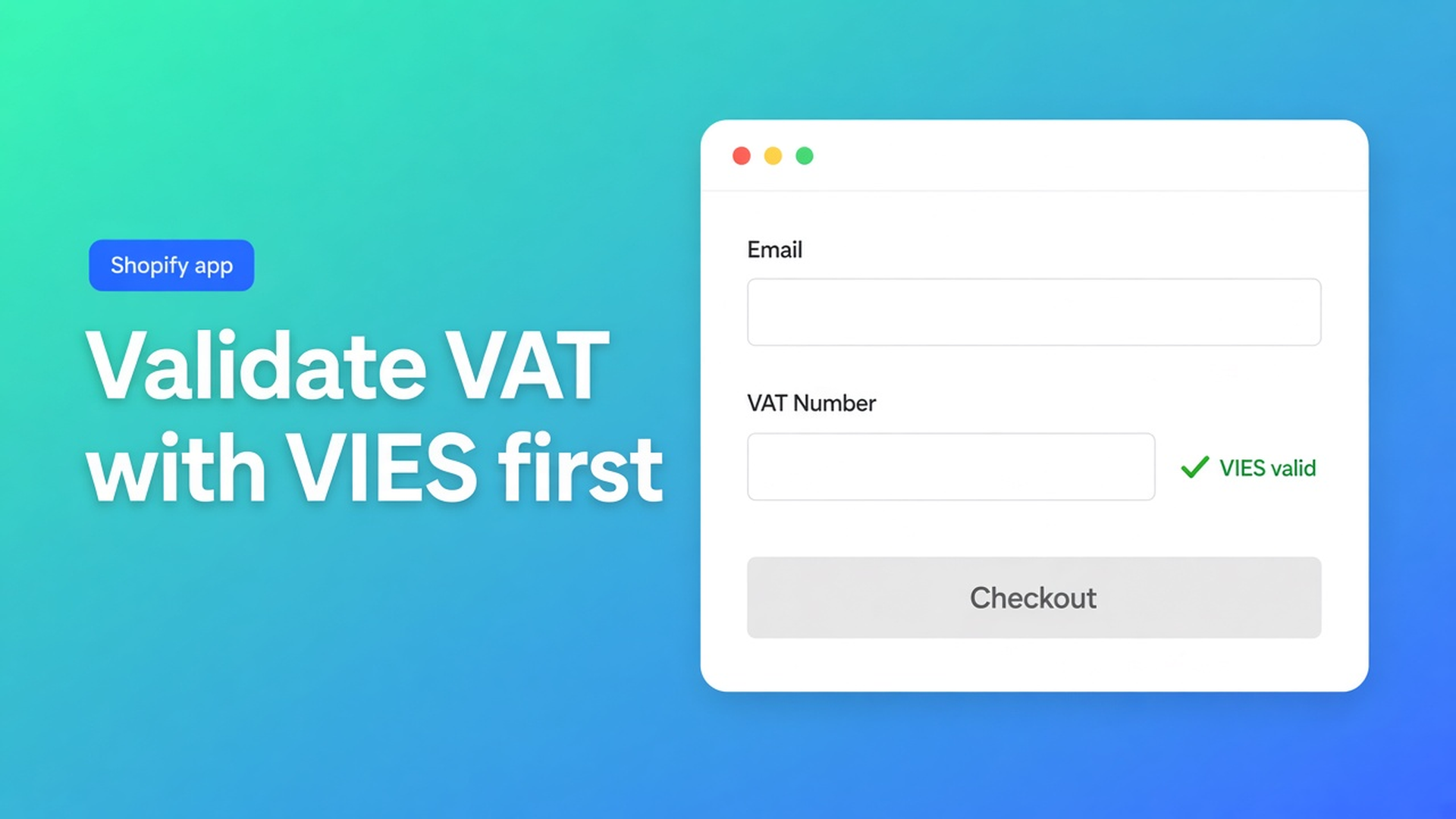
In Standard Checkout Logic the customer enters email + VAT number. That number hits the EU VIES API. On success:
the customer is marked tax exempt in Shopify;
VAT data lands in cart attributes and order notes;
native checkout applies tax rules dynamically (Standard mode). The app does not rewrite checkout pricing there.
Hard rule from the same docs: the email used during validation must exactly match the checkout email. Shopify identifies customers by email. If they differ, the customer is not tax exempt and VAT may still be charged. Test it on purpose: a valid BE number, a different mailbox than the account — checkout should keep 21%.
Prices excluding VAT? Standard Checkout Logic only. Draft Order Logic is not supported there. The exemption article covers the full matrix; treat it here as a precondition.
General Settings that enforce the check
General Settings control validation, exemption, and order data. Change them on purpose.
Require VAT validation before checkout. On: EU customers must validate before checkout; the checkout button stays disabled until success. Non-EU shoppers can continue without the check. That is the setting that makes “VIES first, then pay” operational — not a policy sentence on a FAQ page.
Save validated VAT ID as order note. The validated number on the order, for accounting, manual review, or ERP.
Save VIES company address data to order additional data. Company name, address, postal code, city *if VIES returns them*. The docs: VIES does not always return full company data; some countries do not share details publicly. Do not claim “the trade-register address always appears on the order”.
Hide VAT validation form for visitors from same country as your shop. Domestic numbers usually should not be exempt. Hide the form for visitors from your shop country so locals do not assume NL-to-NL is 0%.
Hide VAT validation form for visitors from non-EU countries. If you only support EU exemption. Keeps the cart quiet for US/UK traffic.
Add tag to customer after VAT validation / Add tag to order after VAT validation. After success, a tag on the customer (new and existing) and/or the order. Use it to identify B2B, steer payment methods, filter VAT-exempt orders. It is a consequence of VIES-green, not a substitute for the API call.
Cart attributes default to `tax_exempted` and `vat_number`. Rename them only if an integration requires it; wrong names break automations.
Optional: a product-level tax-exemption notice (custom attribute on cart lines) for internal review. Draft Order Logic only when prices include VAT.
Example: Belgian wholesaler, Dutch shop, prices ex 21%
The customer is already approved and tagged — that was the wholesale login article. Prices excluding VAT, one EU market, Standard Checkout Logic, Market Tax display = Dynamic pricing.
The EU Tax Exemption block sits on `/cart`. Require validation is on. The buyer enters the same email as the account plus a BE number. VIES green → tax exempt → native checkout without 21%. The number is on the order note. Optionally: VIES address on extra data, tag `vies-ok` on customer and order.
Same flow, typo in the email: the button stays off or checkout charges VAT. That is intended, not a bug.
Domestic NL visitor: form hidden. No fake exemption on a domestic sale.
What you need to start
Install OO - EU B2B & Wholesale ($8.95/month or $101.88/year, 7-day trial).
Put the EU Tax Exemption block on the cart (drawer: theme code from the tax docs).
Choose Standard or Draft Order — excluding VAT forces Standard. Align Markets.
Turn Require VAT validation before checkout on if EU customers must not pay without a check.
Turn on save-VAT-ID and, optionally, VIES address + tags for accounting.
Test three paths: valid foreign number + matching email; valid number + different email; domestic visitor (form gone).
Wrap-up
Shopify VIES VAT validation is the gate, not an Admin tick. Match the email, call the API, only then tax-exempt, keep the number on the order. Native Shopify stores the flag; VIES and the cart block live in OO - EU B2B & Wholesale. Turn require-validation on, hide the form where exemption does not apply, and let the next wholesaler prove the number before they pay.

Custom webshops, websites, and applications combined with smart online marketing to help your business grow online!


Reviews
5/5
Mail: info@onlineorigins.nl
Tel: 073 234 0612
KVK: 89825624
BTW: NL865123639B01
Bruistensingel 500,5232 AH 's-Hertogenbosch Cookies
© 2026 Online Origins