
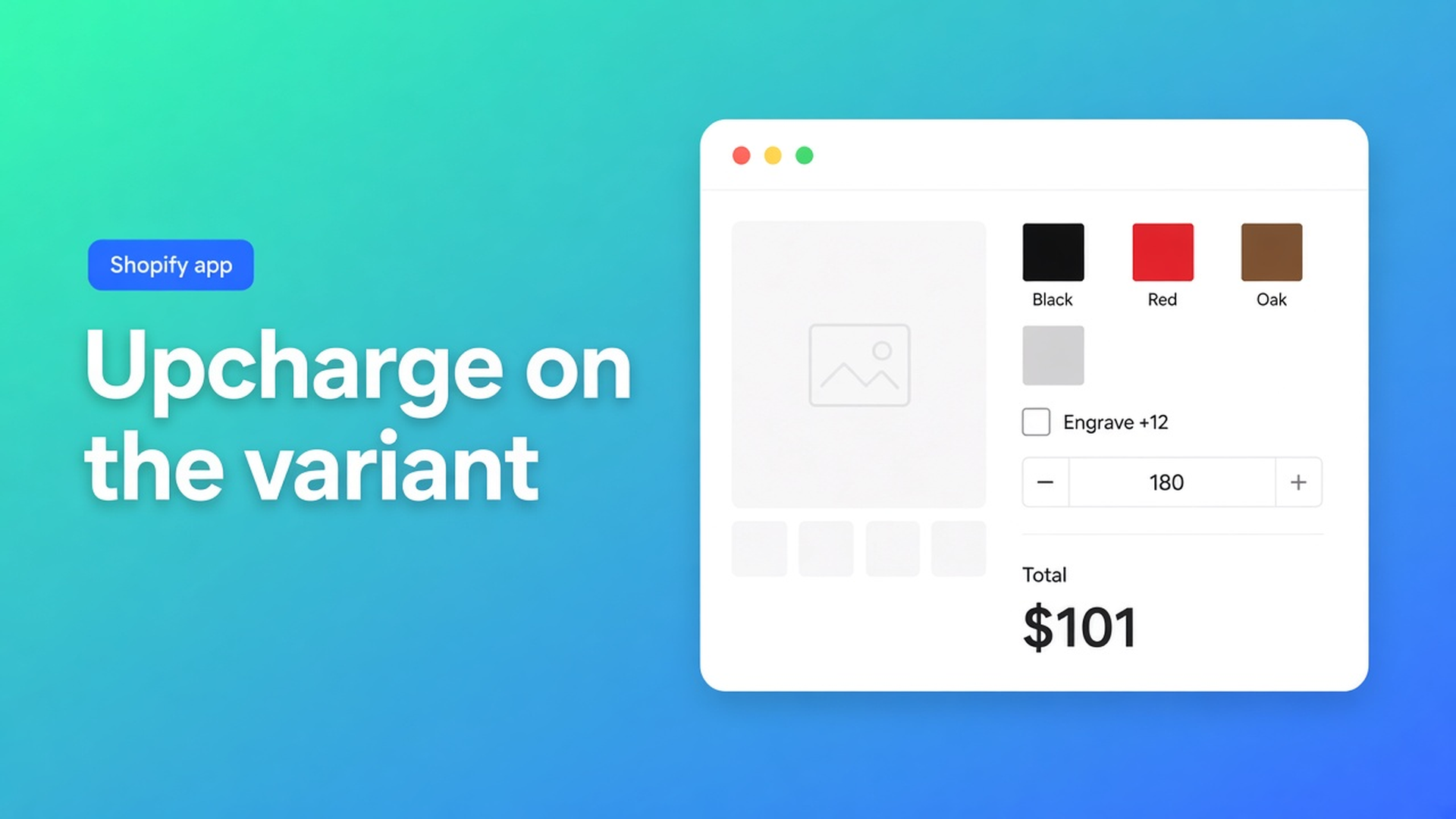
Shopify variant upcharge with options: keep color as a SKU
Black is in stock. Red is not. Engraving is +$12. Width is 180 cm. Model those as three Shopify options and you get a grid: color × engraving yes/no × width step. Inventory on every cell. One SKU you forget to price. The next millimetre does not fit.
A Shopify variant upcharge with options splits that job. Color stays a real variant — SKU, image, inventory. The surcharge lives in a calculator field on top of `product_price`. The Options Price Calculator listing calls this *variant upcharges*: extras without extra variants.
Yesterday we covered the selector picker — where the theme actually prints the price. An earlier post is a different calculator per variant when wood and metal need different formulas. This one is narrower: one calculator, linked to every color, with a surcharge that follows the SKU.
Variants hold stock. They do not hold a surcharge field.
Shopify Help Adding variants caps a product at three options and 2048 variants. The old 100-variant ceiling is gone. The three-axis ceiling is not. Color, size, and material fill those axes. Engraving, a continuous centimetre, or a file upload do not.
Native Shopify also will not:
Price width × height × a rate without a cell for every combination.
Let theme line-item properties (`properties[Engraving]`) change the price. The text lands on the line. The money does not.
Treat a checkbox, free text, or file upload as a stock-keeping option.
Color as a variant is the right call. The surcharge as a fourth option is how the matrix blows up.
Workarounds that fill the grid
Engraving as a second Shopify option. “Plain / engraved” × eight colors = sixteen SKUs. The same bin, twice. Raise the fee from $12 to $15 and you touch sixteen prices. Miss one and checkout lies.
Every centimetre as a variant value. Width 80–240 in 10 cm steps × colors. That does not burn 2048 immediately. It is still not a continuous measure, and the formula (area, setup fee) is still missing.
One product price, surcharge in the order note. Staff types +$12. The shopper sees $89 until the confirmation. Nothing to validate server-side.
None of that is: color as a SKU, surcharge live on the product page, one calculator on every color.
Put the SKU in Shopify. Put the fee in the formula.
Options Price Calculator is Built for Shopify (5.0 from 26 reviews). Listing: unlimited product options with formulas, no extra variants. The Pricing category lists variant upcharges next to add-ons, setup charges, and dynamic pricing.
Plans in USD from the listing:
Free $0 — 20 uses; always free on a Develop plan.
Starter $9.99/month — unlimited options, formula builder, metafields, multilingual, AI.
Premium $14.99/month — + conditional logic, Font Picker, live preview, price breakdown.
Label conditional pricing, live preview, and the font picker as Premium. A plain add-on (`product_price + gift_wrap`) does not need Premium.
`product_price` is the active variant
Pricing / Formula Examples use that variable on purpose. When the shopper picks red, `product_price` is red. Fields stack on top:
``` product_price + gift_wrap ```
Checkbox worth 12 when checked, otherwise `0`. Black $89 + engraving = $101. Red $95 + the same checkbox = $107. The SKU changes. The field does not.
Area:
``` product_price + (width * height) ```
Setup plus area:
``` product_price + 25 + (width * height) ```
File upload as a handling fee: `product_price + file_upload` (numeric value on the upload field). A fee that fires only for one named choice is Premium conditional — `premium_finish == TRUE` then `product_price + 20`.
Linking is always per variant
Linking Products & Variants to Calculators: assignment is variant-level. One calculator per variant at a time. No link means ordinary Shopify behaviour.
Same surcharge on every color: the same calculator on each color variant. Bulk-link when the fields match. A different rate per fabric: a second calculator, or Premium conditionals — not one monster form with fields that belong to the other fabric.
After you add a color, Refresh product data, then link. Otherwise the list is missing the SKU and the storefront shows nothing.
Theme app extension below the price, above Add to cart. Selector picker for price and the button; themes differ, so do not claim it works everywhere with zero setup. Server-side price validation ships with the app.
Example: made-to-measure curtain, six fabrics
Product “Linen curtain”. Native option: Fabric (six SKUs, swatch image, inventory). No second option for a motorised rail.
Calculator fields: width, height, checkbox *Motorised rail* (value 45). Formula `product_price + (width * height) + motor`. Preview: charcoal $62, 120×180, motor on — total on the page. Switch to oat ($58): `product_price` follows, motor and m² stay.
Link that calculator to all six fabric variants. Place the app block. Place two test orders, one with the motor. Check the line: variant, dimensions, surcharge, money. No extra SKU “charcoal + motor”.
A fourth native option (fabric + color + heading + control) will not fit Shopify’s three-option cap. Control stays a field. That limit is in more than three product options.
Get it live
Install Options Price Calculator.
Keep stock-keeping axes (color, a size you inventory) as Shopify variants. Leave the rest out of that matrix.
Build one calculator: fields plus a formula that adds the surcharge to `product_price`. Preview it.
On Link calculator, assign it to each color variant. Refresh after new SKUs.
Theme editor: app block under the price. Selector picker for price and Add to cart.
Order yourself. Line, surcharge, total. Then open traffic.
Wrap-up
A Shopify variant upcharge with options is not a fourth axis in the variant grid. Color stays a SKU. Engraving, m², or a file is a field that adds to `product_price`. Native Shopify stops at three options and 2048 variants; line item properties do not price. The listing’s variant upcharges label is this split.
Link the calculator to every color in Options Price Calculator and let the surcharge follow the SKU.

The Shopify Select partner for ambitious e-commerce businesses that want to grow!


Services
Reviews
5/5
Mail: info@onlineorigins.nl
Tel: 073 234 0612
KVK: 89825624
BTW: NL865123639B01
Bruistensingel 500,5232 AH 's-Hertogenbosch Cookies
© 2026 Online Origins