
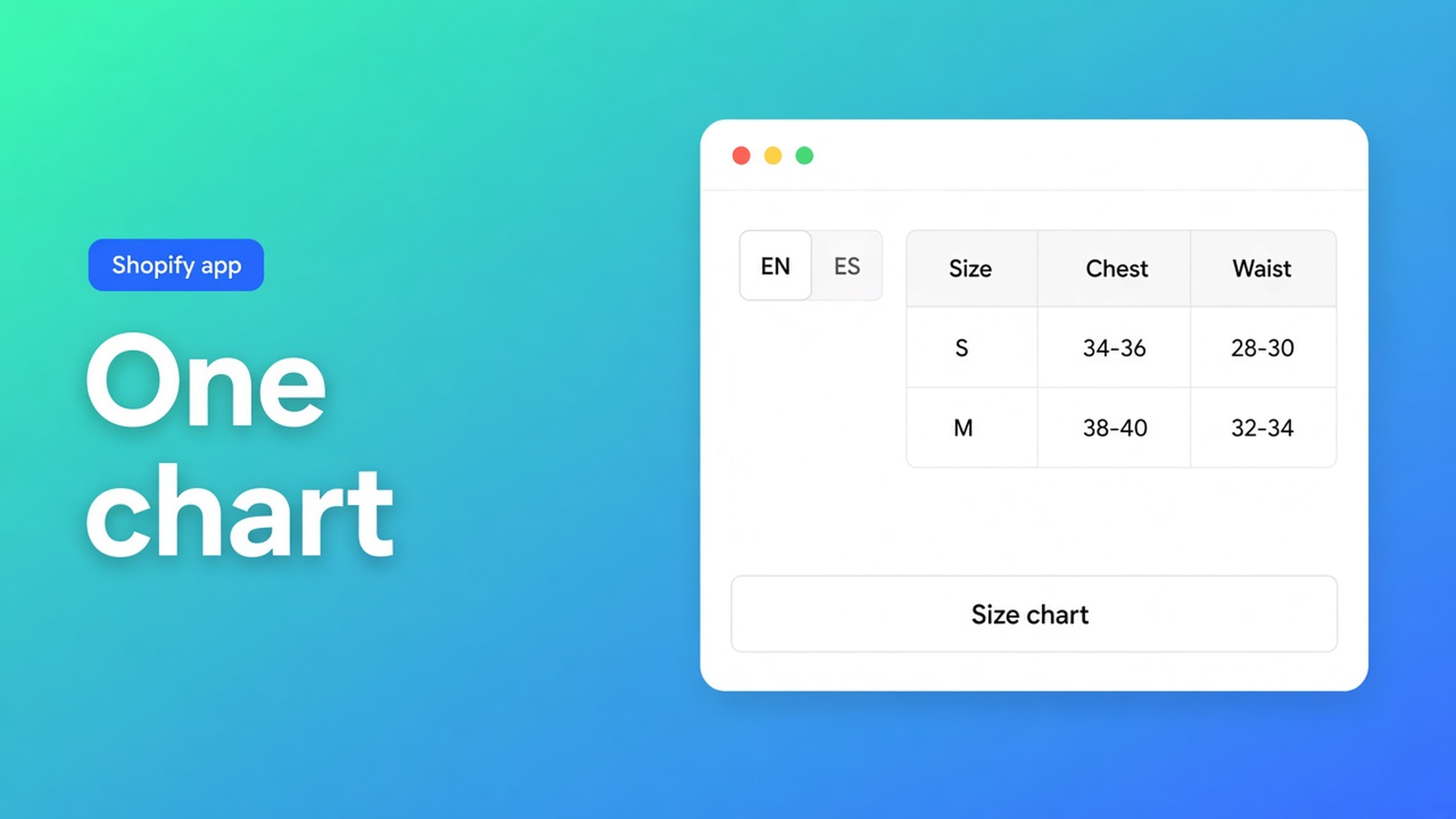
Translate a Shopify size chart without building one per language
The store sells in English and Spanish. The millimetre grid is fine. The button still says “Size chart”. Madrid does not tap it. Shopify translate size chart content is that chrome: the trigger next to Add to cart, the title above the grid, the headers shoppers actually read. One Size chart. Per locale, in Settings. A second chart only when the grid changes (US inches).
On 6 October we covered table translations across types. This one stays on Size charts. Specs, compare, and tabs stay out. The CTA is OO - Advanced Table Builder — no other app.
Markets will localise the theme. They will not rename your trigger
Markets and languages set the storefront locale. Theme strings follow. A size chart you built in the app is not a theme file. Shopify has no native field for “translate this chart’s button”.
Cell values are data. “Chest” above a column is a label. The first lives in the grid; the second belongs on the translations tab. Live Shopify modules (Weight, Price) stay product data. The word beside them can still appear as a key.
The internal description in Settings is admin-only. Shoppers never see it.
Three ways shops keep shipping “Size chart” in Spain
A chart per language. `chart-en` and `chart-es`, visibility per market. Every new size twice. Rules collide. That is duplication. Two charts *are* correct when the measurements differ — EU centimetres versus US inches. That is content, not a button string.
Theme translation only. The buy button becomes Spanish. The app trigger stays English. One page, two languages.
AI draft, ship it. Generate with AI fills Structure. Create and refine tables with AI does not fill every locale. The translations tab lists keys from the current structure/design only.
None of those is: one enabled Size chart, keys per locale, reopen the tab after a Structure edit.
Settings → translations, keys this chart extracted
OO - Advanced Table Builder is Free (listing 5.0, 1 review). Listing: size charts, specs, compare, tabbed, Us vs Them; visual builder; AI draft; metafields; Fully translate all table text for every language you sell in. Works with Excel, Google Sheets, and AI. English UI.
Open the Size chart → Settings.
Open the translations section / tab.
Pick a locale. Fill the listed keys: titles, labels, trigger text, empty-state, and so on.
Save the table.
Only strings pulled from the current structure/design appear. Rename “Chest” to “Bust” and revisit translations. The Spanish line was tied to the old key. Skip the tab and Madrid sees the new English header.
On a Size chart you typically translate:
Trigger — the short control by the picker (“Guía de tallas”).
Title above the grid.
Column headers Structure extracted (EU, chest, sleeve).
Empty-state, if the key exists.
Caption on a measurement diagram or image module, once you add one.
Display mode (popup vs plain) stays Design. Visibility stays Settings. Neither is a translation.
Leave out:
The centimetre cells — unless you need a second grid (inches). Then a second Size chart plus visibility, not another row on the ES tab.
Product metafield values — product data / Shopify Translate on the product.
The theme block. You translate strings in the table; the block chooses which table. The Size chart block has no table-ID picker (that pattern is Tabbed and Us vs Them).
Placement: Size chart block near price/picker, or auto-placement above Add to cart when no block exists. Auto-placement rules: Specs have no ATC inject; Size charts do have that fallback. App embed on. Optional shortcode `[oo-table id=YOUR_TABLE_ID]` still takes its copy from Settings, not from Liquid.
Floor example: trainers, EN default, ES market
Size stays a Shopify variant (EU 36–45). One Size chart: columns EU / length / width, millimetres. Popup. Default trigger “Size chart”. Enable. Selected products = the trainer collection. Size chart block by the picker. Embed on.
Settings → translations → locale `es`: trigger `Guía de tallas`, title `Tabla de tallas`, headers `EU` / `Largo` / `Ancho`. Empty-state if listed. Save. Test the Spanish storefront locale. The popup opens. Millimetres do not change — that is the grid.
You add an image module “Measure the foot”. Open translations again. New key, Spanish sentence. Skip it and the caption stays English under a Spanish button.
US inches for a second market? Second Size chart, different grid, visibility on that market. Do not cram inches into the ES tab of the millimetre chart.
Two trainer colours still share one chart. Colour is a Shopify variant, not a locale. Spanish keys follow the storefront language, not the SKU. A chart per colour is a visibility choice — and then you type the same ES strings twice. Keep one grid until the measurements actually diverge.
Ship it
Install from the listing. Free. No paid tier on the listing.
Build or open the Size chart. Enable. Block or auto-placement. Embed on.
Settings → translations. Locale. Trigger, title, headers, empty-state. Save.
Structure label changed? Reopen the tab. New module? Same.
Test each storefront locale: button, title, headers. Cells may stay identical when the grid stays identical.
Close
Shopify translate size chart content is not a chart per country. It is this Size chart’s translations tab: keys from the current structure, per locale, revisited after every Structure edit. The theme can be Spanish. The trigger is Spanish only after you fill the key.
Put the strings in OO - Advanced Table Builder. Madrid should not still read “Size chart”.

The Shopify Select partner for ambitious e-commerce businesses that want to grow!


Services
Reviews
5/5
Mail: info@onlineorigins.nl
Tel: 073 234 0612
KVK: 89825624
BTW: NL865123639B01
Bruistensingel 500,5232 AH 's-Hertogenbosch Cookies
© 2026 Online Origins