
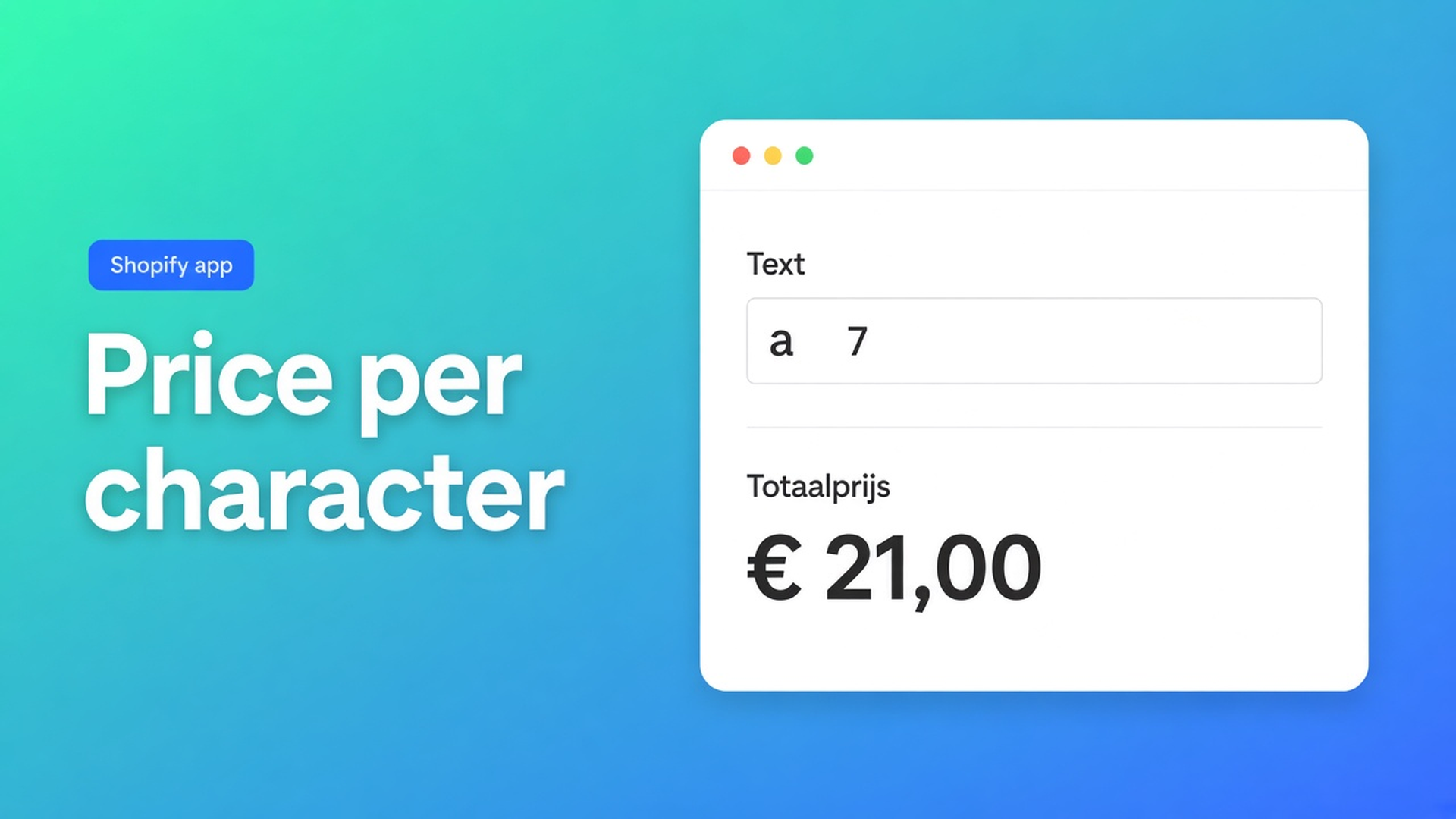
Charge per character on a Shopify text option
Shoppers type a name, a short line, a longer engraving. You want “Sam” to cost less than “Alexandra”, on the product page, before Add to cart. That search is Shopify text option price per character. Shopify variants cannot store a sentence. A theme field `properties[Text]` prints on the order and does not change the price.
Options Price Calculator uses a Text Field. For per-character pricing, drop Number of characters from the Form fields dropdown into the formula and multiply by your rate.
Related: a flat surcharge when the box is not empty. Empty stays `0`. This article is the counter: longer copy, higher total. Spaces count. Line breaks count on a textarea.
Variants do not hold free text
Adding variants still caps a product at three options and 2048 variants. Size, colour, material fill the grid. A fourth “text” option does not create a value for every possible name.
Inventory per real SKU stays native. A live rate of letters × price does not. Line item properties keep the string. Checkout keeps the variant price. Support then answers “do spaces count?” by hand.
Workarounds that ignore the counter
Length buckets as variants. Short / medium / long eats one of the three options. Buyers pick “long” and type six letters. The SKU and the string never meet.
One personalisation fee for every name. Fair until a two-letter mark costs the same as a 28-character dedication. Production sees the difference. The cart does not.
Quote by email. Fine for a sample. It is not a formula you can reuse on Black Friday.
None of those is: free text, a character helper, a rate, no extra variants.
The field variable is not the character helper
Listing (2 Nov 2026): Built for Shopify, 5.0 from 29 reviews. Free — 20 uses. Starter $9.99/mo: unlimited options, AI, formula builder, metafields, styling, multilingual. Premium $19.99/mo: conditional logic, font picker, live preview, price breakdown, lookup tables. $39.99/mo: show/hide fields, draft-order checkout. USD.
Text Field collects a name or note. Keys: lowercase, numbers, underscores.
Two different numbers:
The field’s numeric value. Empty → `0`. Any typing → that float. That is a flat fee.
Number of characters, documented on the same page. Drop it in and multiply.
Variables and Field Values names the helper `{key}_chars` (Text Field, Textarea, or Font Picker). Useful for per-character or per-word charges. Put both the field float and `_chars` in one formula only if you want setup plus letters — the pattern in embroidery copy.
New calculators do not show a separate Textarea in the toolbox. Textarea: existing fields keep working; new builds use Text Field for one line and for several. Pricing is the same. On a textarea, spaces and line breaks are characters.
The Text Field tip: pair the helper with min/max length in the formula, or with conditional pricing (Premium) if you need to block tiny or huge strings.
Operators in the main formula (`+ - × ÷ ( )`) are not Premium. If/then “first ten characters free” is. Font Picker and live preview of letters on the product are Premium too.
Example: neon letters at $0.40 each
“Glow Line” sells neon words. Native variant: colour (real SKU). The word is not a SKU. Rate: forty cents per character, no setup.
Install Options Price Calculator. Theme app extension on the product template.
One calculator. Text Field, key `word`, label `Text for the sign`, placeholder `e.g. OPEN`.
Leave numeric value empty or `0` so you do not add a flat fee.
Formula picker: Product price, Number of characters for `word`, then `* 0.40`:
``` product_price + word_chars * 0.40 ```
Link the calculator to the colour variants. Selector picker: price + Add to cart.
Private window: `HI` adds $0.80; `WELCOME` adds $2.80. A space in `OPEN BAR` counts. Empty field: base price only.
Turn on server-side price validation if the theme still paints the old variant price in the cart.
Need a minimum character charge? That if/then is Premium. Rounding with `Math.round` in the main formula is not.
A Font Picker is a different field: shoppers pick a licensed face, and `{key}_chars` still counts the letters they type. Do not add it for a simple name-on-a-chain SKU. Colour of the sign stays a Shopify variant so inventory stays native. The text option never becomes option four on the product.
Test a space, an empty box, and — if you allow several lines — an enter. The helper does not strip whitespace. If you refuse to bill spaces, the formula has to say so; the dropdown chip will not.
Get it live
Free is enough for one calculator and twenty calculated orders, or use a development store. Starter when you need unlimited calculated checkouts. After that it is the same field on a necklace, a sign, or a ring.
Confirm the string appears on the order confirmation if you rely on it in the warehouse. Extra product data in the email is a separate docs setting. Price follows the formula; copy follows the field.
Wrap-up
A Shopify text option price per character is `{key}_chars` times a rate, not a “with text” variant. Empty stays the base price. Spaces count. New calculators use Text Field for short and long copy.
Put the helper in Options Price Calculator and let the product page count the letters before support does.

The Shopify Select partner for ambitious e-commerce businesses that want to grow!


Services
Reviews
5/5
Mail: info@onlineorigins.nl
Tel: 073 234 0612
KVK: 89825624
BTW: NL865123639B01
Bruistensingel 500,5232 AH 's-Hertogenbosch Cookies
© 2026 Online Origins