
Shopify table groups and modules: live rows vs typed text
The specs table still says 1.2 kg. The product has weighed 1.8 kg since the supplier changed the carton. Someone stored Weight as frozen text inside a “Tech” group. The heading looks tidy. The kilo is dead.
Shopify table groups and modules is the Structure step in OO - Advanced Table Builder. Building structure: for Product Specs and Comparison you build groups and modules, drag to reorder. Prefer Shopify-backed modules so storefront values stay accurate. A custom attribute only when there is no Shopify source.
The app is Free. Listing 5.0 from 1 review. Size charts, specs, comparison, tabbed, Us vs Them. CTA stays `tables-specs-comparisons`. Do not pitch another OO app.
Yesterday: translate size chart copy. Earlier: specs layout templates and live product fields. This post is the building blocks: group as heading, module as source.
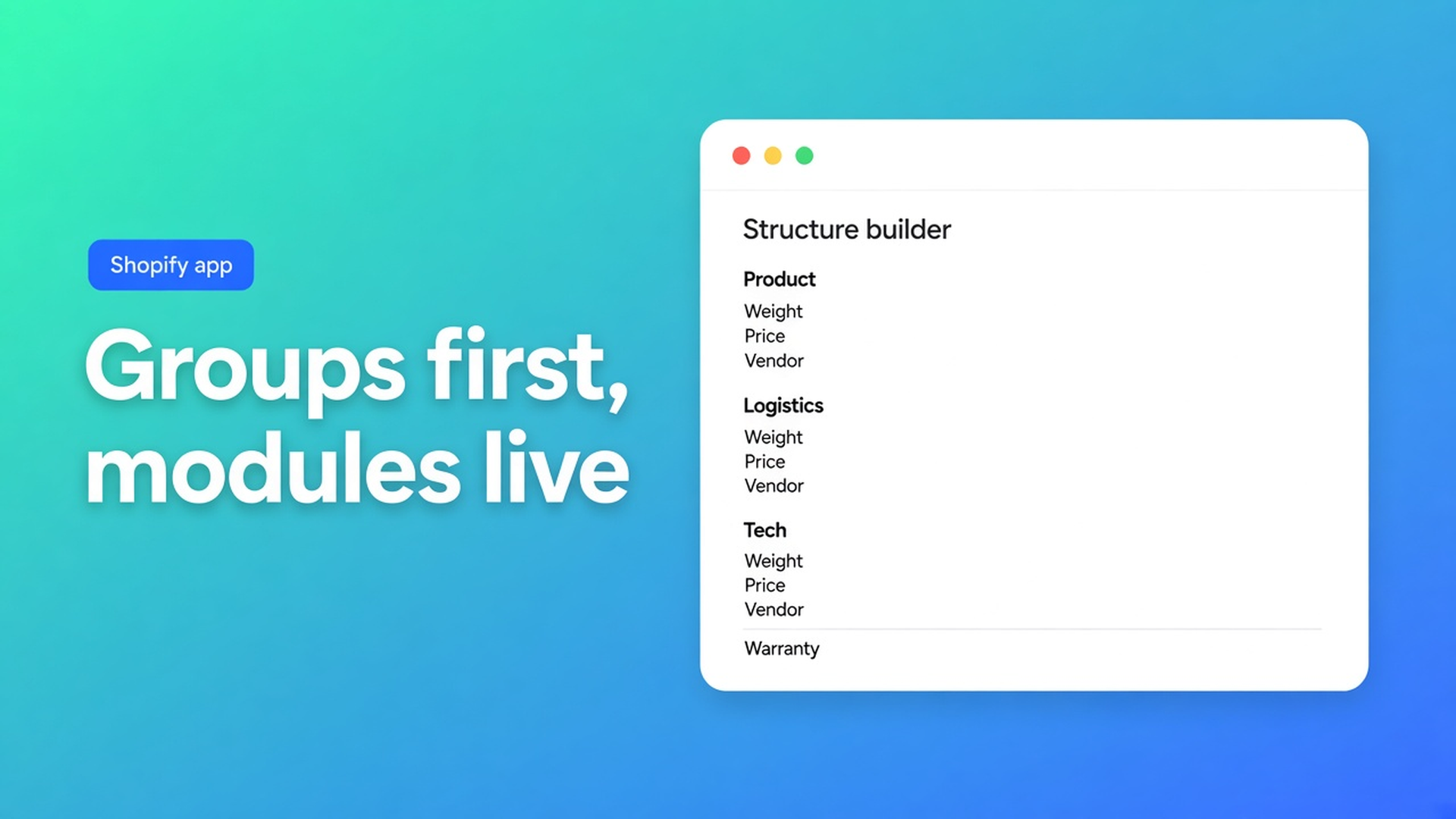
A group is a heading. A module is the source.
What is Tables, Specs & Comparisons?: Structure = rows, groups, tabs, or measurement blocks, depending on type.
Size charts — blocks for text, measurement tables, images. Separate charts = separate table blocks. Drag to reorder.
Product Specs & Comparison — groups + modules.
Tabbed — each tab holds its own modules (rich text, data table, image, product fields). Tabbed tables: create tabs, drop modules in, drag.
Us vs Them — columns and feature rows (yes/no/text, optional CTAs). There is no Shopify module for “we win”; that is copy.
Product information: product option (e.g. Color), type/category, vendor, description, price, SKU/barcode, weight, rating, collections.
Content: rich text, data table, image.
Reference: metafield — namespace, key, owner product or variant; metaobject field.
Custom attributes: specs that are not standard Shopify fields (warranty, battery range, material blend). Types: text, measurement, number, boolean, link, …
Same docs, best practice: live product data → matching Shopify module, not custom. Specs and Comparison stay honest when the product changes.
How Structure gets frozen
Weight as a custom “1.2 kg”. Looks identical until the SKU changes. The Weight module reads Shopify.
One flat list, no groups. Shoppers cannot scan “Logistics” vs “Tech”. Groups are headings, not extra data.
Leave an AI draft without a module pass. Generate with AI is fine. Then: Weight/Price/Color as Shopify modules, not sample numbers. Refine with AI on Structure may rebuild rows; the table type stays locked. Confirm before replacing structure.
Specs auto-injected next to Add to cart. Docs: Specs = theme block, no ATC auto-inject. Size charts can auto-place. Do not mix those rules.
Structure first, Design second
Create → Structure → Design → Settings → Theme. Design (templates, colors, fonts) does not change where a row reads from. A pretty card layout on a typed kilo is still a typed kilo.
Metafield: namespace + key + owner. Owner variant when wattage differs per SKU; product when it is the same for every variant. Custom “Material” only if that value does not already live as a metafield or option.
A later Comparison should reuse the same modules, so two speakers compare the same Weight field — not two typed kilos.
Specs placement: theme blocks, near price / buy buttons. Visibility in Settings. Shortcode `[oo-table id=…]` works; prefer the block on the product template. Embed on for shortcodes; Specs still needs the block.
Example: a speaker, three groups
Colour variants are the SKUs. Table “Technical data”:
Group Product: Vendor module, Product type module
Group Logistics: Weight module, SKU module (follows the selected variant)
Group Tech: battery metafield, owner product
Group Service: custom attribute Warranty — not a standard Shopify field
Install Advanced Table Builder. Type Product Specs, or an AI draft from a short description.
Structure: create groups, drag modules in. Weight/SKU from Shopify. Warranty custom. Review after AI.
Design: template (details panel, classic, cards, …). Colors. Type stays Specs.
Settings: Enable. Visibility: this collection or All products.
Theme: Product specs block near the price. Save. Switch a variant; SKU and Weight should follow.
Still 1.2 kg while Admin shows 1.8: that row is custom or a wrong metafield key. Not a Design issue.
Size charts in the same Structure step are not groups-of-modules. They use text blocks, measurement tables, and images. A fit diagram is an image block, not a Weight module. Do not mix that layout with Specs: product kilos belong in live Specs; garment centimetres belong in the chart.
Import/export and Excel/Google Sheets are on the listing. That is a way to fill cells, not a reason to import Weight as plain text. After import: the same module-type pass, no frozen samples.
Get started
Open the listing. Free.
Structure: groups as headings. Shopify modules where Shopify owns the field.
Custom only for the rest. Metafields with namespace/key/owner.
Enable, block on the product template. Do not claim Specs auto-inject.
Switch variants on the storefront. Live rows must move.
Do not claim AI always picks the right module. Do not invent a Premium tier. Do not pitch a translation app here — this app’s Translate tab covers labels.
Wrap-up
Shopify table groups and modules is Structure: groups to organise, modules to bind. Live value = Shopify module. No source = custom. The kilo in Admin is the kilo on the product page — until you type it.
Build the groups in OO - Advanced Table Builder. Drag Weight into Logistics. Leave Warranty custom. Save. Check a variant.

The Shopify Select partner for ambitious e-commerce businesses that want to grow!


Services
Reviews
5/5
Mail: info@onlineorigins.nl
Tel: 073 234 0612
KVK: 89825624
BTW: NL865123639B01
Bruistensingel 500,5232 AH 's-Hertogenbosch Cookies
© 2026 Online Origins