
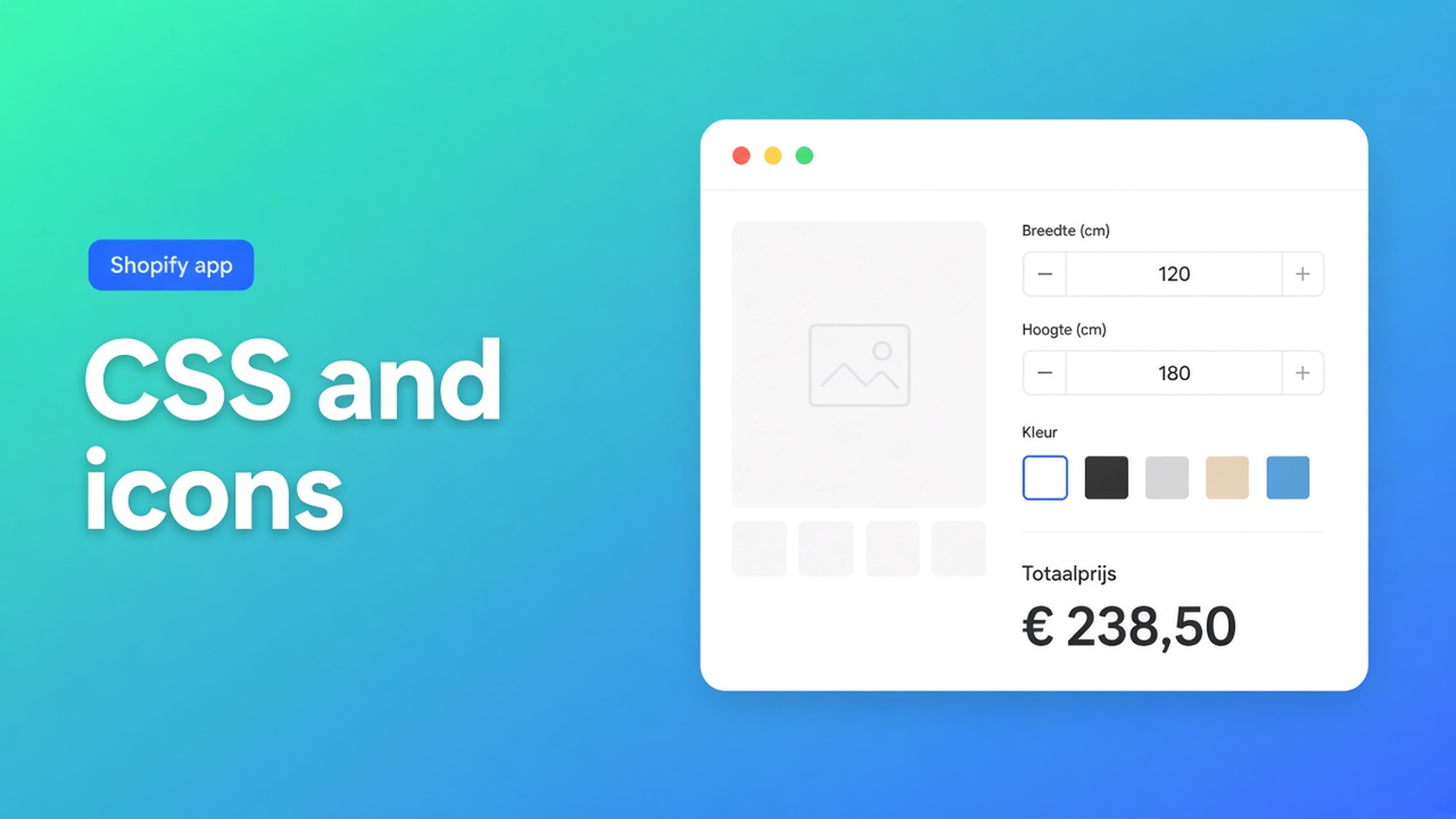
Shopify table custom CSS and icons: Design first, CSS last
Chest 92–96 is correct. The trigger on the product page is a grey link. Us vs Them shows a bare dash instead of a clear yes. Someone pastes `table { font-family: inherit }` into `theme.css`. The next Dawn update eats the mint and nudges Add to cart. Shopify table custom CSS and icons is not permission to restyle the theme. Those phrases sit under Display options on OO - Advanced Table Builder, after Design.
Listing 6 Nov 2026: Free, 5.0 from 1 review. Display options: templates, custom CSS, color and font, custom icons, custom text, import/export, floating chart, multi-language, product page, mobile responsive. Works with AI, Excel, Google Sheets. Older docs still say Tables, Specs & Comparisons. The CTA stays this listing.
Yesterday covered comparison table layout — grid, cards, spotlight. Still Design. This article is the rest of the chrome: what Design owns, what custom text is, what not to invent for icons, and when CSS is allowed.
Structure is cells. Design is chrome.
Design settings overview: templates, colours, fonts, spacing, chrome (popup, tray, tabs). Different per type:
Size charts — popup vs plain, trigger, table colours
Product Specs — layout templates (details panel, classic, cards)
Comparison — grid/cards/spotlight, modal and tray
Tabbed — tab style and colours
Us vs Them — highlight templates and column surfaces (Tint, Pillar, Soft, Gradient, …)
Same rows, different shell. Shopify has no native “paint this PNG in our brand colour.” A screenshot in the product description is not a font. Theme CSS is not table Design.
Refine with AI on Design accepts a written look, a screenshot, or a website URL for public brand colours/fonts. Structure stays until you confirm. That is the brand path. CSS is the hatch after it.
Product Specs need a theme block. Do not claim auto-inject next to Add to cart. Auto-placement is size charts (above ATC when the block is missing) and compare (inject under the price).
Layers people skip
Everything in `theme.css`. Survives until a class rename. Hits header, cart, product price. The listing’s Custom CSS is a *table* display option, not a storefront override.
Generate with AI again “for the look.” Generate picks a type and sample rows. You already had the centimetres. Refine Design keeps structure. Wrong button.
Inventing an icon pack. The listing names custom icons. Size-chart docs spell mode, label, colours, fonts, table surface — not an icon library. Us vs Them docs: yes/no/text cells, highlight, CTAs, templates. Do not claim a Lucide set or an upload field the docs never describe. Icons on the listing are chrome. Use what that type’s Design actually shows.
Custom text as a table row. “Click for sizes” as row one is Structure content. Trigger labels and empty states live in Design / Settings (and per-locale translations). Listing custom text is that chrome copy, not another measurement row.
None of that replaces: fill Design, enable the table, place block or embed, then leftover CSS.
How the listing options stack
Templates + color and font — Design. Start there. Five tables, one mint: Design or a Refine URL, not five CSS blobs.
Custom text — shopper-facing chrome: trigger, headings in the shell, empty state. Multilingual stores: Settings → translations, not CSS `content:`.
Custom icons — listing display. Use the type’s controls (yes/no in Us vs Them is a cell type, not an SVG drop unless the UI shows one). Do not invent a pack.
Custom CSS — named on the listing. Earlier posts treat it as leftover after Design: surface and fonts first, CSS for what templates miss. This app’s docs do not document `#calculator-form-container` or automatic `!important` wrapping — that belongs to a different product. Do not claim it. No `<style>` tags in a CSS field. No `body` / `html` / `*`. Check mobile: the listing says mobile responsive.
Import/export and Excel/Sheets fill cells, not chrome. An AI draft (description or screenshot, PNG/JPEG/WebP/GIF, max 4 MB) builds Structure. Colours guessed from that photo at Generate time are not a Design pass.
Walkthrough: size chart plus Us vs Them
Shop “Lijnmaat”. Size-chart popup beside Add to cart. Us vs Them on the brand page: “Us / typical market”, yes/no rows. Mint from the homepage.
Install OO - Advanced Table Builder. Free.
Size chart: Structure for measurements. Design: popup, trigger label, table colours. Optional Refine Design with the shop URL.
Us vs Them: 2–4 columns, feature rows as yes/no/text, highlight on your column. Design: template and surfaces. Skip naming competitors if you do not want that.
Custom text: trigger “Size chart” in Design, not as an extra row. Translate in Settings if you sell more than one language.
Custom icons: only what this type’s UI offers. No theme SVG in `assets/`.
Custom CSS: only if Design’s mint misses one border. Not in `theme.css`.
Size-chart block or embed auto-placement. Us vs Them block with the table ID. Specs later = block, not ATC inject.
Private window, desktop and phone. Header and Add to cart must not restyle. Theme swap: re-add block/embed. Design in the app stays.
Setup
Open the listing. Free. Read display options as layers, not five synonyms.
Finish Structure. Design: template, colour, font. Refine from URL if the brand site is live.
Custom text in chrome. Translations in Settings.
Icons from the type. CSS last, in the app, not the theme.
Enable, place, check the storefront.
Wrap-up
Shopify table custom CSS and icons is listing chrome around Design. Templates, colour and font first. Custom text is a label, not a row. Custom icons are not an undocumented icon pack. CSS is leftover, not `theme.css`. Centimetres stay in Structure.
Set Design in OO - Advanced Table Builder. Only then paste the leftover CSS — not the whole brand.

The Shopify Select partner for ambitious e-commerce businesses that want to grow!


Services
Reviews
5/5
Mail: info@onlineorigins.nl
Tel: 073 234 0612
KVK: 89825624
BTW: NL865123639B01
Bruistensingel 500,5232 AH 's-Hertogenbosch Cookies
© 2026 Online Origins