
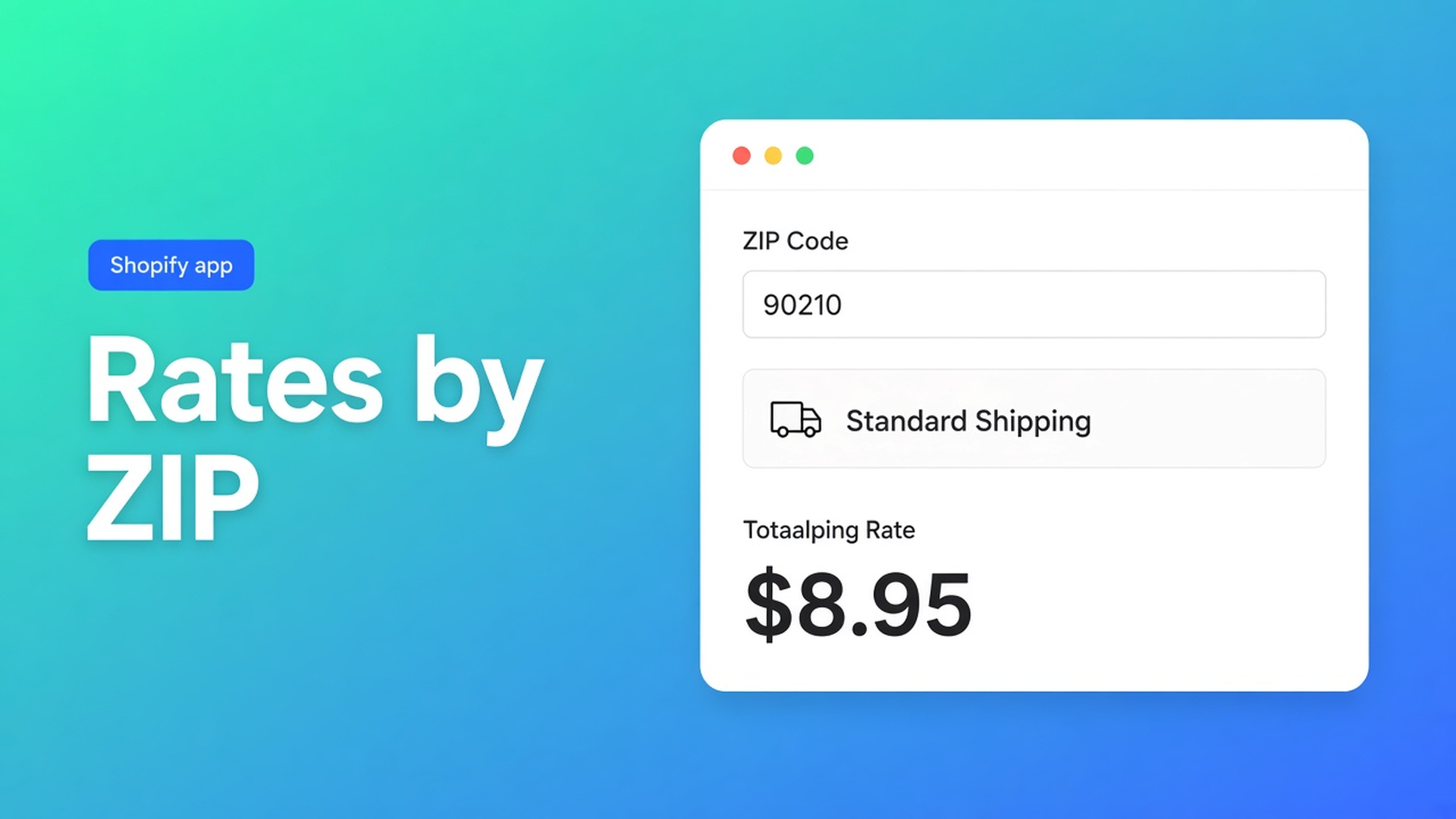
Shopify shipping rates by postal code
Flat $8.95 across the lower 48 holds until a buyer in a remote ZIP checks out. Or until a pallet lands in the same city as a 400 g envelope. Native zones group countries and can include postal codes, with one rate table per zone. Shopify shipping rates by postal code in this app is a condition on the visual rates flow: same zone, different math when the destination matches those codes.
OO - Shipping Rates & Rules builds rates as a flow (or an AI draft). Listing: 40+ conditions, including postcode, plus weight, dimensions, products, customer tags and date. ZIP/post code sits under rate calculation. Free. 0 reviews, launched 28 October 2026. Do not invent stars.
Related: custom shipping rates. That article is names and math. This one is only destination: postal code as a condition, not a pile of extra Shopify zones.
One zone per remote ZIP does not scale
Shopify shipping zones group countries and may list postal codes. Each zone has its own rates. Twenty remote codes become twenty zone fragments, or one “rest of US” bucket that overcharges everyone.
Native will not combine in one line: ZIP *and* weight *and* customer tag *and* date. That is the canvas.
Until the condition exists, shops tend to:
A Shopify zone “remote” with one high flat. A 400 g envelope in that ZIP pays pallet money.
Rename the method. The amount stays the country rate.
Hide the method in checkout. Hiding is delivery customization, not a new price.
None of that is: `Start when…` country = US, destination postal code in the remote list → remote rate card; else weight tiers.
Postal code on the canvas
Listing (3 Nov 2026): Free. Visual flow or AI draft. Price rates fixed, in tiers or per unit, with threshold discounts, minimums, handling. 40+ conditions: postcode, weight, dimensions, products, tags, date. Combined rates. Hide/rename/reorder. Activity logs.
Shopify plan. Carrier-calculated custom rates typically need Advanced Shopify or higher, a development store, Plus, or a shop where the carrier is already active. Delivery customization (hide/rename/reorder) works on more plans without Advanced. Do not promise ZIP-priced carrier rates on Basic as if the carrier always starts there. Lower plans see a banner and a delivery-first checklist.
Docs / positioning, destination group: country, province, postcode. Also origin, time (date/day/time shop-local), checkout locale, cart metrics, product (name/SKU/vendor/tags/collections/variants/metafields/price/weight/dimensions). Tags, collections and metafields load through the Admin API at rate time.
Setup, short:
App shipping zone.
Visual flow: `Start when…`, conditions, rate cards. Reconnect. Save. AI may draft; you review before save.
Attach the carrier to every Shopify shipping zone / market that should return these rates.
Test checkout. Activity logs: last 7 days, why a rate did or did not appear.
Postal code belongs on a condition card in that flow, not in a second Shopify zone unless you already split the market that way. Combined rates can merge a remote surcharge and base freight into one checkout line, with a discount or markup. Optional. Condition first, combine later.
Hide/rename is a second canvas. A remote ZIP may hide Courier and leave only “Remote”. That does not change the formula; it filters methods that already exist. The rates flow calculates. The delivery flow displays.
Native ZIP zones still help when a whole country shares one table. They get messy once 10001 may cost something else than a remote code *and* weight matters. Then you do not want a second Shopify zone with a copy of every tier. You want one flow, two branches, one carrier.
Run at least three checkouts: a city ZIP, a remote ZIP, the same city ZIP above the threshold. If city and remote show the same amount, the postal-code condition missed — spacing, case, or a code that is not in the list. Activity logs (7 days) show which zone and rate the carrier returned. Faster than guessing at checkout.
Walkthrough: lower-48 flat, remote ZIPs separate
“Sheet & Ship” delivers the US. A 4 kg carton to 10001 should be $8.95. The same carton to a remote ZIP is a higher fixed amount plus handling. Merchant on Advanced.
Install OO - Shipping Rates & Rules. Free. Carrier rates: Advanced / development / Plus.
App zone “US”. Flow: Start when country = US.
Condition: destination postal code in the remote list. Rate card Remote, fixed + handling.
Other branch: ZIP not in that list. Rate card Courier, cart weight, tiers, optional threshold when cart total ≥ 120.
Attach the carrier to the US Shopify zone / market. Test: 10001 at 4 kg, a remote ZIP at 4 kg, 10001 with subtotal $130.
Activity logs: which zone, which rate, why the other branch missed. Seven days.
An AI draft can say “remote ZIPs cost more, everyone else on weight”. Read the codes. A typo in the remote list is a New York rate in the boonies. Save after the test.
Dimensional weight (L×W×H / divisor, often 5000 for cm/kg) is a different price base. Postal code stays the condition. Mix them only when the sheet has volume *and* the remote ZIP needs different money.
Ship it
Draw the flow: country, then postal code yes/no, then the amount. Attach the carrier. Test two ZIPs you know. Read the log if checkout still shows the cheap rate on the remote code.
No reviews. Free. No other OO app in this post.
Wrap-up
Shopify shipping rates by postal code is a destination condition on the rates flow, not twenty extra Shopify zones. Carrier rates: Advanced, development or Plus. Delivery hide/rename can run on more plans.
Put the ZIP branch in OO - Shipping Rates & Rules before a remote checkout keeps the city rate.

The Shopify Select partner for ambitious e-commerce businesses that want to grow!


Services
Reviews
5/5
Mail: info@onlineorigins.nl
Tel: 073 234 0612
KVK: 89825624
BTW: NL865123639B01
Bruistensingel 500,5232 AH 's-Hertogenbosch Cookies
© 2026 Online Origins