
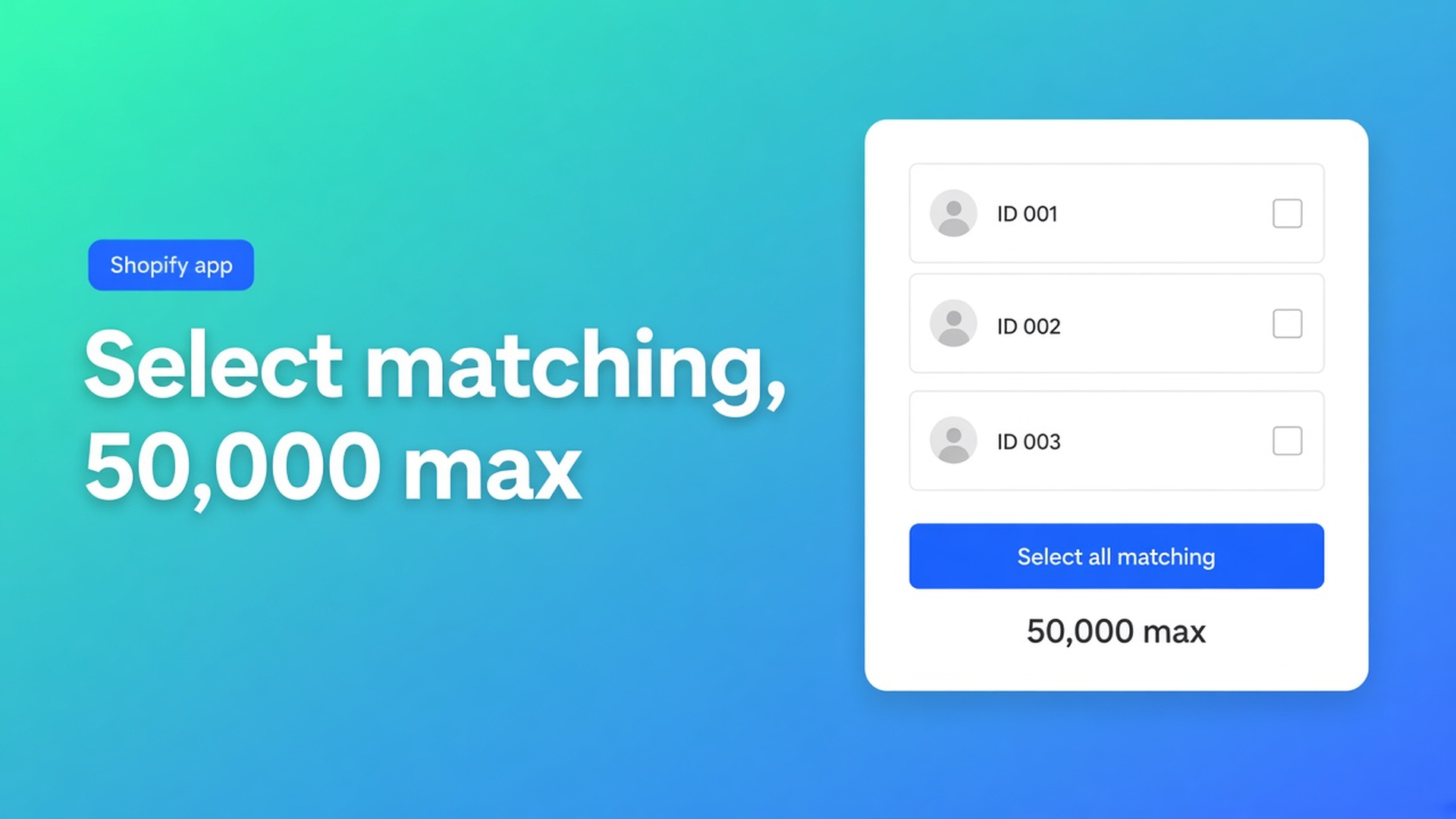
Shopify select all matching: the 50,000-customer ceiling
You filtered empty locales. Twenty rows on screen. You ticked those twenty, hit Save, and closed the tab. The other 7,480 matching profiles never moved. Support hears “we already bulk-edited locale.”
The Shopify select all matching customers limit is the control that takes the *match*, not the viewport — and it stops at 50,000. OO - Bulk Customer Data Editor is Free. Shopify is untouched until you confirm Save.
Yesterday was bulk address columns. There is also a walk-through for applying one value to many rows. This post is the selection cap.
What “matching” includes
From Apply a value to many customers and the FAQ:
Select all matching uses the current search + segment + filters.
Cap: 50,000 customers on one bulk apply.
A progress state runs while the set is collected.
Rows do not need to be on the current spreadsheet page.
Edits stay staged until the Shopify save bar. After Save they are permanent.
Filters scan the whole customer list. Search hits name, email, phone, tags. Locale, notes, and some metafields match while results are scanned. On a large shop, pair a search or a segment with filters.
Open the grid from the app dashboard or Customers → More actions → Edit in bulk.
When the topic fits, the listing’s hard problems are Customer Locale and tax-exemption status — fields Shopify’s default editor will not happily fix in bulk. Tags, consent, addresses, and defined metafields are extra, not the headline.
Other limits that sit next to this one: empty CSV cells do not clear values on update; total spent / order count / created date are read-only; large saves batch — keep the tab open. The listing still shows 0 reviews. Free. No paid tier to invent.
How shops miss the rest of the list
Ticking the visible page. The grid paginates. Matching does not.
Select-all with no filter on 90,000 profiles. The first 50,000 of the current match are selected. The remainder waits for a second, narrower run.
Leaving staged cells and closing the browser. Nothing reached Shopify.
Closing the tab mid-save. The docs say that can interrupt the job.
Treating 50,000 as “unlimited.” It is not. Split the set.
Stay under the cap on purpose
Name the set first. Empty locale after a migration. Wholesale tag and tax exempt = no.
Read the match count. Under 50,000: Select all matching → choose Field → Value → Apply to selected → review → Save.
Over 50,000: cut by year created, by tag, by market. Two or three applies. Each ≤ 50,000.
Locale is a Shopify locale dropdown (`en`, `nl`, …). Tax exempt is a yes/no-style select. Marketing consent still needs a valid opt-in.
Saved views keep columns, filters, sort, and segment for the whole shop. Build a segment from filters if you will reopen the same set.
If Shopify blocks protected customer data, editing stays limited until access is approved. Staff without customer permissions will not load segments.
Columns, filters, and sorting splits search from filters. Search asks Shopify for name, email, phone, tags. Common filters ride that same search. Locale and some metafields match while the app scans. On a 50k+ shop, “Locale is empty” alone is slower than “2025 segment + Locale is empty.” The 50,000 cap counts the *combined* match.
Pick columns before you apply. Locale and tax exempt on screen. Tags next to them if you need to see you did not grab every cart-abandoner. A saved view named “empty-locale” saves the next person the clicks. Views are shop-wide.
The app needs `read_customers` and `write_customers`. Without write, Save fails — the selection can still turn 14,000 rows blue. That is access, not the 50,000 ceiling. Opening from Customers → More actions → Edit in bulk uses the same grid as the dashboard Start editing button.
Example: 14,200 empty locales in a 55,000-customer shop
A US storefront imported from another platform. Default language should be English. 14,200 locales blank. Mail goes out in the store default — until it does not.
Customers → More actions → Edit in bulk.
Filter Locale is empty. Count ≈ 14,200.
Select all matching. Wait for the collector.
Bulk apply Locale = English (`en`). Apply to selected.
Save. Leave the tab up through the batches.
Spot-check five customers in Shopify admin.
Wholesale accounts missing tax exempt: filter the tag plus tax exempt = no, apply yes, Save. Same ceiling, different field — the signup does not set tax exempt problem.
If the empty-locale count had been 61,000, you would run 2024, then 2025. Never one click past 50,000.
Do this
Install OO - Bulk Customer Data Editor.
Narrow with search, segment, or filter *before* Select all matching.
Apply one field. Read the staged grid.
Save. Keep the tab. Verify a handful of profiles.
Above 50,000 matches: slice, repeat.
Do not promise an infinite select. Do not say a blank CSV cell wipes a field. Do not pitch another app here.
Close
The Shopify select all matching customers limit is 50,000, scoped to search, segment, and filters — not to the rows on screen. Staged until Save. On a large list you narrow first, then one apply is enough.
Take the match in the Bulk Customer Data Editor, stay under 50,000, and Save only when the staged cells are the ones you meant.

The Shopify Select partner for ambitious e-commerce businesses that want to grow!


Services
Reviews
5/5
Mail: info@onlineorigins.nl
Tel: 073 234 0612
KVK: 89825624
BTW: NL865123639B01
Bruistensingel 500,5232 AH 's-Hertogenbosch Cookies
© 2026 Online Origins