
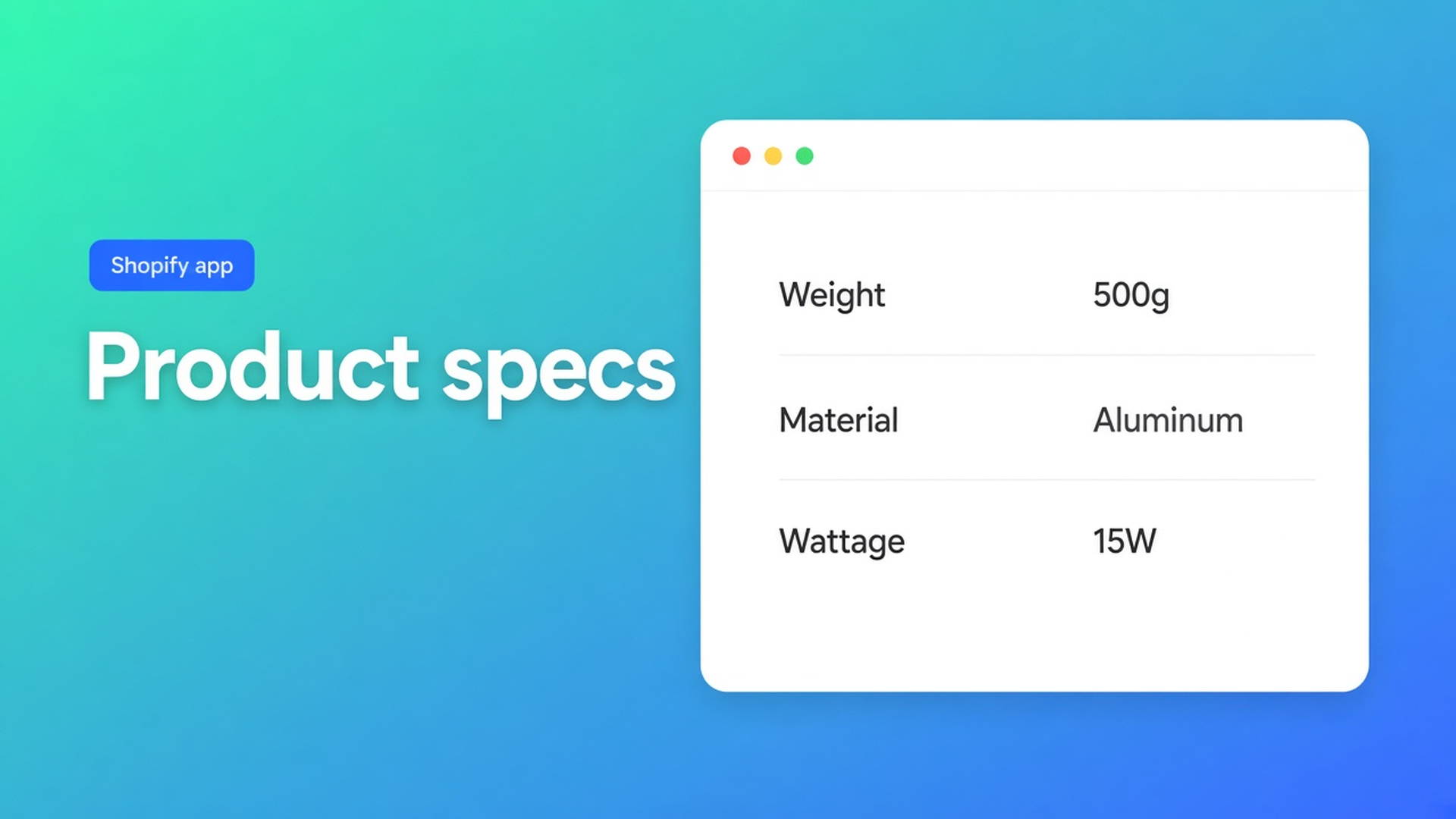
Shopify product specs table: live fields on the product page, not an HTML wall
A Shopify product specs table should show the product in front of the shopper: weight, material, wattage, SKU — not a screenshot that was true three collections ago. Native admin gives you a description and metafields. It does not give you a specs grid next to the price that follows a variant change.
This article covers why an HTML table in the description goes stale, how OO - Advanced Table Builder builds Specs as its own type (Shopify-backed modules + metafields), and why you place the Product specs theme block yourself. Listing name: OO - Advanced Table Builder. Docs sometimes still say Tables, Specs & Comparisons. The CTA stays that listing URL.
We already published the size chart path. Here the subject is Specs: live values, no measurement chart, no compare tray.
Shopify has fields, not a specs layout
Metafields and variant options exist. What is missing is the storefront table that displays them, per product, at the decision. What shops actually have:
product description — an HTML table below the fold, edited per SKU;
a page called “Specifications” in the menu, off the product;
theme blocks that vanish on a theme switch or a duplicated product.
Theme app blocks solve *placement*, not content. Someone still has to build the specs and bind them to product data.
Workarounds that go stale
Everything in the description. Weight, dimensions, certification between SEO copy and reviews. Four scrolls on a phone. The variant changes; the HTML does not.
Custom attributes as plain text. “Material: oak” in a metafield that never renders, or renders five different ways across themes.
A supplier screenshot. Unreadable, not per locale, not live.
Liquid that prints `product.metafields`. Fine until the next theme update. No visual builder, no AI draft.
None of those give you: type Product Specs, Shopify modules that keep Weight/Price/options live, a theme block by the price, visibility per product.
What Specs is — and what it will not auto-place
OO - Advanced Table Builder is Free (20 September 2026: Free, 0 reviews, launched 17 September 2026). UI in English. Works with: AI, Excel, Google Sheets.
Listing: size charts, product specs, comparison tables, tabbed content, Us vs Them. Visual editor or an AI draft from a description or screenshot. Connect product and variant metafields so values stay current. Style, place on products and pages, translate customer-facing text.
Quick start: Create table → type Product Specs (scratch or Generate with AI) → Structure → Design → Enable + visibility → theme. In Structure: groups and modules. Prefer Shopify-backed modules (Weight, Price, options, metafields) when the value should stay live. Custom attributes only when there is no Shopify source. After AI: review module types — Weight/Price/Color should not be frozen custom text.
Create and refine tables with AI repeats that tip: after AI create, map Weight / Price / Color to Shopify modules instead of custom attributes when it fits. Screenshot formats: PNG, JPEG, WebP, GIF — max 4 MB.
Design: a template (details panel, classic, cards, …), colors, fonts. Optional Refine Design with a description, screenshot or website URL for brand colors/fonts; Structure stays put.
Placement: Specs = theme block
This is the hard line. Auto-placement rules:
Size charts *can* render above Add to cart when the embed is on and no Size chart block is present.
Compare can inject Add to compare under the price.
Product Specs use the Product specs theme block (visibility-based). There is no Add-to-cart auto inject for Specs.
Do not claim otherwise. Place tables with theme blocks: Customize → product template → Add block → Apps → Product specs. Recommended: near price / buy buttons. Visibility-based: which Specs table shows follows Settings, not a table ID in the block (that picker pattern is for Tabbed and Us vs Them).
Enable the app embed is still required for the rest of the app (including shortcodes). Shortcodes are optional: `[oo-table id=YOUR_TABLE_ID]`, embed on, table enabled. For Specs on the default product template, the theme block is the maintainable path.
Enable, visibility, and products: a disabled table does not render even if the block is there. Specs (like Size chart and Comparison): All products or Selected products only (on product pages). Internal description is admin-only.
Example: coffee maker, three SKUs, one Specs table
Three variants: 0.8 L / 1.2 L / 1.7 L. Weight and wattage differ. Material does not.
Install from the listing. Create table → Product Specs. Or AI: “coffee maker, show capacity, wattage, weight, material” plus a screenshot of the old HTML (PNG/JPEG/WebP/GIF, max 4 MB).
Structure: Shopify modules for Weight and the Capacity option. A metafield for wattage if it already lives on the product. Material as a metafield or a custom attribute if there is no source.
Design: classic or details panel, fonts that match the theme.
Settings: Enable. Visibility = selected → this collection only, not the mugs next to it.
Theme: Product specs block under the price, above or beside the description — do not wait for auto-inject; it does not exist here.
Storefront: switch 0.8 L → 1.7 L. Weight and capacity should follow. Wattage per variant if you modelled it that way.
Excel/Sheets is listed under Works with. Use it if the specs already live in a sheet; do not skip the Structure review.
What you need to start
Open OO - Advanced Table Builder — Free.
Quick start: Product Specs, Shopify-backed modules first, Enable, visibility, Product specs block by the price.
Test a variant switch. Empty custom text where a metafield belongs = rewrite.
Size charts stay a different type, with ATC auto-placement. Do not mix them into this block.
No competitors by name. No other Online Origins app. No Premium tier: the listing is Free.
Wrap-up
A Shopify product specs table is live product data in a Specs layout, placed with the theme block. Native Shopify stops at metafields and a description. OO - Advanced Table Builder puts those fields in a table by the price — without pretending Specs appear next to Add to cart on their own.
Build one appliance table, switch a variant, and check that weight follows. Only then put the next products on visibility.

The Shopify Select partner for ambitious e-commerce businesses that want to grow!


Services
Reviews
5/5
Mail: info@onlineorigins.nl
Tel: 073 234 0612
KVK: 89825624
BTW: NL865123639B01
Bruistensingel 500,5232 AH 's-Hertogenbosch Cookies
© 2026 Online Origins