
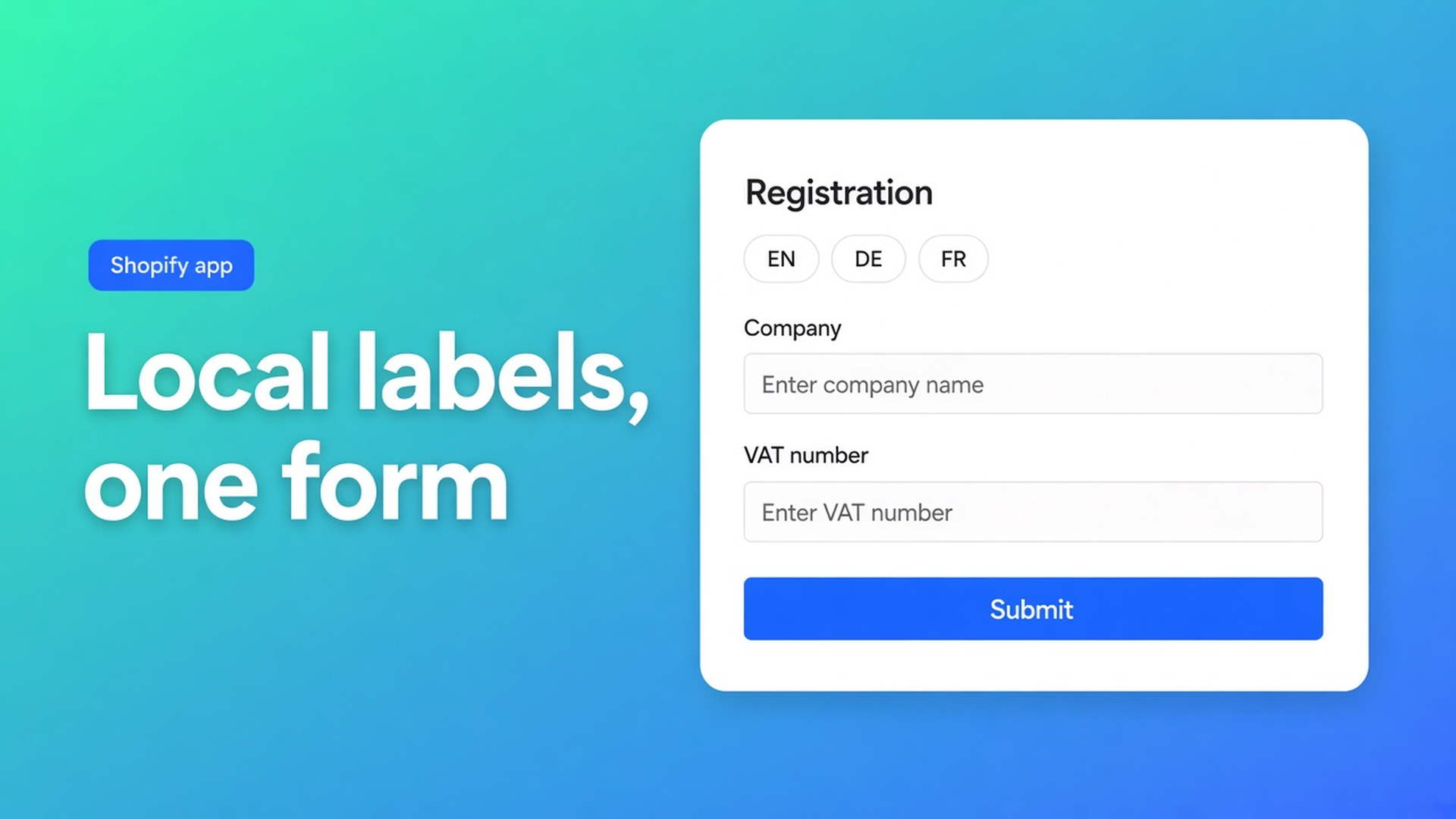
Multilingual B2B wholesale forms on Shopify (same approval, local labels)
A buyer in Munich opens your Dutch storefront. Wholesale prices are hidden until you say yes. The gate is a form: company name, VAT, expected volume — all in Dutch. They bounce, or they guess the fields. Shopify multilingual B2B wholesale forms are not a second catalog. They are the same application, the same approval queue, labels in the buyer’s language.
Shopify publishes languages. The default customer form is still email plus password. Extra B2B fields, a waiting room, translated hints — not there. The OO - EU B2B & Wholesale listing calls the app fully translatable and customizable, next to registration with approval. The signup builder covers fields and calculations. This piece is language: why one English form for all of the EU fails, and how you translate labels without duplicating the decision.
One storefront, several locales, one yes/no
EU wholesale often shares the D2C shop. Markets handle currency and language. The B2B gate is the registration form: the questions you need to approve, then a tag, then prices.
A Dutch-only form filters by accident. German buyers ask for a PDF. French buyers run Google Translate over “KvK” and paste the VAT number in the wrong box. You approve noise, or you approve late.
Native Shopify translations hit theme and catalog, not a custom B2B builder. Per-language Liquid dies on the next theme update. Two shops (NL and DE) double groups, tags, and tax config.
What you want: one builder, one approval list, copy per locale. Company / VAT / volume stay the same columns in your inbox.
Patterns that look multilingual and are not
English-only “because B2B is English.” Often false in DACH and Benelux. The VAT number arrives. The hint next to “commercial register” does not.
Two forms, one per language. Free on OO - EU B2B & Wholesale allows one active registration form on the storefront. Extra forms are stored; only the oldest active one is used. Two languages as two forms fight that cap. Starter removes the form cap — you still do not want two approval queues.
Theme translations over a hardcoded snippet. Fine until someone renames a field. No link to approval.
None of those: same fields, different copy, one queue.
Translatable forms inside the B2B app
OO - EU B2B & Wholesale is Built for Shopify (5.0, 34 reviews). Listing: custom B2B pricing, EU registration forms, VAT/VIES, fully translatable and customizable. Reviews mention built-in translation. Free: one custom pricing rule, one registration form plus approve/reject, Flow templates for that form; no caps on development stores. Starter $22/month (or $220/year): unlimited custom and volume, EU tax exemption, tax display, login to see prices, unlimited forms. Growth $37/month (or $370/year): bulk forms, draft checkout, quotes, order limits, wholesale cart. 14-day trial. USD.
What is included: registration forms live under Customer management. Storefront: a theme block on a specific template, not the shared app embed. Finish setup on the module card. Changing theme does not wipe in-app config; you place the block again.
VIES / tax exemption is Starter. Do not invent a chamber-of-commerce lookup or a VIES call *on the signup screen* — different cluster. Translations are labels and help text, not the tax module.
Prices belong after login and after the group tag, on custom pricing or (Growth) bulk forms. The form itself is not a net price list. Listing: calculations on advanced registration mean smarter onboarding, not a tariff.
Example: Dutch shop, German installers, French resellers
You sell fasteners from the Netherlands. Consumers keep using the shop. Wholesale tags: `Wholesale_T1` / `Wholesale_T2`.
Groups first. One price strategy per group, one tag, spelling frozen.
One registration form (Free: that is your only active form). Fields: company, VAT, country, expected volume, contact. No tiers on that screen.
Approval on. No yes, no group tag.
Translate labels. NL “btw-nummer” / DE “USt-IdNr.” / FR “n° TVA”. Help text may differ; the columns in your queue stay the same.
Theme block on the registration template. The shared embed is for other modules (pricing, tax display). This form is the block.
Private window, storefront language DE, logged out. The form must be German. After approval: tag `Wholesale_T1`, log in, *then* see a rate.
Markets publish the locale. The B2B form follows it only if you set the copy. Do not expect Translate & Adapt to fill custom form fields.
Do this in order
Install OO - EU B2B & Wholesale.
Create wholesale tags. One active form on Free; more forms on Starter.
Build the fields you need to decide. No wholesale price on that screen.
Translate labels into every storefront language you open for B2B.
Approval. After yes: tag in Admin (the builder does not apply a tag just because you typed it on another screen).
Theme block. Test per language as a guest.
Common B2B setup mistakes still apply: form visible to all customers, overlapping tags, never testing as a real buyer. Translation will not fix a visibility bug. A German-language form shown to every guest is still shown to every guest.
Wrap-up
Shopify multilingual B2B wholesale forms are one application in several languages, not a second shop. Native Shopify translates the theme, not your B2B builder. The OO - EU B2B & Wholesale listing puts translatable forms next to approval. Same questions, different words, same yes/no. Tags and prices come after — whichever language the buyer used to apply.

The Shopify Select partner for ambitious e-commerce businesses that want to grow!


Services
Reviews
5/5
Mail: info@onlineorigins.nl
Tel: 073 234 0612
KVK: 89825624
BTW: NL865123639B01
Bruistensingel 500,5232 AH 's-Hertogenbosch Cookies
© 2026 Online Origins